
ImgUpscaler
Online AI upscaler that enlarges images by 2x or 4x, with batch processing on paid plans.
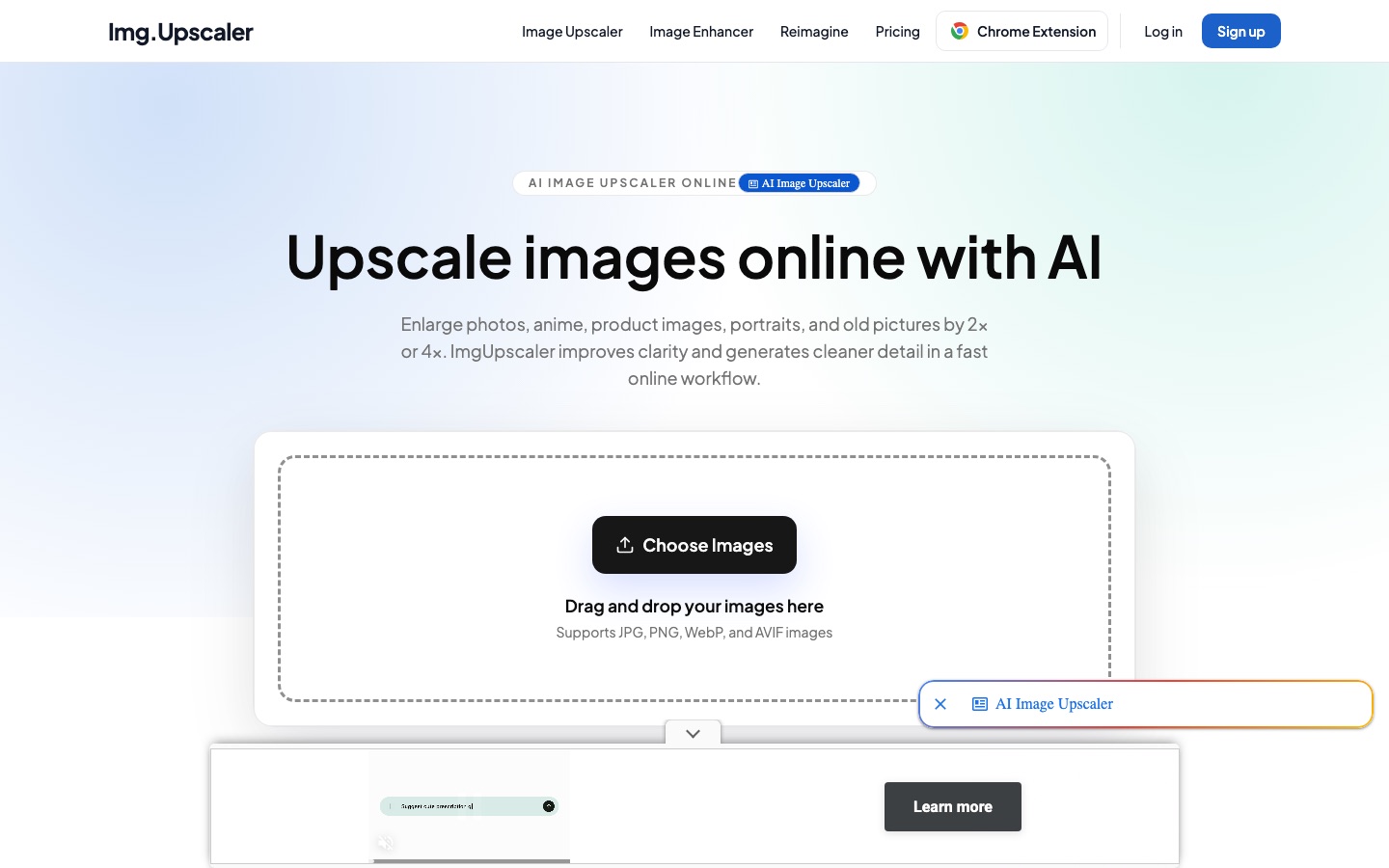
ImgUpscaler is a web-based AI tool that enlarges pictures by 2x or 4x and sharpens their detail. ImgUpscaler users upload a JPG, PNG, WebP or AVIF file, choose the enlargement ratio, preview the result and download it. A free plan covers single images, and paid plans add more credits and batch processing.
Best for Content creators, marketers and online sellers who need small or soft images enlarged for listings, social posts or print without installing editing software.
- Listed in
- Image UpscalerImage Editing
- Platforms
- Web, Browser extension
- Pricing model
- Freemium
- Free plan
- Yes
- Added
Last verified: . Information taken from imgupscaler.com.
What is ImgUpscaler?
ImgUpscaler is a web tool that enlarges images to two or four times their size with AI super-resolution, adding cleaner edges and texture detail. You upload a file, pick the ratio, compare the result with the original and download it. It accepts JPG, PNG, WebP and AVIF, and is aimed at photos, anime artwork, product images, portraits and old pictures. Alongside the upscaler the site has an image enhancer and a tool called Reimagine, and a Chrome extension is listed. Usage runs on monthly credits. The free tier handles one image at a time and shows ads; batch processing is reserved for paid plans. Uploads and results are deleted automatically within 24 hours. The same company offers a separate desktop app, Upscal, for offline batch work, sold independently of the web subscription.
Key Features
2x and 4x Upscaling
Enlarges an image to double or quadruple its dimensions using AI super-resolution instead of plain resizing.
Batch Processing
Lets paid plans upload and process several images in one run.
Image Enhancer
Improves low-resolution photos, portraits, product shots and scanned pictures in a companion workflow.
Reimagine
Adds a second AI tool that shares the same account and credit balance as the upscaler.
24-Hour Deletion
Removes uploaded files and generated results automatically within a day.
Commercial Use
Allows results to be used in personal and commercial projects, subject to the rights in the source image.
How ImgUpscaler works
Upload an image
Choose or drag in a JPG, PNG, WebP or AVIF file that needs more resolution.
Pick the enlargement ratio
Select 2x or 4x depending on where the image will be used.
Preview and download
Compare the upscaled version with the original, then save the larger file.
Use Cases
- Product Listings
- Raise the resolution of e-commerce photos before uploading them to a marketplace.
- Social and Web Graphics
- Clean up small or soft images for thumbnails, posts and web pages.
- Print Preparation
- Enlarge an image so it holds up on posters or presentations.
- Anime and Illustration
- Upscale drawn artwork while keeping lines clean.
- Old Photos
- Give scanned or older pictures more usable resolution.
Things to know
- Files are deleted within 24 hours
- Uploads and results are removed automatically, so finished images need to be downloaded promptly.
- The free plan has limits
- Free use covers 50 credits per month and one image at a time, and the pages carry ads.
- The desktop app is a separate purchase
- Upscal, the offline desktop upscaler from the same company, is not included in a web subscription, and buying the app does not include web access.
FAQs
What is ImgUpscaler?
ImgUpscaler is a browser tool that makes images two or four times larger with AI and cleans up their detail. It is meant for portraits, product shots, anime art, everyday photos and older pictures.
What file formats does ImgUpscaler support?
ImgUpscaler accepts JPG, PNG, WebP and AVIF images.
Is ImgUpscaler free?
Yes, ImgUpscaler has a free plan. It includes 50 credits per month, processes one image at a time and shows ads.
How much does ImgUpscaler cost?
ImgUpscaler: a free plan is available. Paid plan rates are published on imgupscaler.com. Check the official pricing page for current amounts.
Can ImgUpscaler upscale several images at once?
Yes, on the paid plans. Batch processing is included with ImgUpscaler Premium and Business, while the free plan handles single images.
How long does ImgUpscaler keep my images?
ImgUpscaler states that uploaded images and generated results are deleted automatically within 24 hours.
Can I use ImgUpscaler results commercially?
Yes. ImgUpscaler allows both personal and commercial use of results from free and paid plans, as long as the law and the rights in the original image are respected.
Who it's for
- Content creators
- Marketers
- E-commerce sellers
- Editors
- Small teams
Comments
No comments yet. If you have used ImgUpscaler, tell other readers how it went.
Alternatives to ImgUpscaler
| Tool | Free plan | Starting price | API |
|---|---|---|---|
 ImgUpscalerBrowser-based AI image upscaler from LinoCut AI with output up to 16K, batch mode and related enhancement tools. |
Yes | — | — |
 PicWishAI photo editor for cutting out backgrounds, sharpening blurry shots and retouching product images. |
Yes | — | Yes |
 SnapEditOnline AI photo editor for removing objects and backgrounds, enhancing images and batch processing. |
Yes | — | Yes |
 UpscaylFree, open-source AI image upscaler for Windows, macOS and Linux desktops, plus a credit-based cloud version. |
Yes | — | — |
 AVCLabs AIAI software and online tools for upscaling, restoring, blurring and editing videos and photos. |
— | — | — |
Listed in the same categories as ImgUpscaler. A starting price appears only where we checked it on the maker’s pricing page; a dash means not checked or not published. All Image Upscaler tools