
Eraser
AI diagramming tool that turns prompts, code or files into editable technical diagrams and design docs.
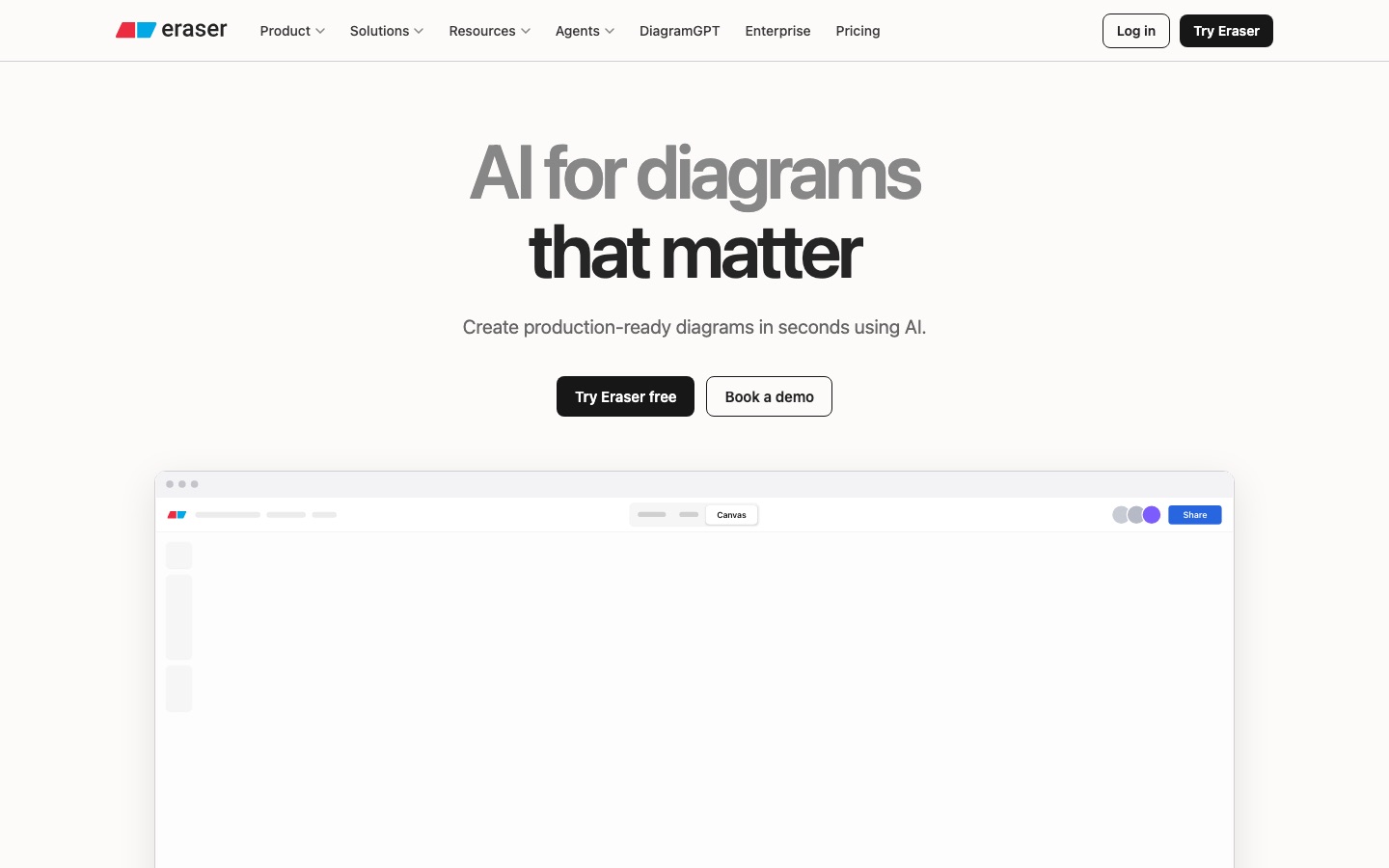
Eraser is an AI tool for creating technical diagrams and documentation. Eraser is used by pasting a prompt, adding code such as Terraform or uploading a file, after which it produces a laid-out diagram on a canvas that can be edited by hand, as code or through chat. It also offers an API and an MCP server for agents.
Best for Engineering and architecture teams that need consistent system diagrams and design documents generated from text, code or existing files.
- Platforms
- Web, API, MCP, Plugin
- Pricing model
- Freemium
- Free plan
- Yes
- API
- Yes
- Made by
- Eraser Labs, Inc.
- Added
Last verified: . Information taken from eraser.io.
What is Eraser?
Eraser is a diagramming and documentation tool for technical teams that generates diagrams with AI. A prompt, a block of code such as Terraform, or an uploaded file (an image, PDF, Word, Excel, PowerPoint, Draw.io or Visio document) is turned into a laid-out diagram that opens on an editable canvas, where it can be adjusted by hand, through diagram-as-code, or by continuing the AI chat. Teams can fix notation, colours and layout with style presets and templates, and supply reference architectures so that output reflects their own systems. Eraserbot keeps codebase diagrams up to date, while a diagramming API and an MCP server let agents in Claude, Cursor or ChatGPT create, search, update and export diagrams. Integrations cover GitHub, Notion, Confluence and VS Code. Eraser is SOC 2 Type 2 certified and offers SAML SSO with deployment available as self-hosted, single-tenant or multi-tenant.
Key Features
AI Diagram Generation
Builds architecture, sequence, data-flow, network, ERD and flowchart diagrams from a prompt, code or an uploaded file.
Canvas and Diagram-as-Code
Places each result on an infinite canvas where it can be changed visually, in code or by further AI instructions.
Team Styles and Templates
Stores naming rules, colours, layouts and reference diagrams so generated output follows one standard.
Eraserbot
Reads a Git repository and keeps the diagrams that describe the codebase current.
API and MCP Server
Exposes diagram creation, search, update and export to scripts and to agents, with OAuth or API tokens.
Docs and Integrations
Combines markdown notes with embedded figures and connects to GitHub, Notion, Confluence and VS Code.
Screenshots
Use Cases
- Cloud Architecture Diagrams
- Drop in Terraform or describe a deployment and get a diagram with the right provider icons.
- Design Documents
- Write a technical spec in markdown with diagrams embedded next to the text.
- Process Mapping
- Describe a business process step by step and receive a BPMN-style flow.
- Client Presentations
- Consultants turn proposed architectures into visuals for prospects and customers.
- Agent Workflows
- Let a coding or documentation agent produce and update diagrams through the MCP server.
Things to know
- Free plan limits
- The Free tier covers 3 files, 3 AI diagrams and a 7-day version history, with unlimited guests.
- Per-member billing
- Paid plans are charged for each team member, while guests invited to specific files are free on every plan.
- AI diagram allowances
- The pricing page lists 40 AI diagrams on Starter, 250 on Business and unlimited on Enterprise.
- Discounts on request
- Education users and non-profits can apply for a discount through a form.
FAQs
What is Eraser?
Eraser is an AI-assisted diagramming and documentation tool for technical teams, combining a canvas, diagram-as-code and markdown notes.
What is Eraser used for?
Eraser is used to create architecture diagrams, flowcharts, sequence diagrams, ERDs and design docs from prompts, code or files.
Is Eraser free?
Yes. Eraser has a Free plan that the pricing page describes as free forever, limited to 3 files, 3 AI diagrams and 7 days of version history.
How much does Eraser cost?
Eraser offers Free, Starter, Business and Enterprise plans, charged per member per month on paid tiers. See the official pricing page for current figures.
Does Eraser have an API?
Yes. Eraser provides a diagramming API and an MCP server; API calls are included from the Starter plan and billed by usage.
What file formats does Eraser support?
Eraser accepts PNG, JPEG and WebP images plus PDF, Word, Excel, PowerPoint, Draw.io and Visio files as input, and exports to PDF, PNG, SVG and Markdown.
Which tools does Eraser integrate with?
Eraser integrates with GitHub, Notion and Confluence and has a VS Code extension.
Who makes Eraser?
Eraser is made by Eraser Labs, Inc.
Who it's for
- Software engineers
- Enterprise architects
- DevOps teams
- Technology consultants
- Platform teams
Comments
No comments yet. If you have used Eraser, tell other readers how it went.
Alternatives to Eraser
| Tool | Free plan | Starting price | API |
|---|---|---|---|
 VisActorOpen-source data visualization suite from ByteDance with chart, table, graph and AI-assisted storytelling libraries. |
— | — | — |
 3D AI StudioBrowser toolkit for generating 3D models from text or images, with texturing, remeshing and several AI engines. |
— | — | Yes |
 APIParkUnified gateway for calling, authenticating, billing and monitoring AI models, APIs and MCP services. |
— | — | Yes |
 Alpha3DAI 3D pipeline that generates a model from text or photos, then handles retopology, UVs, texturing, rigging and export. |
— | — | Yes |
 Axiom.aiBrowser automation and web scraping tool with a no-code Chrome extension, developer APIs and an MCP server. |
— | — | Yes |
Listed in the same categories as Eraser. A starting price appears only where we checked it on the maker’s pricing page; a dash means not checked or not published. All Presentations & Diagrams tools