
Alpha3D
AI 3D pipeline that generates a model from text or photos, then handles retopology, UVs, texturing, rigging and export.
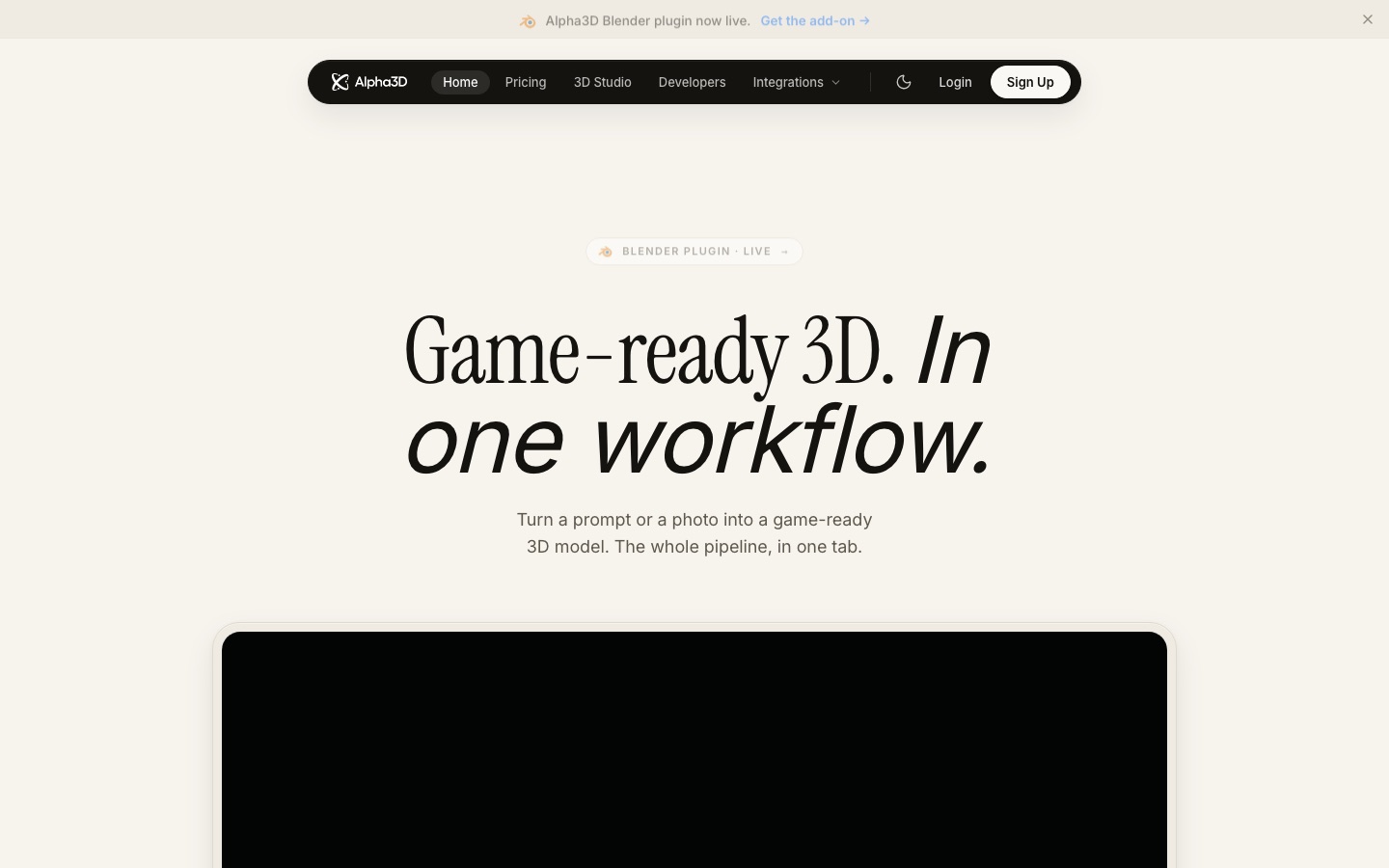
Alpha3D is an AI 3D pipeline that turns a prompt or photos into a finished model. Alpha3D generates the mesh, then offers retopology, UV unwrapping, texturing and rigging, and exports GLB, FBX, OBJ or STL. Alpha3D is used in the browser, inside Blender, through a REST API or from Claude and ChatGPT over MCP.
Best for Game developers, makers and technical artists who need AI-generated models cleaned up and rigged for an engine or a printer, not just a raw mesh.
- Listed in
- AI 3D Model GeneratorDeveloper API
- Platforms
- Web, API, MCP, Plugin
- Pricing model
- Subscription
- API
- Yes
- Made by
- Alpha3D
- Added
Last verified: . Information taken from alpha3d.io.
What is Alpha3D?
Alpha3D is a browser-based 3D asset pipeline that covers the steps after mesh generation as well as the generation itself. A model can be created from a text prompt, a single photo or two to eight reference views. The same asset can then be retopologised into quad-dominant geometry at a chosen polygon count, UV-unwrapped, textured with PBR materials from a prompt or reference image, split into labelled parts, and auto-rigged if it is a humanoid in a T-pose. Exports come as GLB, FBX, OBJ and STL for game engines, AR and VR, and 3D printing. A conversational agent named Alphred can operate these tools from chat messages, and a node-based Workflows canvas chains them into reusable graphs for batches. The pipeline is also reachable through a Blender add-on, a REST API and an MCP server for Claude and ChatGPT, all on one account.
Key Features
Text, Image and Multi-View to 3D
Builds a source mesh from a prompt, one photo or several angles of the same object.
Smart Topology
Rebuilds a dense mesh as production geometry with the face count you specify.
UV Unwrapping and AI Texturing
Creates UV maps in one click and re-textures a mesh with physically based materials.
AI Rigging
Adds a skeleton to humanoid T-pose models and outputs a rigged FBX.
Alphred Agent
Lets you request generation, retopology, re-texturing or conversion in natural language.
Workflows
Connects the tools as nodes in a graph that can branch, run in parallel and be reused on new assets.
How Alpha3D works
Generate
Supply a prompt, one photo or as many as eight angles and receive a mesh within minutes.
Refine
Apply retopology, UV unwrapping, texturing and rigging to that mesh.
Ship
Export in the format your engine or printer needs.
Screenshots
Use Cases
- Game Assets
- Produce rigged, engine-friendly models for Unity or Unreal projects.
- 3D Printing
- Generate a watertight STL from a description and send it to a slicer.
- AR and VR Content
- Create low-poly GLB models suited to headset and mobile rendering.
- Product Models for Online Shops
- Turn a product photograph into a 3D model for a storefront.
- 3D Generation Inside Your Own App
- Submit jobs through the REST API and receive results by webhook.
Things to know
- Commercial use needs a paid plan
- The site ties the commercial license to paid subscriptions.
- Two separate balances
- 3D credits pay for jobs and Tokens pay for agent conversations, so one does not drain the other.
- Rigging has a precondition
- Automatic rigging is described for humanoid meshes in a T-pose.
- Prices are shown in euros by default
- The pricing page lists plans in EUR and has a selector for USD, GBP and INR; no figures are reproduced here.
FAQs
What is Alpha3D?
Alpha3D is an AI 3D platform that generates models from text or photos and then refines them with retopology, UV unwrapping, texturing and rigging tools.
What is Alpha3D used for?
Alpha3D is used to make 3D assets for games, 3D printing, AR and VR, and e-commerce product displays.
What file formats does Alpha3D export?
Alpha3D exports GLB, FBX, OBJ and STL. Format conversion is a separate step that the site prices at 12 credits.
Does Alpha3D have an API?
Yes. Alpha3D provides a REST API with asynchronous jobs, webhooks and idempotency keys, plus an MCP server for Claude and ChatGPT; the pricing page says both are included on every plan.
Do I need to know Blender to use Alpha3D?
No. Alpha3D's Alphred agent runs the pipeline from plain messages, while a Blender add-on is available for those who prefer to work in that program.
Can I use Alpha3D models commercially?
Yes, on any paid plan. According to Alpha3D, a private commercial license covers the assets and they belong to you.
What happens when Alpha3D credits run out?
Alpha3D lets you add credits through one-off packs that never expire. Each job displays its credit cost before it runs, and 3D credits are kept separate from the Tokens used for chatting with the agent.
Who it's for
- Indie game developers
- Game studios
- 3D printing makers
- AR and VR developers
- E-commerce teams
Used in these workflows
- Which AI tools help you develop a game, from design document to launch?Stage 4: 3D models and animation
Each guide lists the stages of one job and the tools that help at each stage. All guides
Comments
No comments yet. If you have used Alpha3D, tell other readers how it went.
Alternatives to Alpha3D
| Tool | Free plan | Starting price | API |
|---|---|---|---|
 3D AI StudioBrowser toolkit for generating 3D models from text or images, with texturing, remeshing and several AI engines. |
— | — | Yes |
 Hyper3D RodinAI generator that turns text prompts or images into 3D models, with editing tools, plugins and an API. |
Yes | — | Yes |
 Tripo AIAI 3D model generator that turns text prompts, photos or sketches into textured, exportable meshes. |
Yes | $20/mo | Yes |
 Hi3DAI platform that turns text or images into 3D models and prepares them for 3D printing. |
Yes | — | Yes |
 APIParkUnified gateway for calling, authenticating, billing and monitoring AI models, APIs and MCP services. |
— | — | Yes |
Listed in the same categories as Alpha3D. A starting price appears only where we checked it on the maker’s pricing page; a dash means not checked or not published. All AI 3D Model Generator tools