Image prompt Branding & UI Customizable
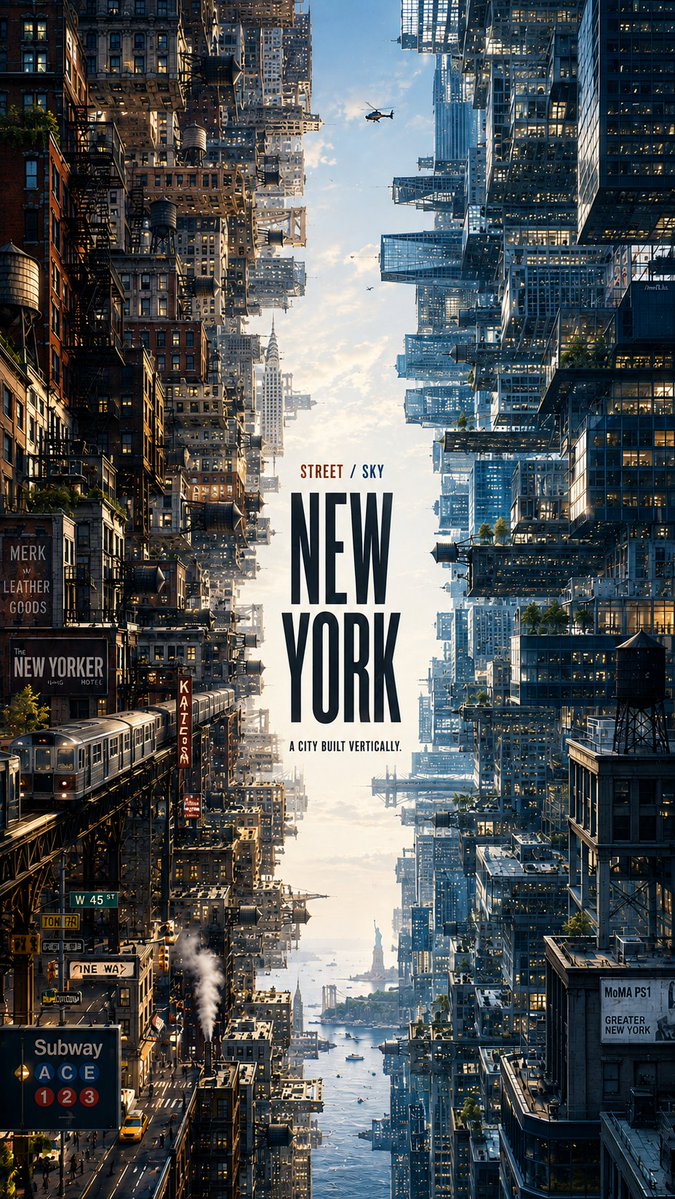
Two-Sided City Editorial Poster Template
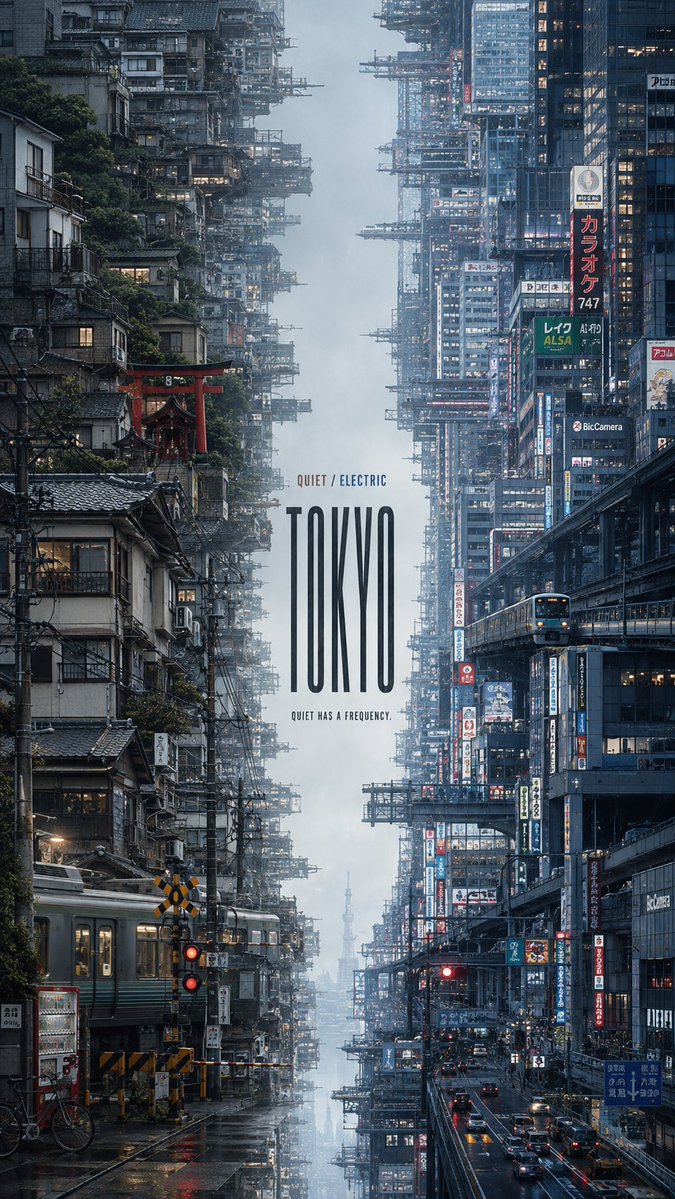
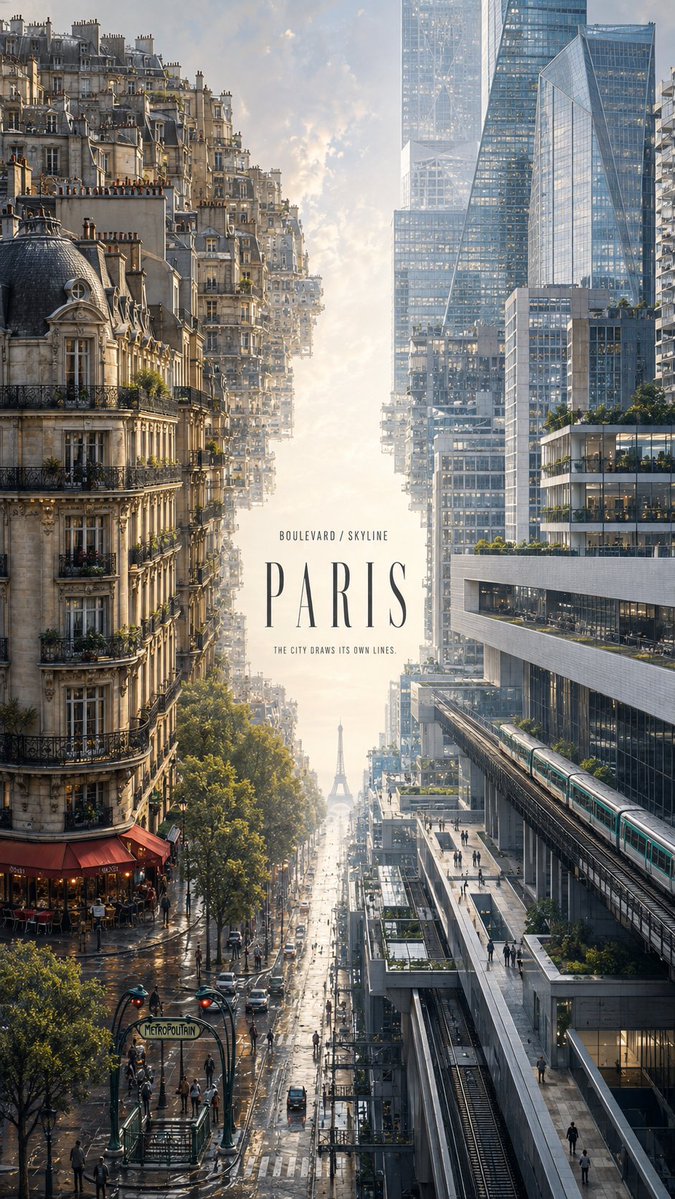
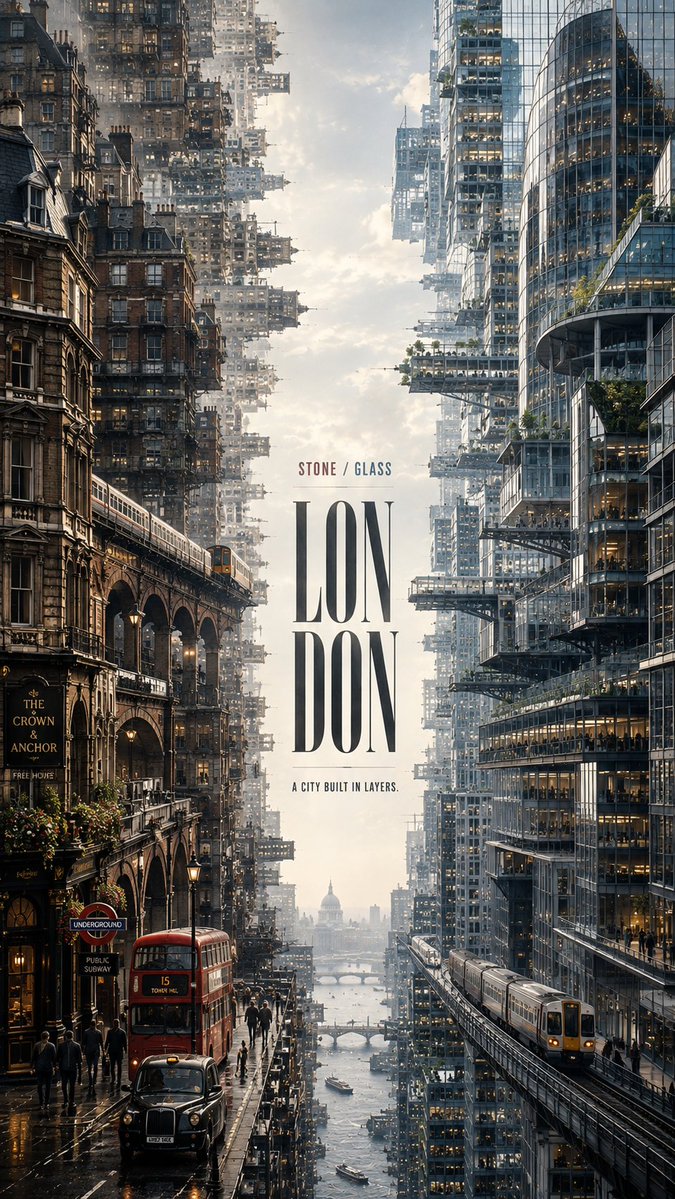
A tall editorial poster splits one city into two dense urban worlds that face each other across a narrow band of light and haze. Each side carries its own architecture, traffic and palette, while the title sits inside the open center.

- Model
- GPT Image 2
- Type
- 4 images
- Aspect ratio
- 9:16
- Shared
- 21 Aug 2026
- Likes on X
- 174
City nameMain titleTaglineSide A palette
Image prompt
2,231 characters【CITY】: ___ 【SIDE A CONCEPT】: ___ 【SIDE B CONCEPT】: ___ 【SIDE A ELEMENTS】: ___ 【SIDE B ELEMENTS】: ___ 【SIDE A COLORS】: ___ 【SIDE B COLORS】: ___ 【MAIN TITLE】: ___ 【CONCEPT LABEL】: ___ / ___ 【TAGLINE】: ___ Create a premium 9:16 editorial city poster that transforms 【CITY】 into two contrasting but connected urban worlds. Build two dense city environments from opposite sides of the frame. Side A grows horizontally inward from the left edge, while Side B grows inward from the right edge, creating the feeling of two enormous urban worlds facing each other. Keep only a narrow 12–18% atmospheric corridor in the center using sky, mist, light, water or haze appropriate to the city. The opening should feel naturally created by the surrounding architecture rather than like an empty graphic column. Side A represents 【SIDE A CONCEPT】 through 【SIDE A ELEMENTS】 and the palette 【SIDE A COLORS】. Side B represents 【SIDE B CONCEPT】 through 【SIDE B ELEMENTS】 and the palette 【SIDE B COLORS】. Both sides should contain rich, believable city detail: architecture, streets, transportation, infrastructure, windows, signage, rooftop structures, vegetation and tiny human figures. Use large foreground structures, dense midground districts and atmospheric distant layers to create monumental urban scale. The two sides must express genuinely different aspects of the same city through architecture, geography, lifestyle, materials, transportation and light — not simply through different color grading. Typography is part of the artwork. Place 【MAIN TITLE】 prominently within the central atmospheric space, using a typeface whose proportions and personality reflect the city. Add only 【CONCEPT LABEL】 and the meaningful tagline 【TAGLINE】 as supporting information. Avoid random editorial text, fake statistics, meaningless coordinates or decorative filler. Ultra-clean photorealistic architectural detail, crisp but natural edges, realistic stone, brick, concrete, metal and glass, smooth atmospheric perspective, controlled micro-detail, natural color transitions and refined editorial-design quality. The finished image should feel like a complete visual interpretation of the city rather than a travel poster or reusable template.
How to use it
Start by filling the city, the two concepts and their palettes, since the layout depends on them. Keep the corridor percentage and the instruction that both sides grow from opposite edges, because that structure is what makes the split read as one place. It was shared as a GPT Image 2 prompt, so the placeholder fields are ready to fill in before you run it.
Shared publicly on X on 21 Aug 2026. All credit for this prompt and its result goes to its creator. Is this yours? Ask for an update or removal.