Image prompt Illustration & Characters Customizable
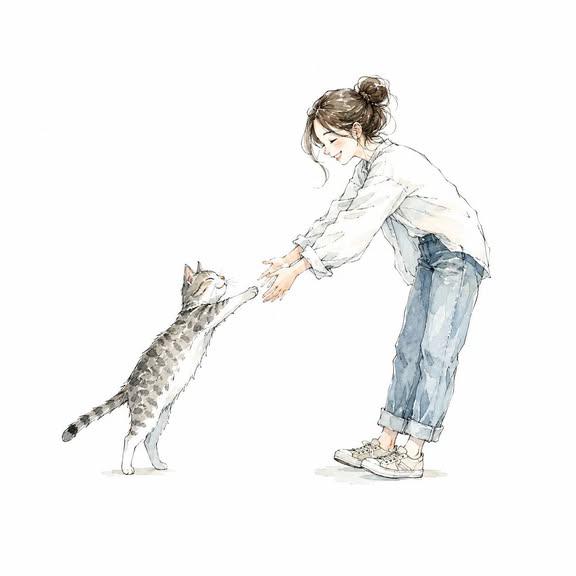
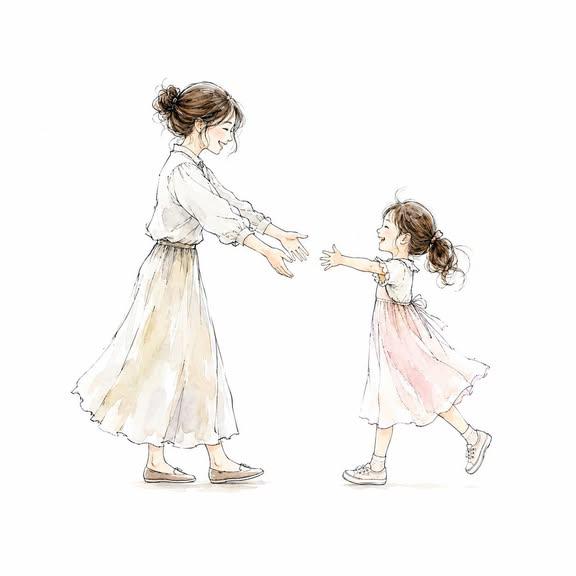
Two Figures Reaching Hands Watercolor Icon
Two smiling figures face each other in profile, their hands almost touching, drawn in soft watercolor washes over crisp ink lines. The pure white ground and wide margins make the pair read clearly as a small, calm icon.

- Model
- GPT Image 2
- Type
- 2 images
- Aspect ratio
- 1:1
- Shared
- 22 Jun 2026
- Likes on X
- 87
Image prompt
670 charactersMe and [XXX] facing each other in profile, reaching out their hands toward one another. White background. Delicate watercolor and rich ink illustration style. Hand-drawn line art with a transparent watercolor aesthetic. Premium paper texture. Refined sketch-like brushwork. Automatically adjust the composition to suit the subjects. Everyone is smiling. Full-body view of all subjects. Soft color palette. Minimalist design with a subtle use of negative space. Background must be pure white. Large margins on all four sides. Subjects centered in the composition. No text, logos, or watermarks. Ultra-high resolution. Suitable for use as an icon. Square 1:1 aspect ratio.
How to use it
It was shared as a GPT Image 2 prompt. The placeholder [XXX] is where you name the second person, so describing them by a relationship or appearance, such as a friend or a partner, shapes the mood of the pair. Keep the white background, the margins and the phrase about negative space, since those carry the icon feel. Use the square result as an avatar, a greeting card motif or a small badge on a website.
Shared publicly on X on 22 Jun 2026. All credit for this prompt and its result goes to its creator. Is this yours? Ask for an update or removal.