Image prompt Illustration & Characters Customizable Add your photo
Ink Wash Profile Portrait From a Photo
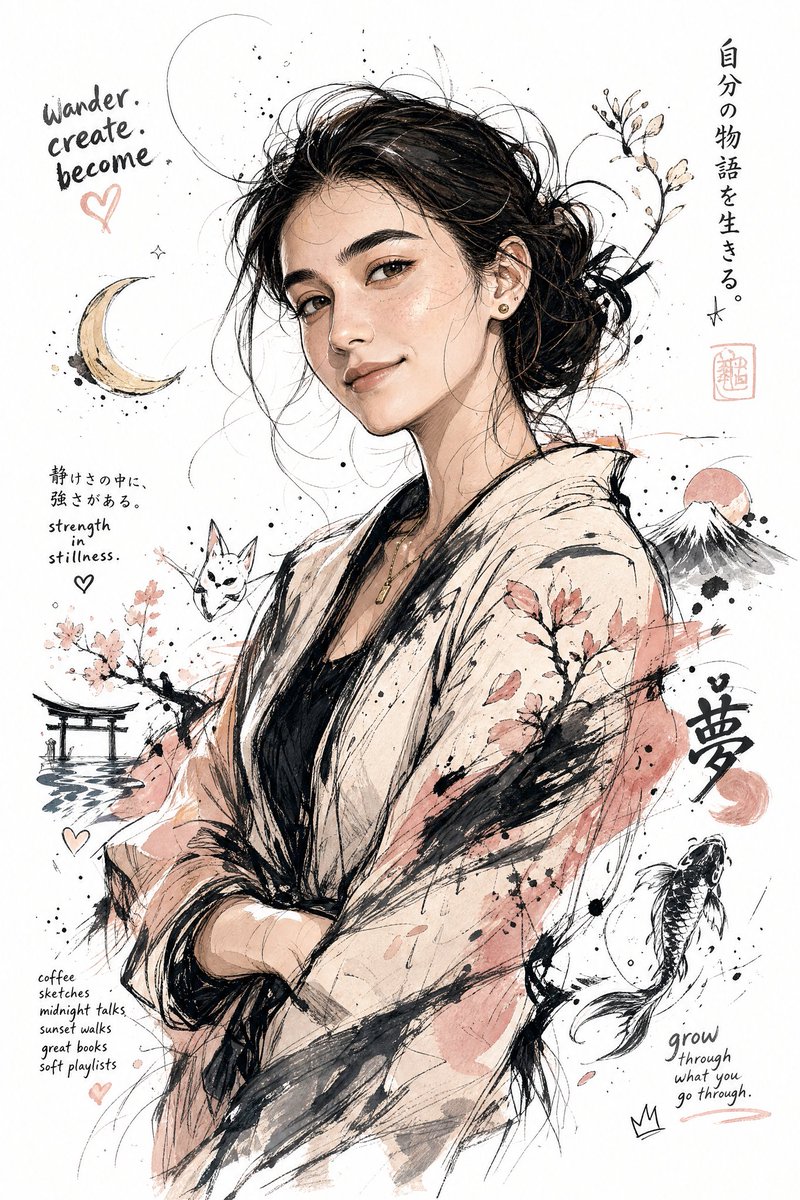
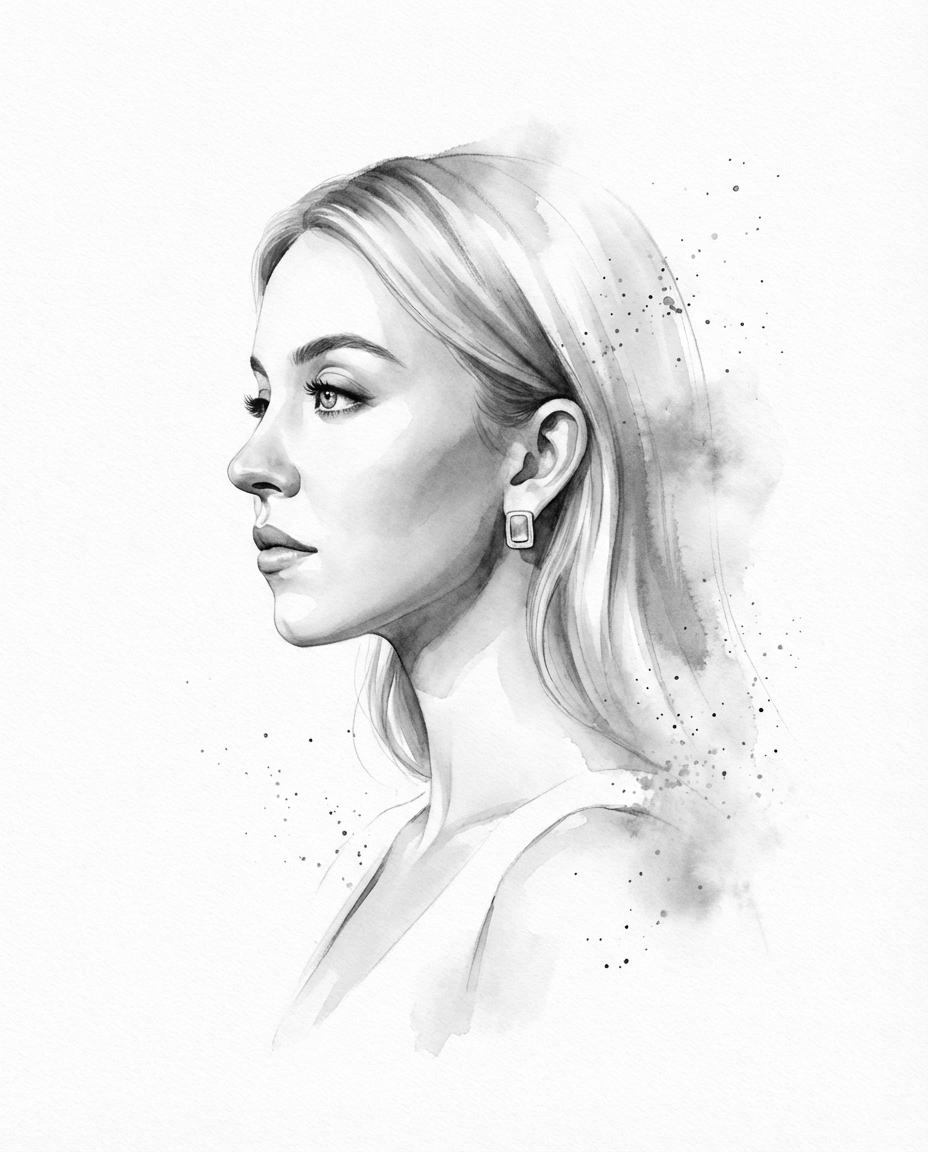
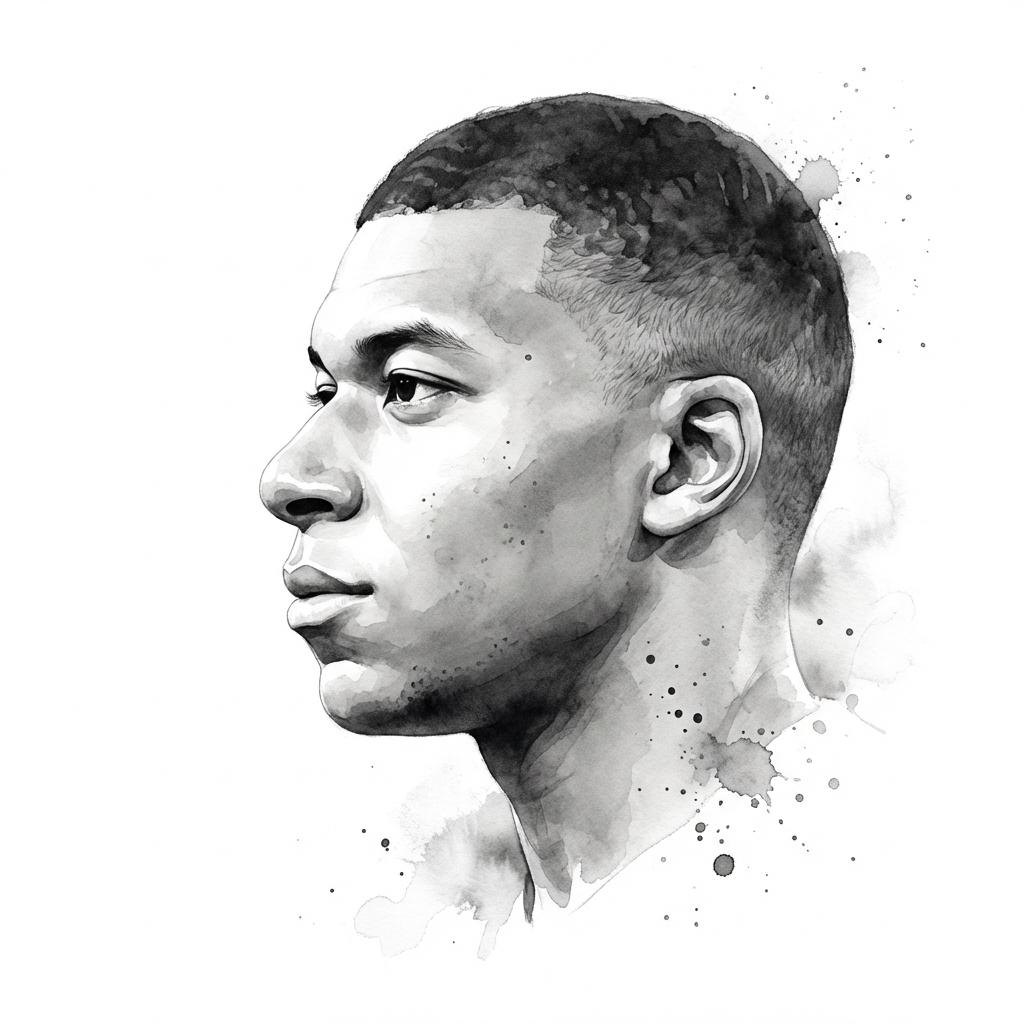
A side profile rendered in soft charcoal-gray ink on a clean white ground, with faint splatter and watercolor-like spread that fades into mist at the edges. The face stays true to the original photo while the surface reads as hand-brushed.

- Model
- GPT Image 2
- Type
- 2 images
- Aspect ratio
- 4:5
- Shared
- 20 Feb 2026
- Likes on X
- 453
Source photoInk color
Image prompt
337 charactersTransform the input photo into a refined monochromatic ink portrait on a pure white background. Clean side profile facing left, preserving exact facial identity and proportions. Soft charcoal-gray ink with subtle tonal variation, controlled splatter accents, delicate watercolor diffusion, and faint mist-like dispersion along the edges.
How to use it
Start with a clear side-on photo, since the prompt asks for a left-facing profile and keeps the original proportions. Keep the phrases about soft charcoal ink, splatter and mist, because those carry the wash look; you can swap the subject or the ink tone to suit your own photo. It was shared as a GPT Image 2 prompt, and it suits a quiet portrait for a print, a profile picture or a gallery wall.
Shared publicly on X on 20 Feb 2026. All credit for this prompt and its result goes to its creator. Is this yours? Ask for an update or removal.