Image prompt Scenes & Spaces Customizable
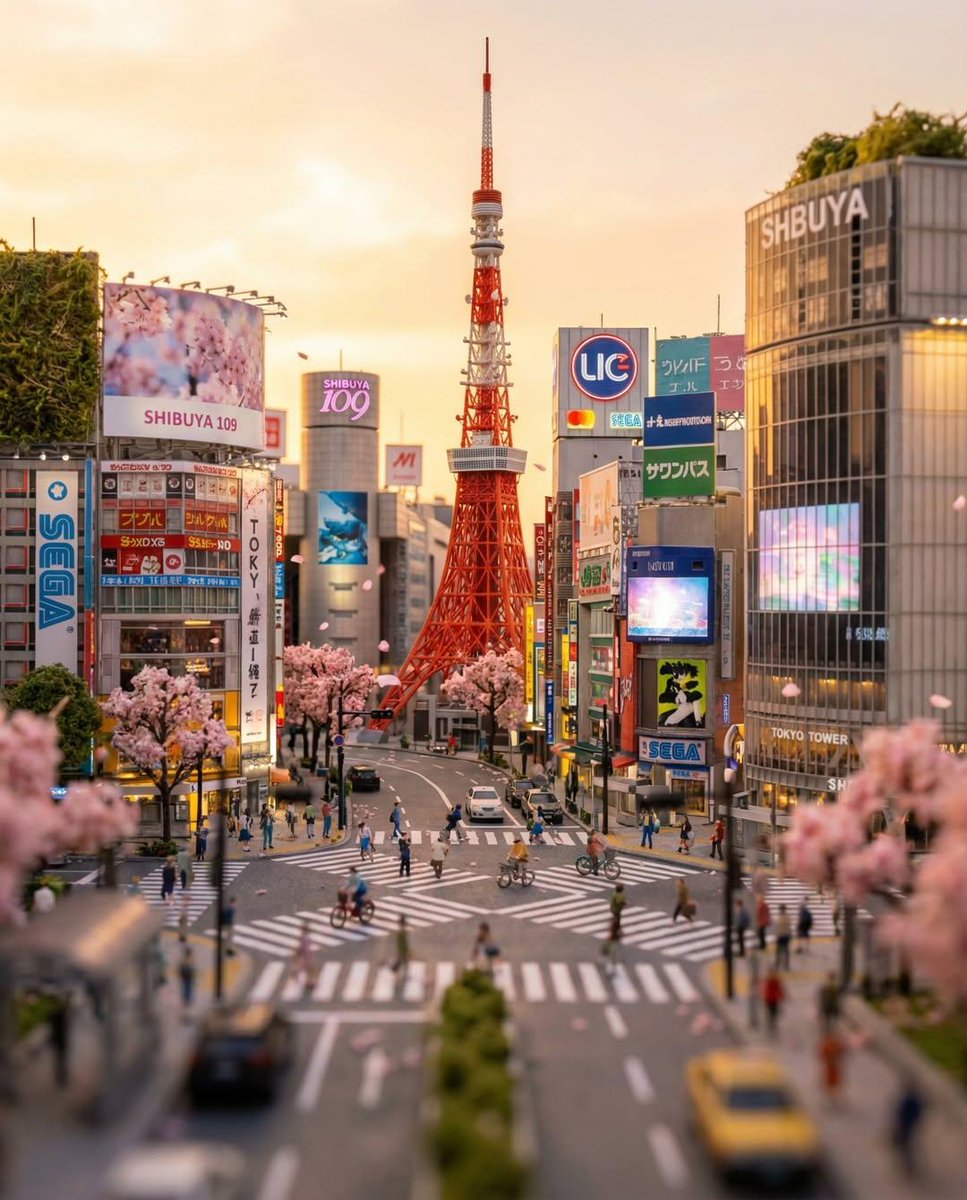
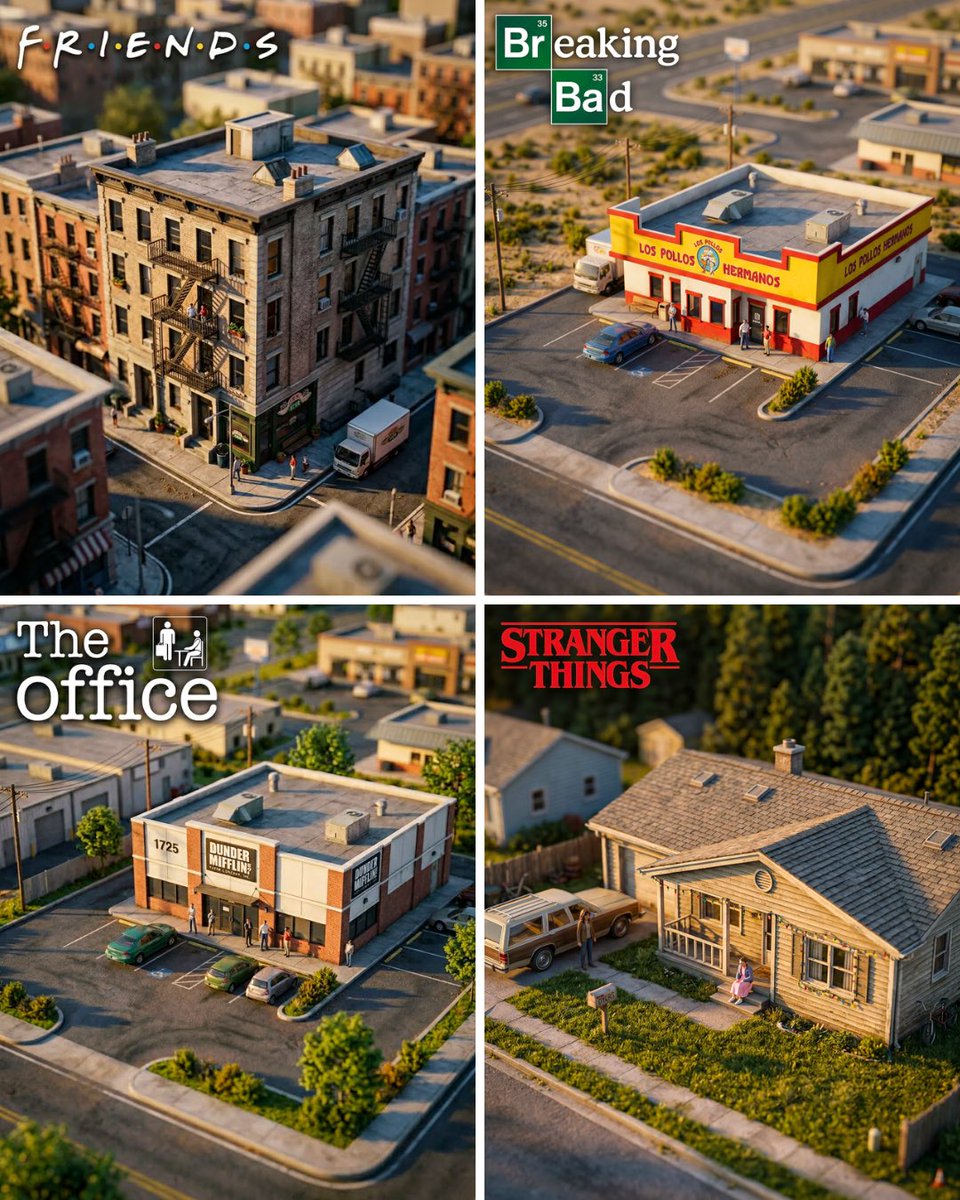
TV Location Miniature Diorama with Tilt-Shift Blur
A scale-model look of a television set location, shot from a high angle so the building fills most of the frame. Tilt-shift blur turns the edges soft and toy-like while warm golden light gives it a cinematic glow.

- Model
- GPT Image 2
- Type
- Image
- Aspect ratio
- 4:5
- Shared
- 3 Jun 2026
- Likes on X
- 101
Tv locationTv show logo
Image prompt
484 charactersHyper-realistic miniature diorama of [TV LOCATION], the building fills 70% of the frame, shot from a close elevated isometric angle, tilt-shift lens blur on foreground and background creating a miniature toy effect, golden hour warm lighting, highly detailed scale model aesthetic, surrounding environment visible but soft and secondary, large prominent [TV SHOW LOGO] in the top-left corner taking up 30% of image width, photorealistic render, cinematic quality, 4K, 4:5 aspect ratio
How to use it
Swap the bracketed location for any building or set you want to model, such as a diner, apartment block or courthouse. Keep the isometric angle, tilt-shift blur and golden hour lighting, since those details carry the miniature look. It was shared as a GPT Image 2 prompt, and the large logo in the top-left corner works best if you replace the placeholder with your own show title text.
Shared publicly on X on 3 Jun 2026. All credit for this prompt and its result goes to its creator. Is this yours? Ask for an update or removal.