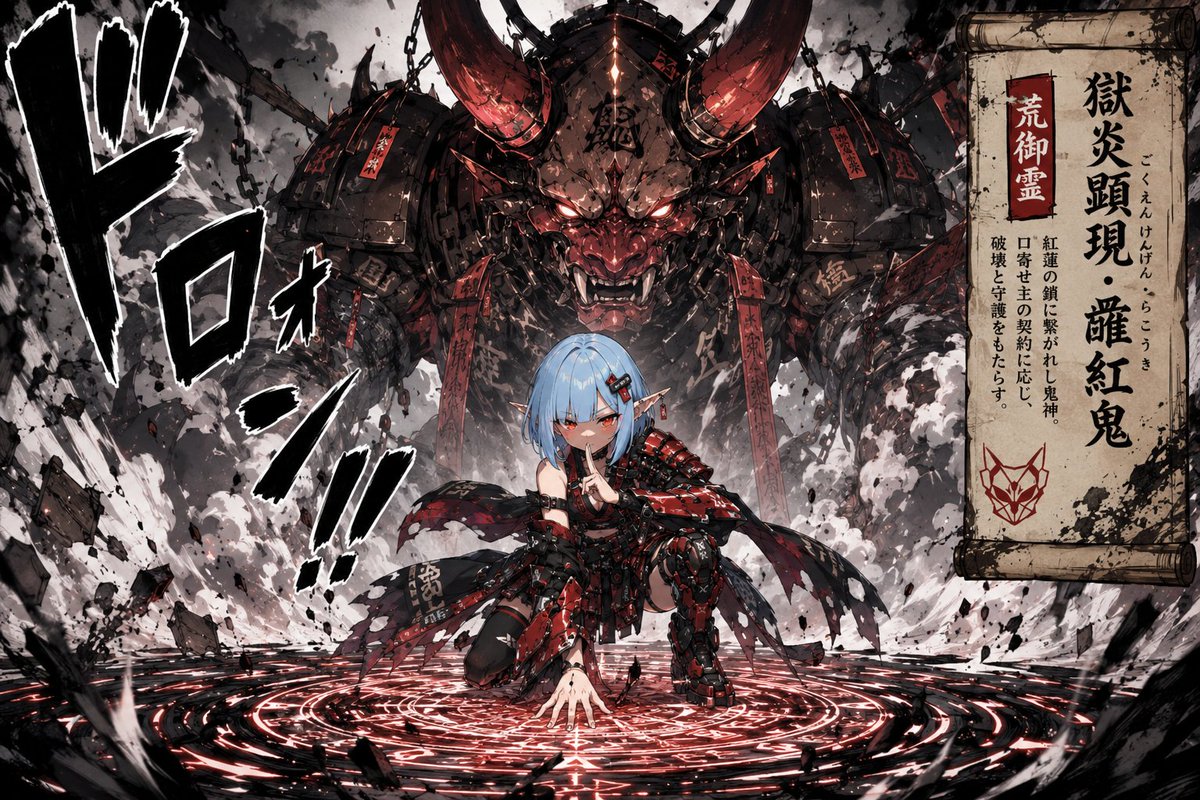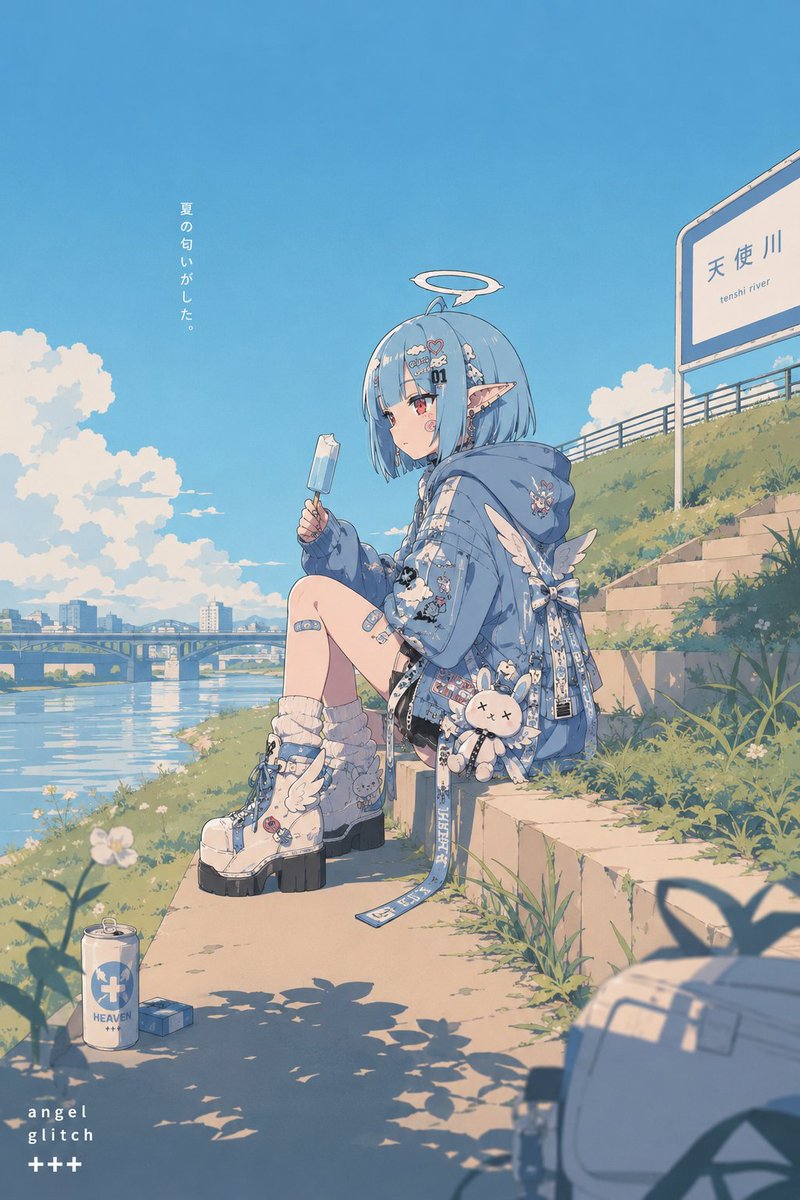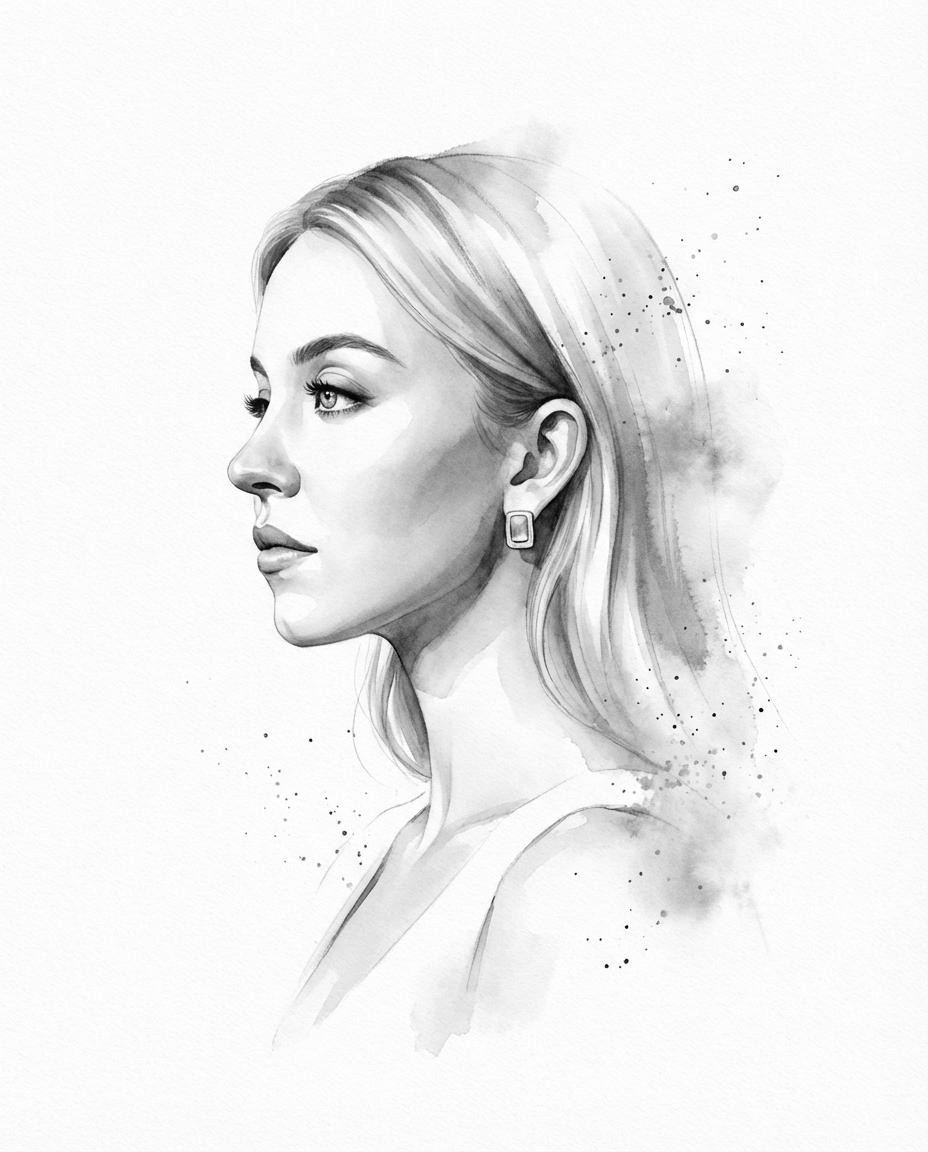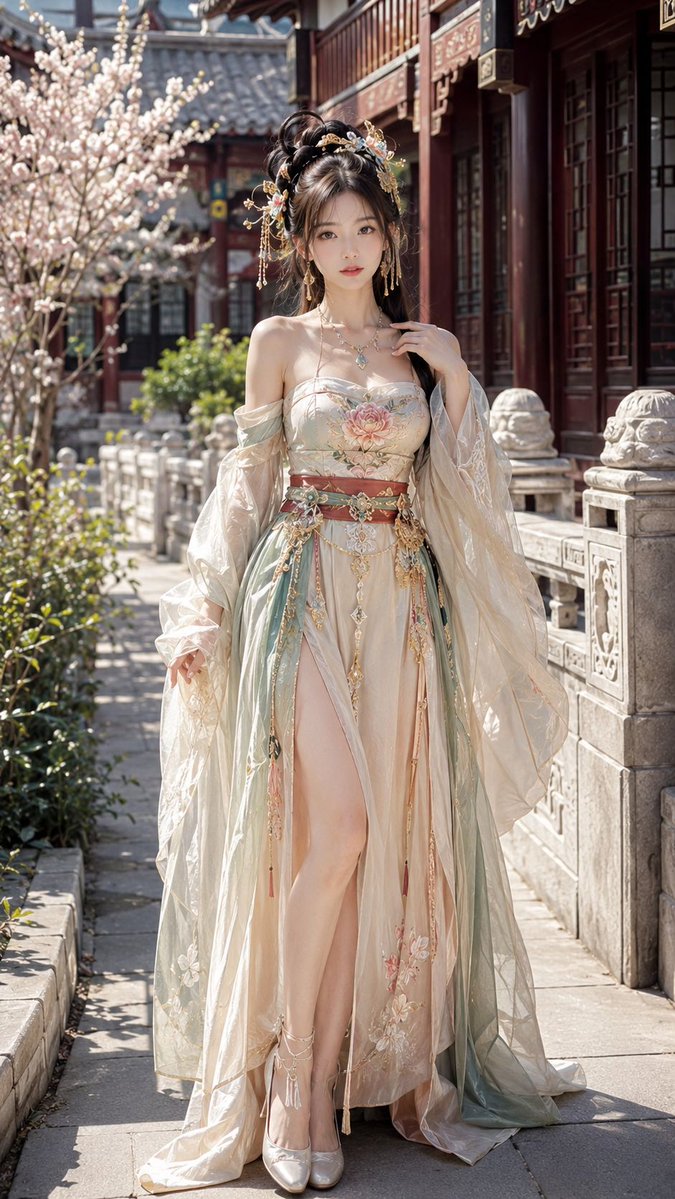
Image prompt Illustration & Characters Customizable
Temple Stamp Character in Sumi-e Ink
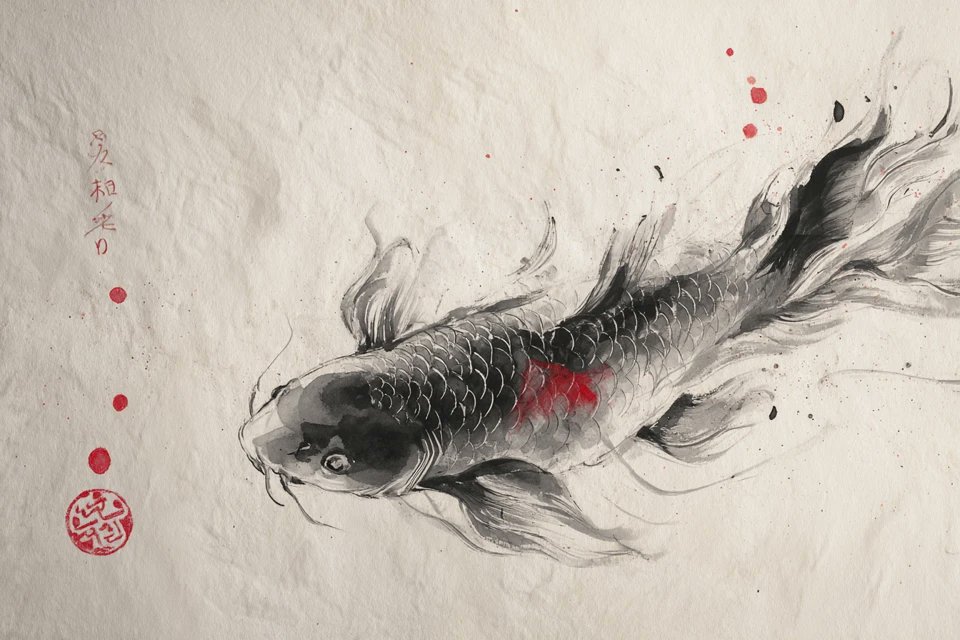
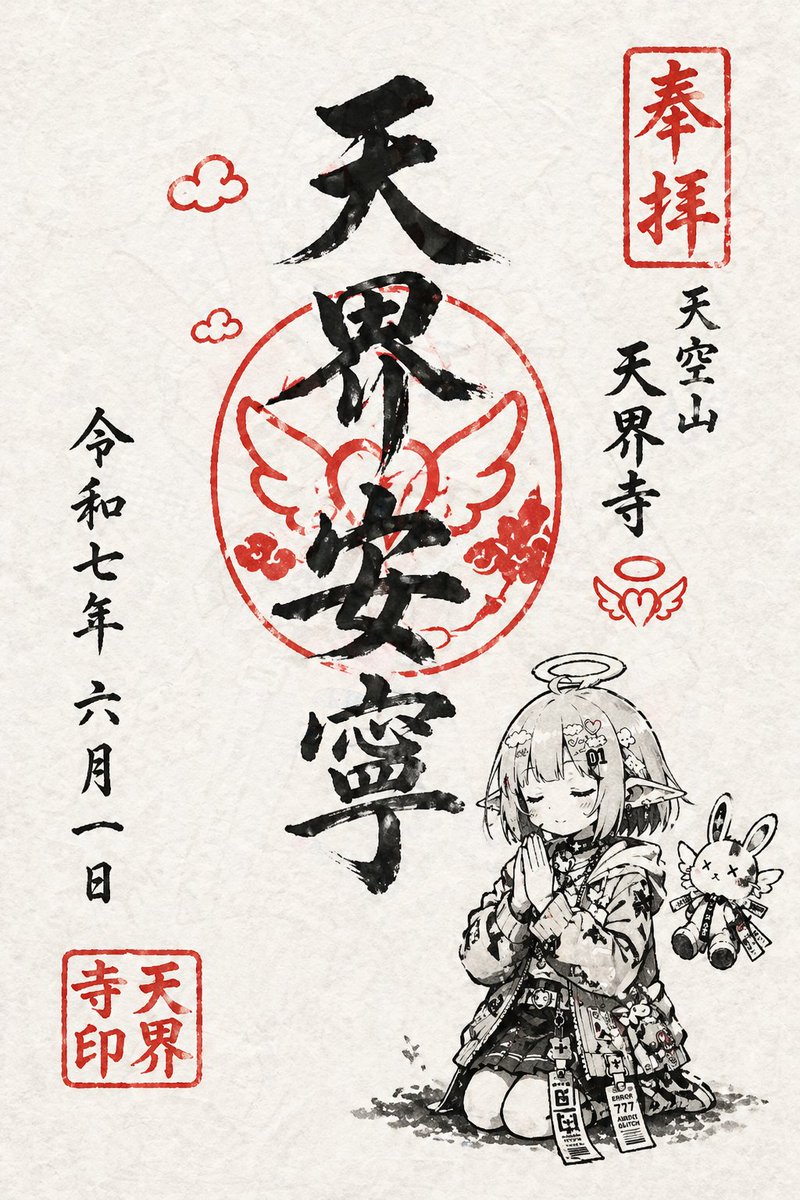
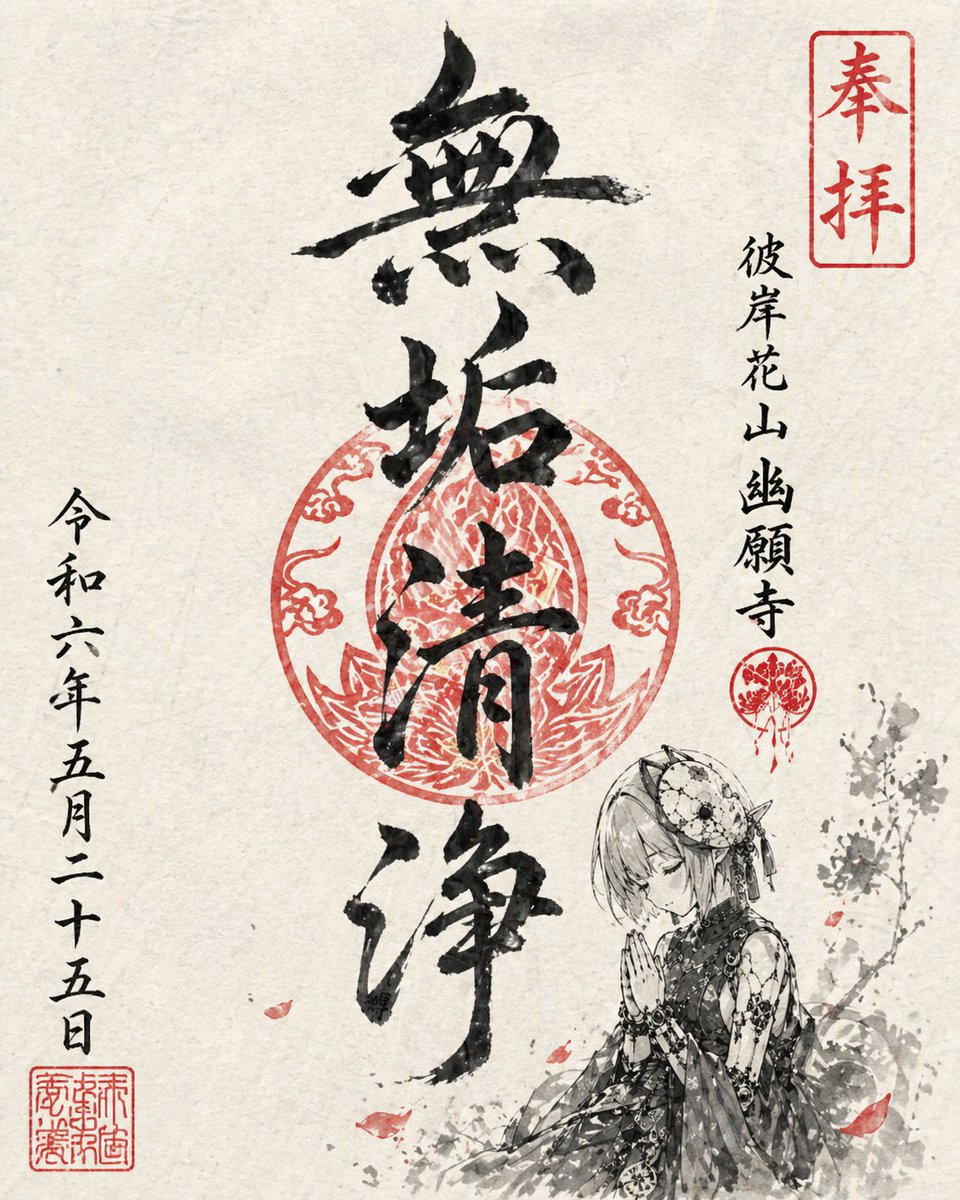
A character is drawn small inside a goshuin-style temple seal, rendered in black ink brush strokes and vermilion on textured paper. The calm pose and tidy vertical calligraphy make it feel like a real shrine souvenir.

- Model
- GPT Image 2
- Type
- 2 images
- Aspect ratio
- 2:3
- Shared
- 30 Apr 2026
- Likes on X
- 213
Temple nameInk colors
Image prompt
664 charactersUsing this character, draw an illustration in the style of a temple stamp (goshuin) for a fictional temple. Keep the overall composition simple with the feel of washi paper texture. Render it with sumi-e ink brushwork as if painted with a brush, using only black and vermilion. As a goshuin, include the temple name suited to the character, four main calligraphy characters, and a date. Arrange the date vertically in a natural way. Place the character small so it blends in as part of the stamp. The pose should have a calm atmosphere, such as praying or standing quietly. Keep the layout tidy like a real goshuin, while giving it a distinctive, memorable design.
How to use it
Upload a clear photo or reference of the character you want, since the prompt says to use this character. It was shared as a GPT Image 2 prompt. Keep the instruction for black and vermilion only, the washi paper feel, and the small, calm figure, because those choices create the stamp look. Swap in a temple name and a date that suit your character.
Shared publicly on X on 30 Apr 2026. All credit for this prompt and its result goes to its creator. Is this yours? Ask for an update or removal.