

Image prompt Posters & Typography Customizable
Silhouette Light Poster With Negative Space
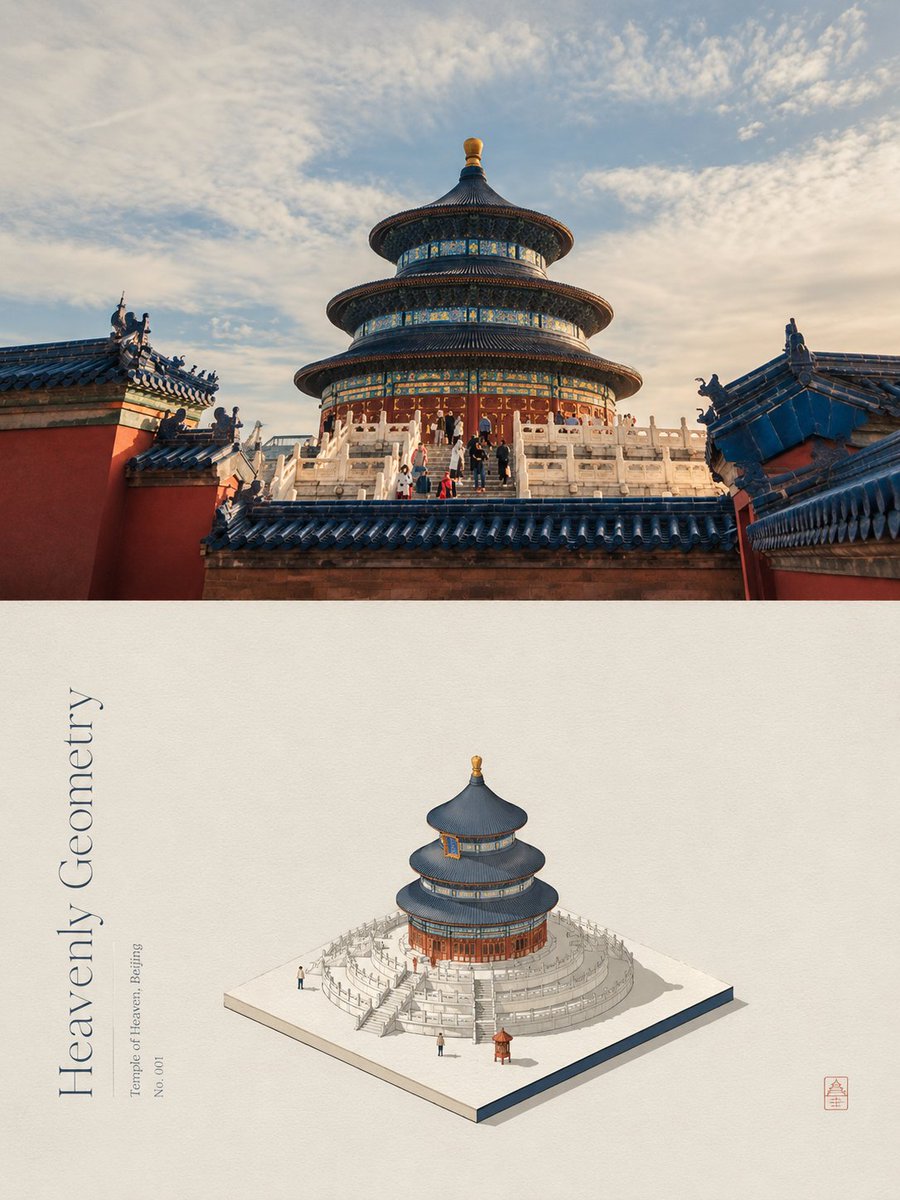
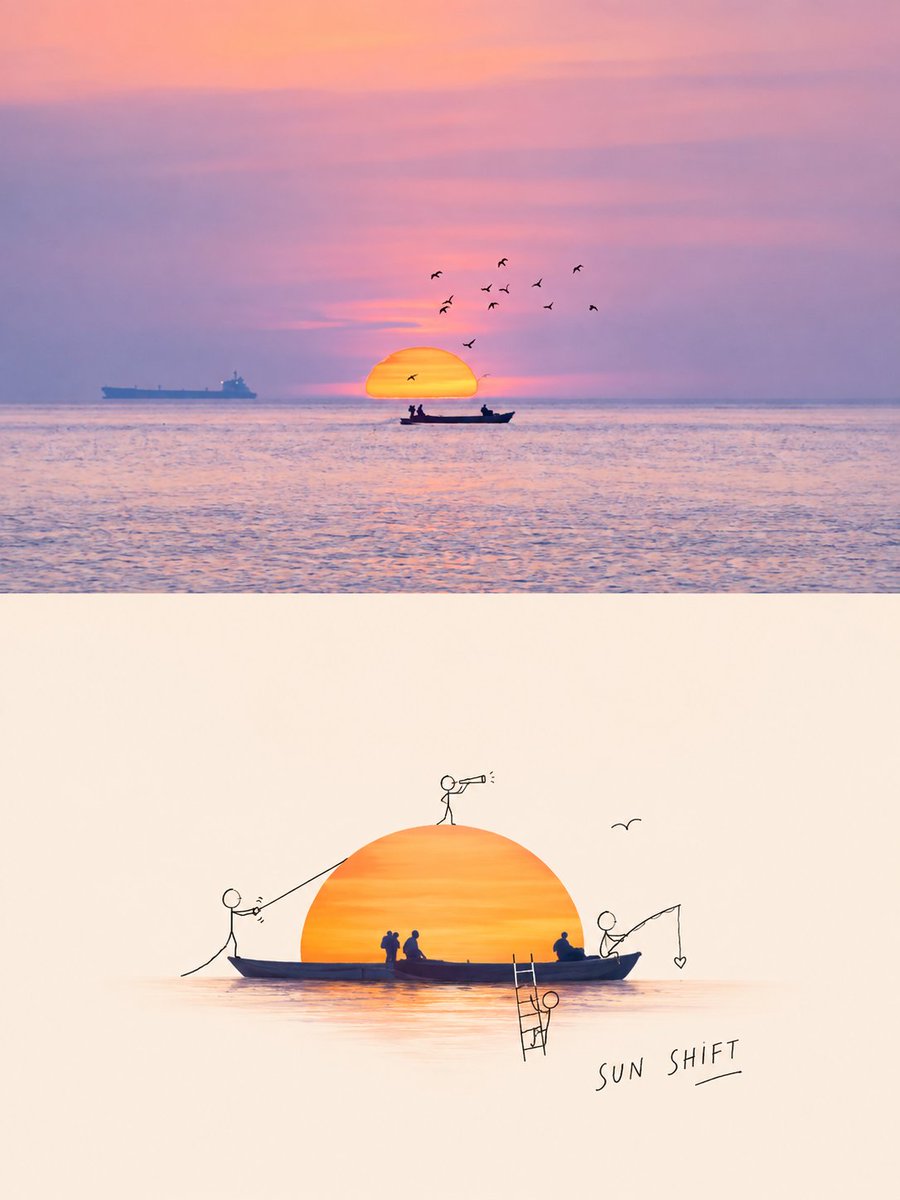
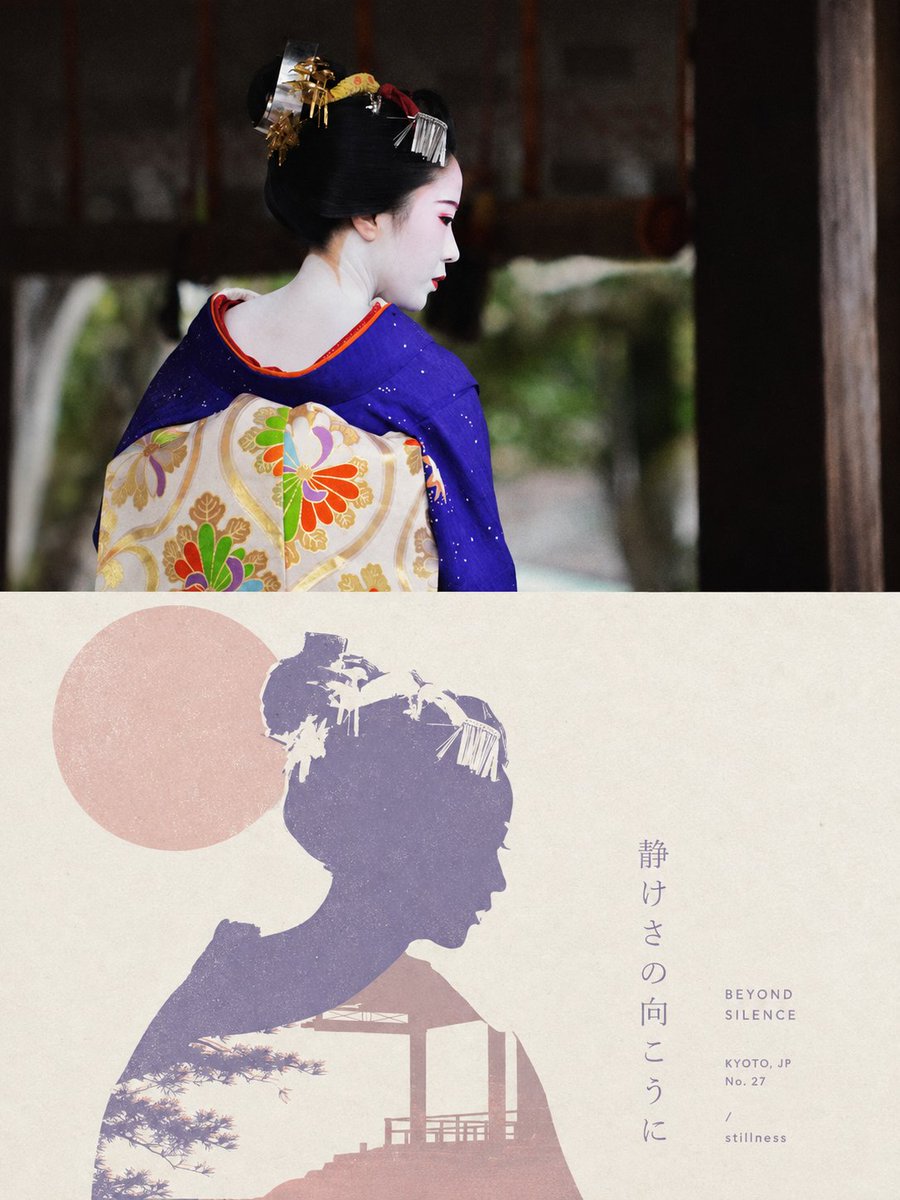
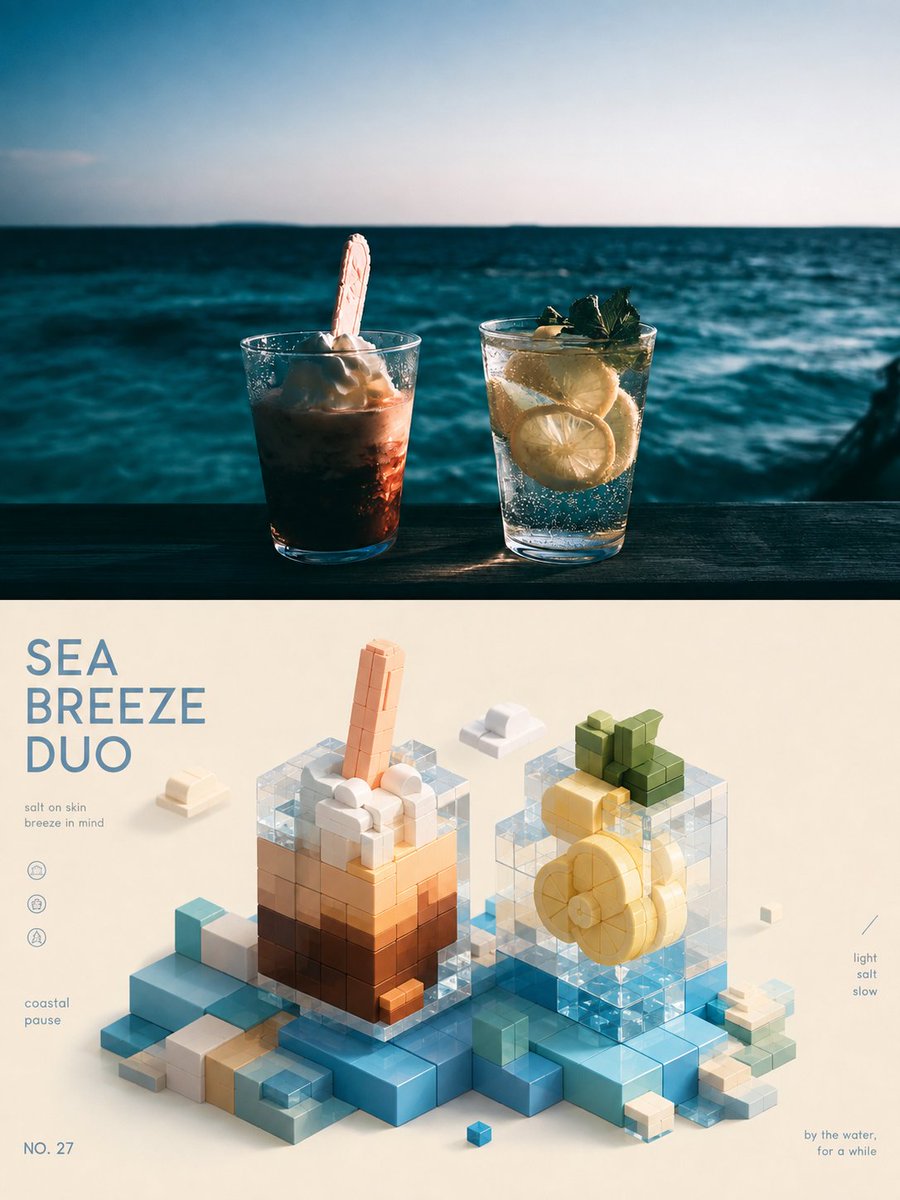
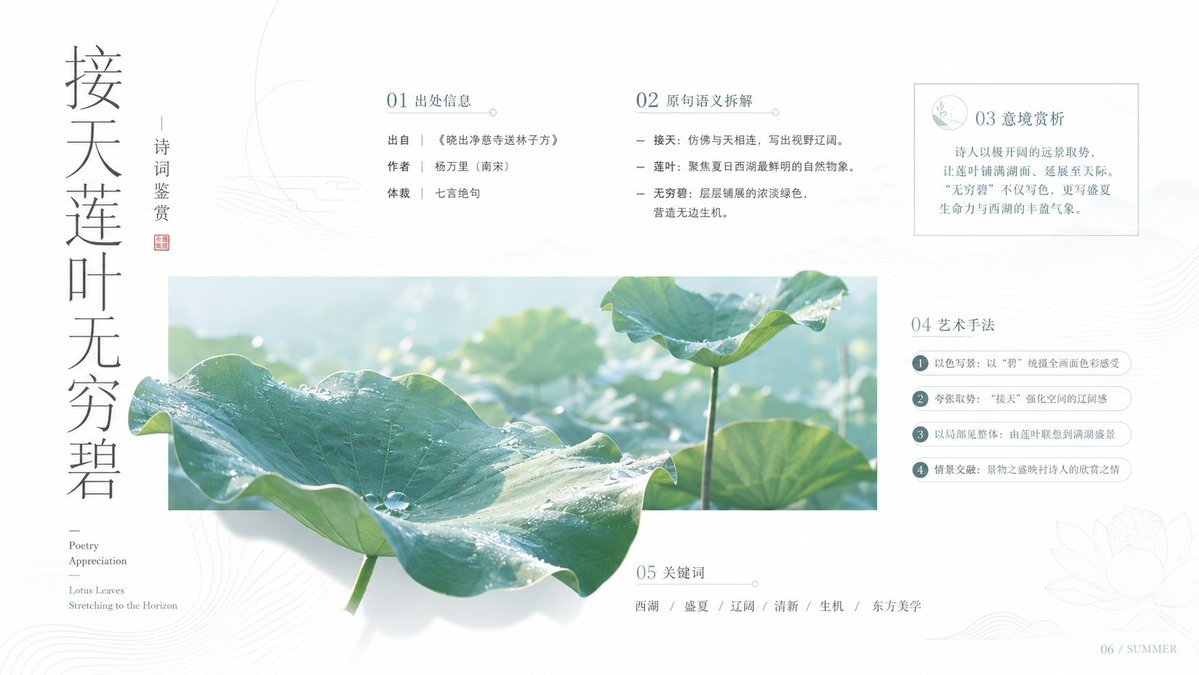
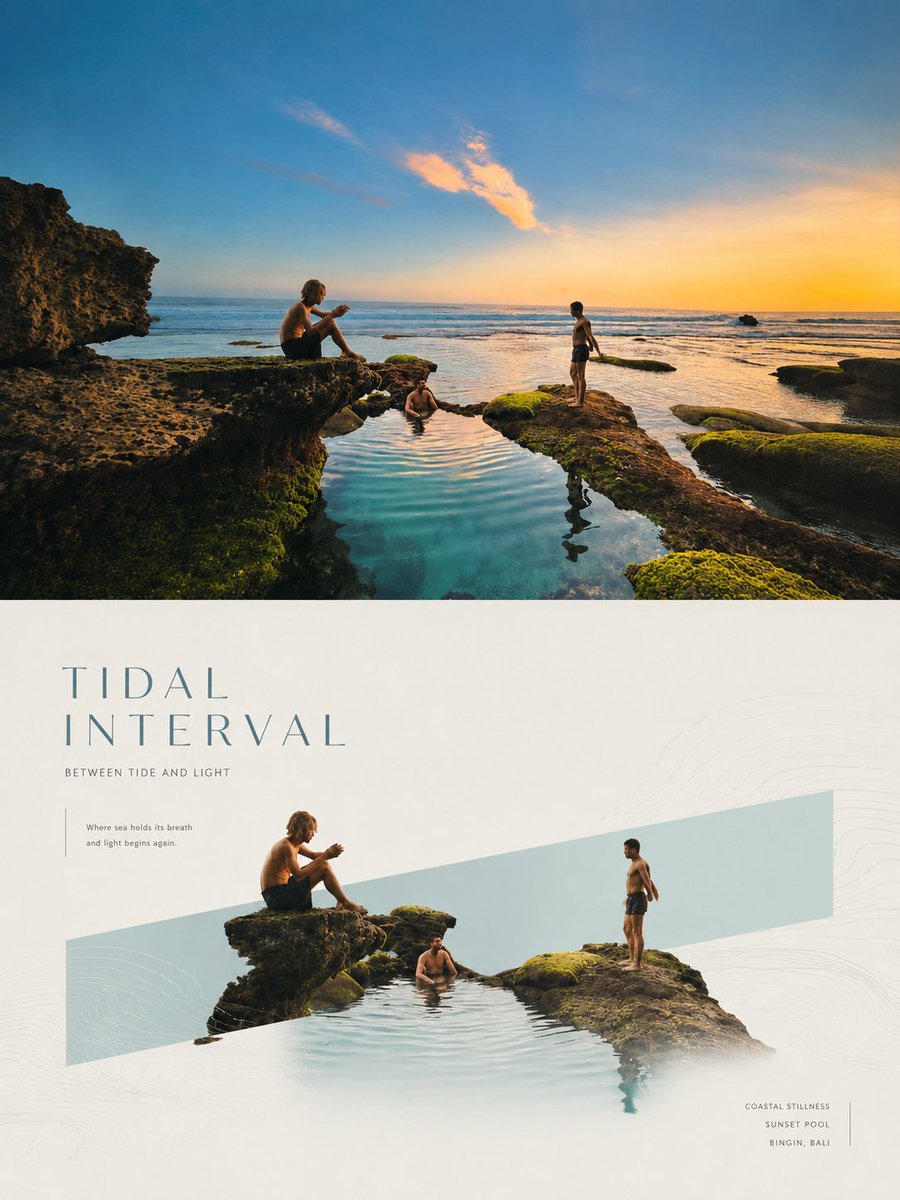
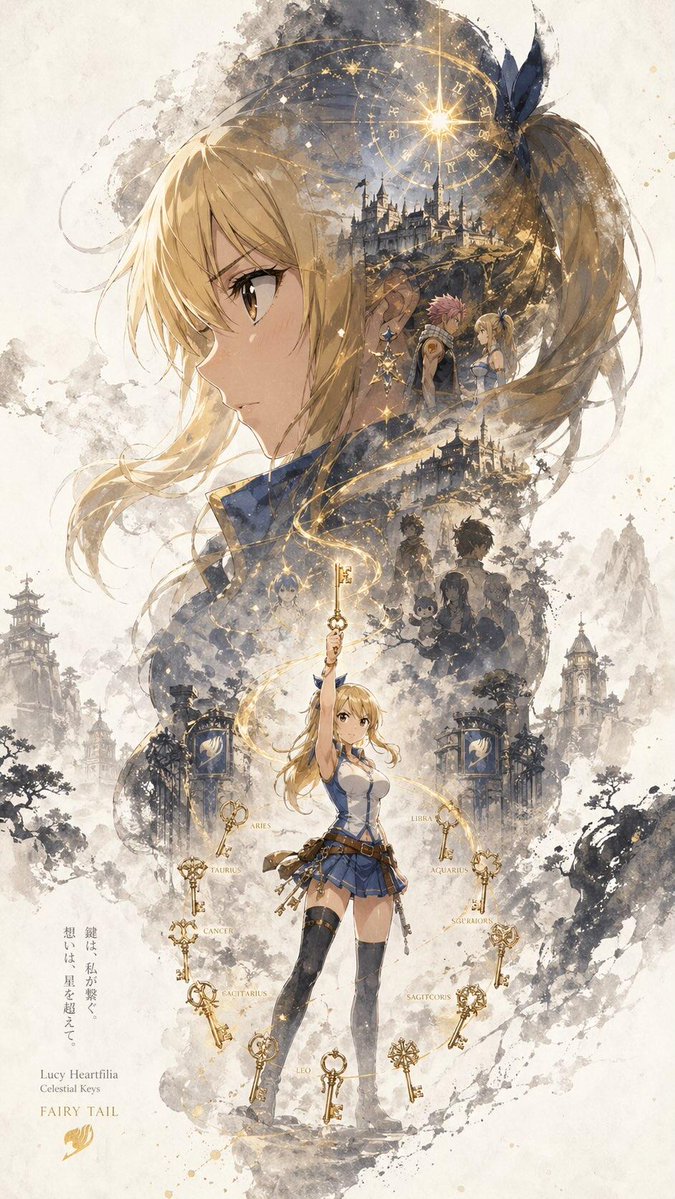
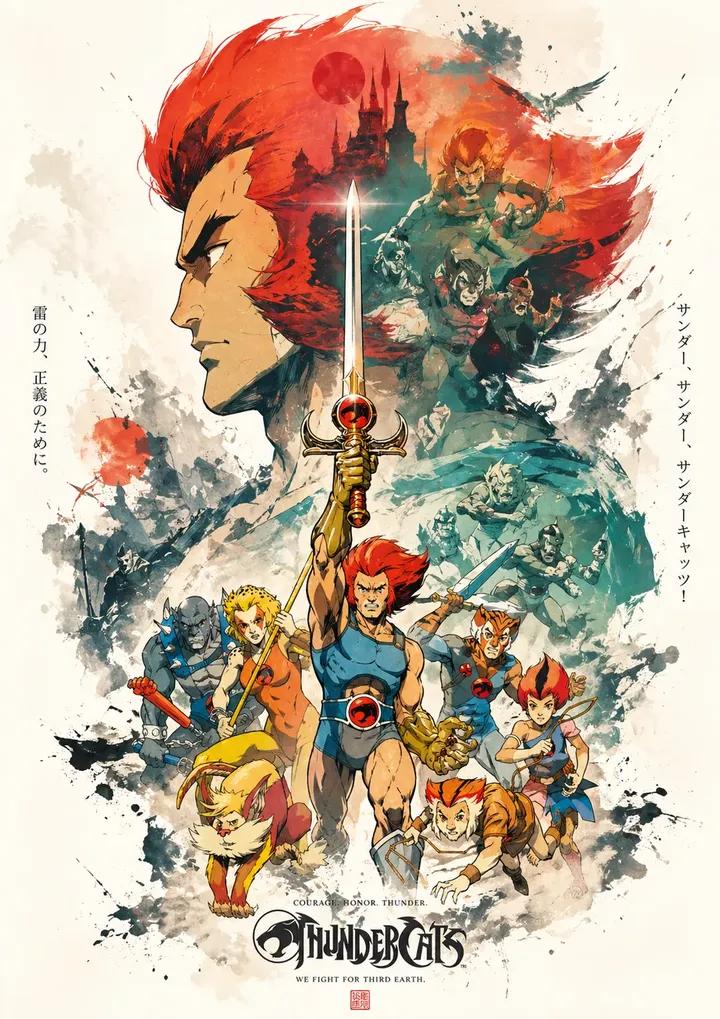
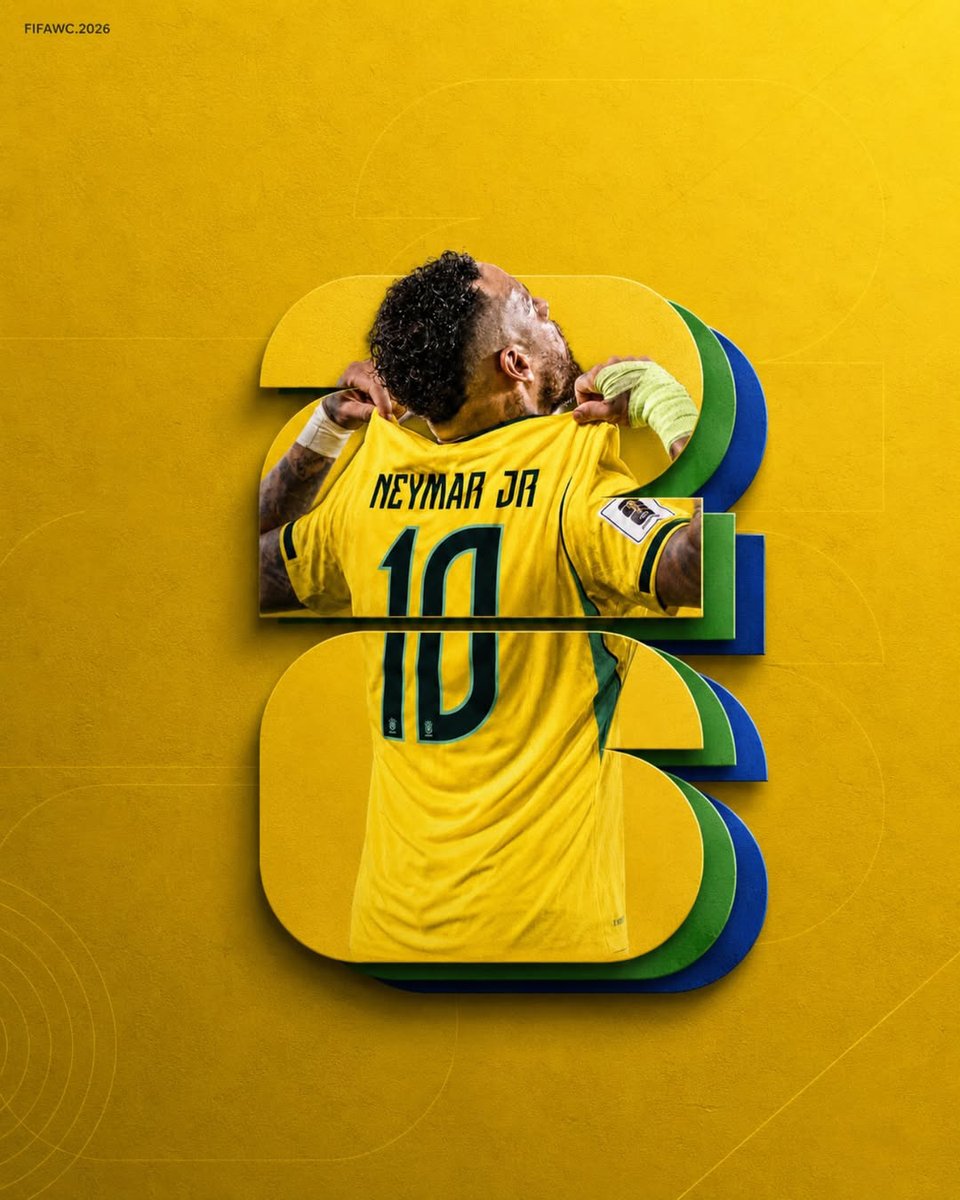
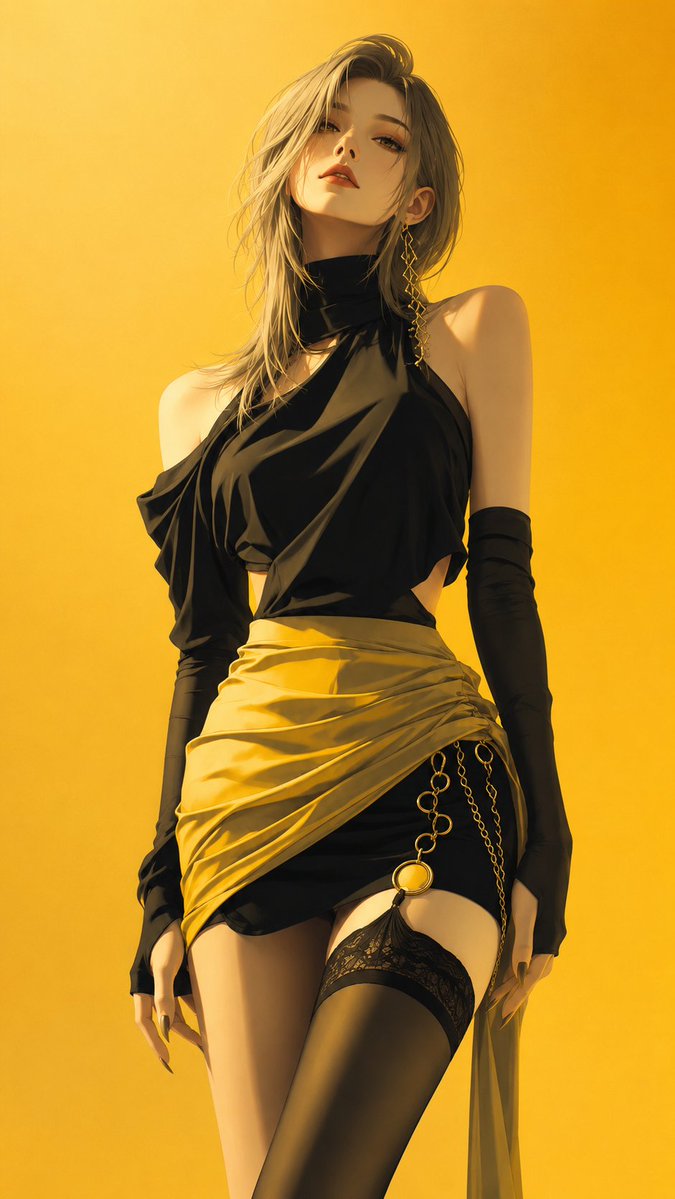
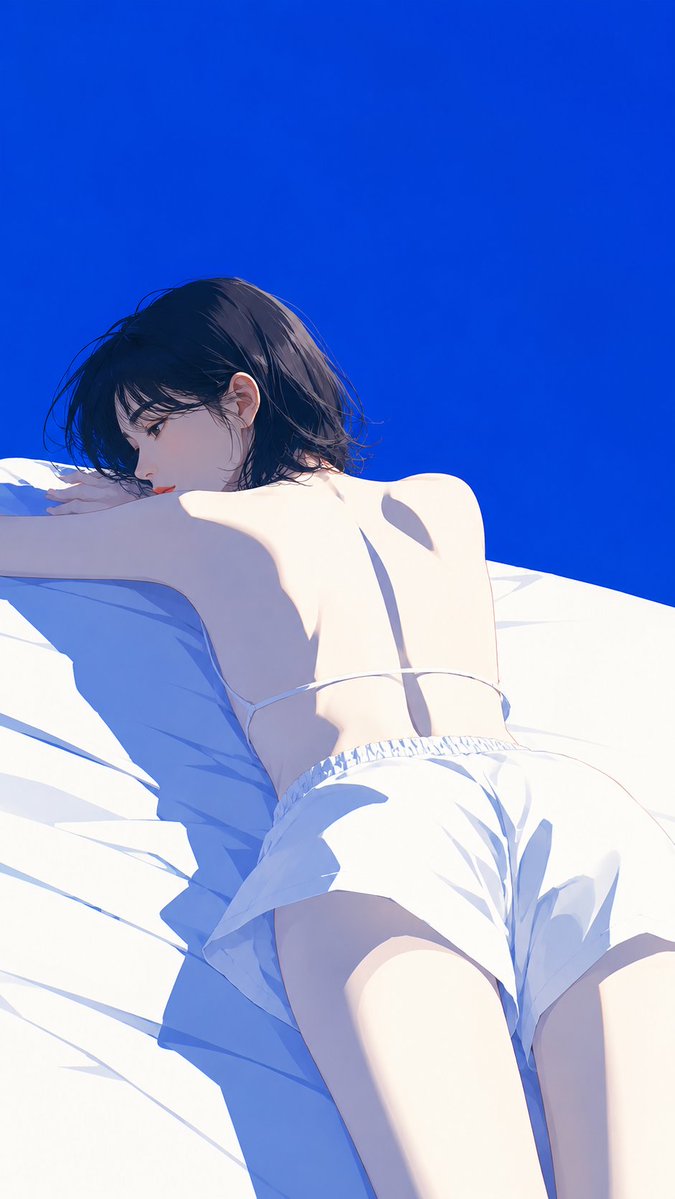
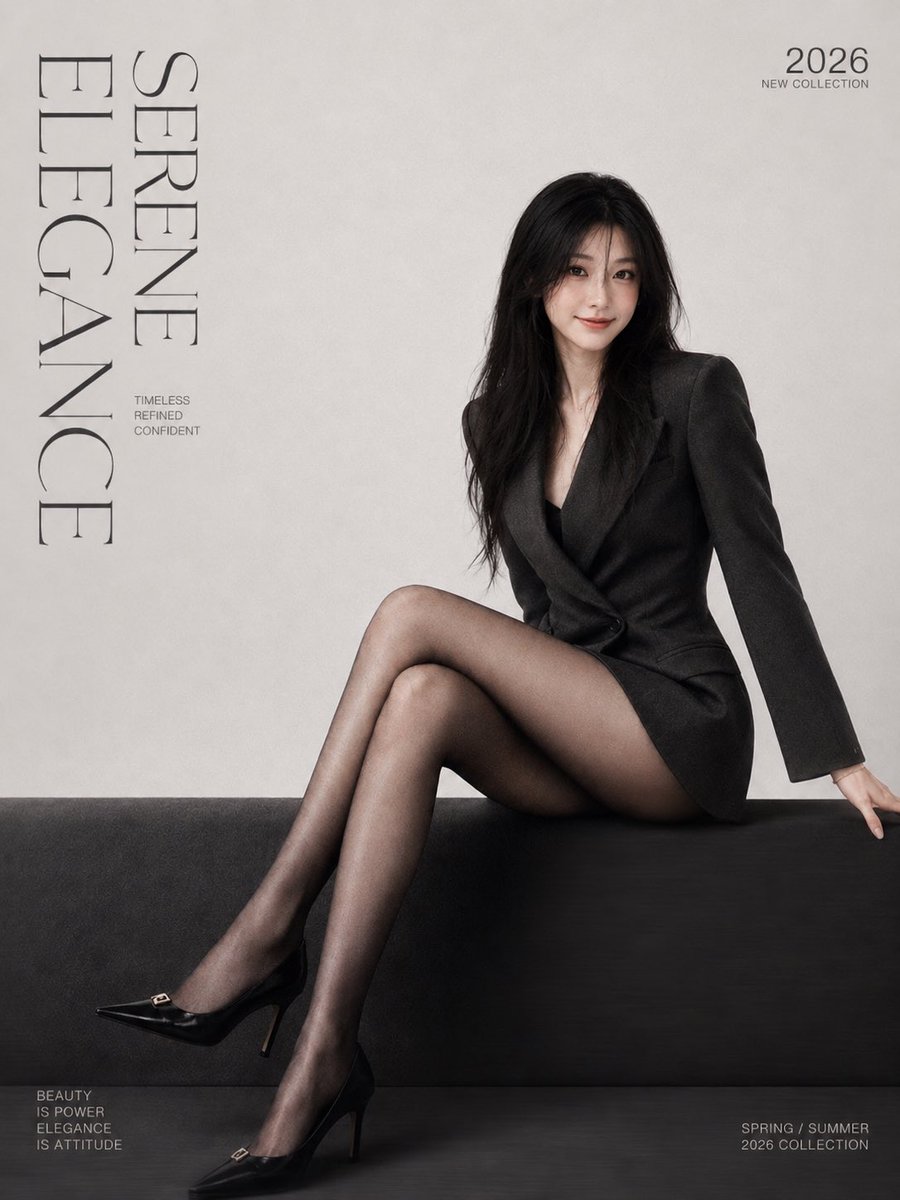
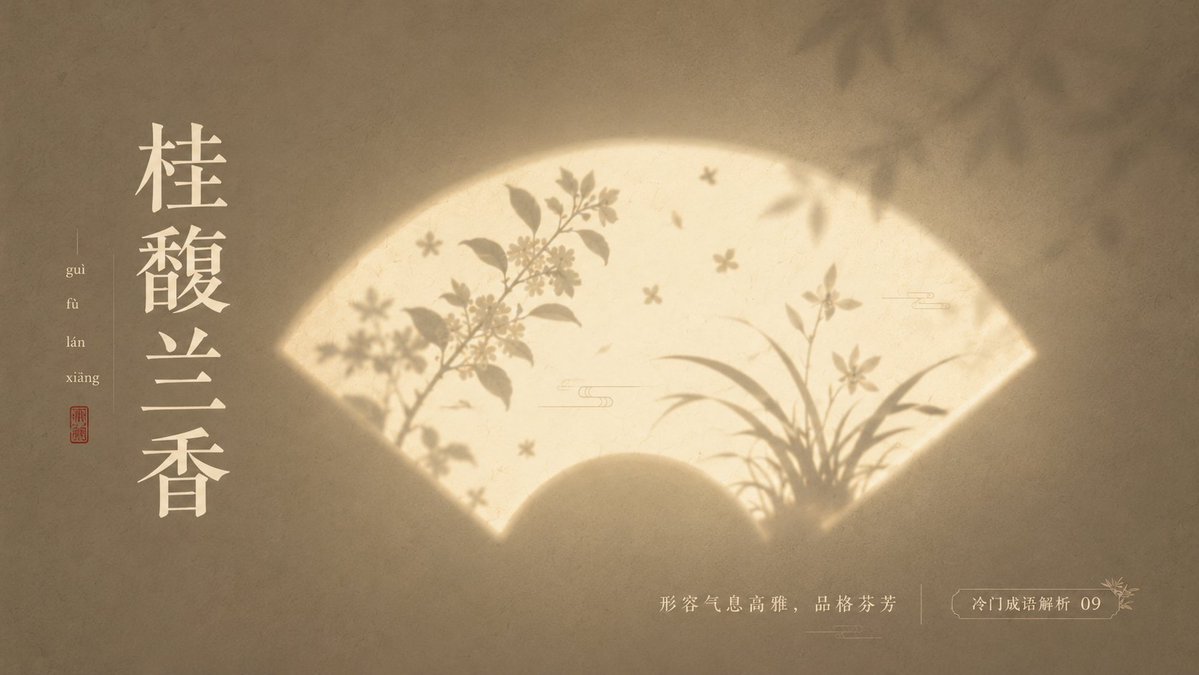
A quiet poster where a glowing window-shaped panel holds soft silhouettes, set against a low-saturation wall with plenty of open space. The light draws the eye first, then the shadowed shapes tell the story.

- Model
- GPT Image 2
- Type
- 4 images
- Aspect ratio
- 16:9
- Shared
- 23 May 2026
- Likes on X
- 144
ThemeMain elementSymbolic elementEnvironmental elementBackground color+2 more
Image prompt
2,415 charactersWith “{theme}” as the core, create a minimalist, refined, poetic, and quiet light-and-shadow poster. Do not depict the theme directly; instead transform it into a “silhouette imagery illuminated by light.” In the center, place a recognizable glowing shaped container: {fan-shaped window / moon gate / rectangular window light / arched niche / circular light window / screen projection / rounded-corner glowing panel}. This shape looks like a beam of light cast onto a textured wall or paper surface, with softly glowing edges and slight misty diffusion. Inside the glowing container, use silhouettes and soft-focus projections to express theme-related elements: {main element}, {symbolic element}, {environmental element}. The main silhouette is slightly clearer, the auxiliary elements more blurred, like shadows of trees, flowers, smoke, branches and leaves, lines, or object outlines projected through a paper window. All elements stay restrained, with no realistic detail, keeping only the most recognizable outlines. The image needs abundant negative space, a centered composition, and a clear visual hierarchy: the background is the quietest, the light zone draws the eye most, and the silhouette carries the most narrative. The background uses a low-saturation {background color}, with fine paper texture, wall grain, faint noise, slight gradient, and soft vignette. The light zone uses {light color}, such as cream white, ivory white, pale gold, moonlight yellow, or cool white glow. The silhouette uses {silhouette color}, such as ink gray, blue-gray, deep brown, charcoal black, or a dark tone of the same family. Total colors stay within three to four, forming a quiet, restrained, refined color relationship. Overall style: Oriental aesthetics, modern minimalism, poetic poster, art-exhibition visual, magazine-cover-level composition, soft light, negative form, silhouette, negative space, sense of air, fine grain, desaturated palette, quiet emotional tension. Avoid complex backgrounds, strongly saturated colors, hard-edged light effects, excessive realism, cluttered elements, and cheap decoration. The final image should look like “a poem left by light on the wall.” —————— This time's rare idiom analysis: Rare and breathtakingly beautiful Chinese idioms Use: PPT courseware Colors: each image different, layout dynamically varied, each with ingenuity, no fewer than 10 images. Ratio 16:9
How to use it
Start by choosing the glowing container, such as a moon gate or arched niche, and the theme words that drive the silhouettes. Keep the restrained palette, the soft-focus edges and the wide empty background, since those carry the calm mood. It was shared as a GPT Image 2 prompt, and it suits a poster, slide background or wall art printout.
Shared publicly on X on 23 May 2026. All credit for this prompt and its result goes to its creator. Is this yours? Ask for an update or removal.