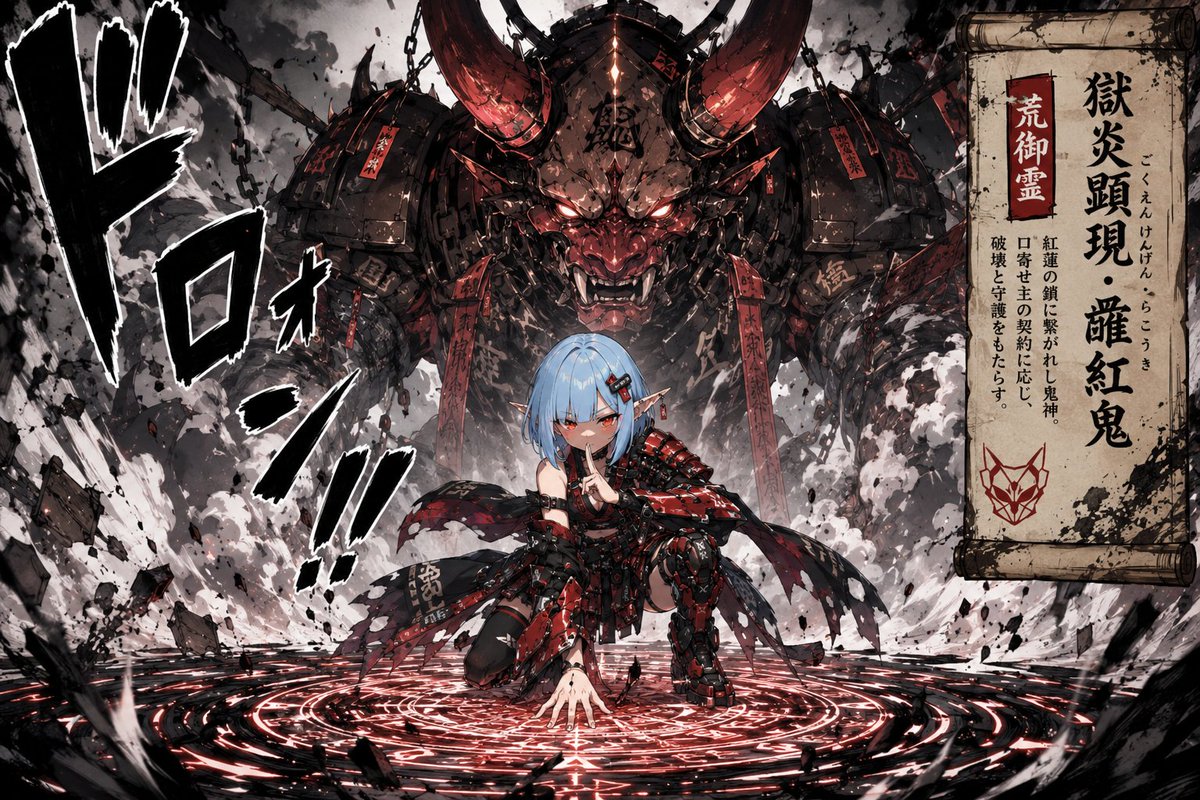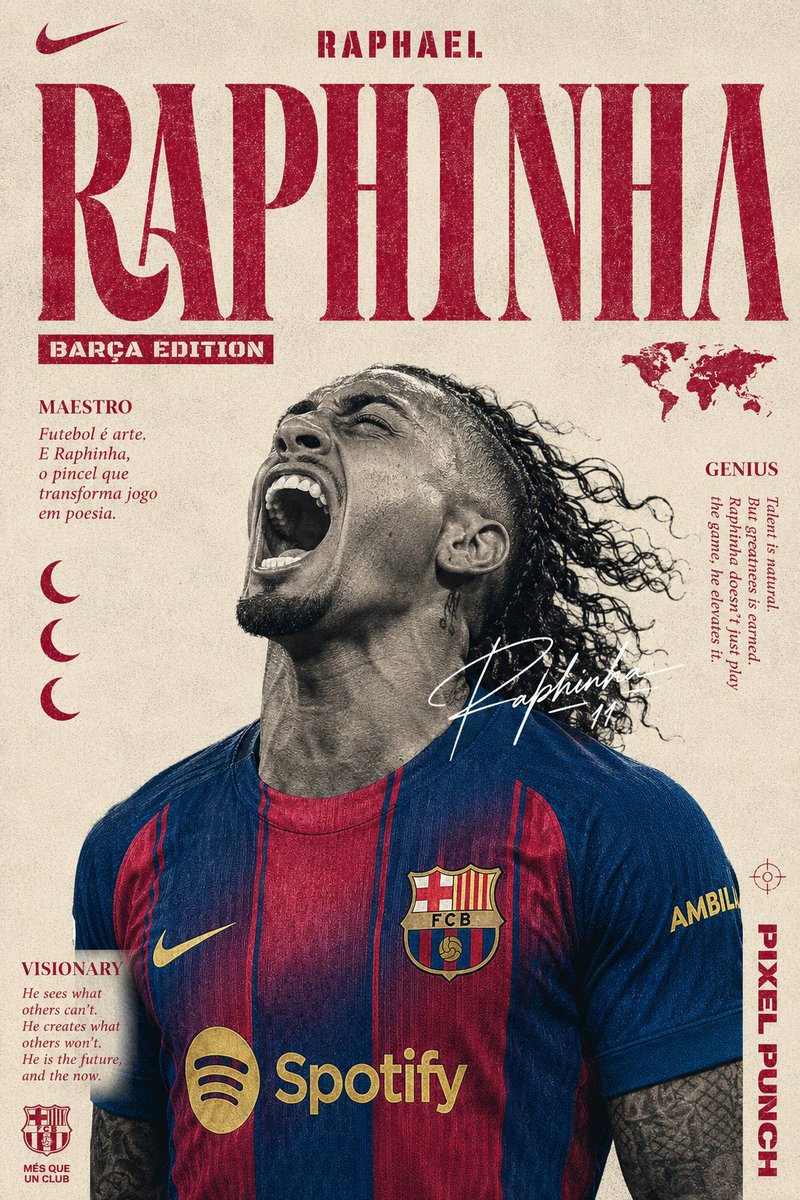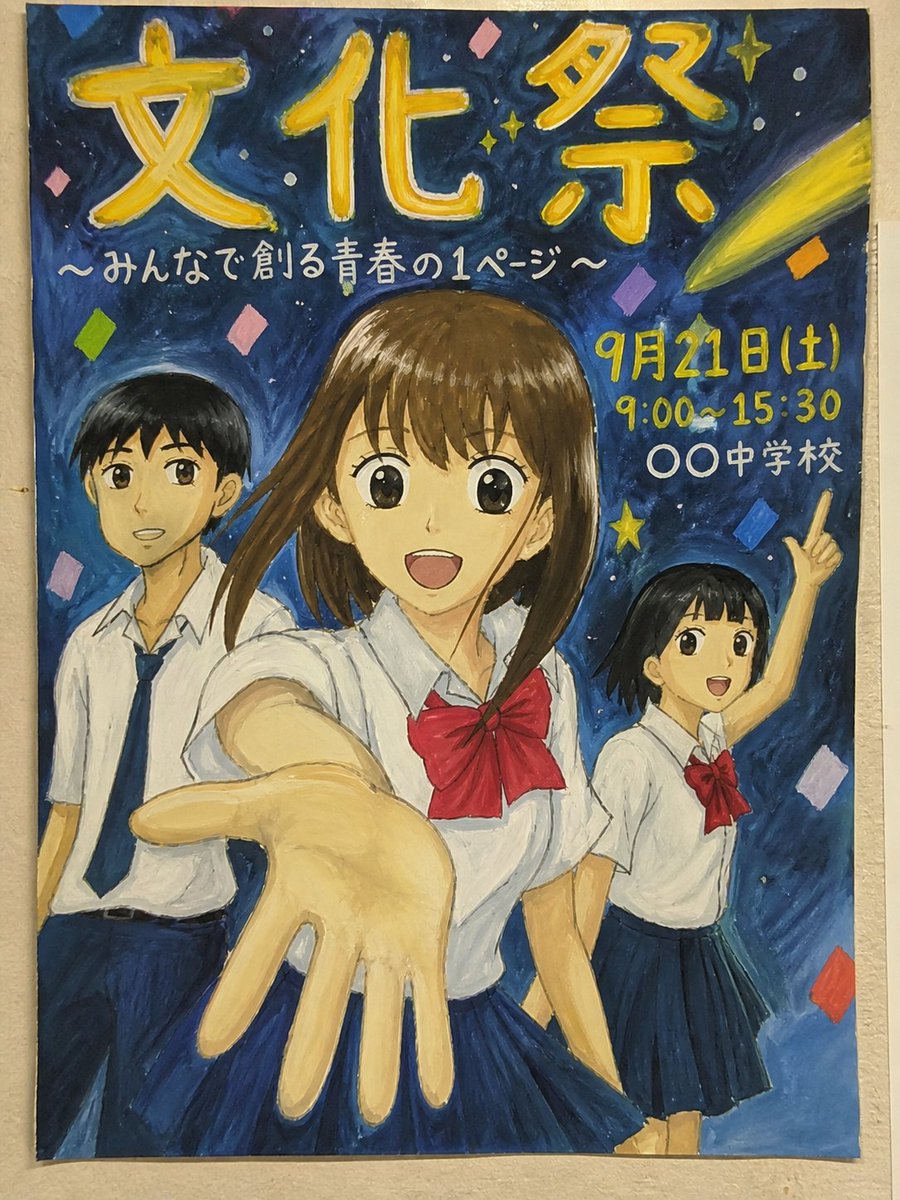

Image prompt Posters & Typography Customizable Add your photo
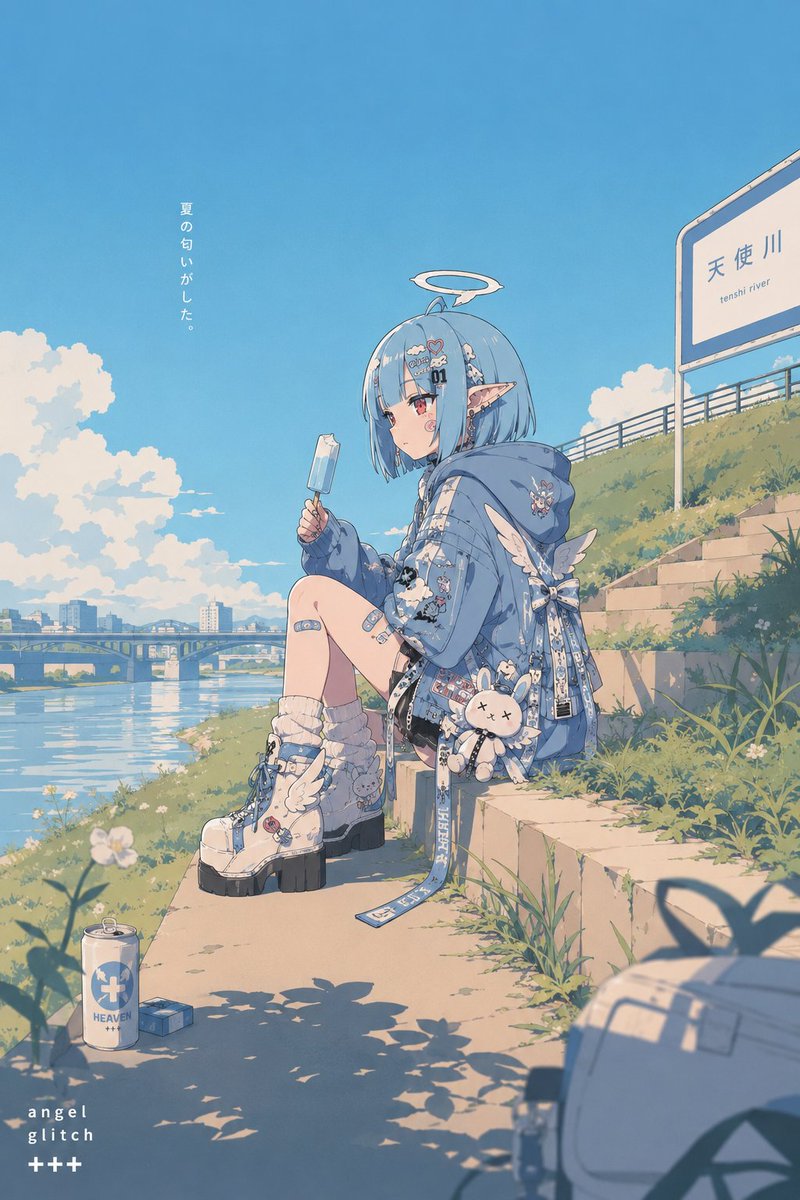
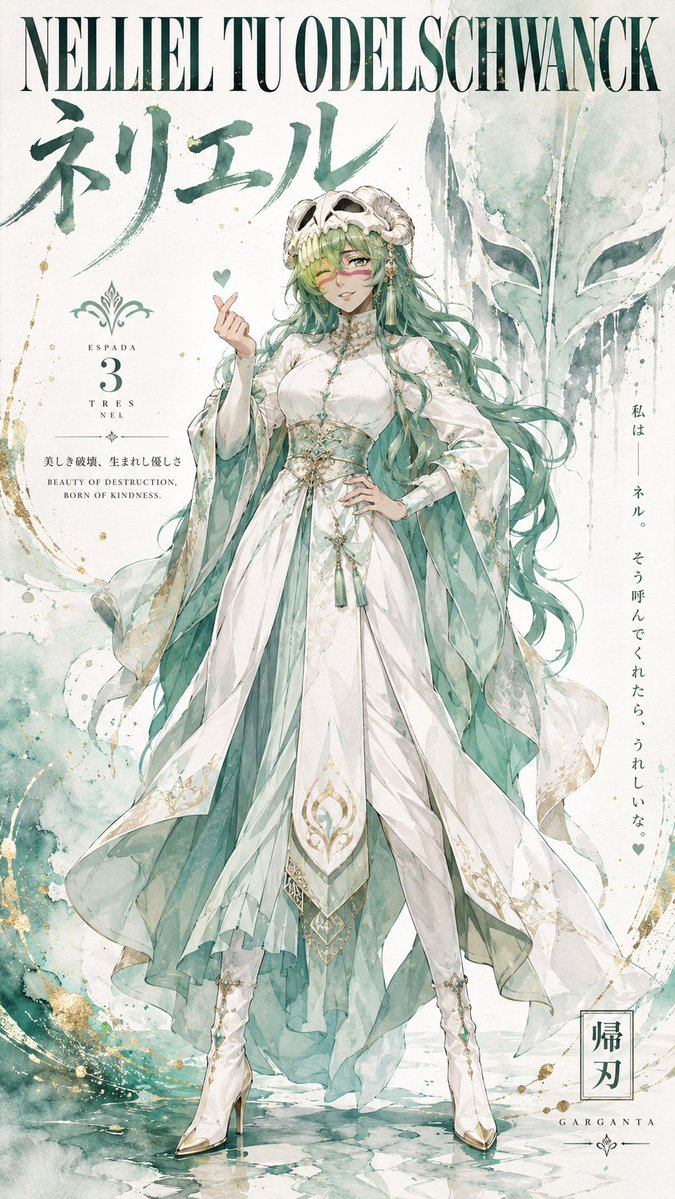
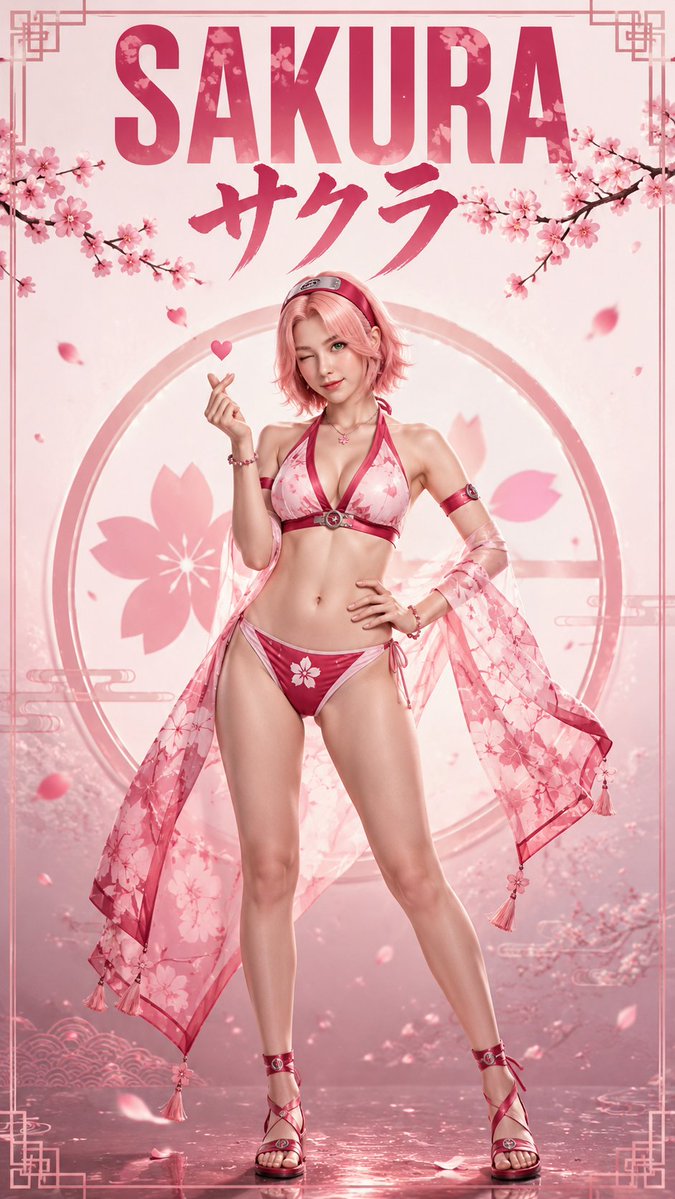
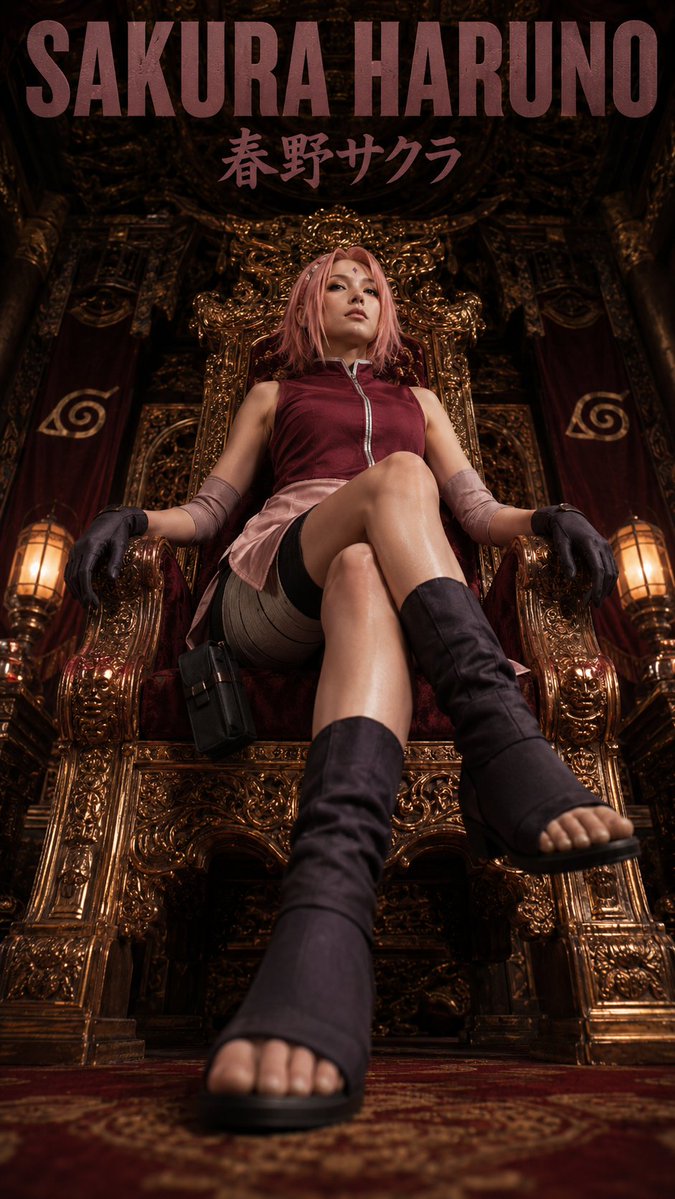
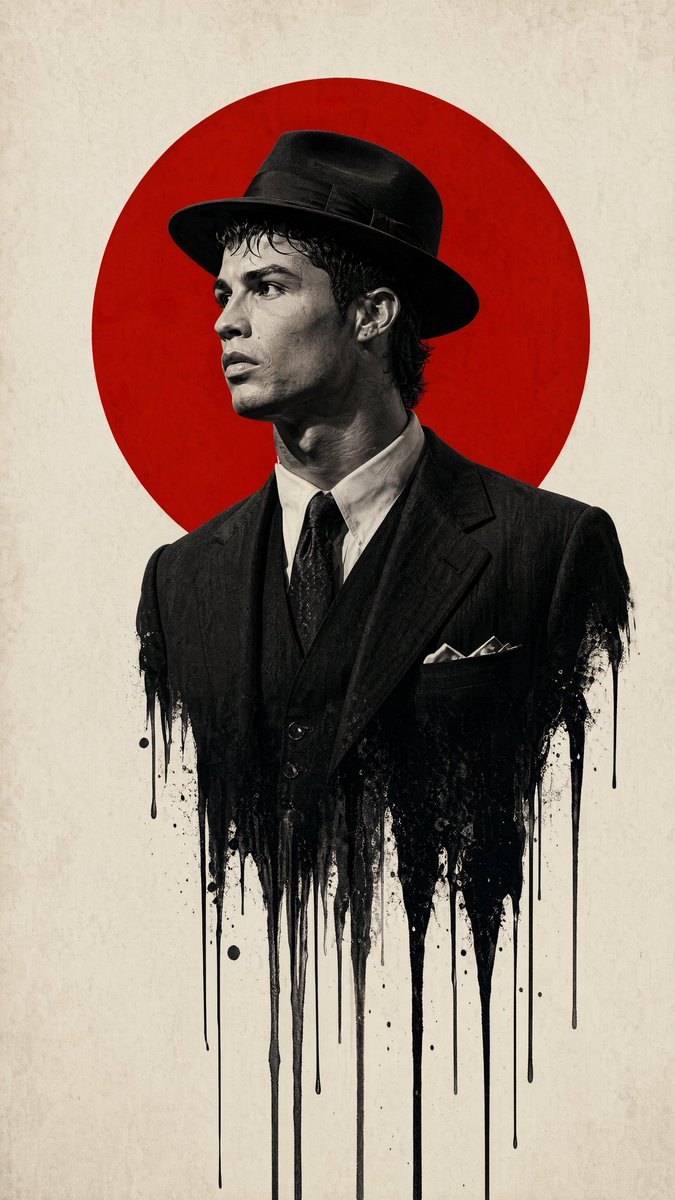
Retro Pop Character Poster in Flat Anime Style
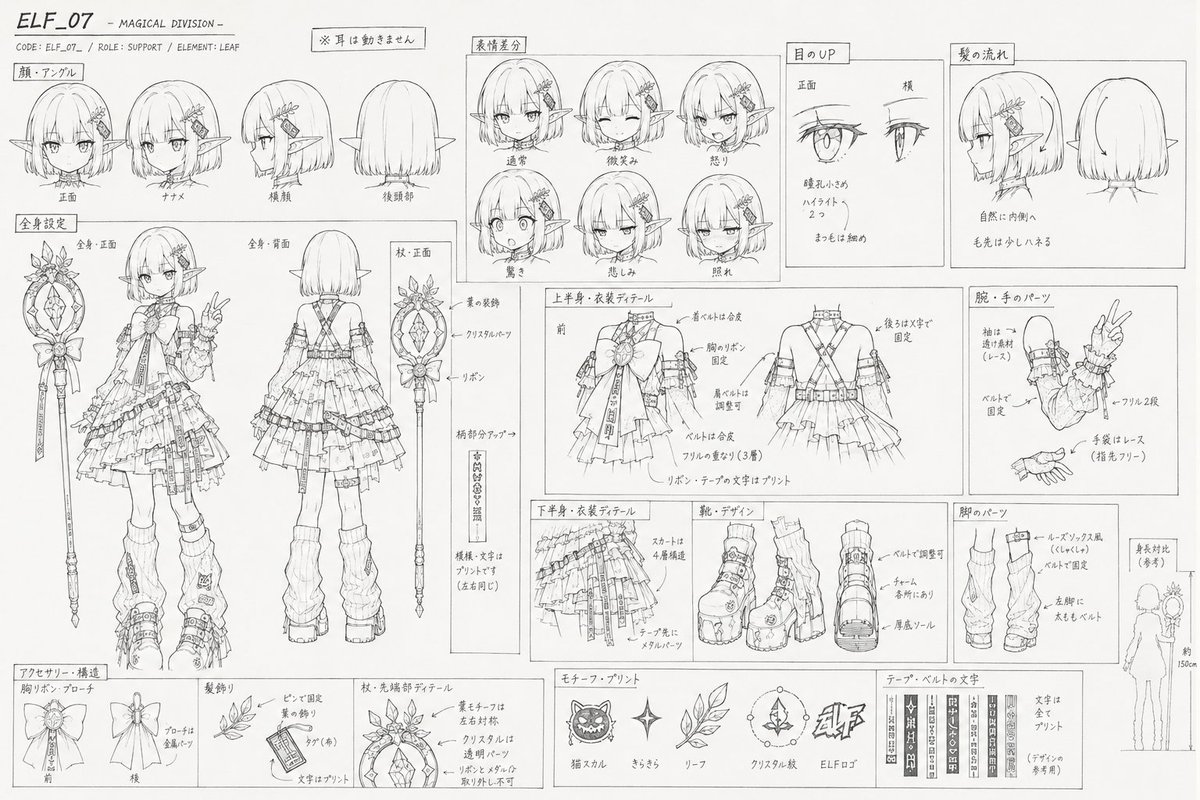
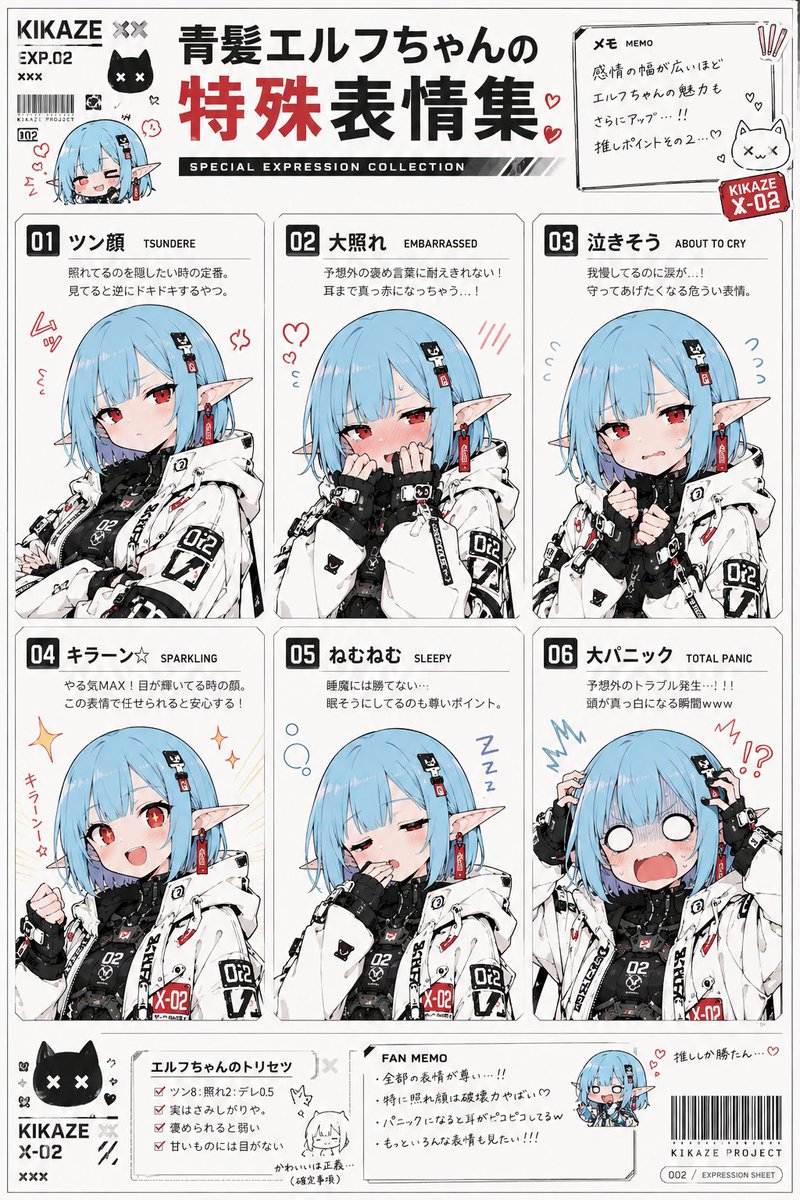
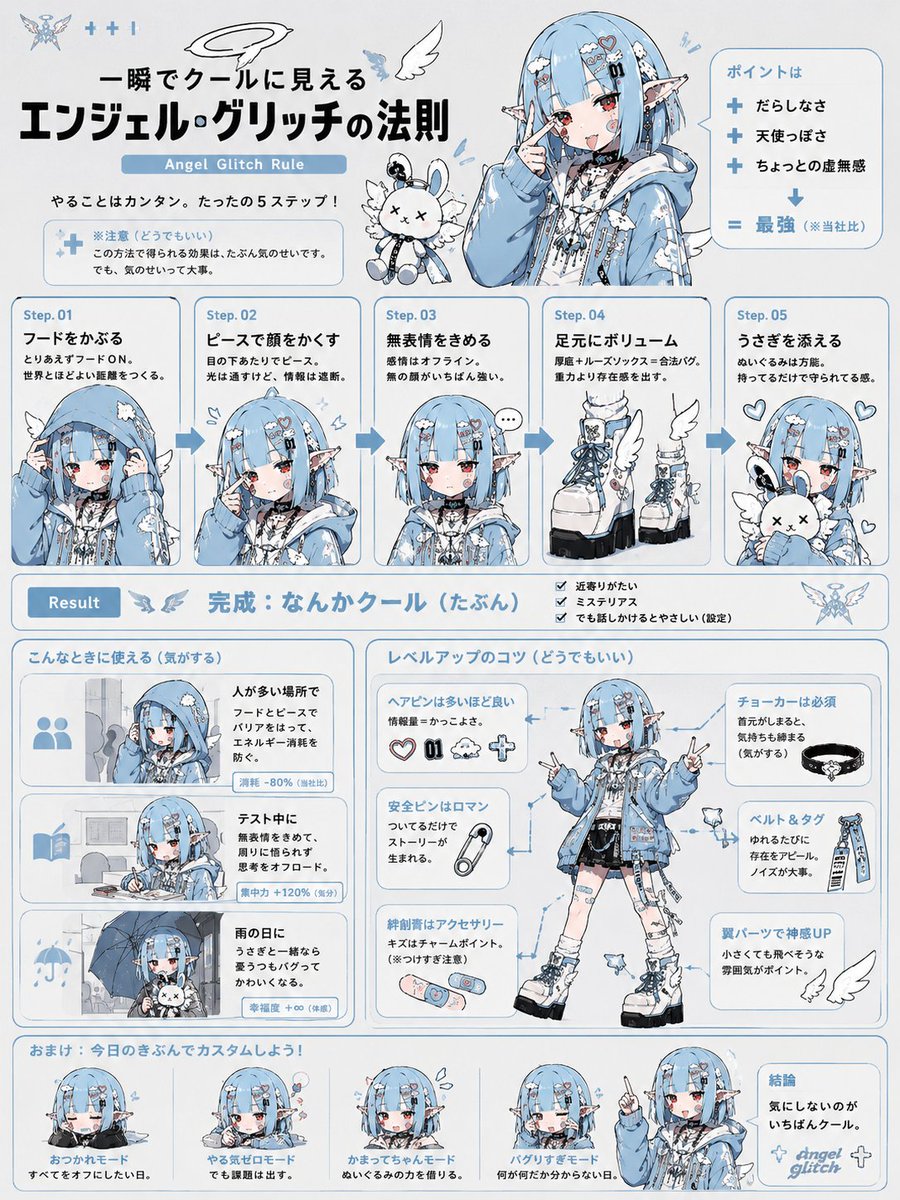
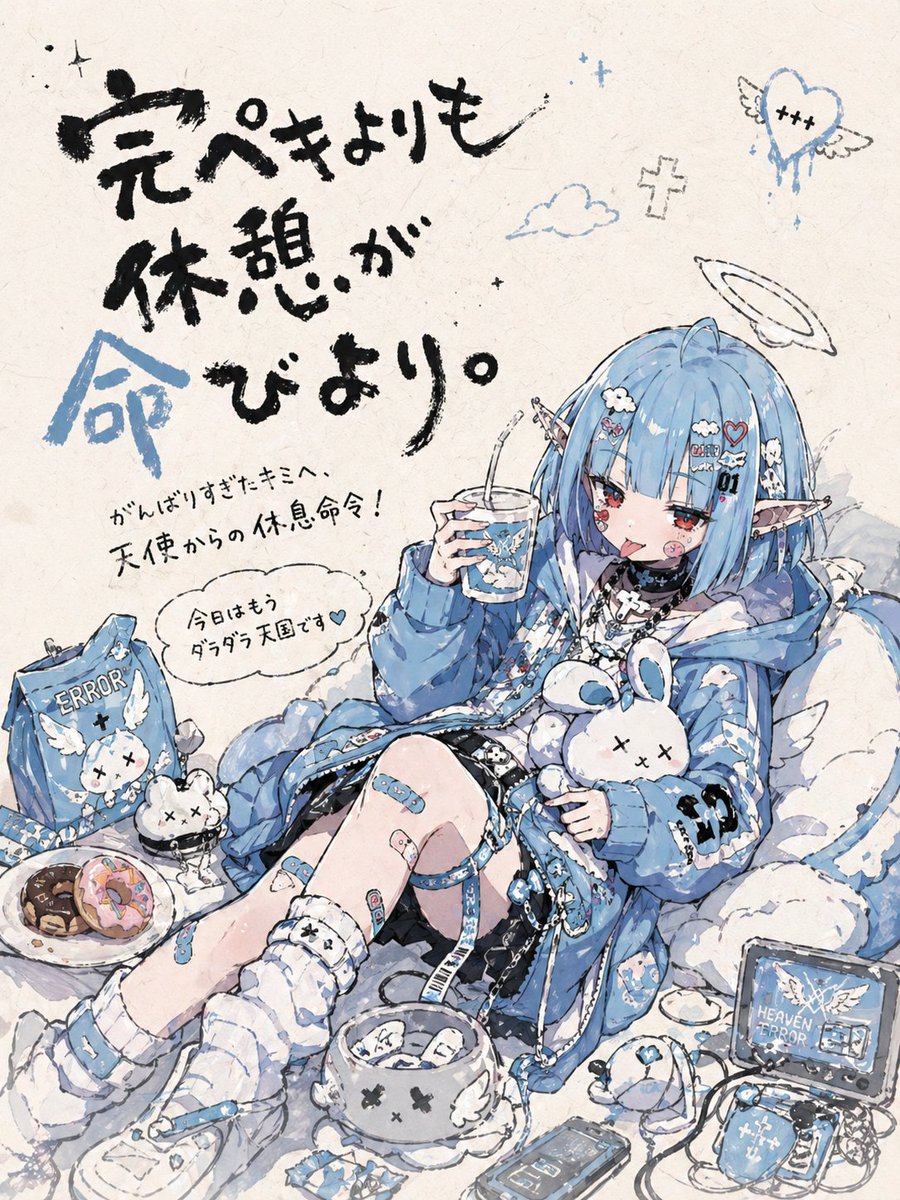
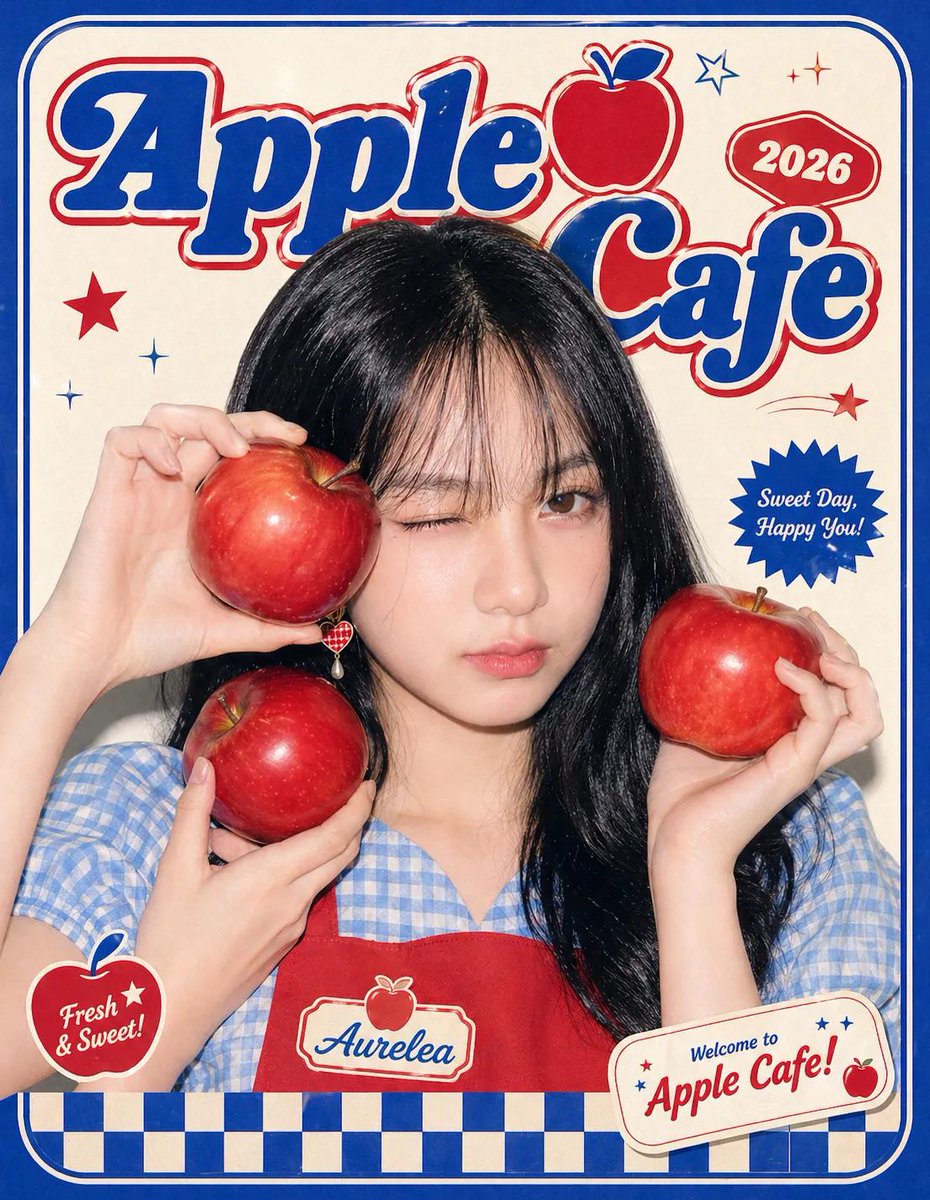
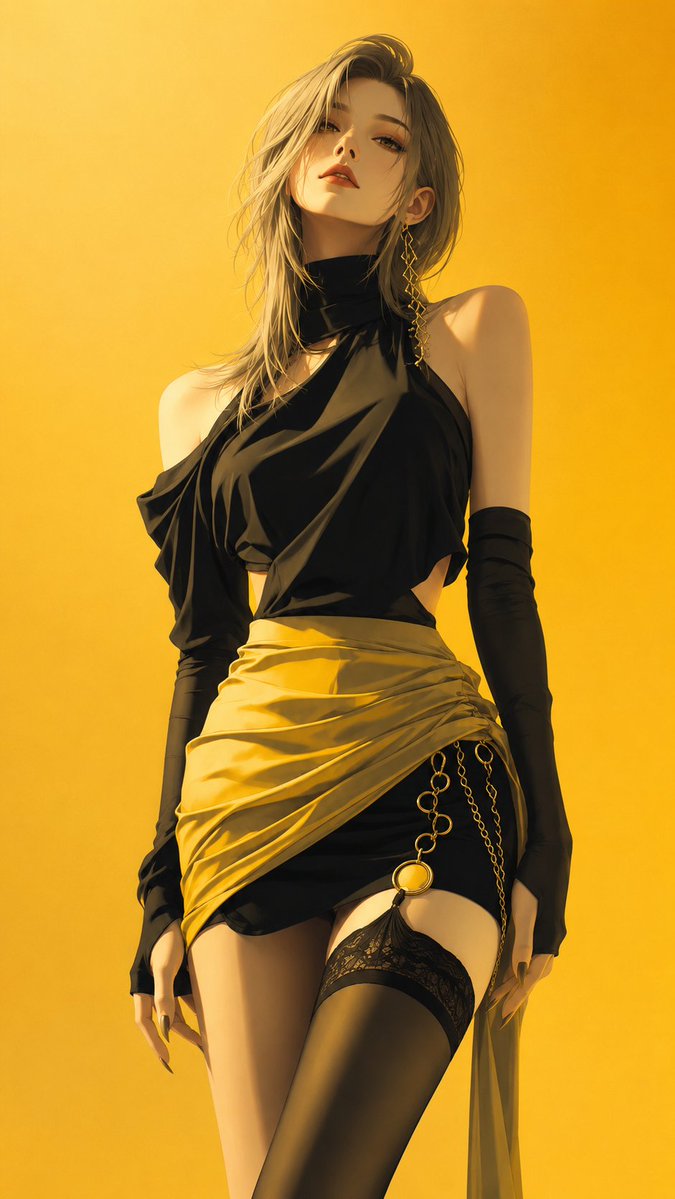
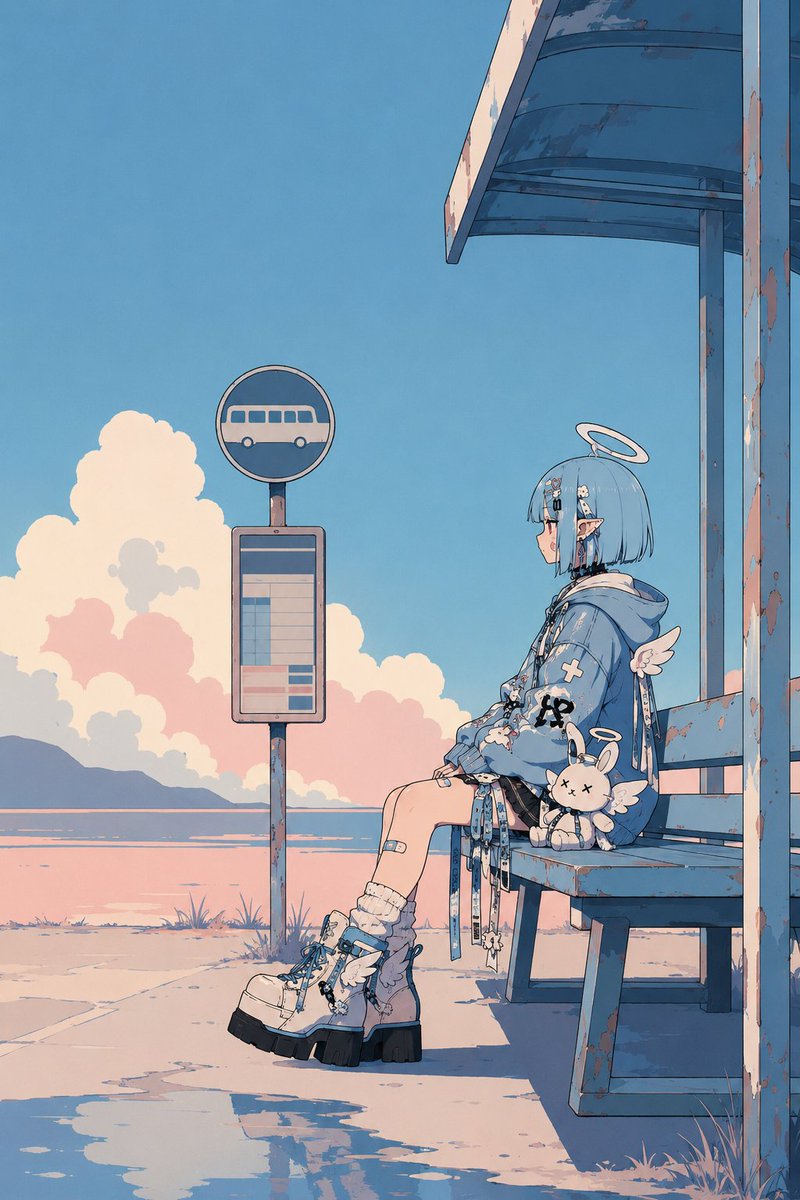
A character from a reference photo is set against open, airy space in flat anime coloring with slightly heavy outlines. The retro mood comes from the palette and quiet composition rather than old symbols, giving a tidy, stylish poster feel.

- Model
- GPT Image 2
- Type
- 2 images
- Aspect ratio
- 2:3
- Shared
- 18 May 2026
- Likes on X
- 233
Image prompt
705 charactersUsing this character, create a retro × pop key visual. Use the reference image only as a character reference; do not reuse the composition, pose, background, or framing of the original image. Flat-leaning anime coloring. Slightly thick outlines. Don't pack in too much information; compose the frame with whitespace in mind. [insert composition, situation, etc. here] Express the retro feel naturally through color palette, atmosphere, composition, and design sense — not through old symbols or text effects. Avoid excessive detailing, hyper-dense AI illustration, particle effects, information-overloaded backgrounds, and harsh glaring lighting. Make the image tidy like a poster — quiet and stylish.
How to use it
This prompt needs an uploaded reference image of a character, which the model uses only for the look of the figure, not its pose or background. It was shared as a GPT Image 2 prompt. Keep the instructions about flat anime coloring, thin-to-medium outlines, and whitespace, since they set the restraint that makes the poster work. Swap in your own composition, pose, or situation where the bracketed placeholder sits, and the palette and open layout will still hold.
Featured inAnime character AI prompts
Shared publicly on X on 18 May 2026. All credit for this prompt and its result goes to its creator. Is this yours? Ask for an update or removal.