Image prompt Scenes & Spaces
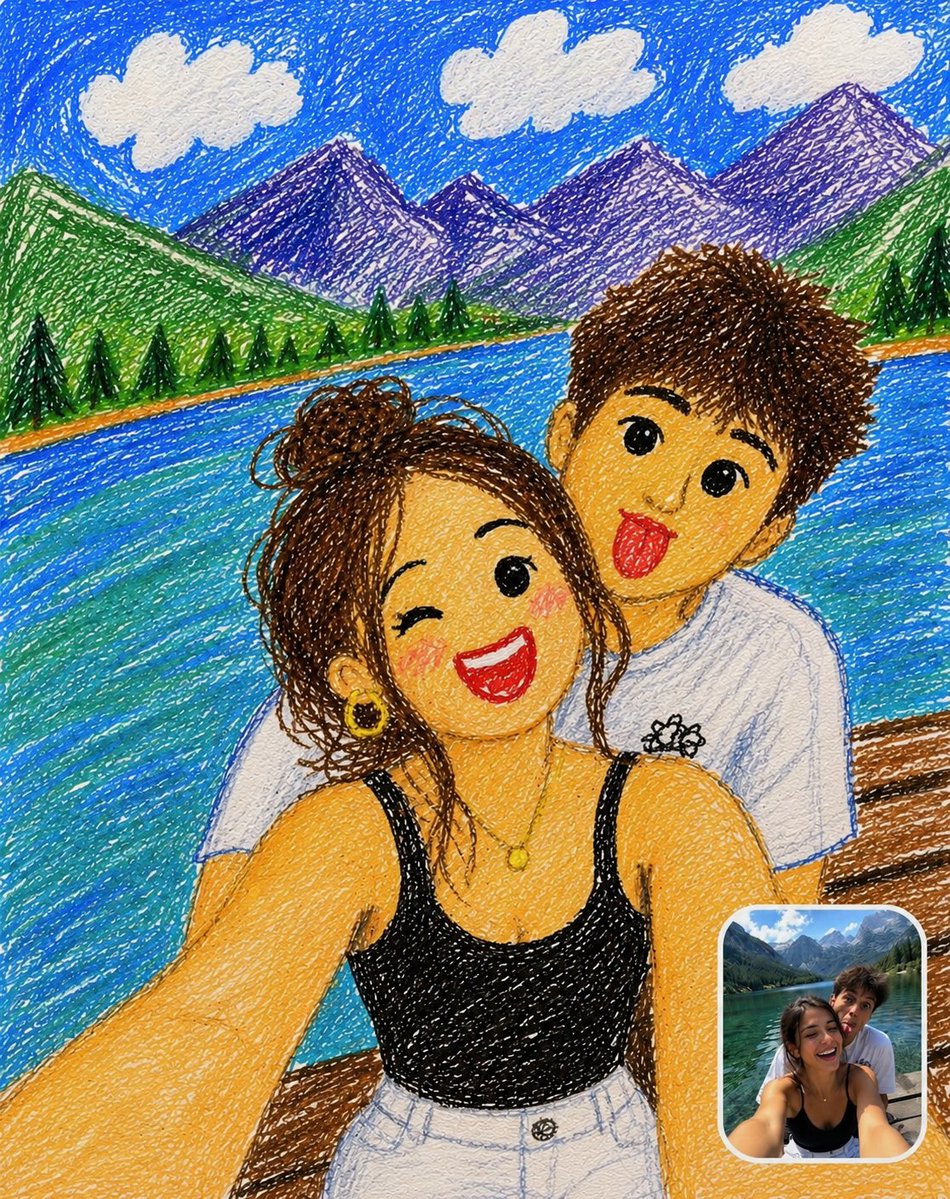
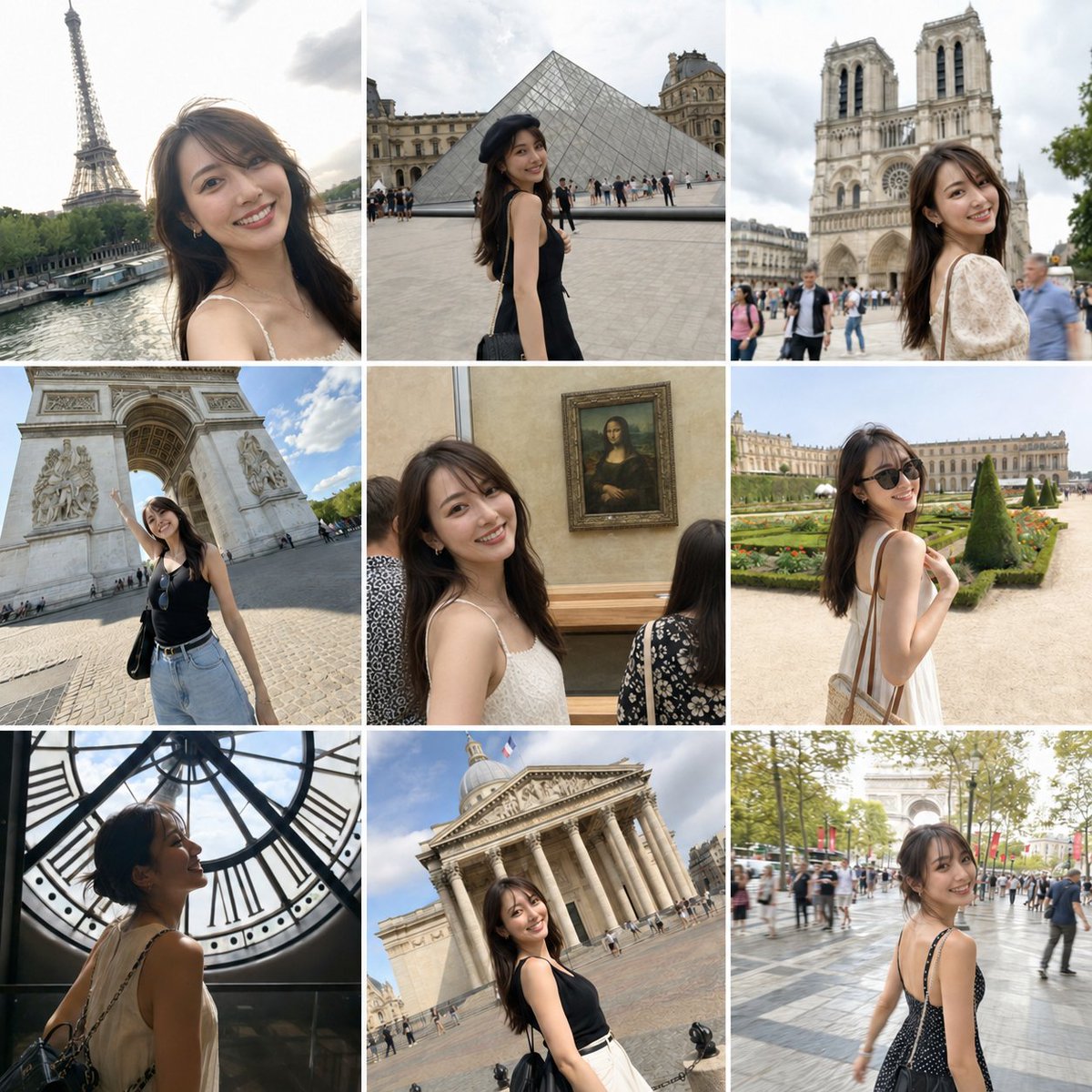
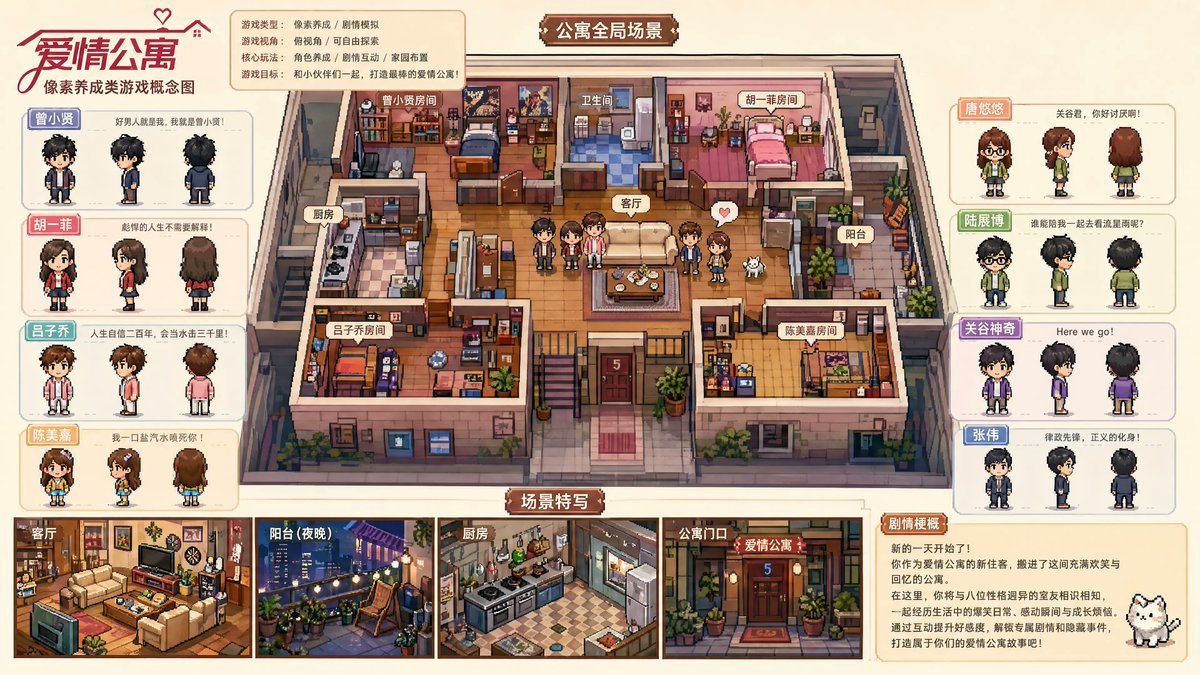
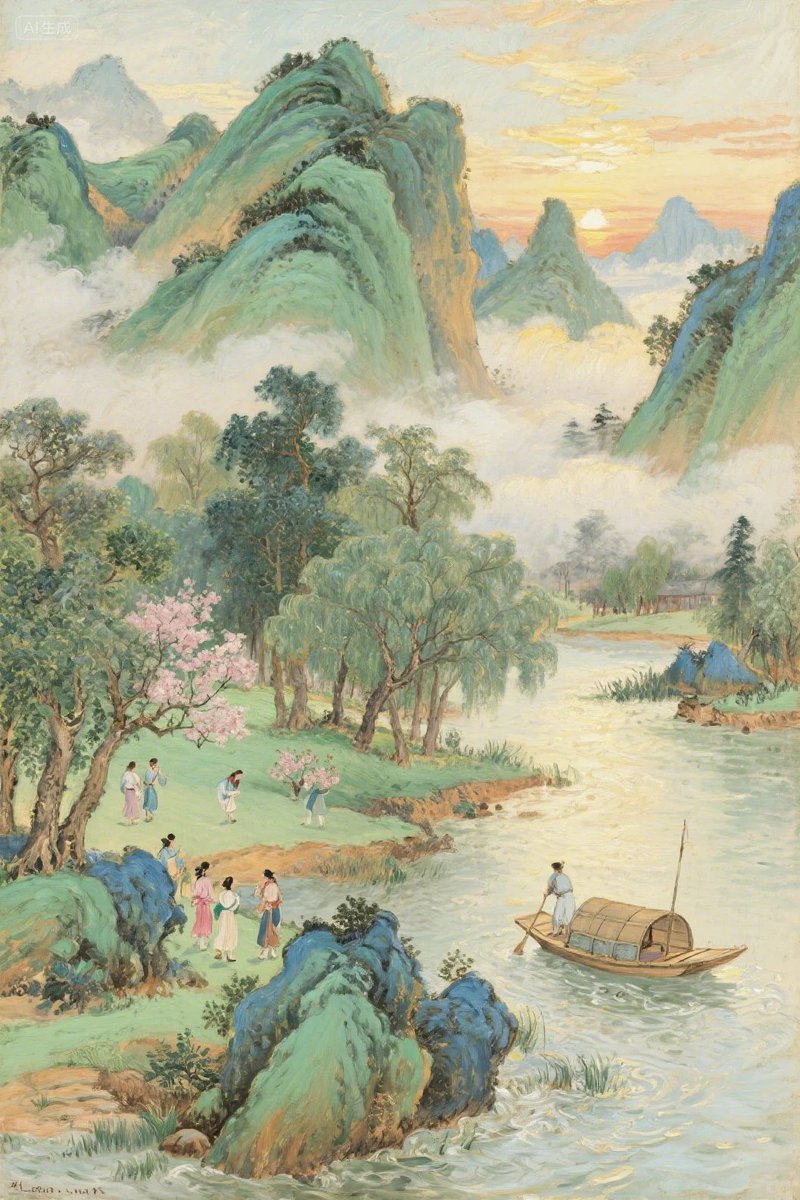
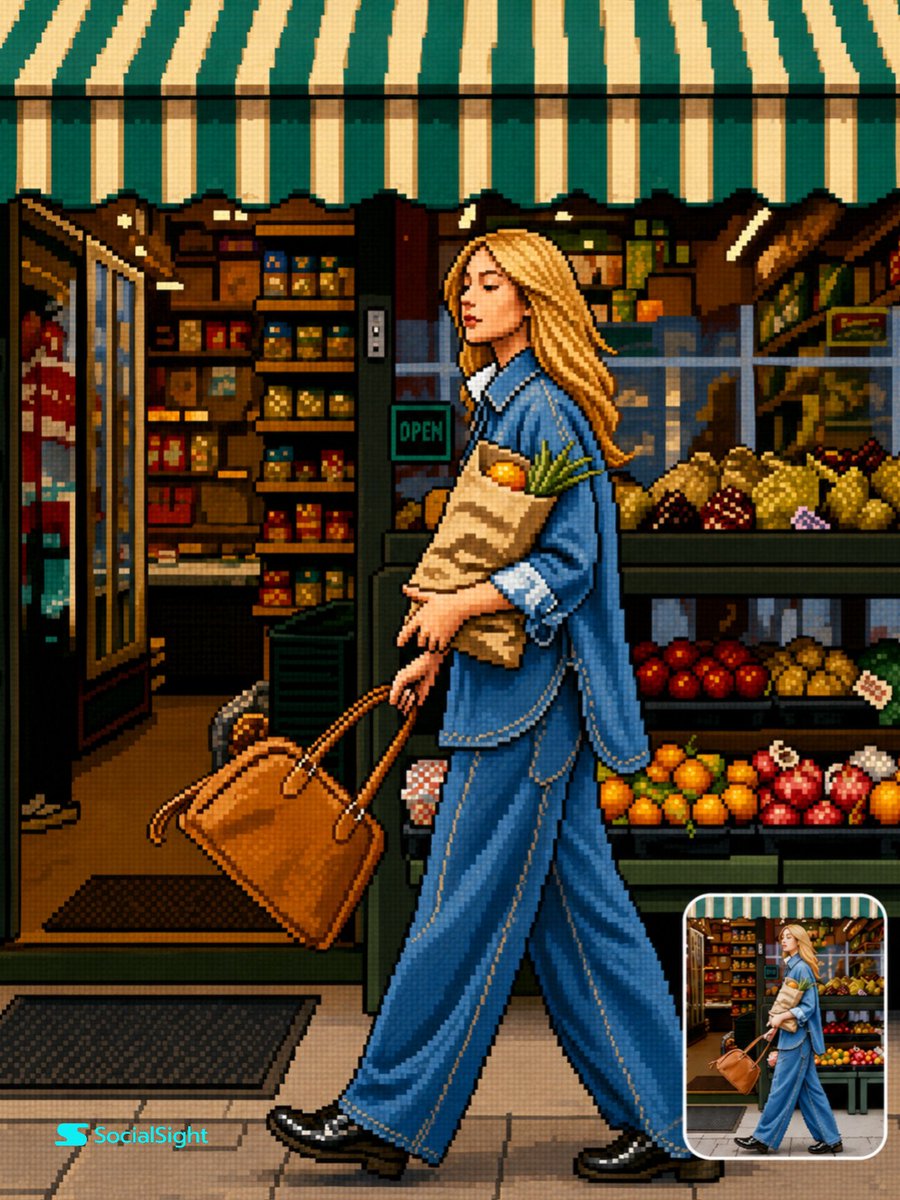
Retro 16-Bit Pixel Art Conversion From Photo
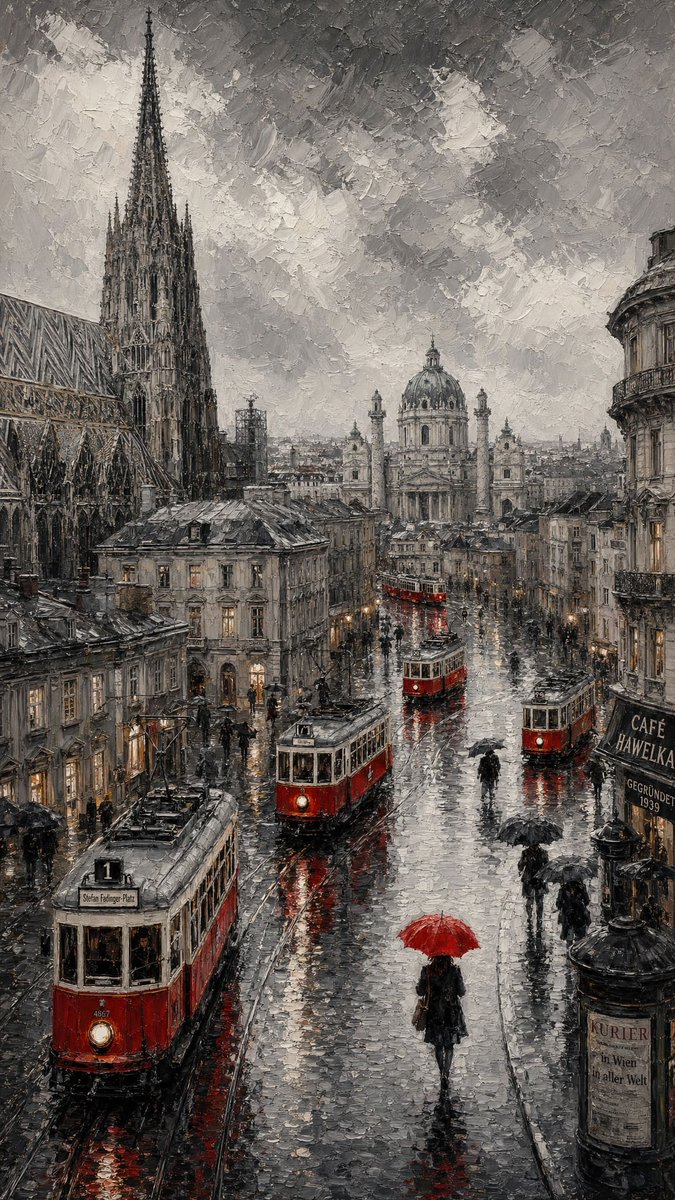
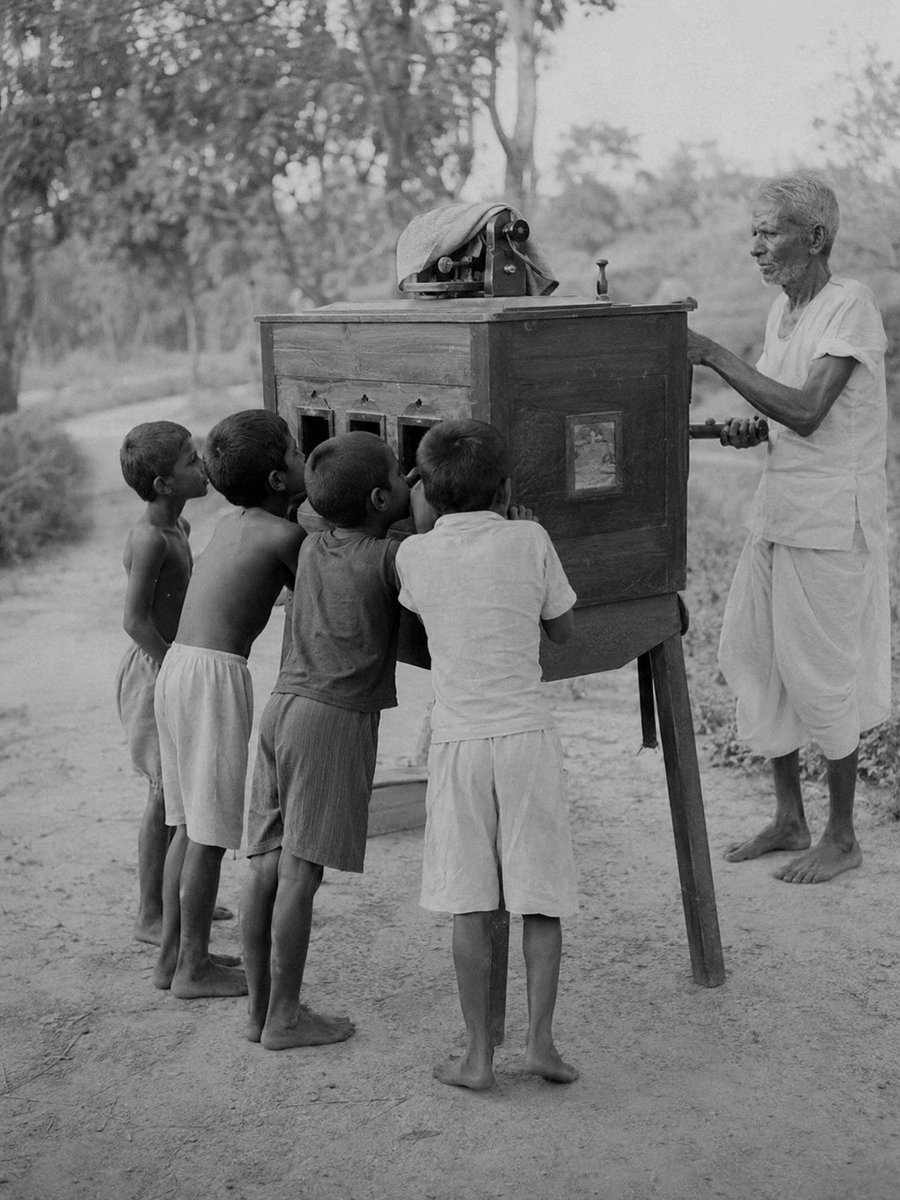
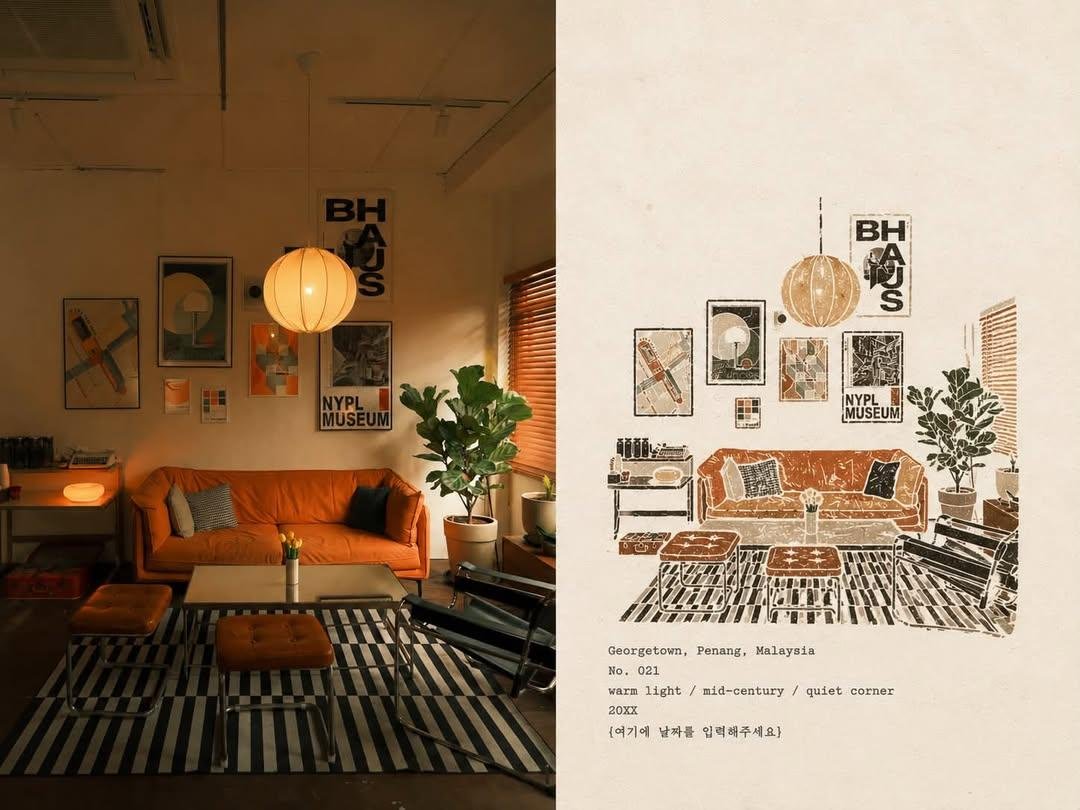
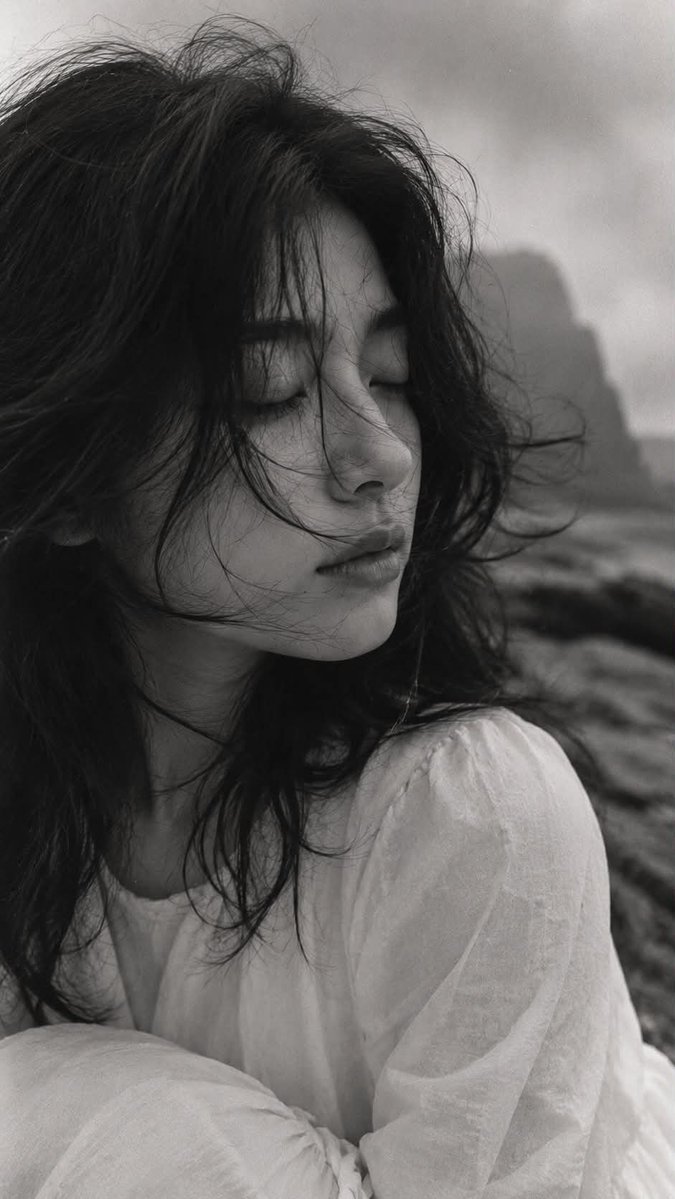
Turns an uploaded photo into a crisp SNES-style pixel scene with flat colour fields and hard edges. The framing, pose and layout stay where they were, so the result reads like a screenshot from a classic console game.

- Model
- GPT Image 2
- Type
- Image
- Aspect ratio
- 3:4
- Shared
- 9 Jun 2026
- Likes on X
- 109
Image prompt
2,419 charactersTransform the uploaded image into clean high-quality retro pixel art while preserving the original composition, subject placement, camera angle, proportions, pose, clothing, and overall scene structure. FORMAT LOCK — NON-NEGOTIABLE Preserve the original image aspect ratio. Preserve the original composition and framing. Do not crop, zoom, reposition, or redesign the scene. Maintain the original visual hierarchy and subject placement. SUBJECT PRESERVATION Preserve the main subject, recognizable silhouette, facial direction, clothing structure, pose, body proportions, and key visual features. Reduce unnecessary detail while keeping the subject immediately recognizable. Do not alter the person, anatomy, outfit, or scene structure. PIXEL ART STYLE Convert the entire image into premium 16-bit retro pixel art. Use a strict low-resolution pixel grid across the entire image. Downsample the image into large visible pixels before rendering. Maintain consistent pixel size throughout the artwork. Create clean pixel-perfect geometry. Use crisp hard edges. Avoid semi-realistic rendering. COLOR SYSTEM Use a limited retro gaming color palette. Strong contrast between shapes. Clear color separation. Carefully selected colors with excellent readability. Avoid excessive color variation. SHADING Use simplified retro-game shading. Flat color regions. One to two shading tones per surface. Minimal highlight usage. No realistic gradients. No soft lighting transitions. ENVIRONMENT Convert all environmental elements into pixel-art equivalents. Background objects, props, architecture, vegetation, terrain, sky, and lighting should follow the same pixel-art language. Keep scene depth and perspective while simplifying details. VISUAL QUALITY Authentic retro game aesthetic. Clean sprite-art readability. Consistent pixel density. Balanced visual design. No blur. No anti-aliasing. No smooth transitions. No noise. No artifacts. No smudging. No compression issues. OUTPUT STYLE Premium retro pixel art. Classic 16-bit console game aesthetic. Pixel-perfect rendering. High readability. Clean silhouette design. Authentic game-screenshot appearance. Crisp retro visuals. Professional pixel-art craftsmanship. FINAL LOOK The final image should feel like a polished SNES-era retro game screenshot while remaining faithful to the original image composition and subject.
How to use it
This prompt needs an uploaded photo, since it converts an existing image rather than inventing one. It was shared as a GPT Image 2 prompt. Keep the format lock and the palette and shading rules as they are, because they are what give the result its console look, and change only the subject details if you want a different character. Use the finished piece as a game-style cover, a profile image or a nostalgic print.
Shared publicly on X on 9 Jun 2026. All credit for this prompt and its result goes to its creator. Is this yours? Ask for an update or removal.