Image prompt Illustration & Characters Customizable Add your photo
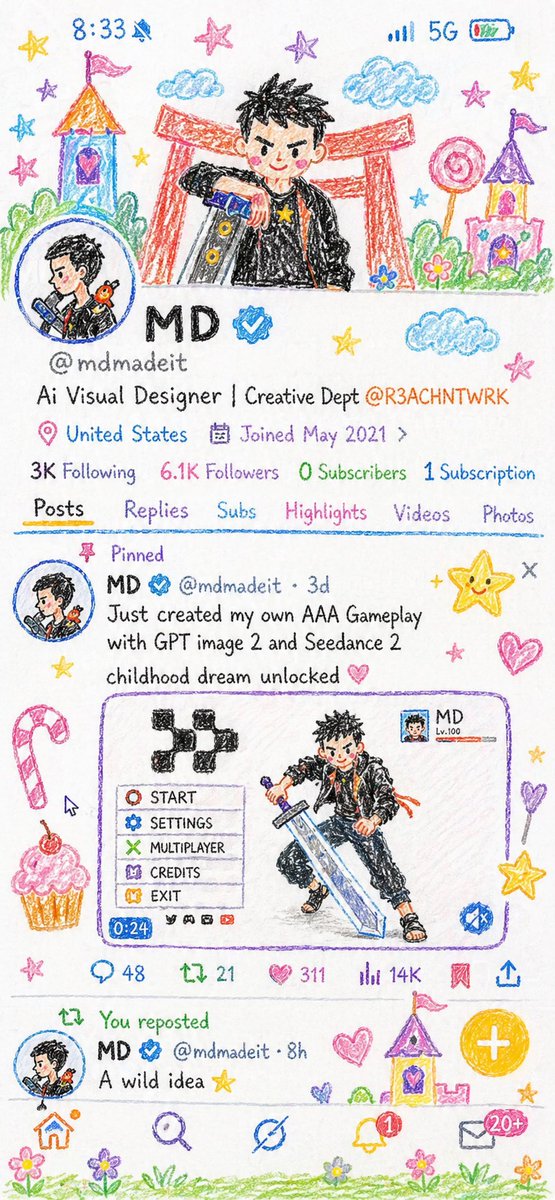
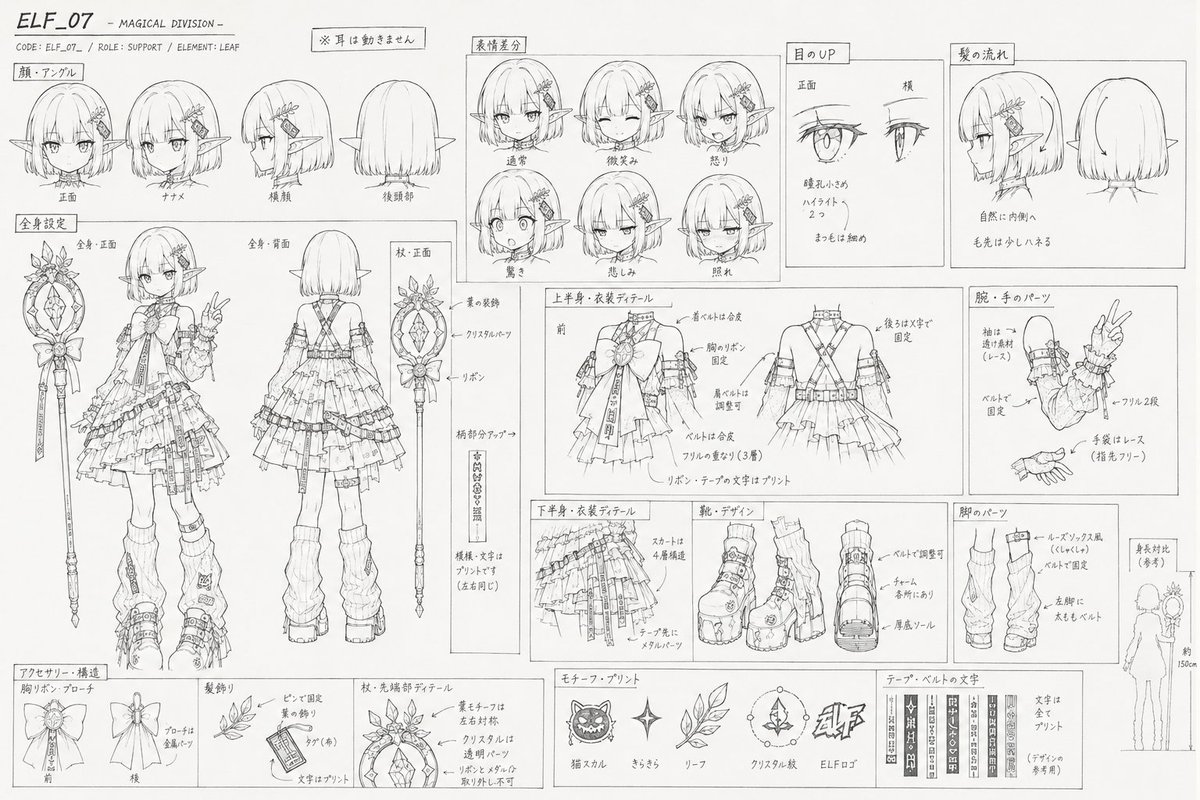
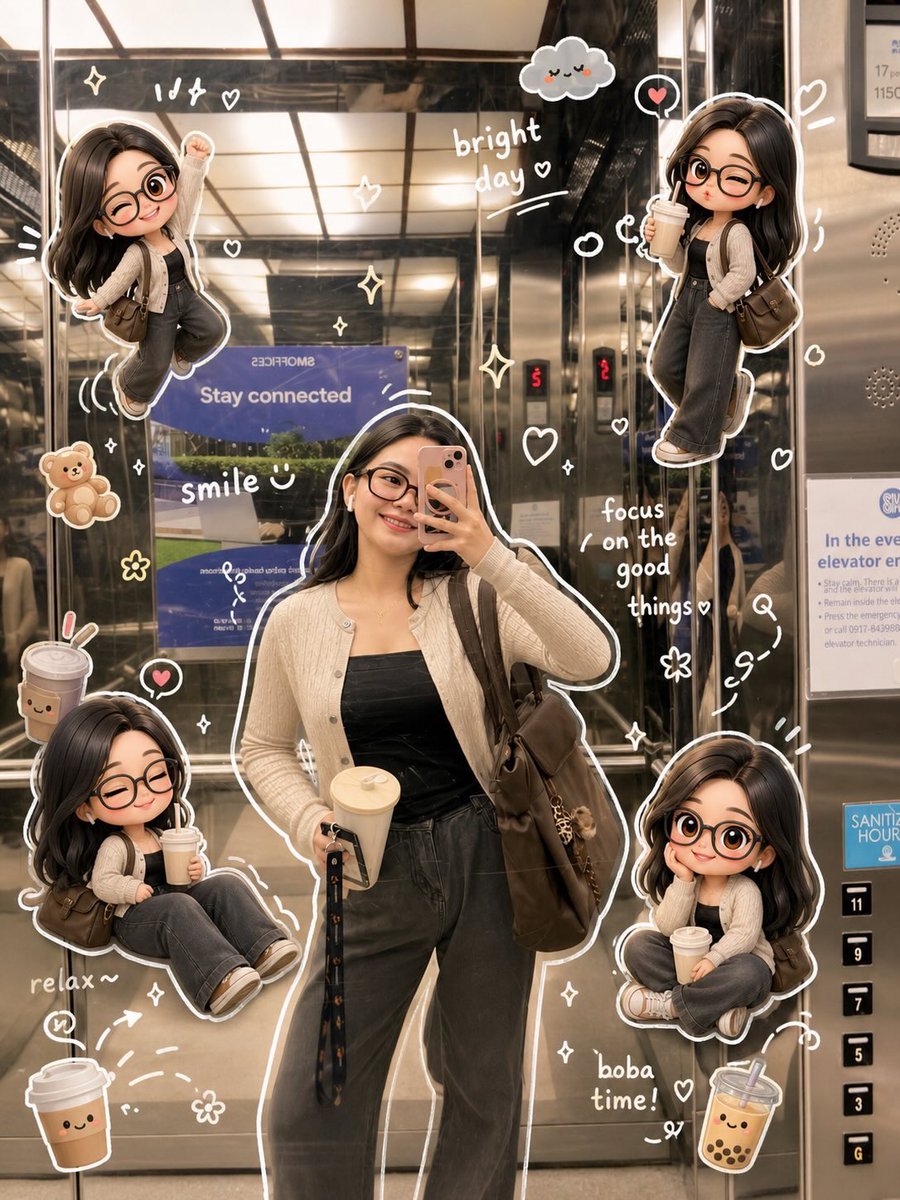
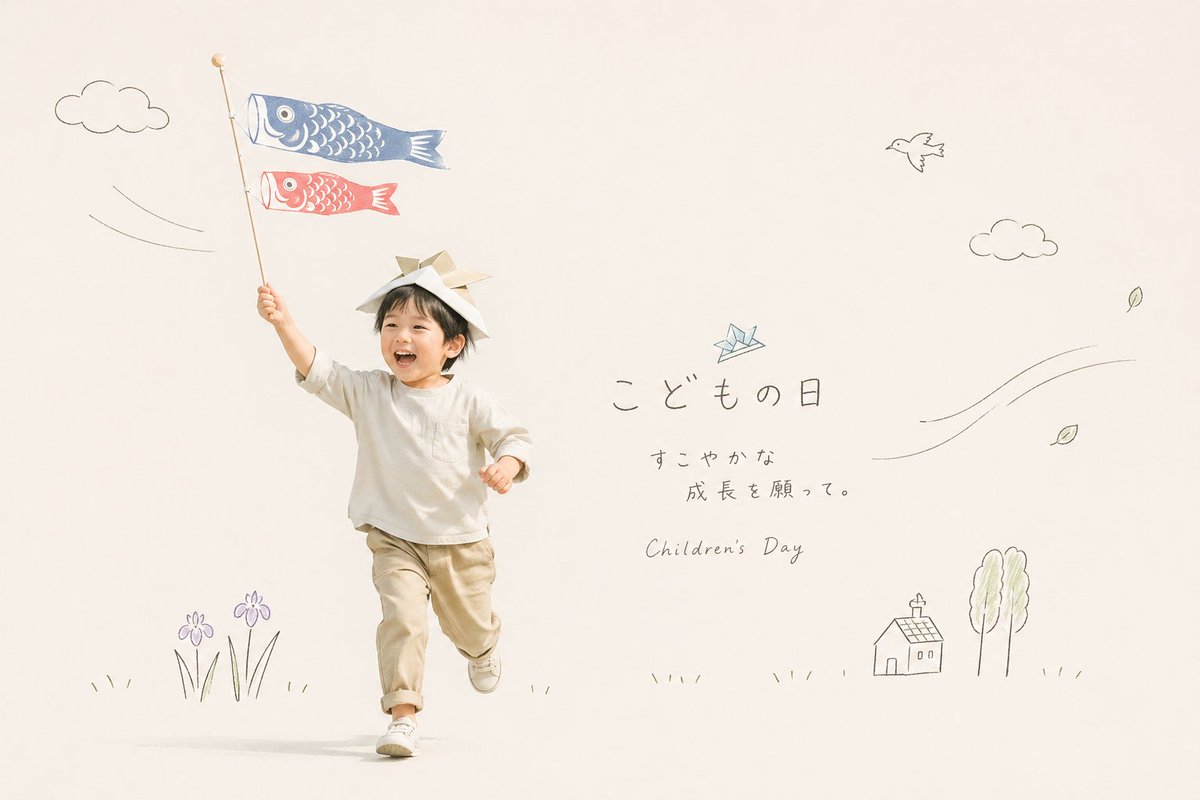
Crayon Childlike Drawing From a Photo
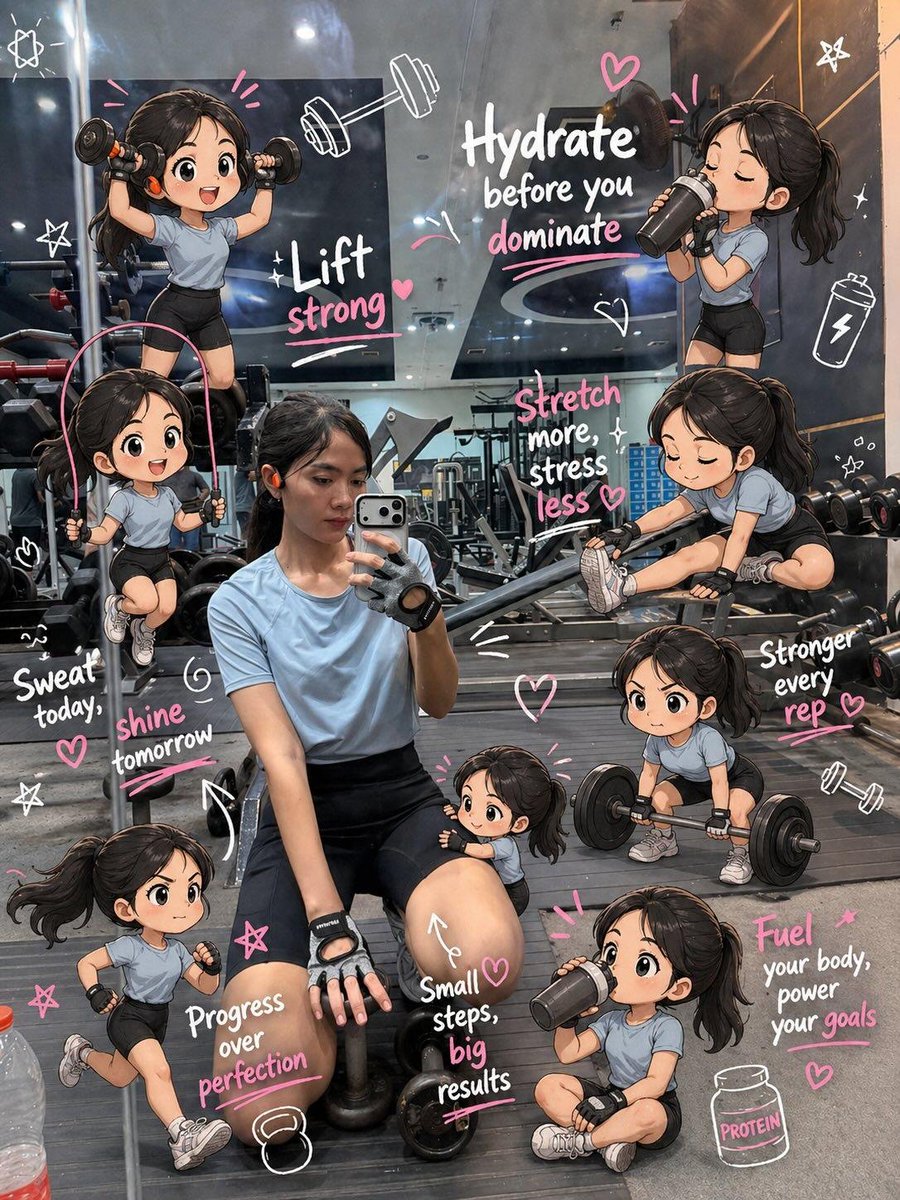
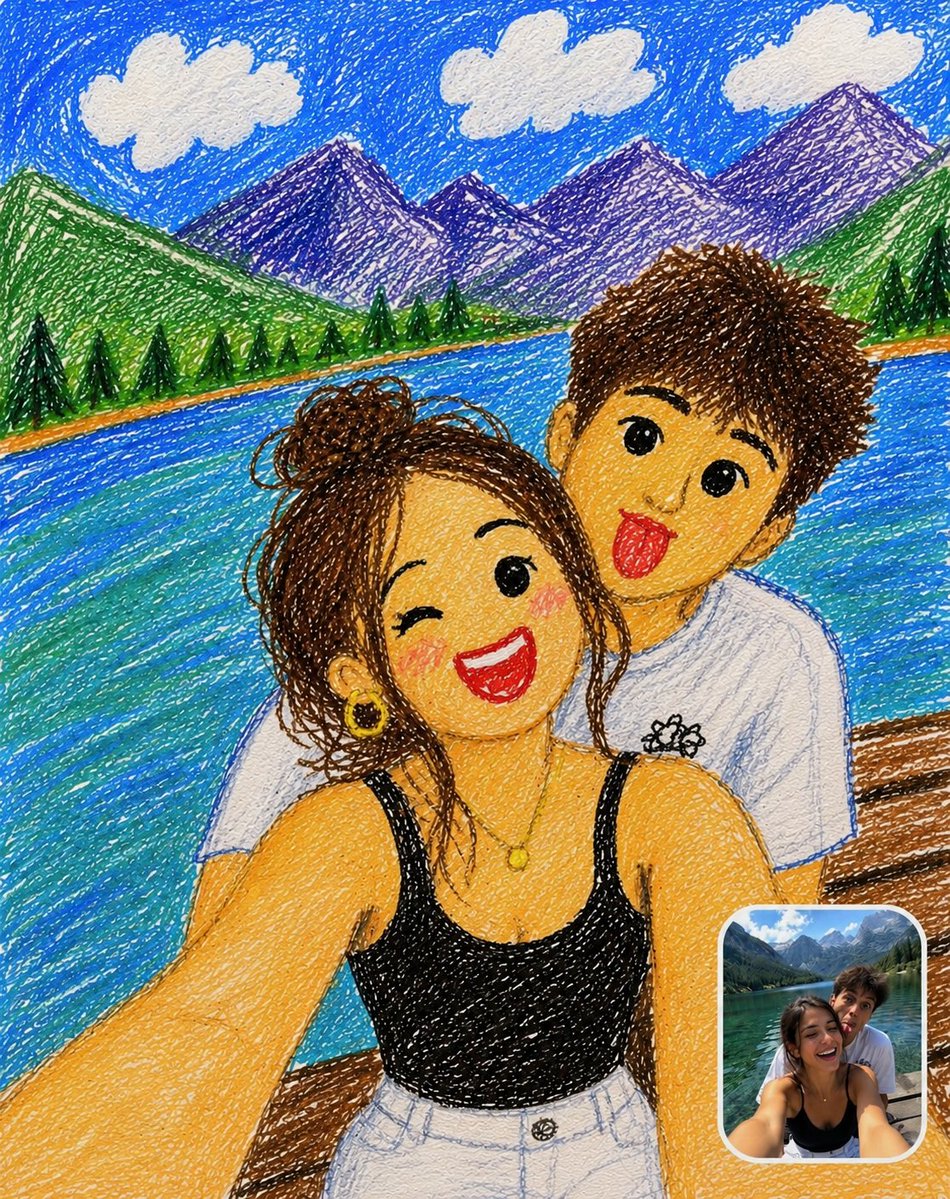
Your photo becomes a cheerful crayon sketch with wobbly outlines, scribbled colour and chunky cartoon faces with big eyes and rosy cheeks. A small framed copy of the original sits in the corner, so you can compare the two at a glance.

- Model
- GPT Image 2
- Type
- Image
- Aspect ratio
- 4:5
- Shared
- 8 Jun 2026
- Likes on X
- 266
Image prompt
658 charactersTransform the uploaded photo into a cute childlike crayon drawing while keeping the original pose, composition, clothing, expressions, and background. Use colorful wax-crayon and colored-pencil textures, messy scribbles, shaky outlines, and uneven coloring on textured paper. Simplify the faces into adorable cartoon-style characters with big eyes and rosy cheeks. Keep the mountains, lake, trees, clouds, and sky in a playful hand-drawn style. Add a small rounded-corner reference photo inset in the bottom-right corner showing the original image, with a white border and subtle shadow. Vibrant colors, charming, funny, handmade, high-detail crayon artwork.
How to use it
This prompt needs an uploaded photo, since it asks the model to keep your original pose, clothing and background. It was shared as a GPT Image 2 prompt. Keep the crayon texture, uneven colouring and the inset instruction, as those carry the handmade look; swap the scenery to suit your shot, such as a beach or a city street. Print the result on textured paper for a fun family keepsake or a playful profile image.
Featured inDoodle and crayon style promptsProfile picture and avatar promptsBirthday and kids AI prompts
Shared publicly on X on 8 Jun 2026. All credit for this prompt and its result goes to its creator. Is this yours? Ask for an update or removal.