Image prompt Food & Drink Customizable
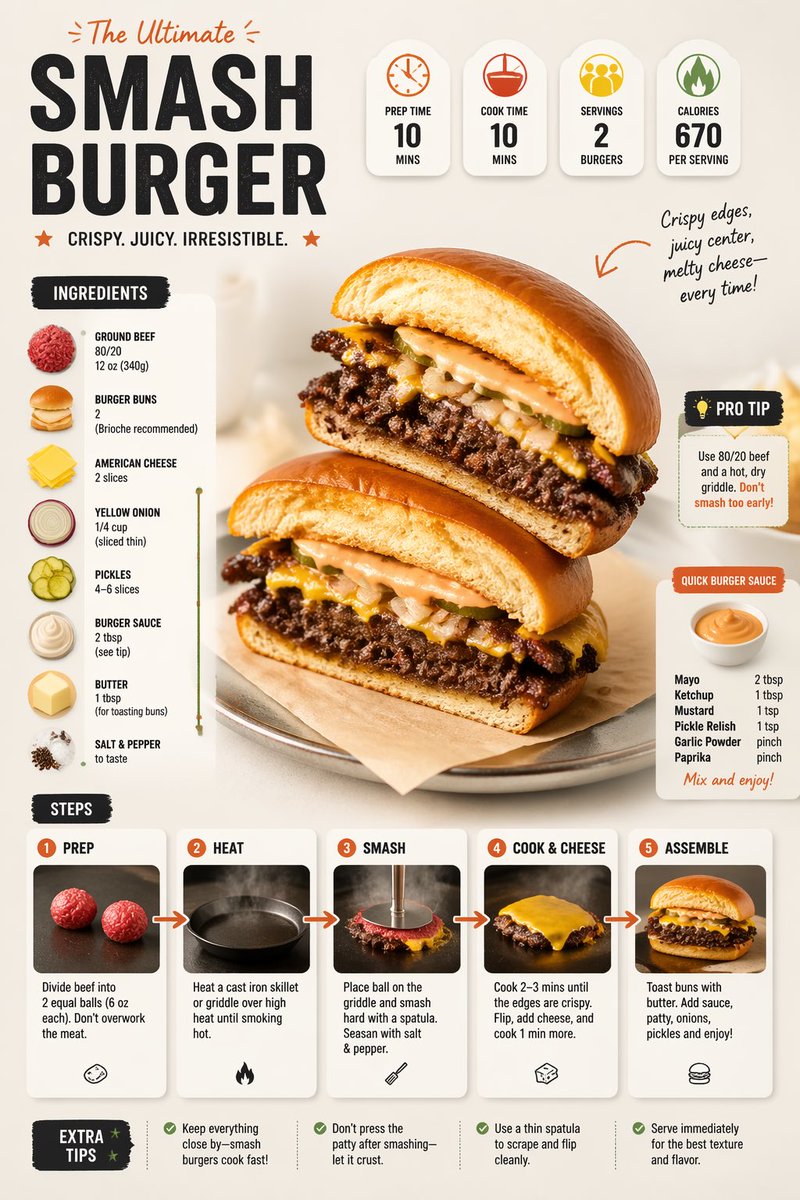
Plated Food Calorie Infographic Flat Lay
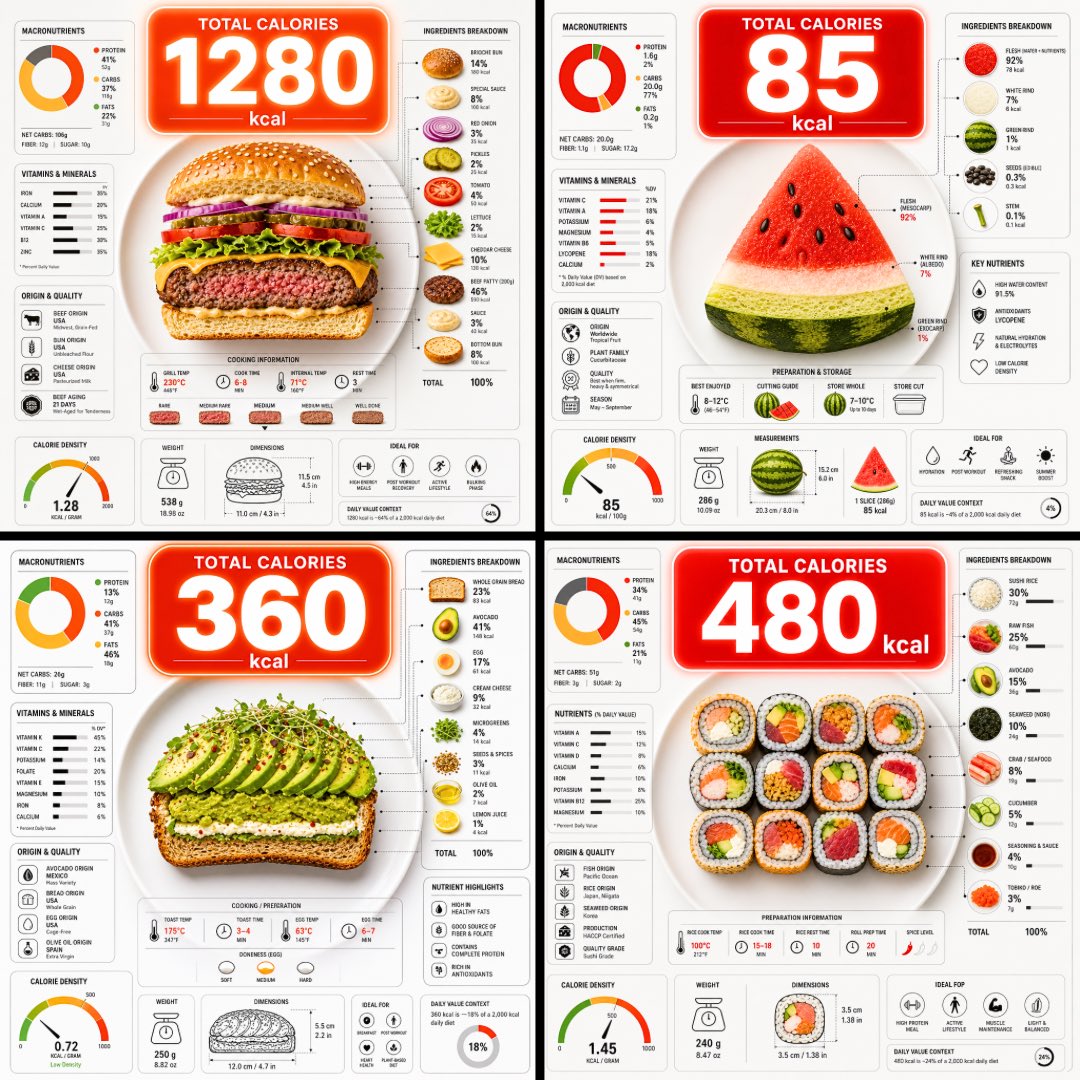
A top-down flat lay of a plate cut open to show its layers, with a large calorie bubble floating above and dense nutrition charts around it. The food reads clearly at a glance, and the numbers hold up as a quick way to compare what is on the plate.

- Model
- GPT Image 2
- Type
- Image
- Aspect ratio
- 1:1
- Shared
- 9 Jun 2026
- Likes on X
- 91
Image prompt
2,034 charactersUltra-clean top-down (90° flat lay) infographic composition. A perfectly centered white ceramic plate sits on a seamless light background. On the plate: [FOOD], shown in a precise cross-section or layered cutaway, revealing internal ingredients, textures, and structure with extreme clarity. PRIMARY FOCAL POINT (HERO ELEMENT): Above the plate, occupying a large portion of the upper canvas, place an oversized floating infographic bubble displaying the scientifically accurate total calorie count for this exact food item and portion size. The calorie bubble is significantly larger than any other element, instantly readable at thumbnail size. Design it with strong visual contrast: bold sans-serif typography, thick outline or semi-transparent glassmorphism, subtle glow or drop shadow, and clean UI styling. This is the first thing the eye sees. SECONDARY ELEMENTS: Surrounding the plate, fill the remaining space with a dense, high-information infographic system using realistic, accurate nutritional data for this specific food: – Nutritional breakdown charts (protein, carbs, fats in exact grams) – Ingredient percentage bars and rings – Cooking or preparation temperatures and times – Origin, aging, or production icons – Measurement scales, micro-diagrams, data badges. All numbers must reflect real-world nutritional values for the depicted food. Use thin vector connectors, dotted lines, arrows, pictograms, and radial charts clearly linking data to specific food components. Visual hierarchy rules: Calorie bubble = dominant. Plate + food = secondary anchor. Surrounding data = tertiary but dense and readable. Design language: premium editorial infographic, Apple UI × National Geographic food science, extremely clean, structured, and modern. Color palette: natural food colors, monochrome infographic UI, one accent color reserved exclusively for the calorie bubble. Lighting: soft studio lighting, zero clutter, flat background for maximum contrast. Output: 1080×1080, ultra-crisp, social-feed optimized, no watermark.
How to use it
Swap the bracketed [FOOD] placeholder for the dish you want to show, and name the portion size so the calorie bubble matches it. Keep the 90 degree top-down angle, the white plate on a light background, and the single accent color reserved for the calorie bubble, since those choices make the layout read cleanly. It was shared as a GPT Image 2 prompt, and the result works well as a square post for a recipe or nutrition explainer.
Shared publicly on X on 9 Jun 2026. All credit for this prompt and its result goes to its creator. Is this yours? Ask for an update or removal.