Image prompt Branding & UI Customizable
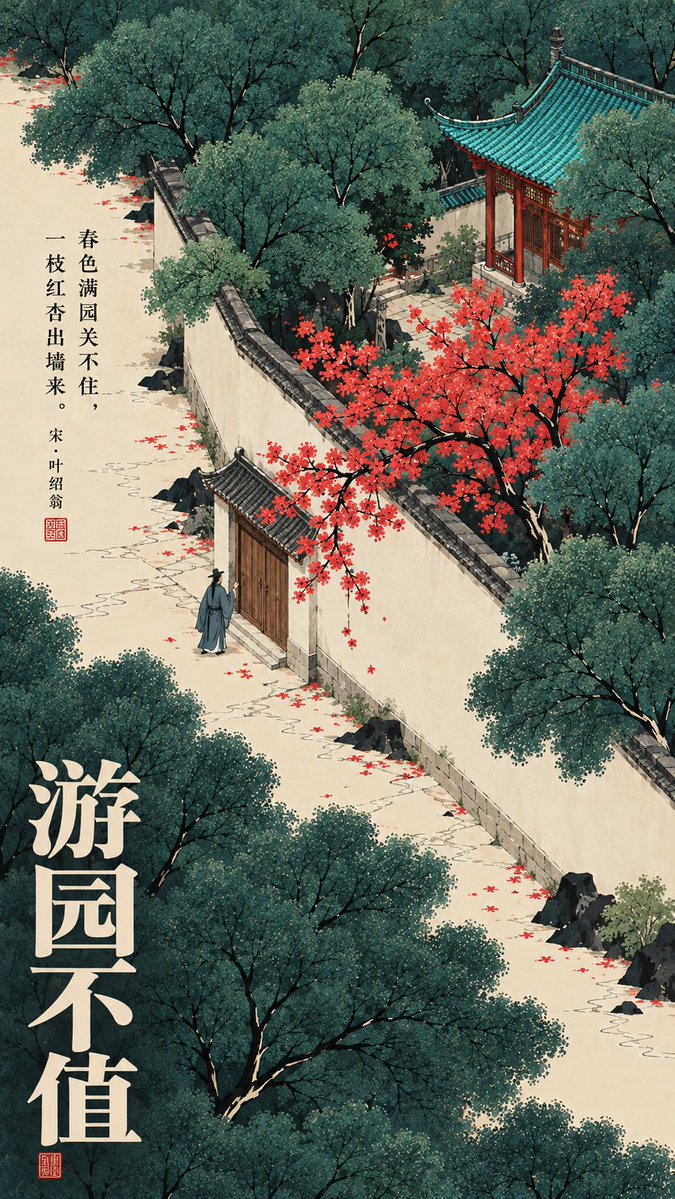
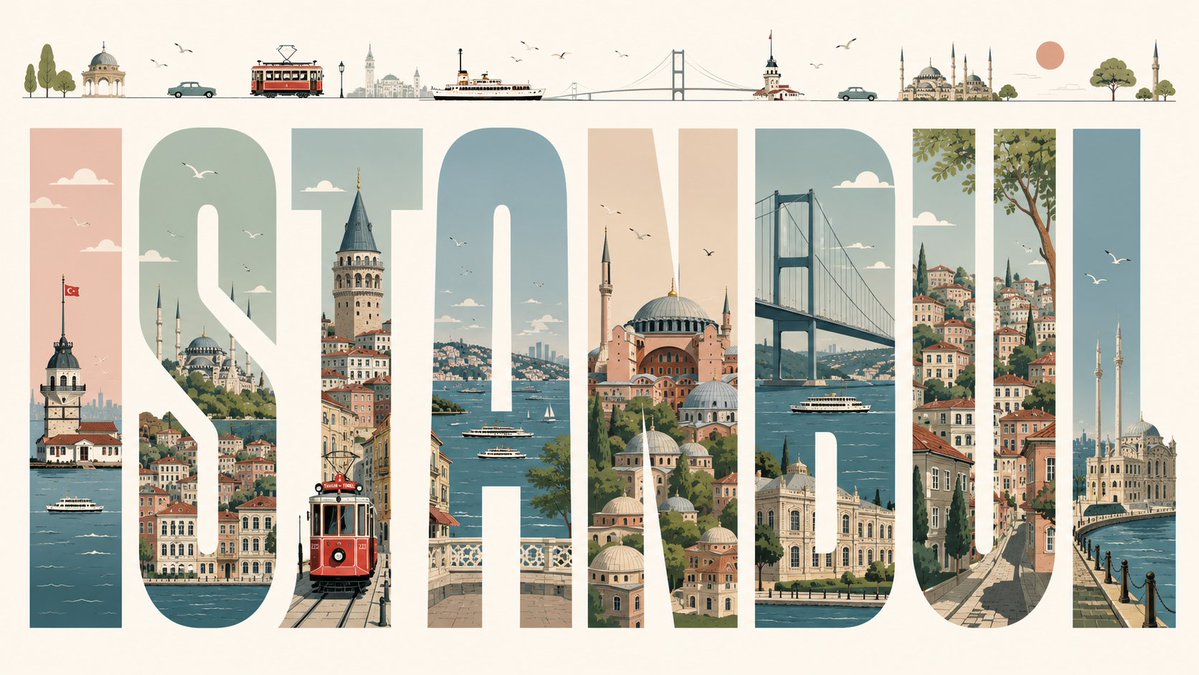
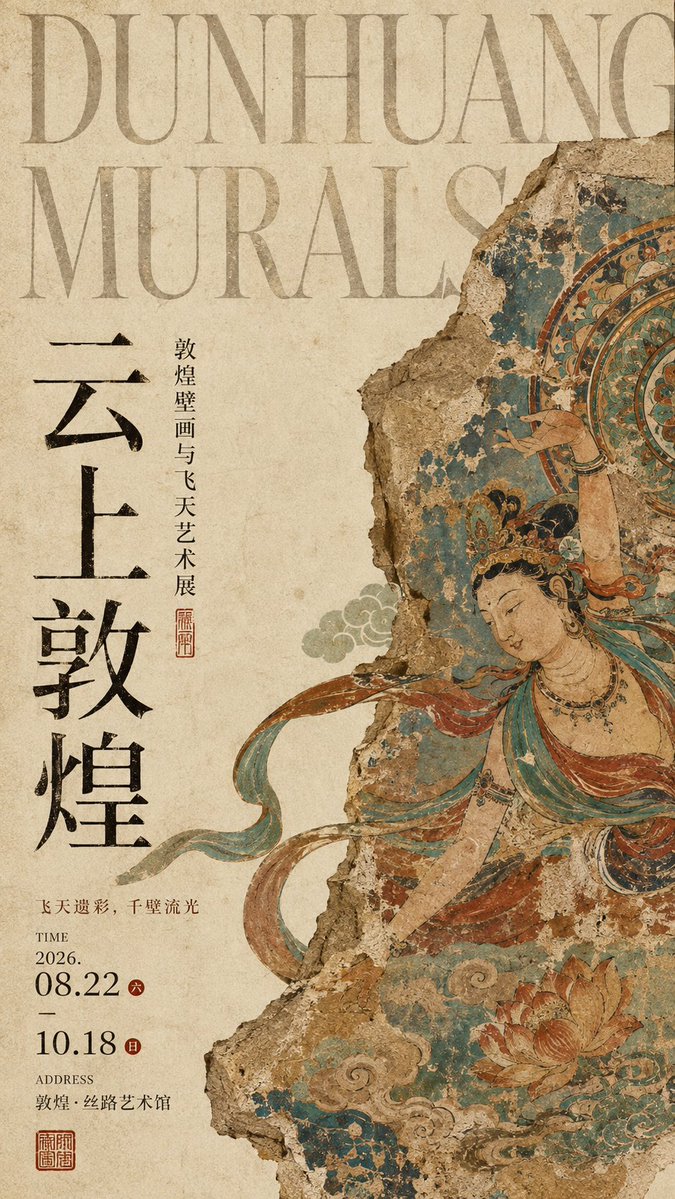
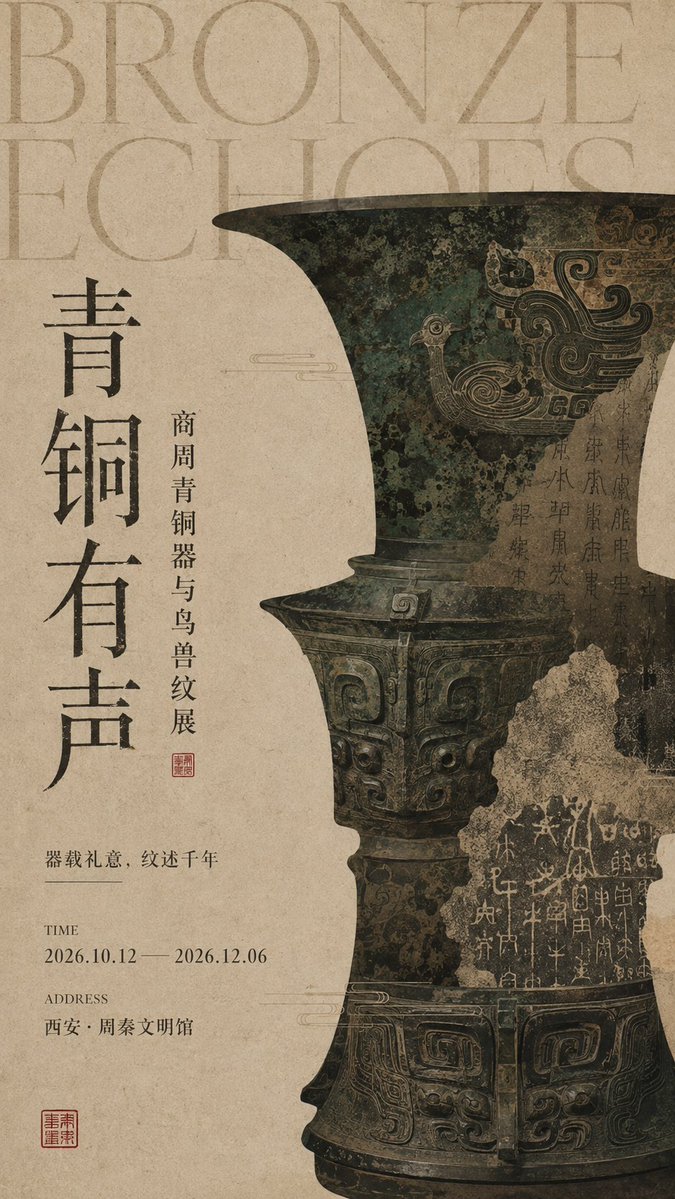
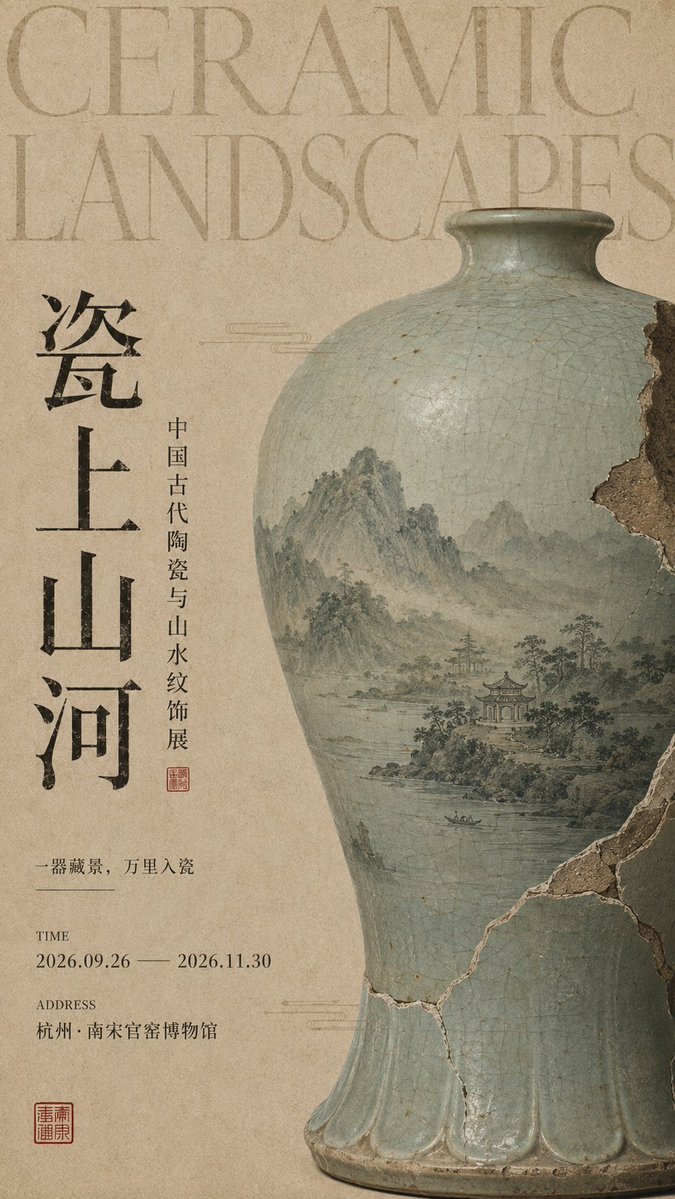
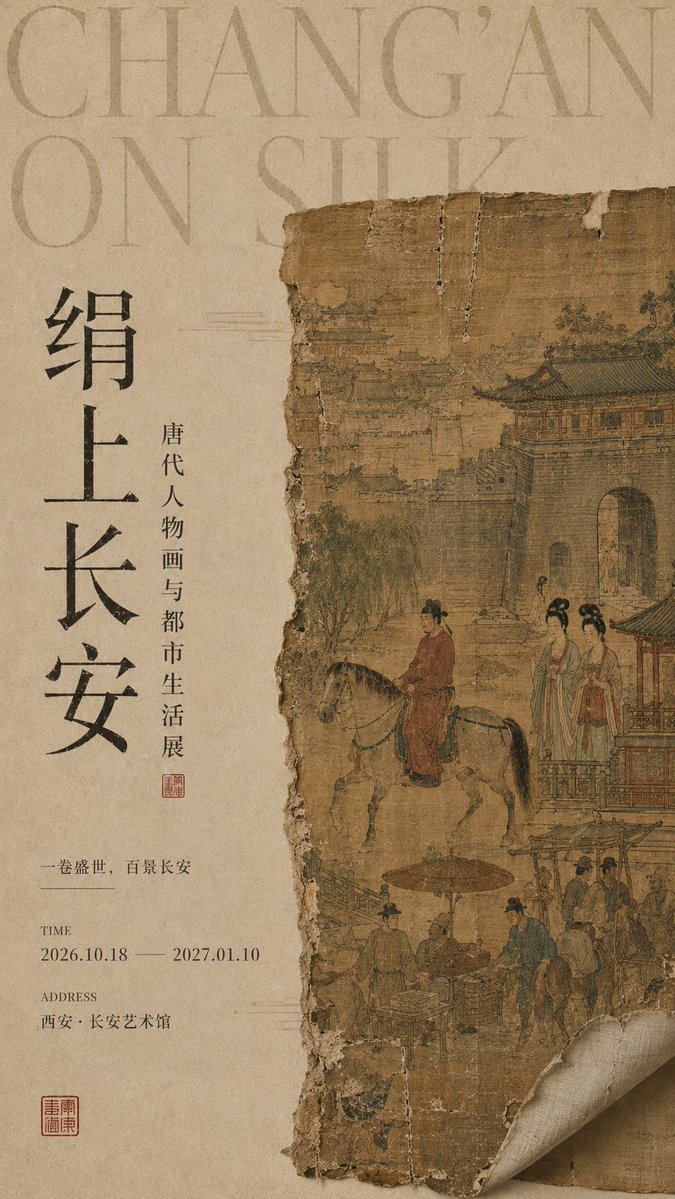
Oriental Museum Exhibition Poster With Ancient Relic Fragments
A tall editorial exhibition poster on aged rice paper, pairing an oversized English serif title with cropped fragments of bronze, mural and ceramic relics. Restrained, quiet and museum-grade in tone.

- Model
- GPT Image 2
- Type
- 4 images
- Aspect ratio
- 9:16
- Shared
- 7 Aug 2026
- Likes on X
- 130
Exhibition themeChinese titleEnglish titleDate
Image prompt
2,450 characters【Exhibition theme】: fill in the theme 【Chinese main title】: fill in 2–6 Chinese characters 【English title】: fill in the English exhibition name 【Subtitle】: fill in the exhibition description 【Art medium】: bronzeware / mural / ceramics / silk painting / ancient books / sculpture, etc. 【Main visual content】: fill in the specific artifact, painting, or historical scene 【Theme phrase】: fill in a short line of copy 【Time】: fill in the date 【Location】: fill in the venue 【Main color】: fill in cream, bronze green, mineral blue, celadon blue, ochre, etc. 【Aspect ratio】: 9:16 Design a high-end Oriental museum exhibition poster that combines ancient art media with modern editorial layout. Use a warm ivory, yellowed old paper, or rice-paper texture as the background, preserving natural paper fibers, slight grain, a scanned-archive feel, and real print wear. The whole is restrained, quiet, and historically weighty, like the key visual of a mature museum or art institution. At the top, add an oversized light-toned English serif title, allowing part of the text to run past the edges as a background-level visual structure; on the left, use a large Chinese main title, arranged vertically or in a column, paired with a smaller exhibition subtitle. At the bottom, group the time, location, and a theme phrase, and add a small cinnabar seal. On the other side of the composition, place a large 【art medium】 as the main visual, occupying about 40%–55% of the frame. Do not simply show it whole; instead reconstruct it through partial cropping, fragments, damaged edges, vessel-shaped windows, scrolls, mural flaking, glaze crackle, silk aging, and so on. Inside the 【art medium】, present the 【main visual content】, preserving genuine traces of age, material texture, faded pigments, and a sense of historical use, so the subject looks like a real cultural relic that has entered the museum after preservation, restoration, or excavation. Use an asymmetrical editorial composition throughout, keeping a clear visual hierarchy: giant English → artifact / ancient painting subject → Chinese title → exhibition information. Color centers on the 【main color】, low-saturation overall, with a little ink black, mud gold, ochre, and cinnabar red as structure and accents. The final effect should look like a museum exhibition poster, a cultural publication, and an Oriental art institution's visual system, rather than an ordinary Chinese-style poster.
How to use it
Start by filling in the exhibition theme, the Chinese main title, the English name and the date and venue, since those carry the layout. Keep the paper texture, the cropped and damaged edges, and the cinnabar seal, because they make the piece read as a real institutional poster rather than a decorative one. This prompt was shared as a GPT Image 2 prompt, and it suits a museum or cultural exhibition announcement, a printed poster, or a social post in 9:16.
Shared publicly on X on 7 Aug 2026. All credit for this prompt and its result goes to its creator. Is this yours? Ask for an update or removal.