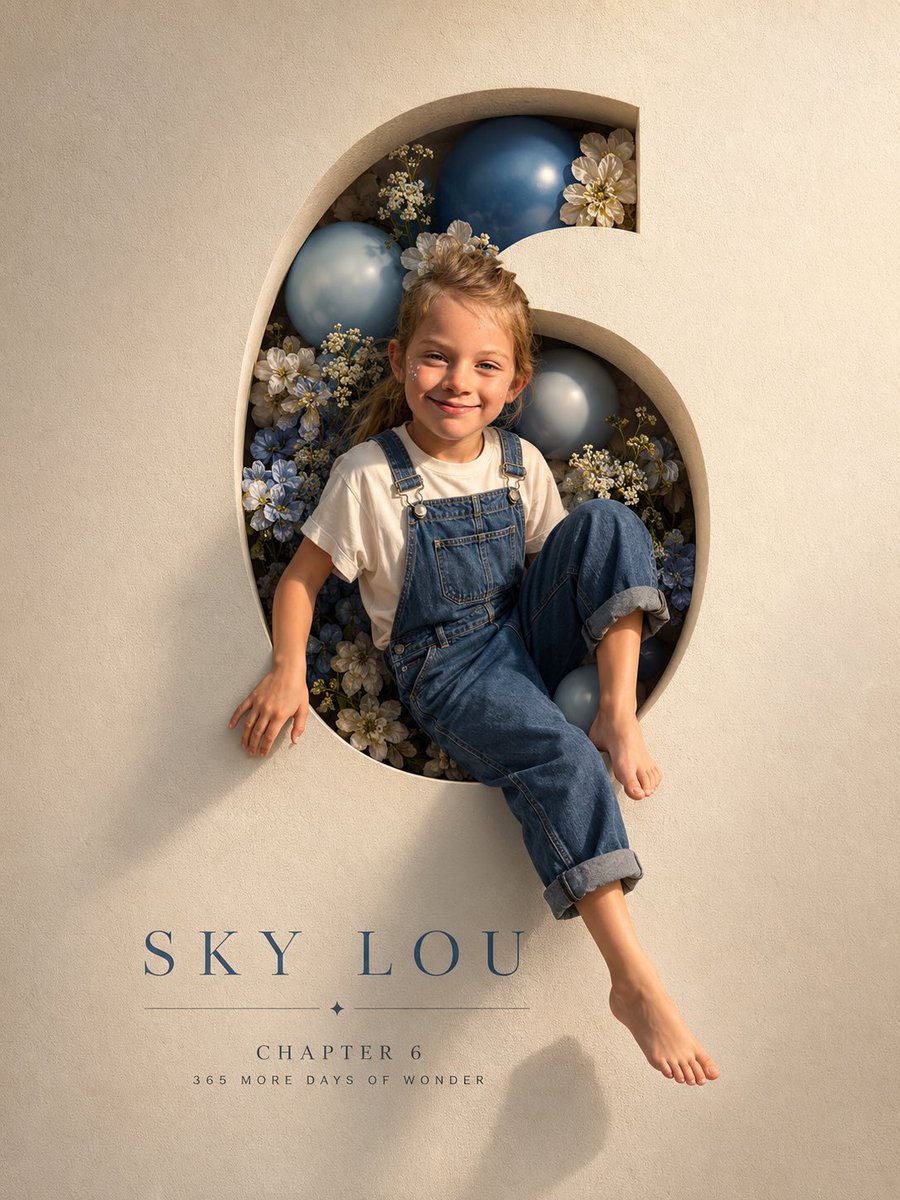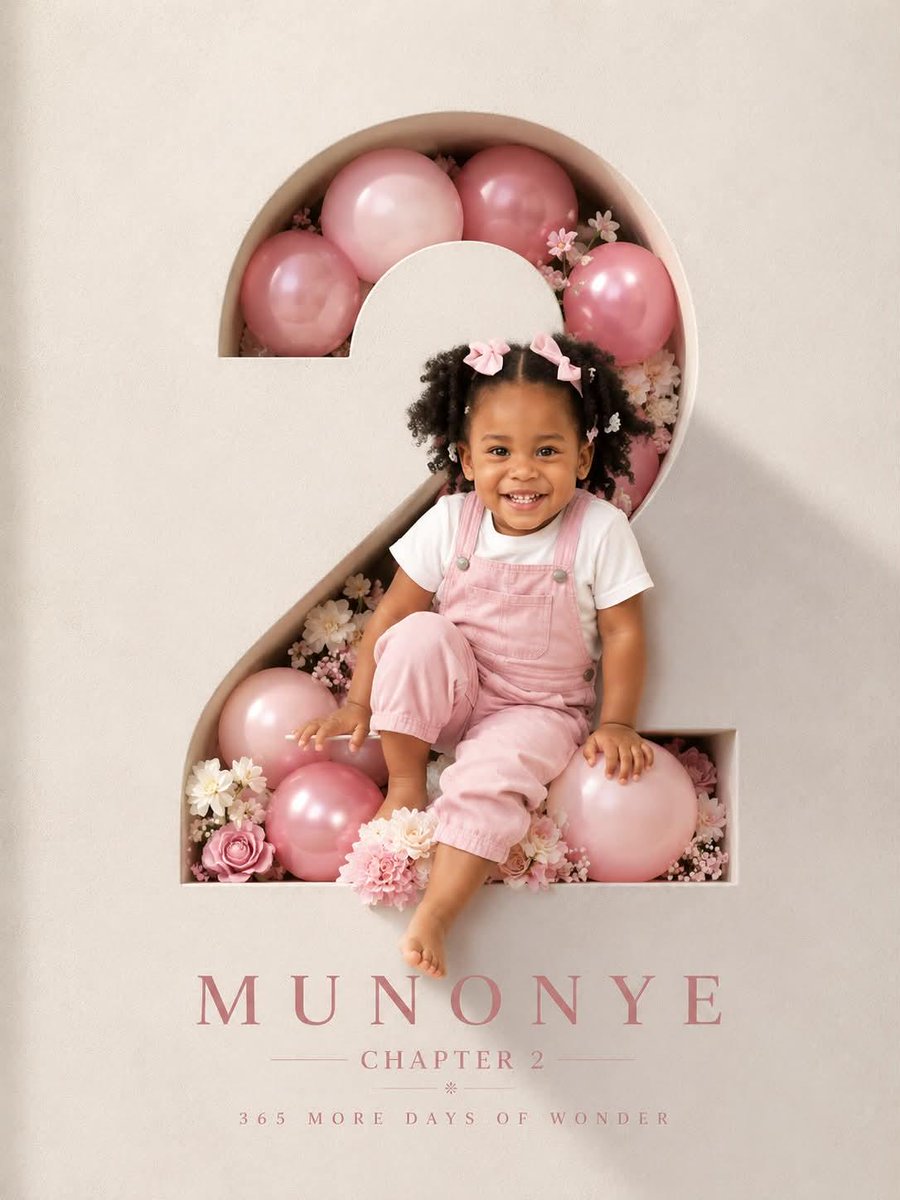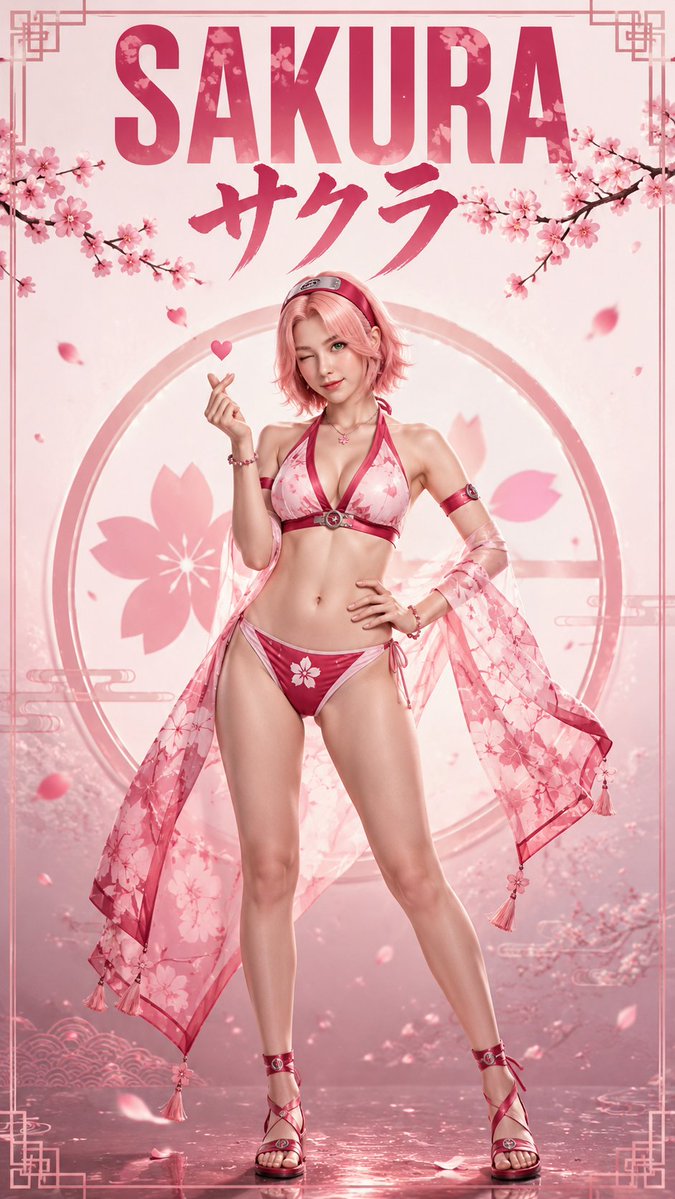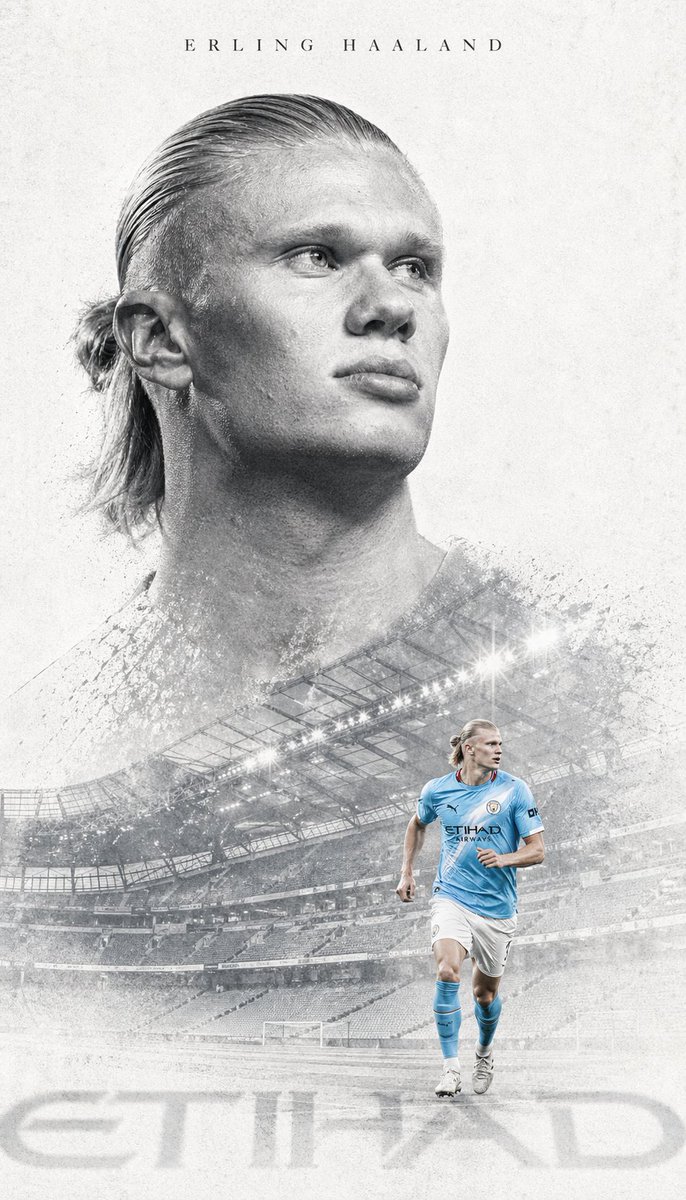
Image prompt Posters & Typography Customizable
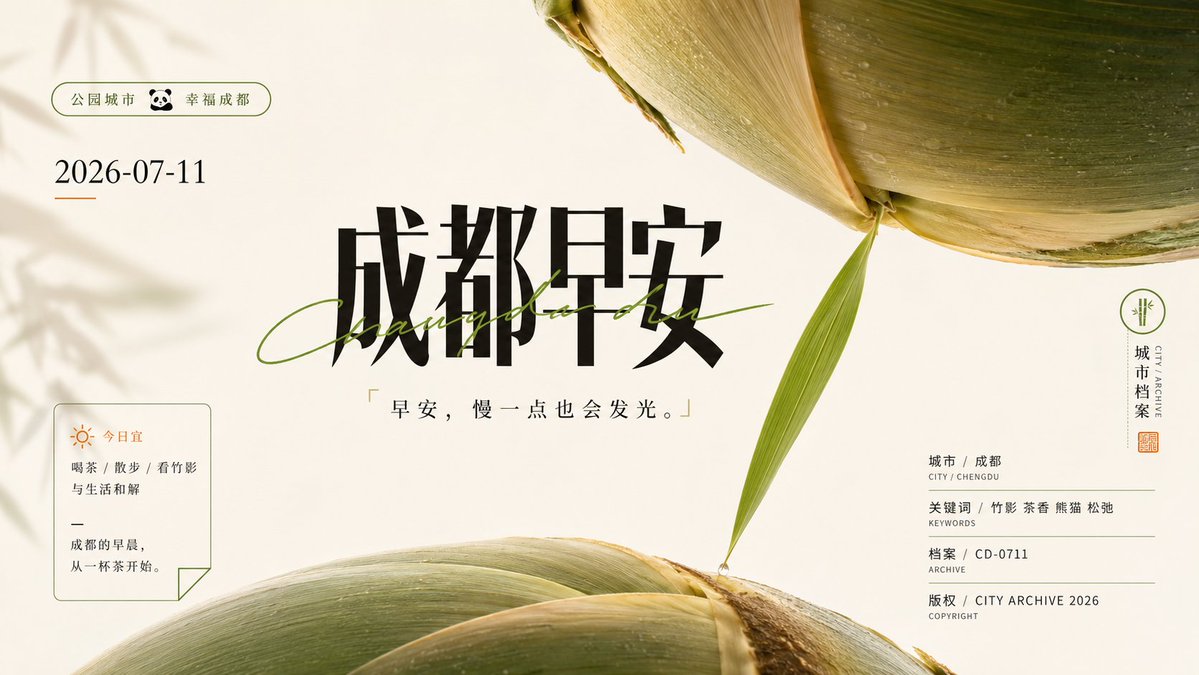
Monumental Object Poster With Heavy Chinese Title
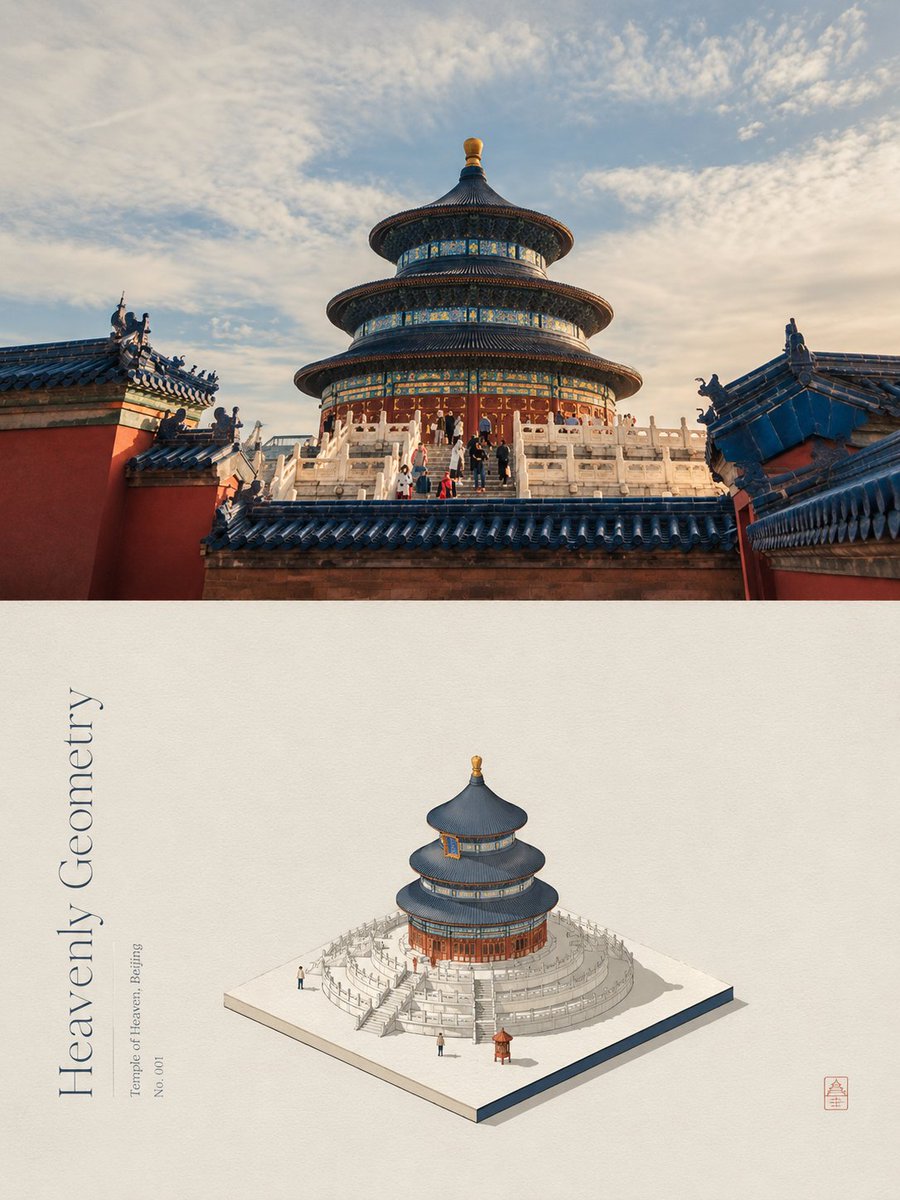
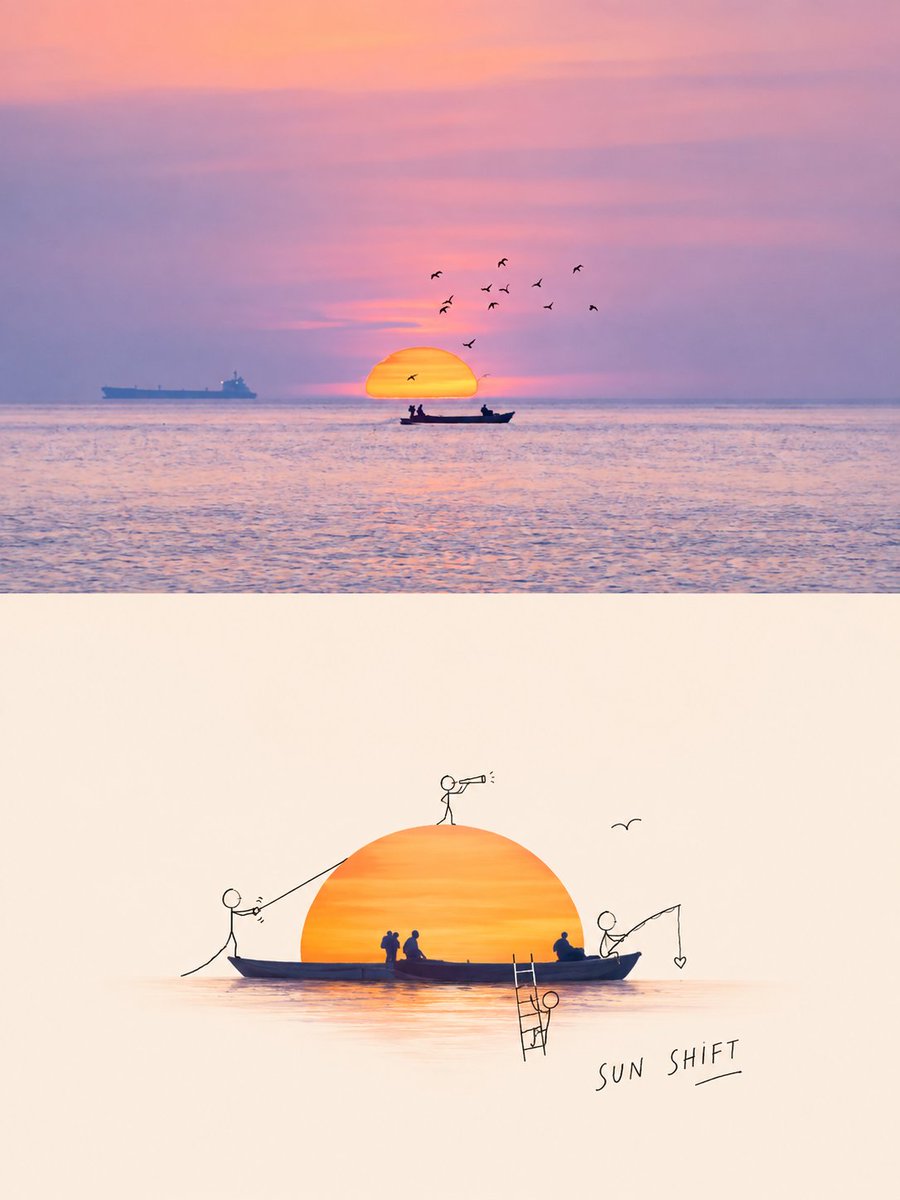
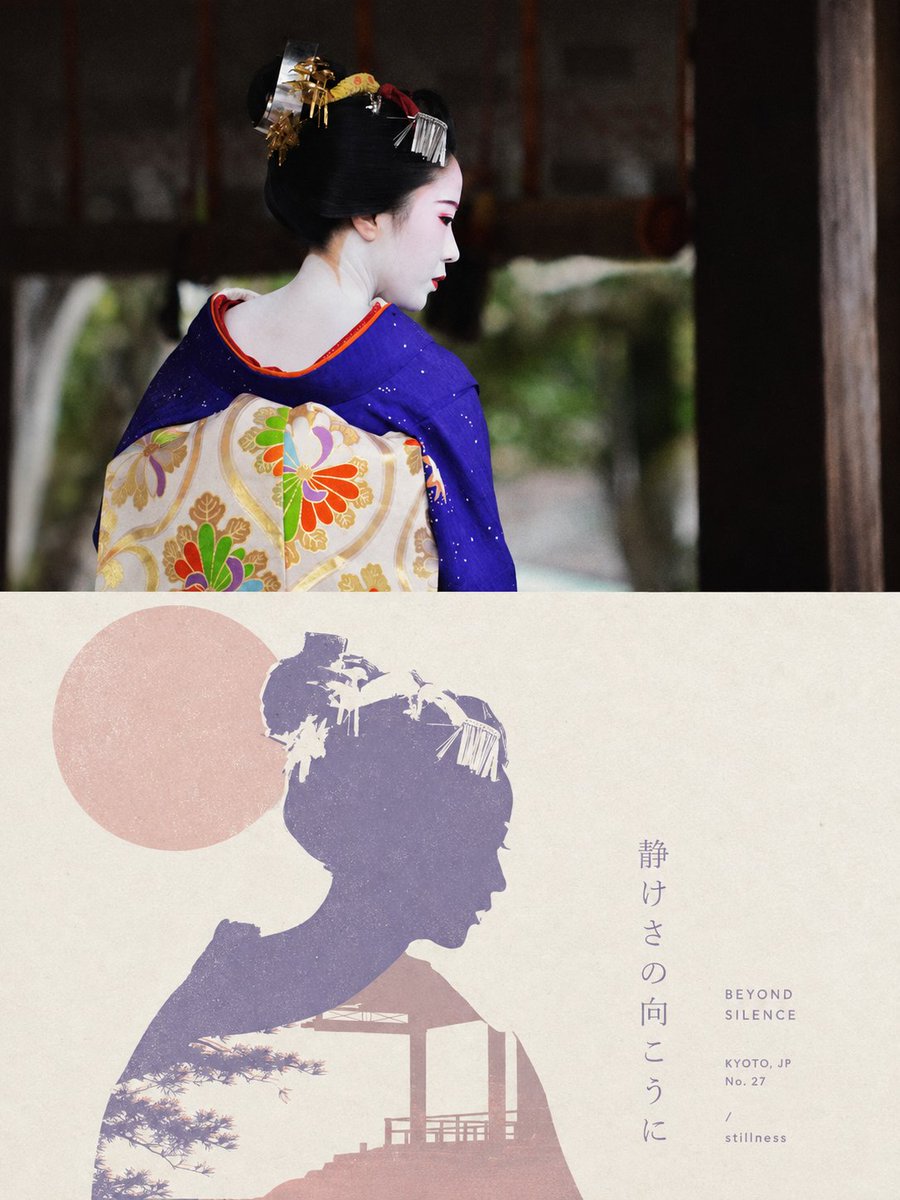
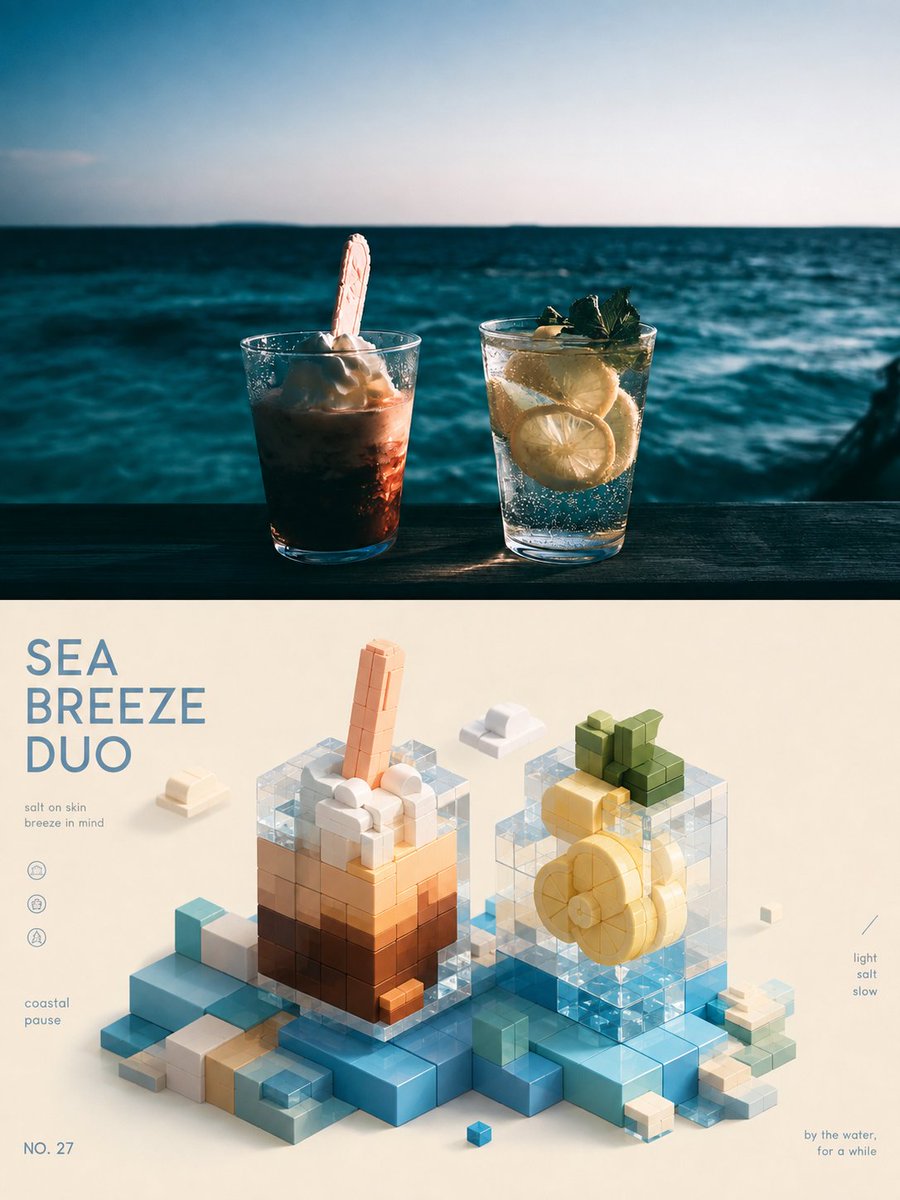
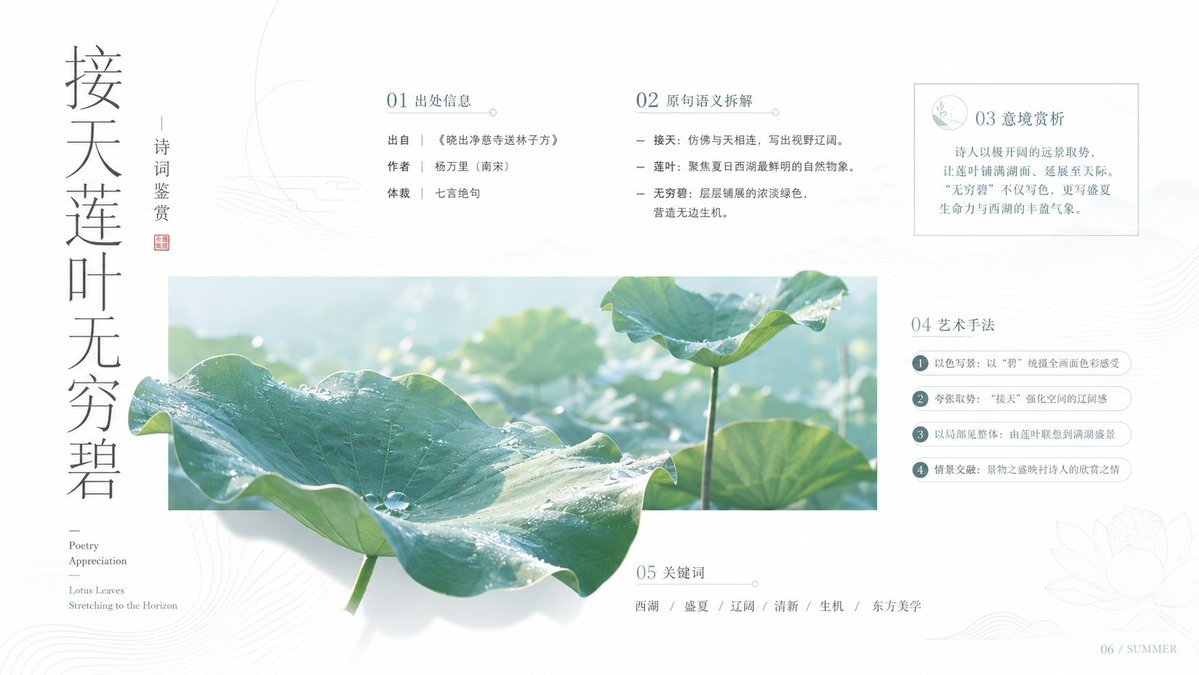
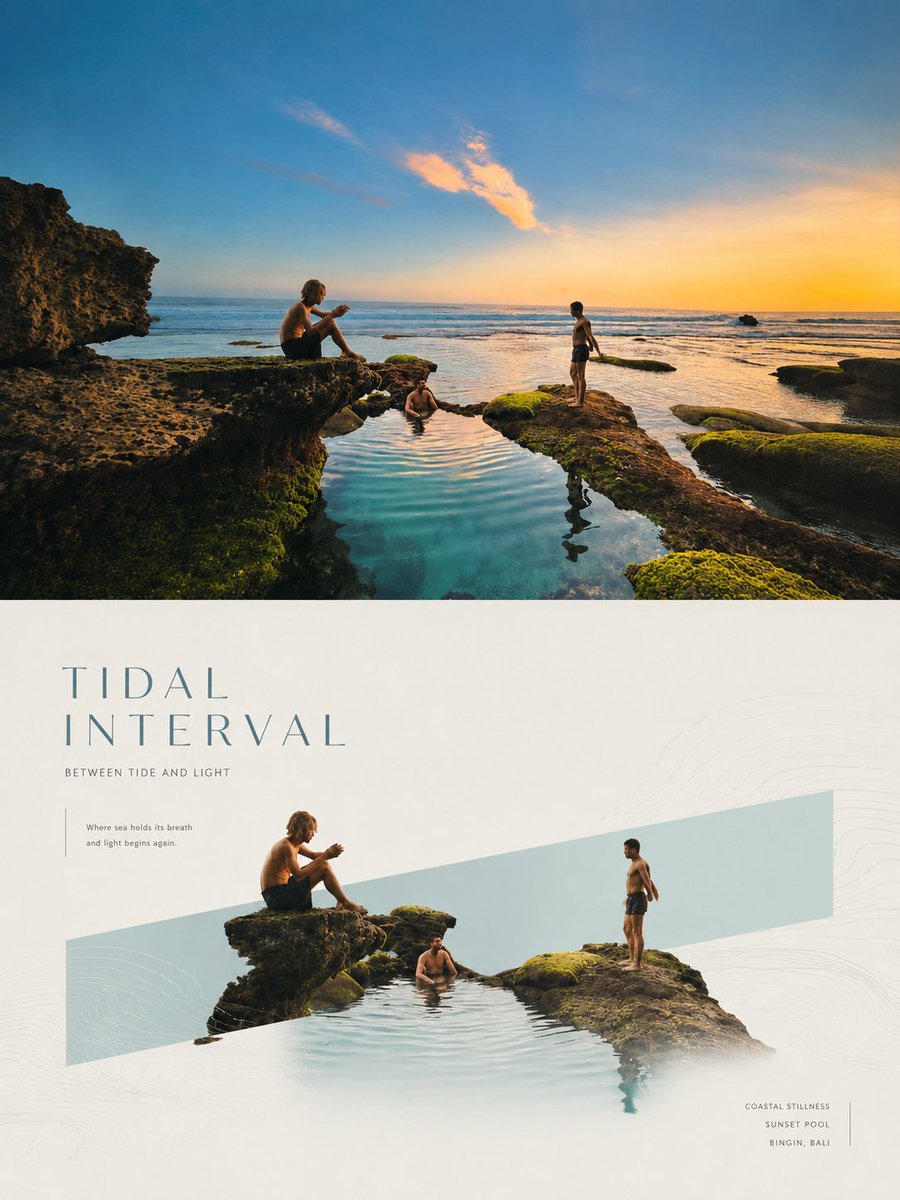
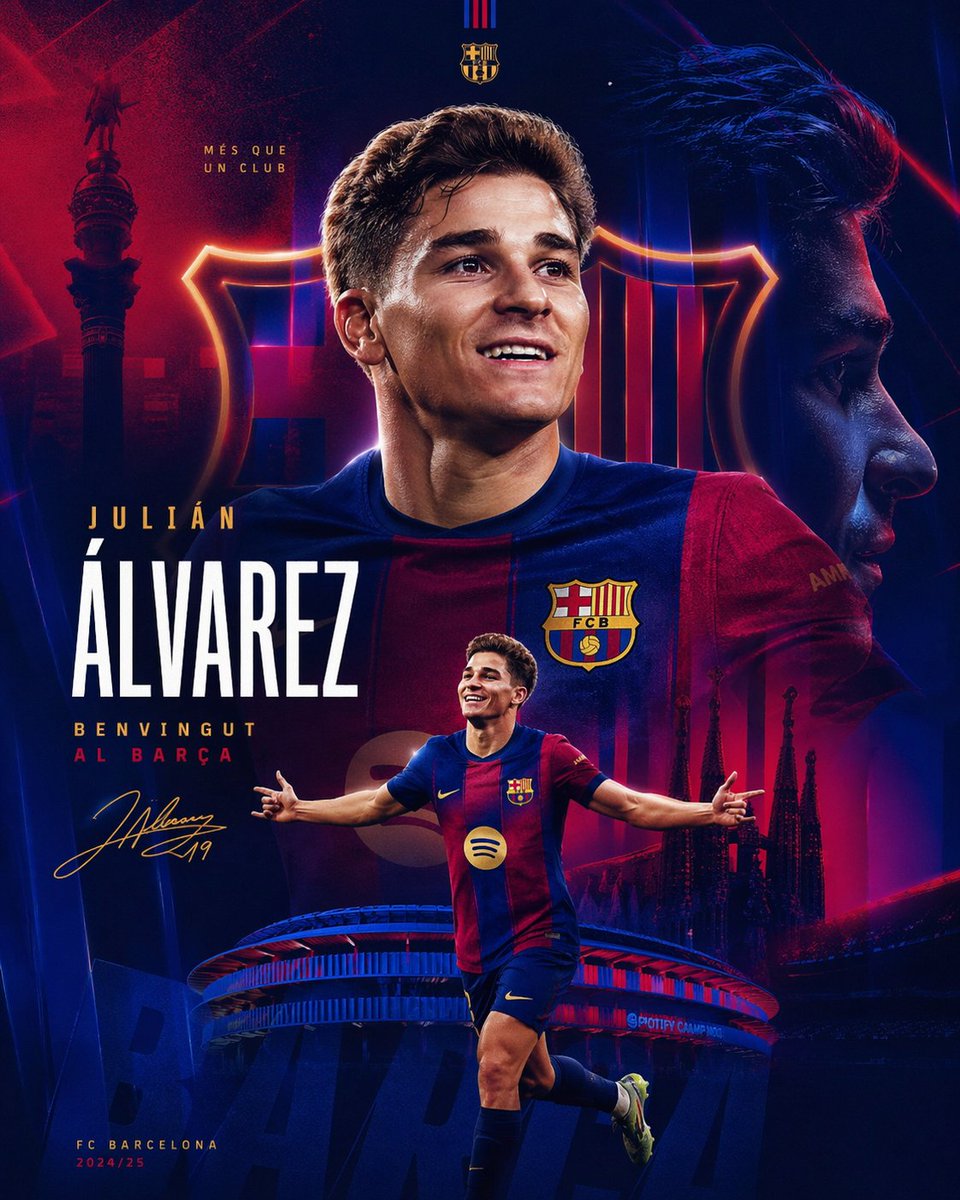
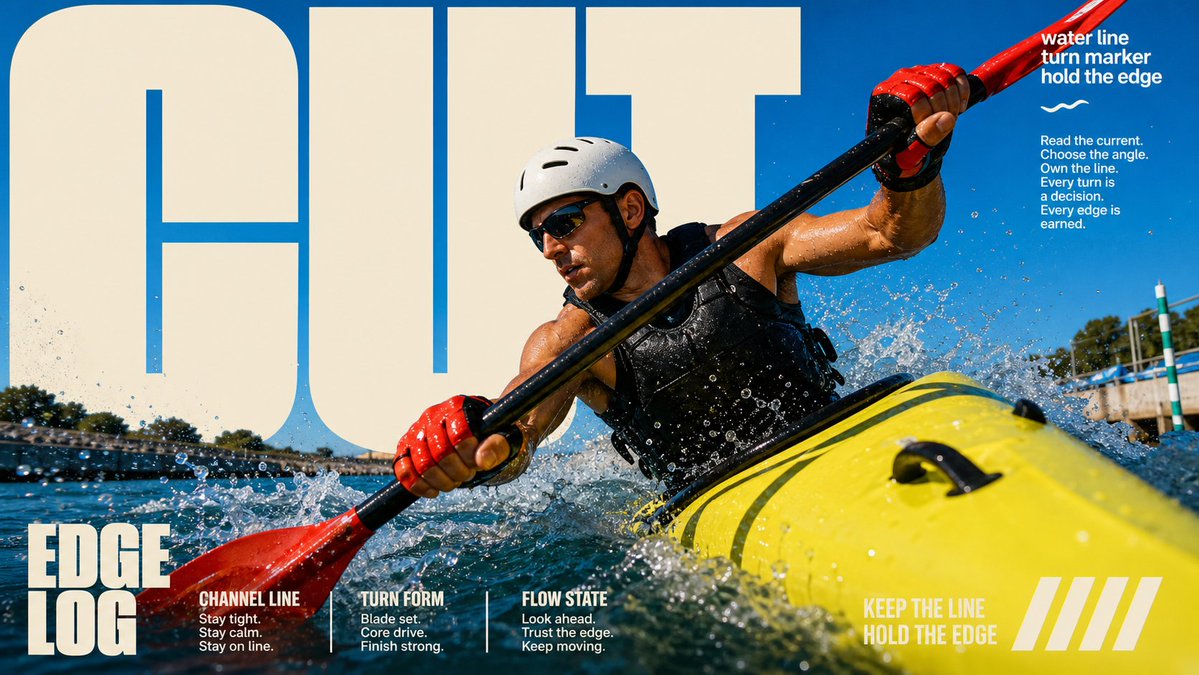
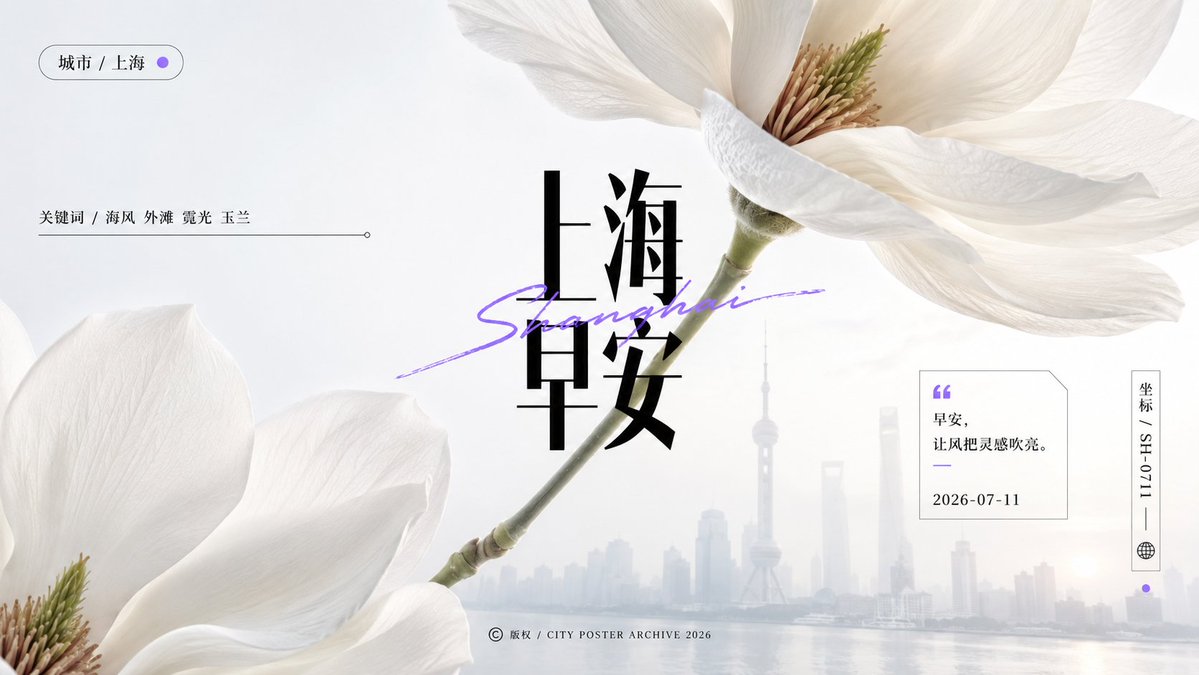
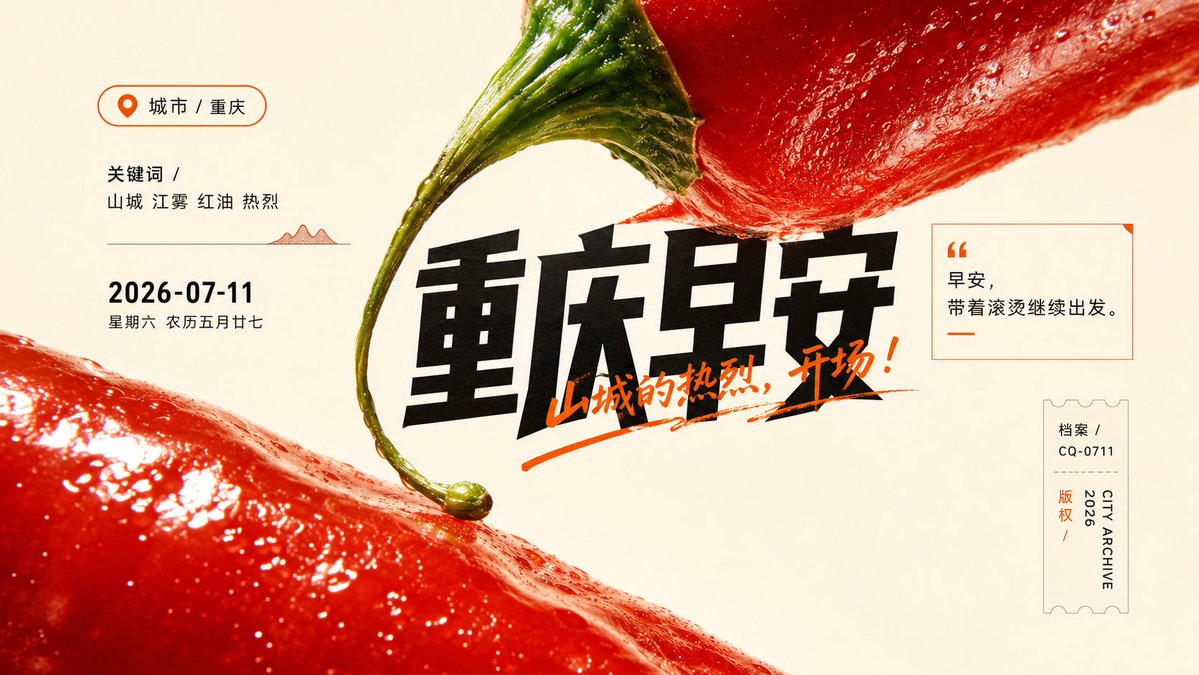
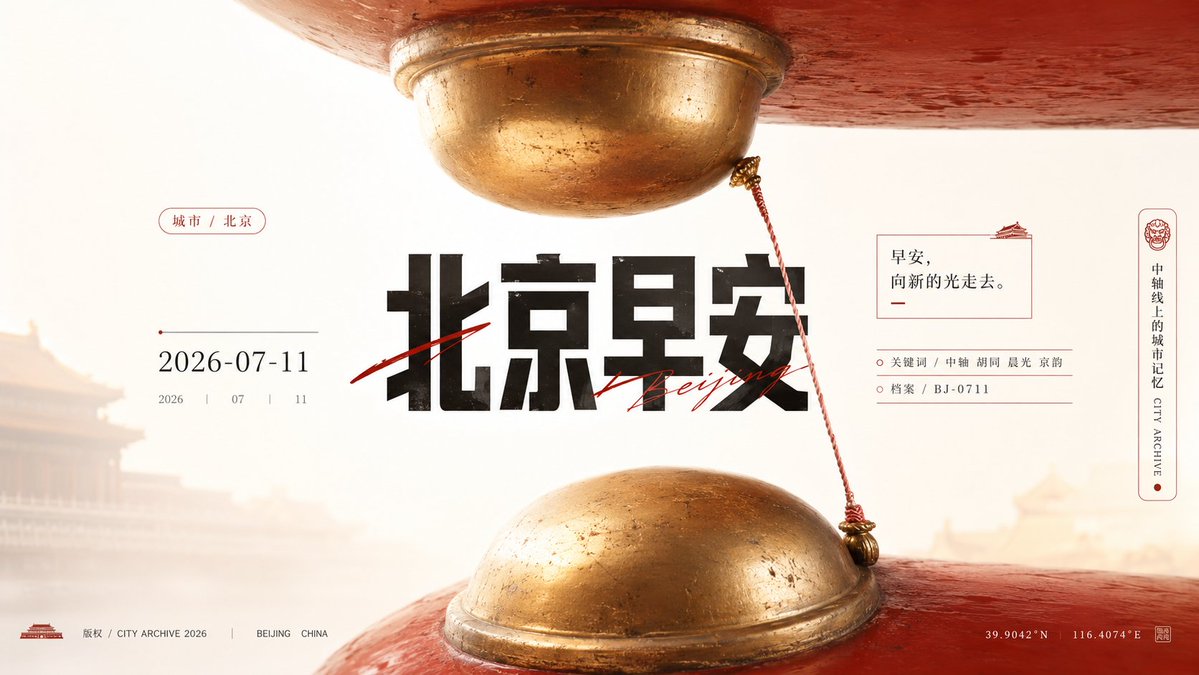
A near-monumental object fills the top and bottom of a bright white frame, with a slender diagonal line linking the two forms and a heavy Chinese headline overlapping the edges. Tiny archive-style details hold the layout together.

- Model
- GPT Image 2
- Type
- 4 images
- Aspect ratio
- 16:9
- Shared
- 11 Jul 2026
- Likes on X
- 59
Image prompt
2,241 charactersGenerate a visual poster with macro realistic material texture and neatly laid-out information layers around any theme object: enlarge the theme object to a near-monumental scale, with full, edge-cropped main forms appearing at the top and bottom of the frame, keeping a quiet breathing gap in the middle; a slender elongated attachment or structural line derived from the theme falls diagonally from the upper form, creating a slight connection and suspended tension with the lower form, producing an enormous sense of pressure at first glance and detail clues at second glance. In the center, use a heavy, sharp, compressed Chinese main title as the visual anchor, with the letterforms partially overlapping the object's edges, and a few elongated handwritten lines or signature-like strokes crossing the title, creating a striking image-text clash; scattered around are small-size explanatory text, the year, short tags, and copyright-style information, keeping airy symmetry on left and right, with tiny but precise information at the bottom, forming a product-archive-like order. Keep the background a high-brightness, clear, clean whitespace field, with soft diffuse light; the main form's surface has real material gloss, minute textures, embossed shadows, and natural blemishes, with clear but not over-sharpened edges. Colors are extracted from the theme's own material, mood, and semantics: the base color carries a bright clean structural field, the main form uses a full, highly saturated color derived from the theme to carry emotion, dark text handles weight and readability, and a few clear accent colors are used only for the handwritten strokes and tiny marks; overall keep it warm and lively, bright and airy, with clean gradations, where texture only adds tactility without making the image gray, dirty, or aged. —————— Elements of each image: city + 2026-07-11 + inspirational morning greeting + 4 information points in different formats + rich compositional rhythm One city at a time, each city with different color and composition logic Composition: golden-ratio composition 10 cities in total, 10 images, generated in sequence Note: each image should have a different composition and layout. Ratio 16:9 landscape
How to use it
Start with the theme object, since its material gloss and color carry the whole poster, and keep the diagonal connecting line and the open gap in the middle so the tension still reads. It was shared as a GPT Image 2 prompt. Swap the city and date for your own place and day, and rewrite the morning greeting so it fits your message. Keep the headline compressed and the whitespace clean, because those choices give the poster its editorial feel.
Shared publicly on X on 11 Jul 2026. All credit for this prompt and its result goes to its creator. Is this yours? Ask for an update or removal.