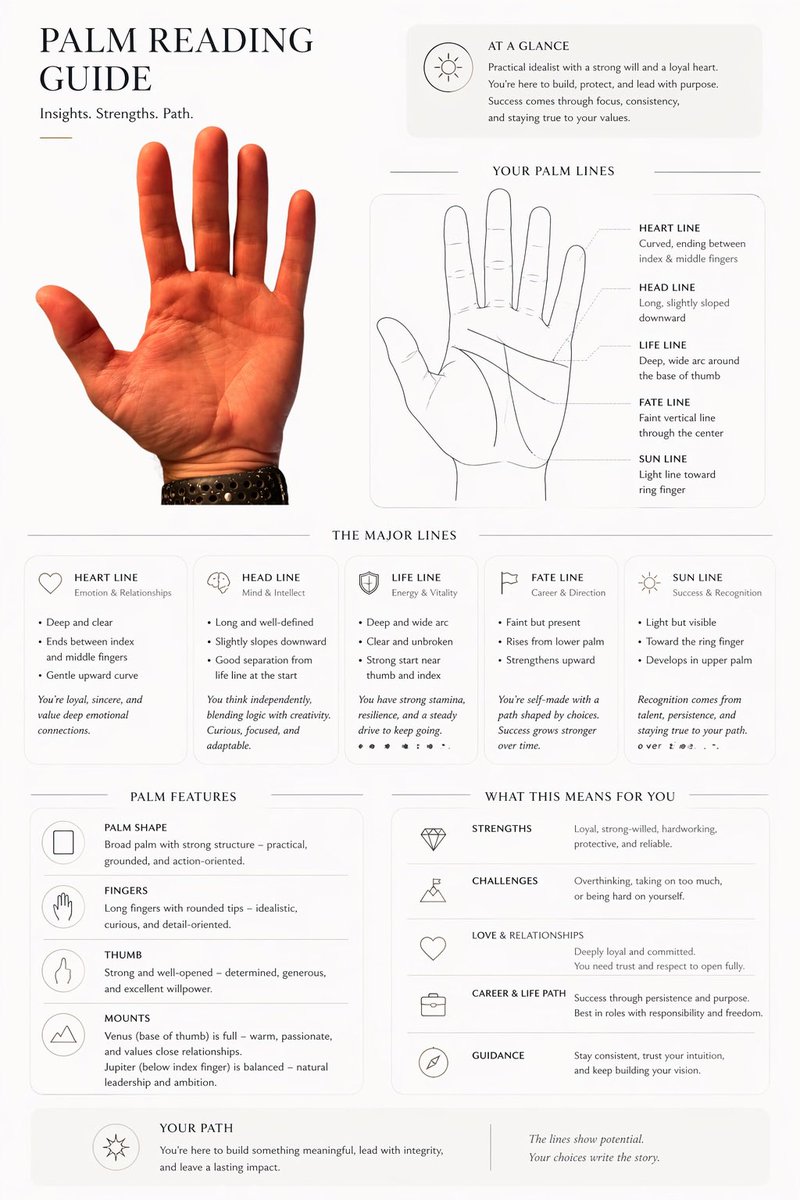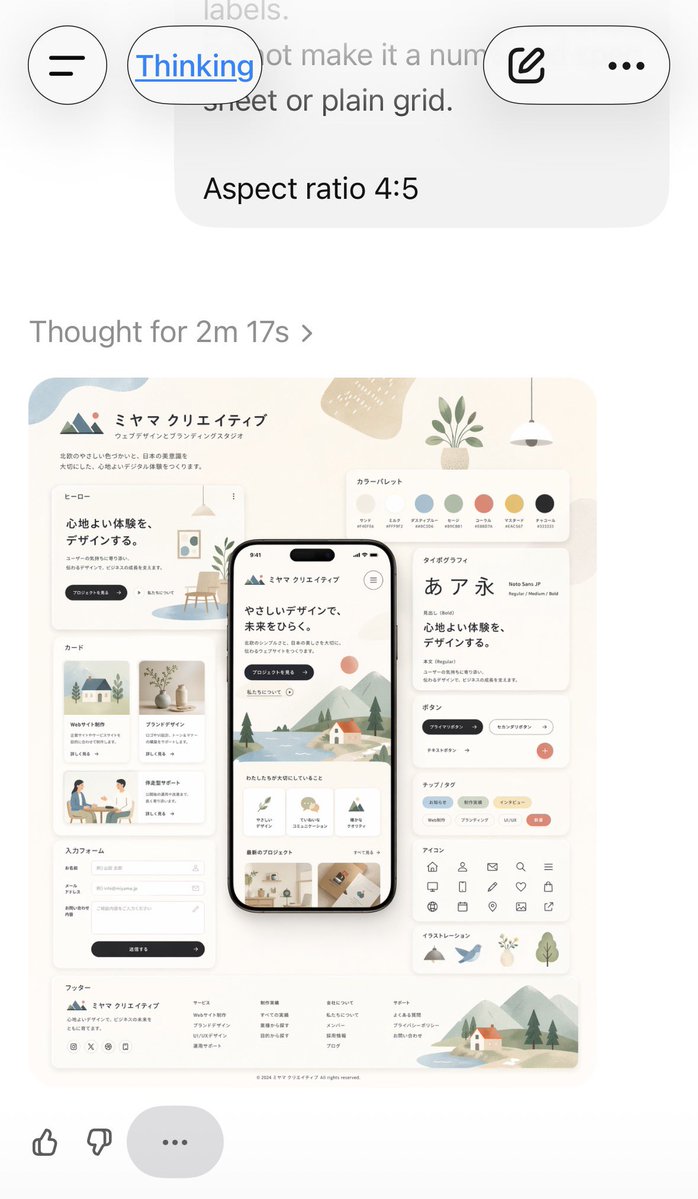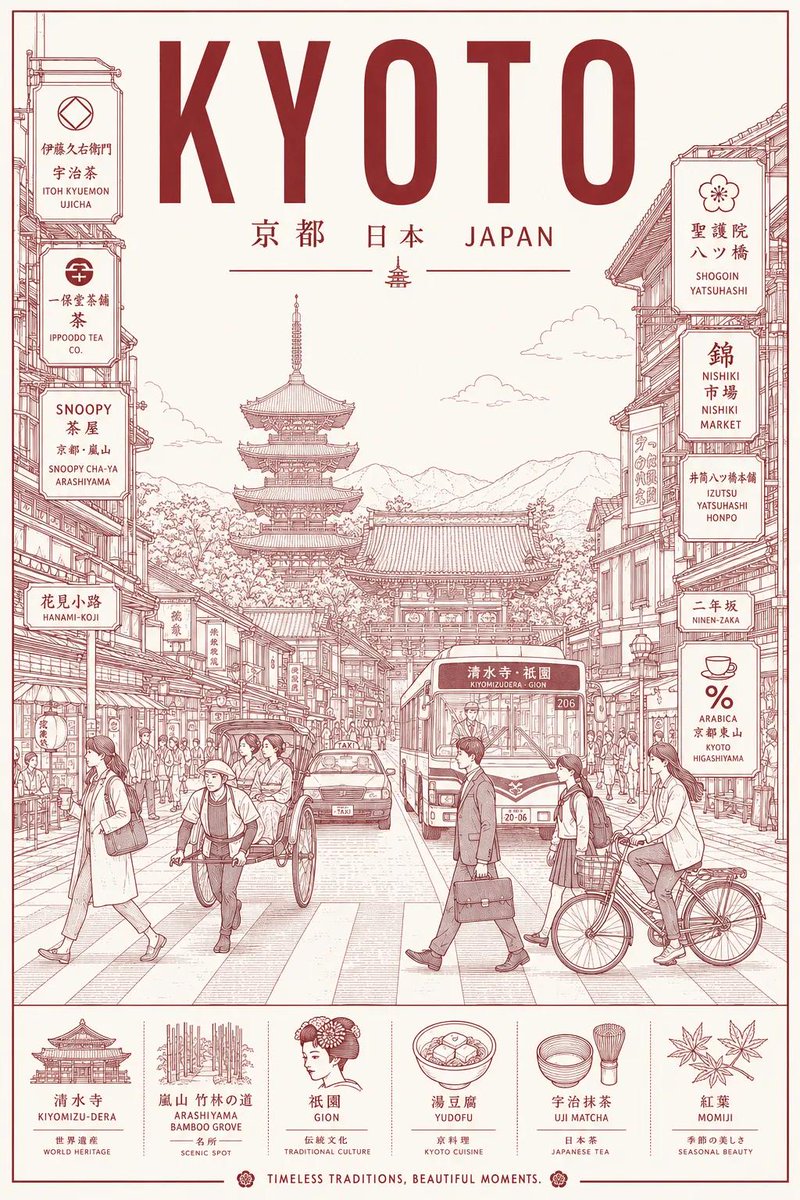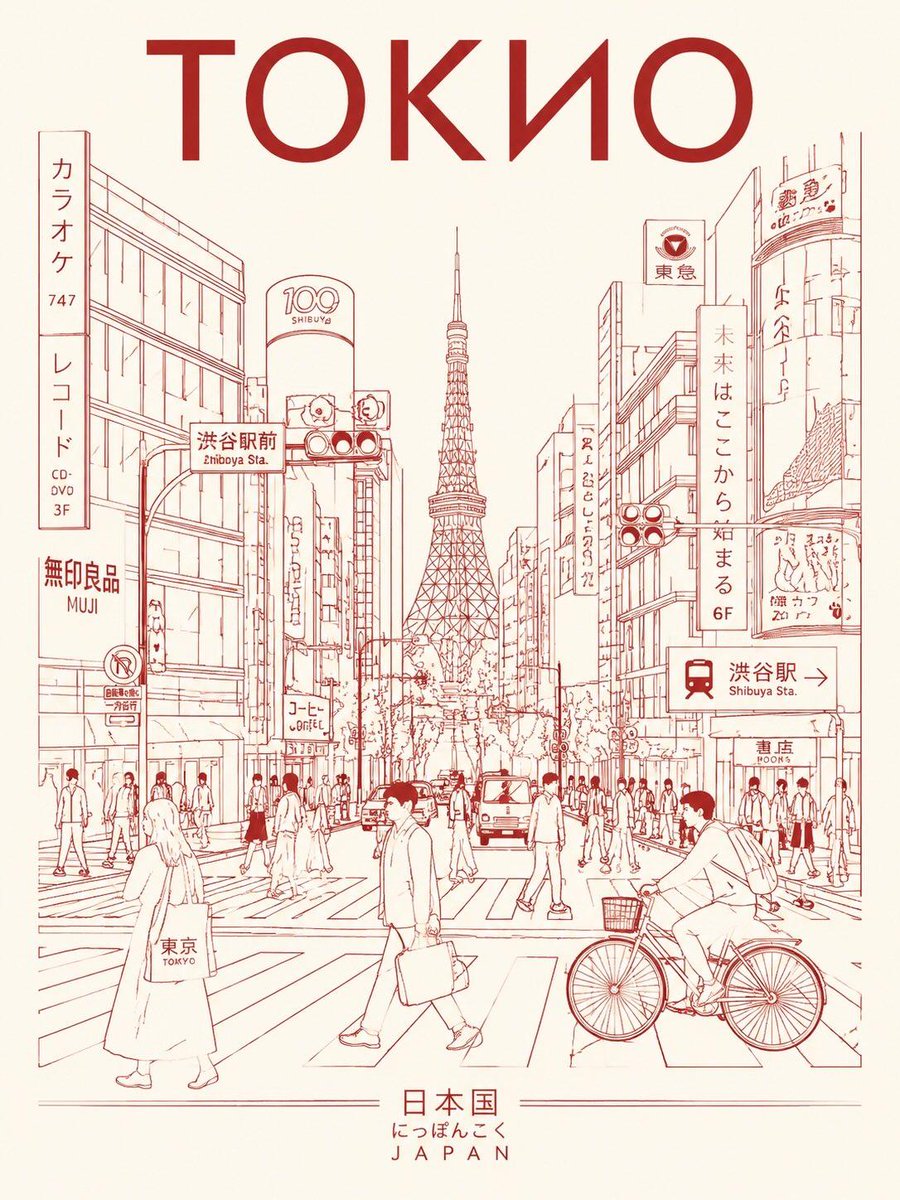


Image prompt Branding & UI Customizable
Left to Right Editorial Transition Poster in GPT Image 2
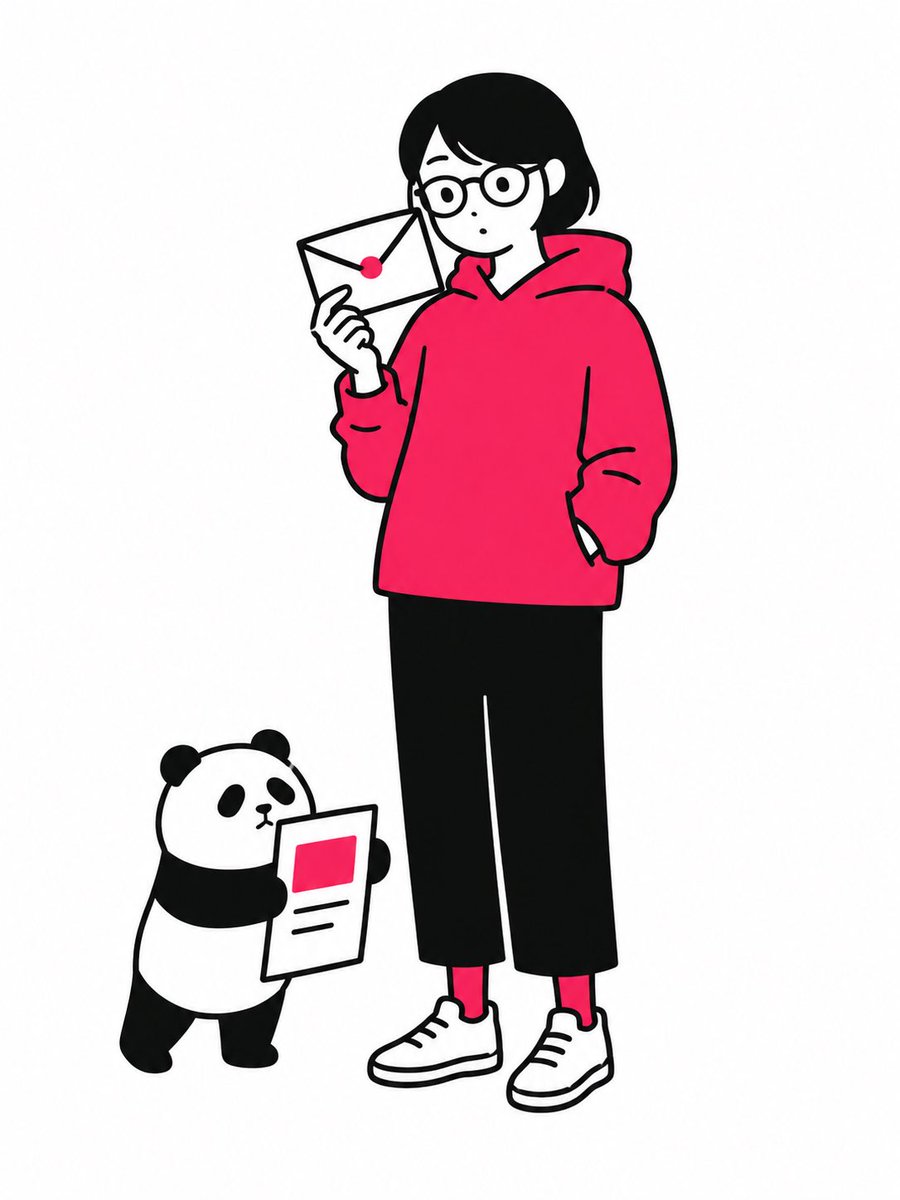
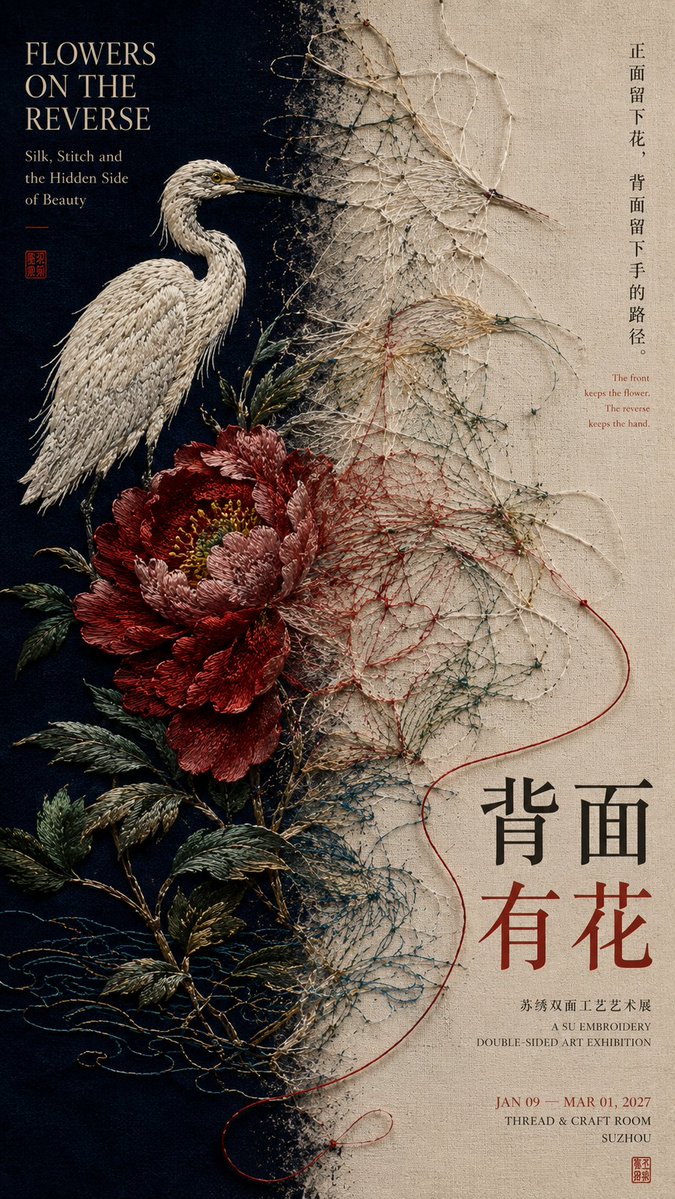
A vertical poster split into two unequal zones, where one central element crosses the axis and changes from an origin state into its outcome. The middle transition carries the whole idea, so the two halves read as one story.

- Model
- GPT Image 2
- Type
- 4 images
- Aspect ratio
- 9:16
- Shared
- 29 Aug 2026
- Likes on X
- 2
Work titleChinese titleEnglish titleMain color
Image prompt
3,051 characters【Theme / Work title】:____ 【Left state】:____ 【Right state】:____ 【Relationship type】:front and back / concept and finished product / source and diffusion / entity and transposition / other 【Central-axis transition】:____ → ____ → ____ 【Chinese title】:____ 【English title】:____ 【Main color】:____ 【Accent color】:____ 【Aspect ratio】:9:16 Generate a left-right composition poster with the mature visual quality of Editorial Design and exhibition aesthetics. Do not simply cut the image into two columns; instead, let the two visual zones express different states of the same theme, and make the "central boundary" the place where the change actually happens. The left and right zones use an unequal-ratio layout, employing relationships like 40:60, 45:55, 55:45 according to the weight of the subject; do not use a mechanical 50:50. The left establishes the starting point or original state, the right shows the result after the change, for example: work seen from the front → the structure and fabrication path behind it; design sketch → the real space once built; sound source → the vibration and sound field spreading outward; real physical entity → the rubbing, trace, or image on paper. Most important is the central-axis transposition. Do not separate with an obvious vertical line; choose a core element that crosses both zones and transforms continuously as it crosses the axis. For example: petals gradually becoming stitches and silk threads; an architectural line drawing gradually becoming a real wall; an object's vibration gradually diffusing into sound waves; a stone relief gradually pressed flat into a black-ink rubbing. This change must be continuous and natural, so the viewer understands at a glance that there is a causal, procedural, or transposition relationship between the two sides, not two unrelated images stuck together. Typography also participates in the left-right relationship, but all text must belong to the work itself. Use real titles, subtitles, short phrases, and exhibition information; do not include template placeholder text such as "left-right composition", "design case", or "visual research". The side with the heavier image carries less information; the emptier side can carry more titles and text, completing the visual balance through font size, density, and position. Keep color to 2–4 main color families. The sides may have obvious differences in light/dark, warm/cool, or material, but retain at least one color, texture, or visual element that crosses the central axis to guarantee the unity of the whole work. Final reading order: at first glance you see two clearly different visual states; at second glance you discover connection and change happening at the central axis; third, you understand "why the left becomes the right"; finally you read the title and work information. Overall requirement: each visual domain has its function, there is a clear transposition process in the middle, the sides are unequal but visually balanced, with both content logic and the feel of a mature work.
How to use it
It was shared as a GPT Image 2 prompt. Replace the theme, the left and right states and the title fields with your own subject, then keep the central-axis transition line, since that is what links the two halves. The bracketed fields can be left empty if you want the model to choose the content. Use the result as a poster, exhibition card or cover for a branding or UI project.
Shared publicly on X on 29 Aug 2026. All credit for this prompt and its result goes to its creator. Is this yours? Ask for an update or removal.