Image prompt Branding & UI Customizable
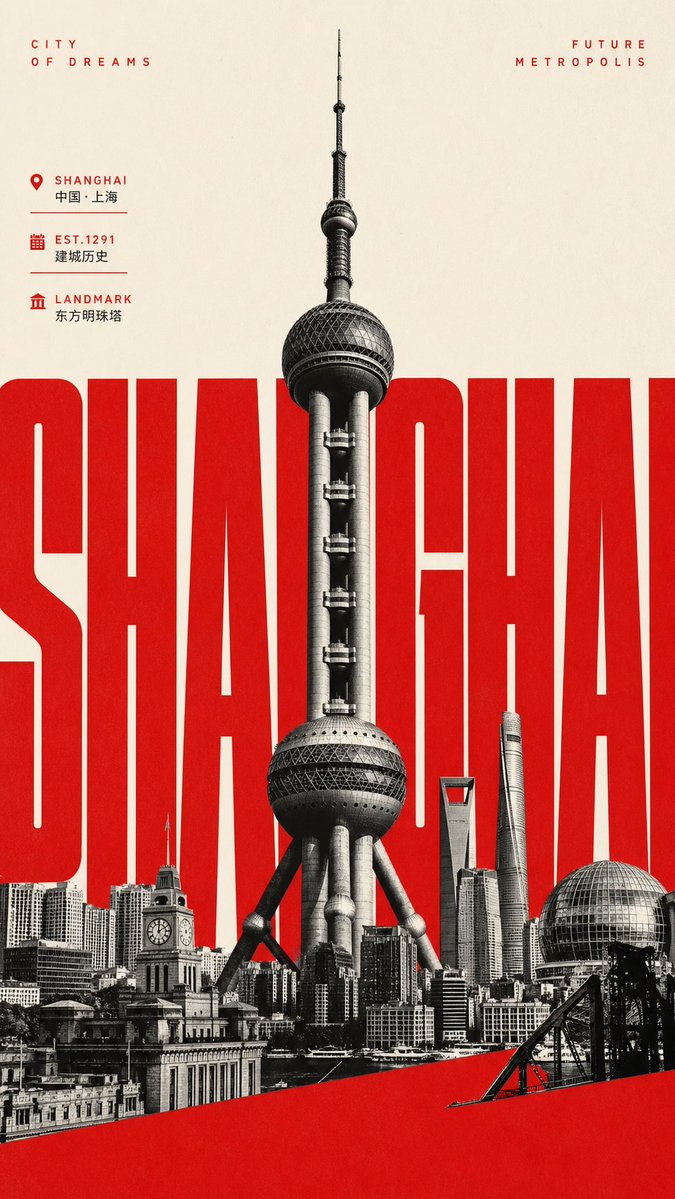
Landmark City Tourism Poster Collage in Black and White
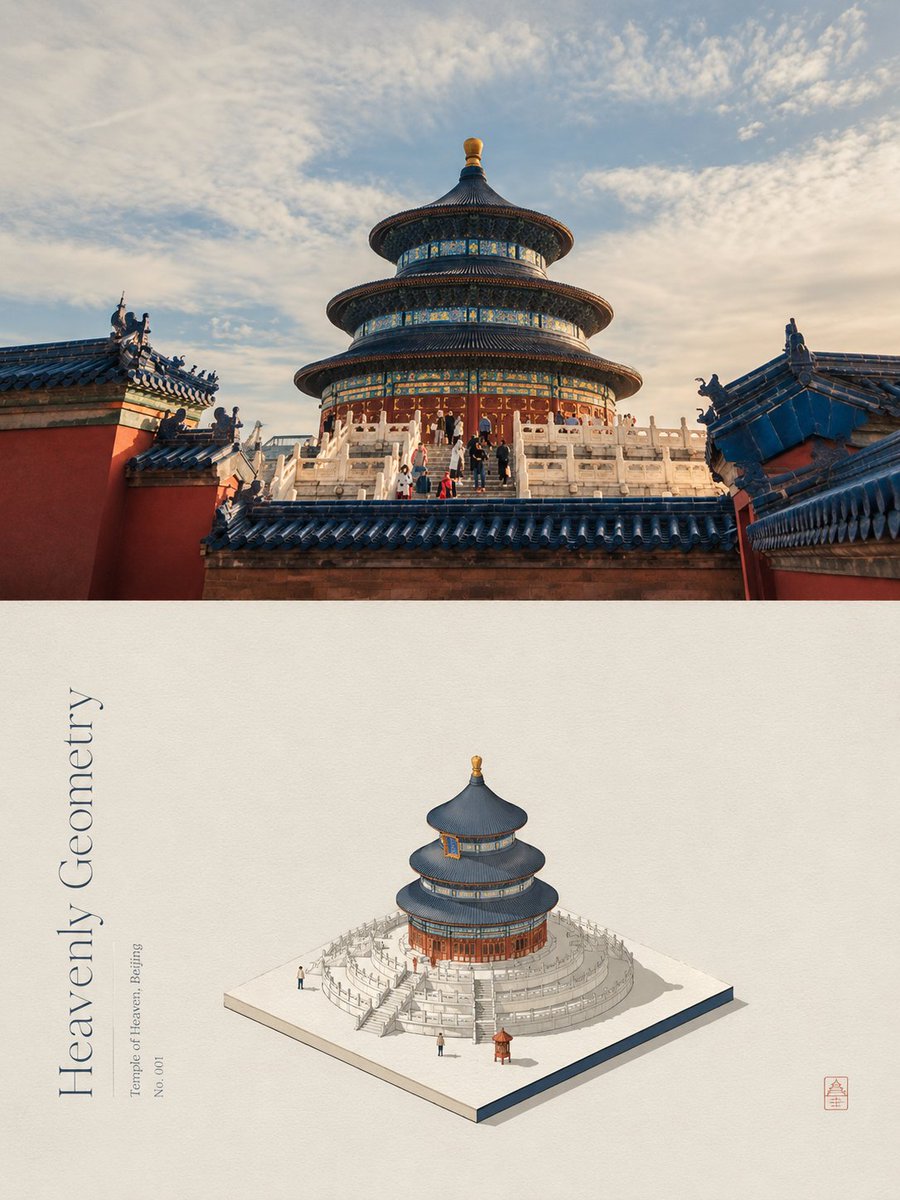
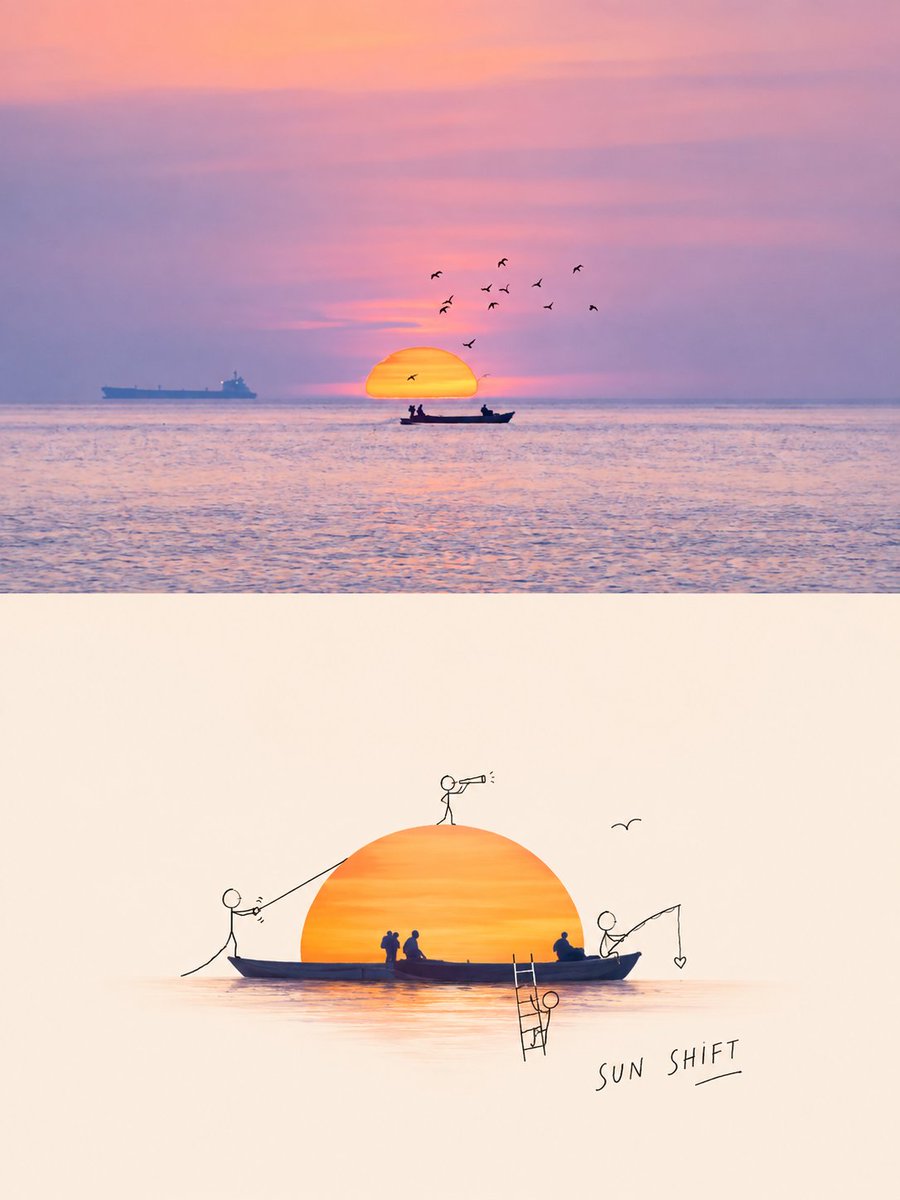
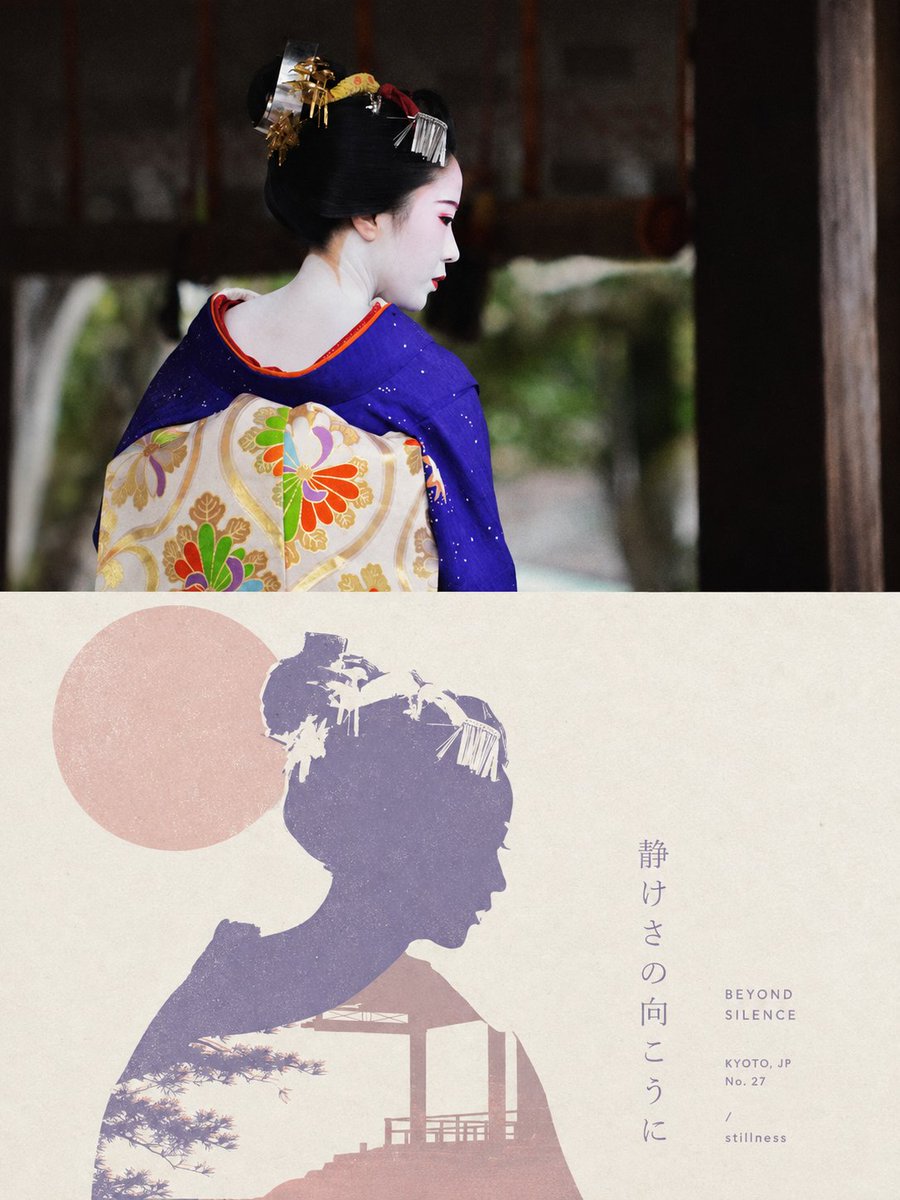
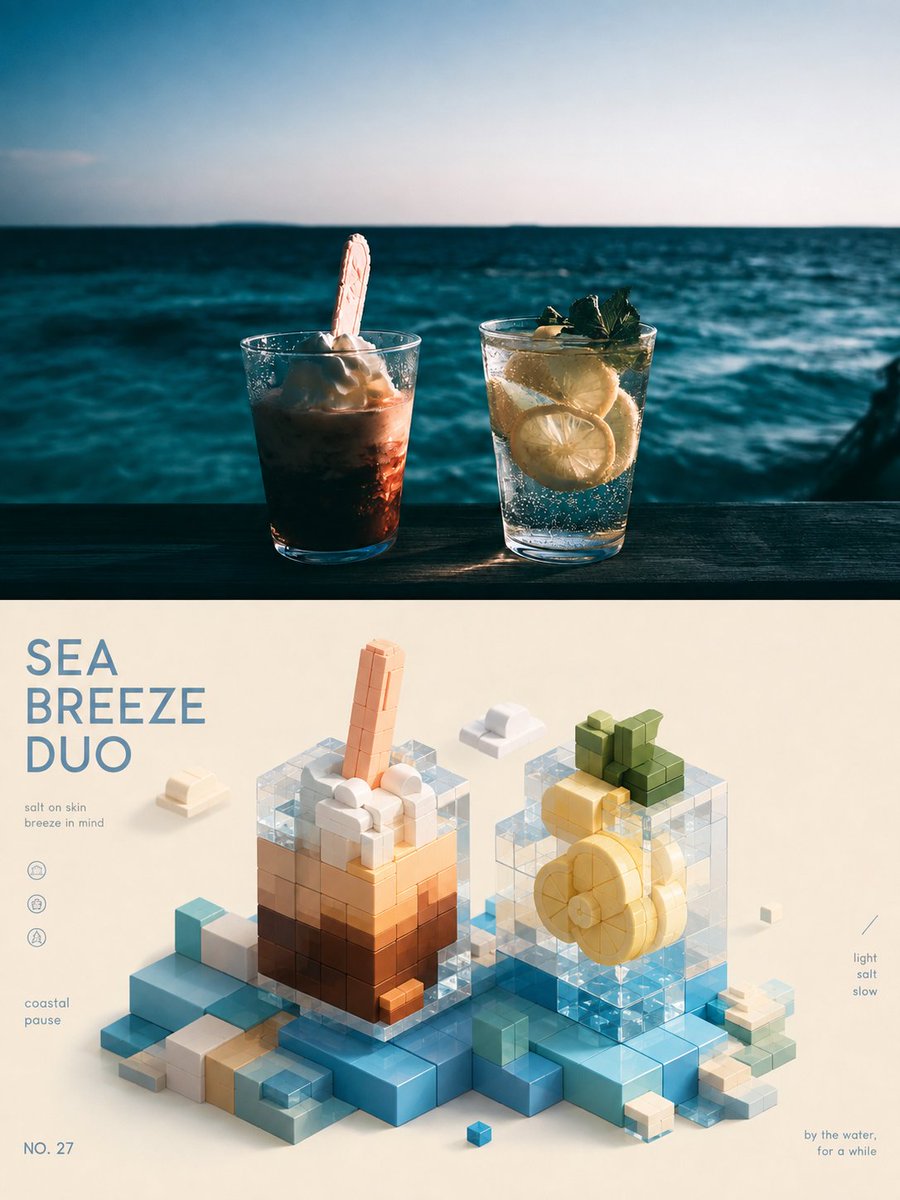
A tall travel poster built around one city building rendered as a black-and-white silhouette that cuts in front of oversized condensed lettering. A single saturated color fills the type and the lower base, with a pale top space holding small captions.

- Model
- GPT Image 2
- Type
- Image
- Aspect ratio
- 9:16
- Shared
- 21 Jul 2026
- Likes on X
- 15
Subject namePoster theme
Image prompt
2,887 charactersAround any subject object, build a flat photographic collage with a monumental, landmark-like sense. From the subject, select the representative entity with the sharpest silhouette, capable of carrying the vertical axis and hierarchical progression, and treat it as a high-contrast black-and-white photographic silhouette, frontal, centered and greatly enlarged, piercing the frame upward from the dense environmental fragments at the lower edge; the subject has clear detail, deep shadows, highlights retaining grayscale, edges as clean real cutouts, no soft focus. Turn the subject's name into an oversized, ultra-bold, horizontally compressed sans-serif display type filling the mid-upper area, its letter height forming an oppressive background color block with natural cropping on the sides; the black-and-white entity sits in front of the giant type, covering the center of the letterforms while keeping them legible on both sides, creating a strong scale clash of type behind, scene in front. Leave a quiet light space above, and place small, loosely spaced subject-attribute captions at the left and right ends, forming a restrained size contrast with the giant type below. In the lower part, environmental contours derived from the subject form a continuous foreground; tilted edges, overlapping occlusion and partial out-of-frame elements support the central entity; only a few cropped echoing fragments remain at the sides, creating spatial continuity without stealing focus. Colors take three clear roles: a highly saturated primary color derived from the subject's inherent color and mood, used for both the giant type and the large lower base color; a bright, clean light neutral whose temperature varies with the subject's character carries the upper negative space; all photographic entities unified from dense black to light gray. Hue may vary with the subject, but keep a single primary color, high purity, strong light-dark contrast and clear zoning, avoiding multicolor gradients that dilute the impact. Overall it has a matte flat-print quality, light base with fine paper fiber, evenly saturated solid color blocks, black-and-white photos retaining slight halftone and scan grain, edges with very slight ink-absorption softening, a clean surface with no exaggerated stains or creases. At first glance one first reads the monumental impact of the giant type and central entity occluding each other, then the small text and lower environment; keep the central axis, front-back occlusion, upper-lower color-field division and limited palette working together, avoiding splitting text, photo and background into unrelated decorations. —————— Subject: a city cultural-tourism landmark commemorative poster, highlighting one of the most recognizable city buildings Addition: show 3 related information points, keeping text concise and legible Aspect ratio: vertical 9:16
How to use it
Start with a photo of the building you want to feature, since the silhouette depends on its shape. Swap the subject name and the three short info lines for your own city and facts, but keep the solid color blocks and the tight contrast between the giant type and the central photo, which carry the look. It was shared as a GPT Image 2 prompt, so the layout suits a single sheet for a tourism display or a city event flyer.
Shared publicly on X on 21 Jul 2026. All credit for this prompt and its result goes to its creator. Is this yours? Ask for an update or removal.