
Image prompt Posters & Typography Customizable
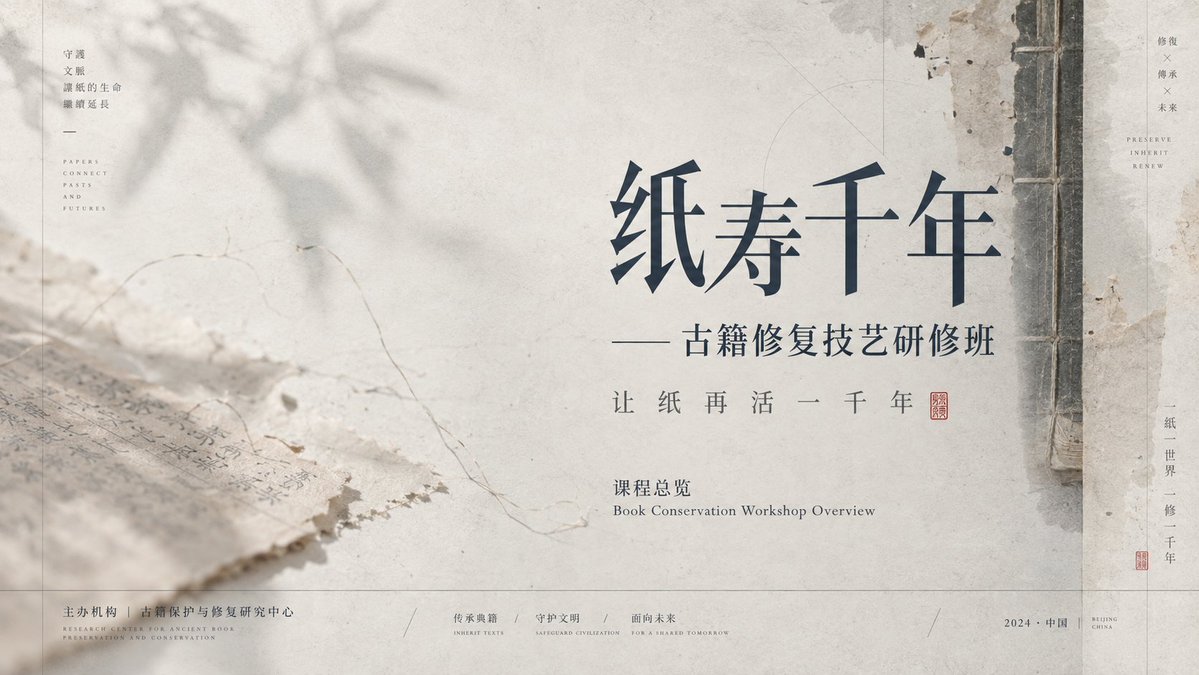
Ink-Wash Negative-Space Presentation Slide Design
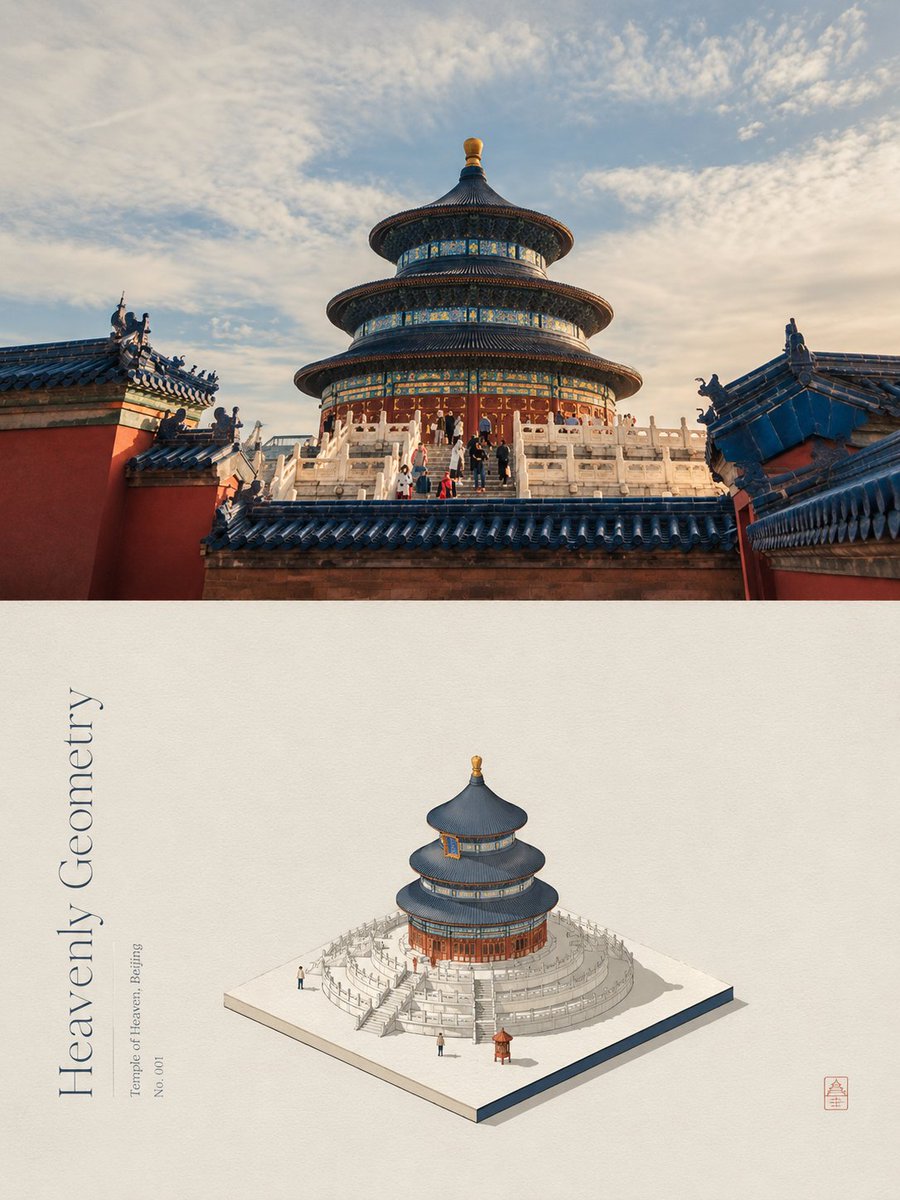
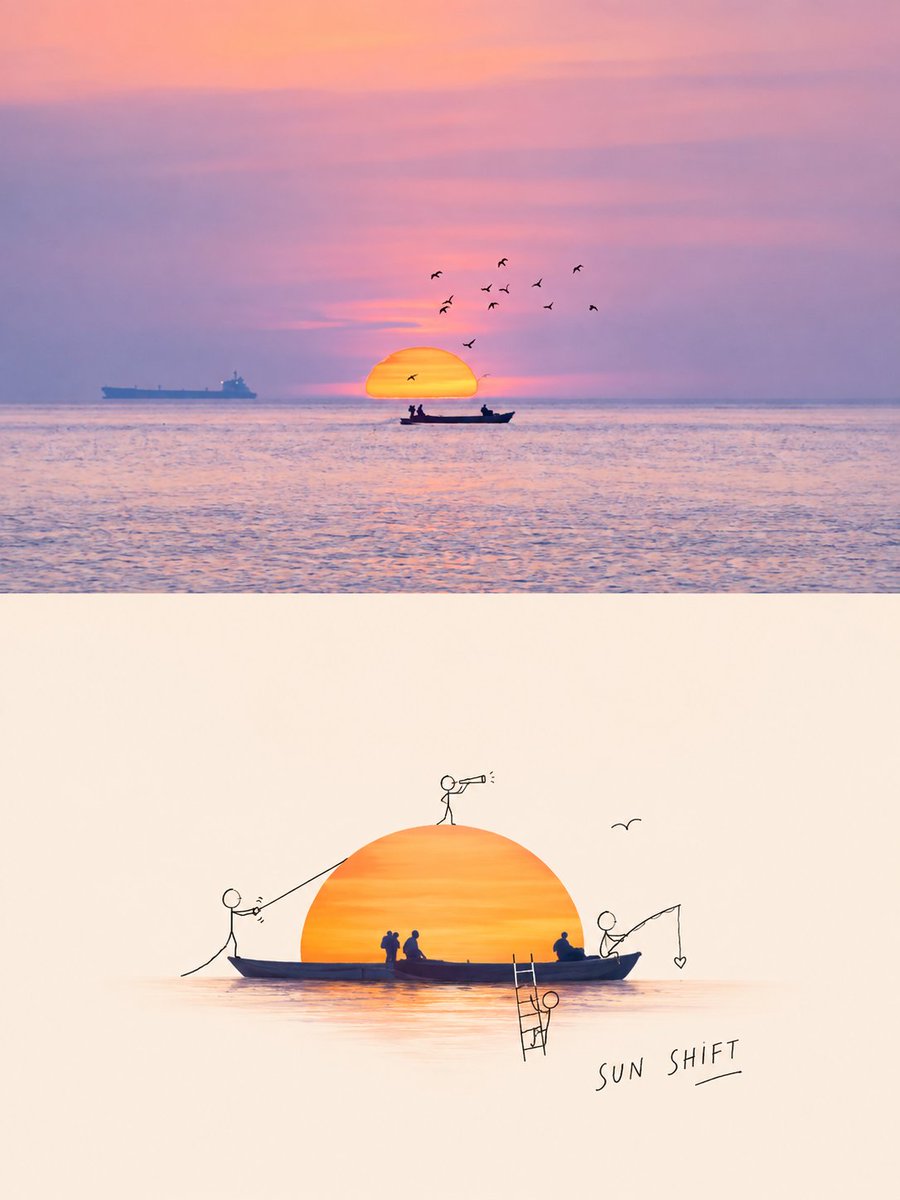
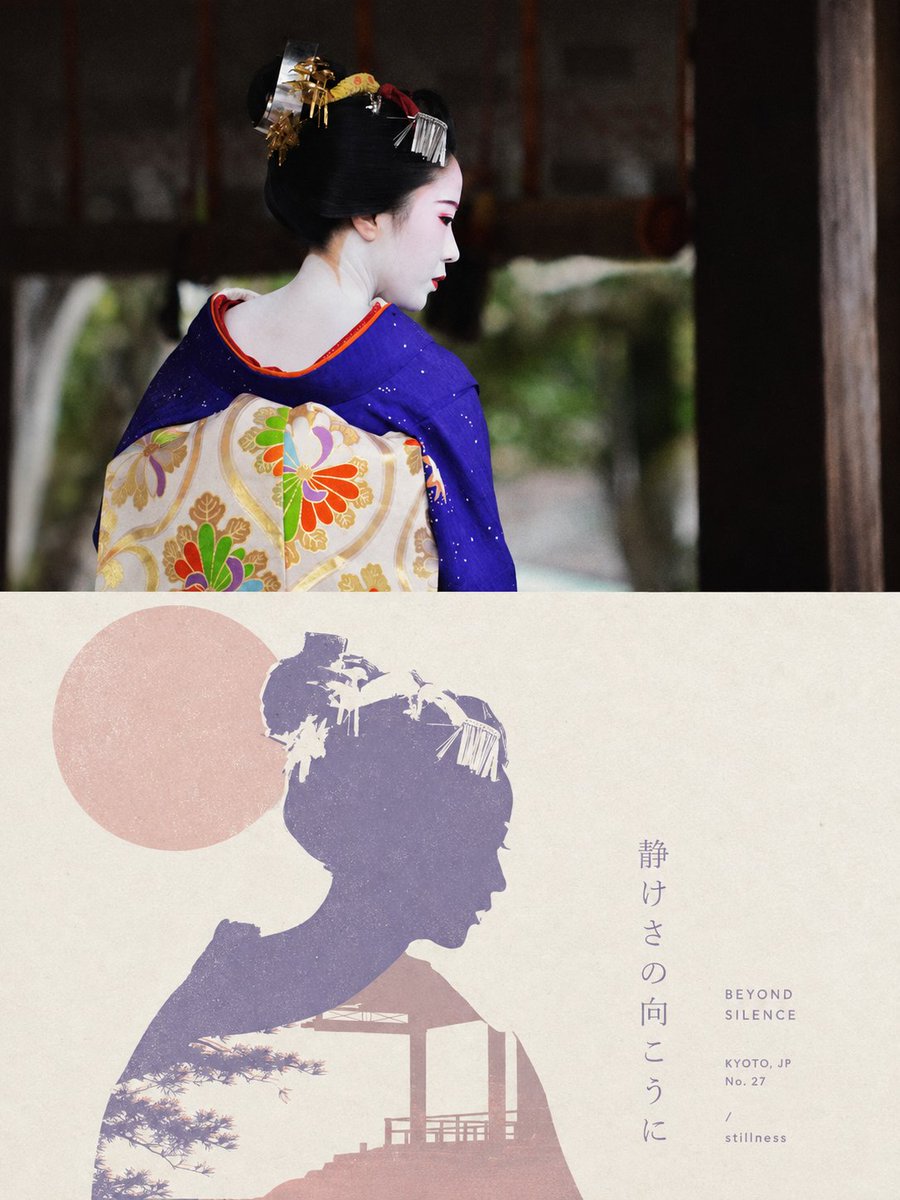
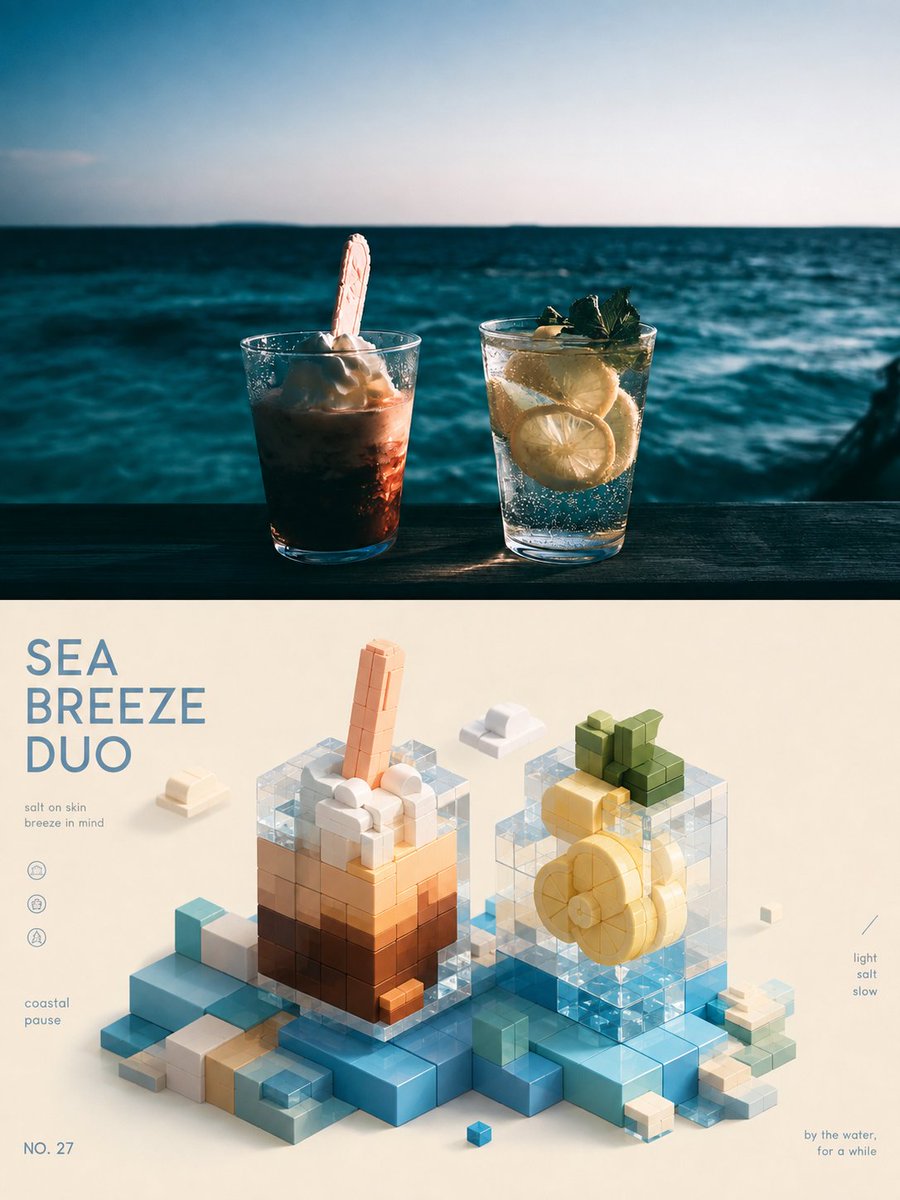
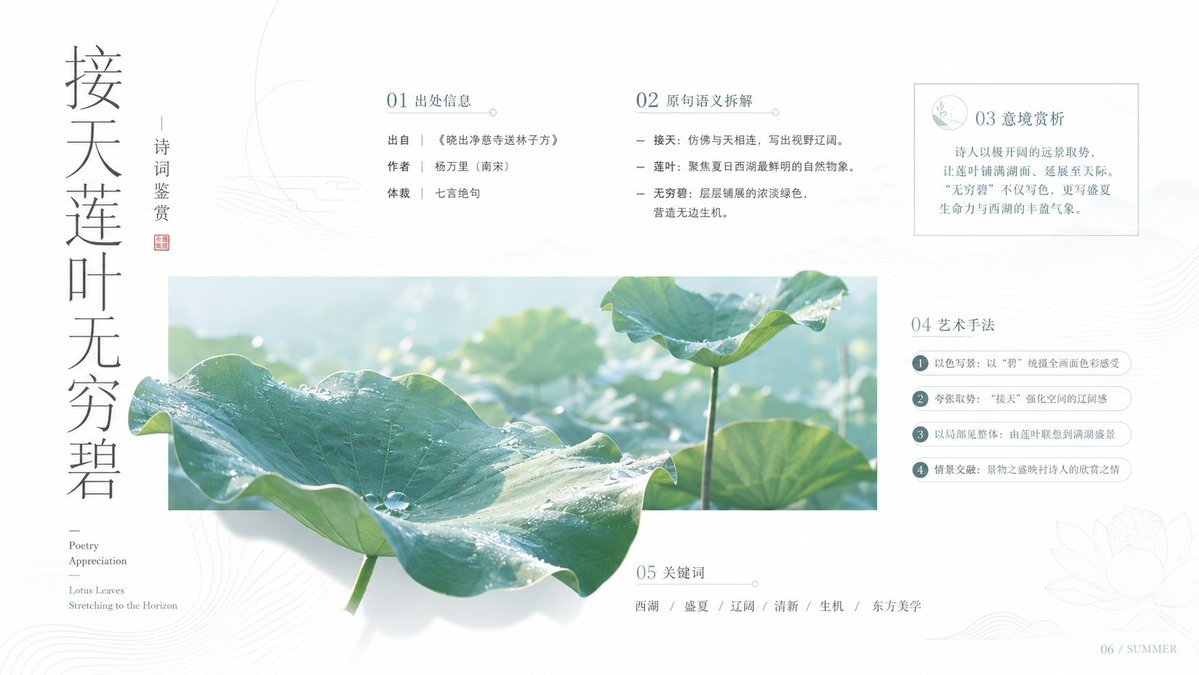
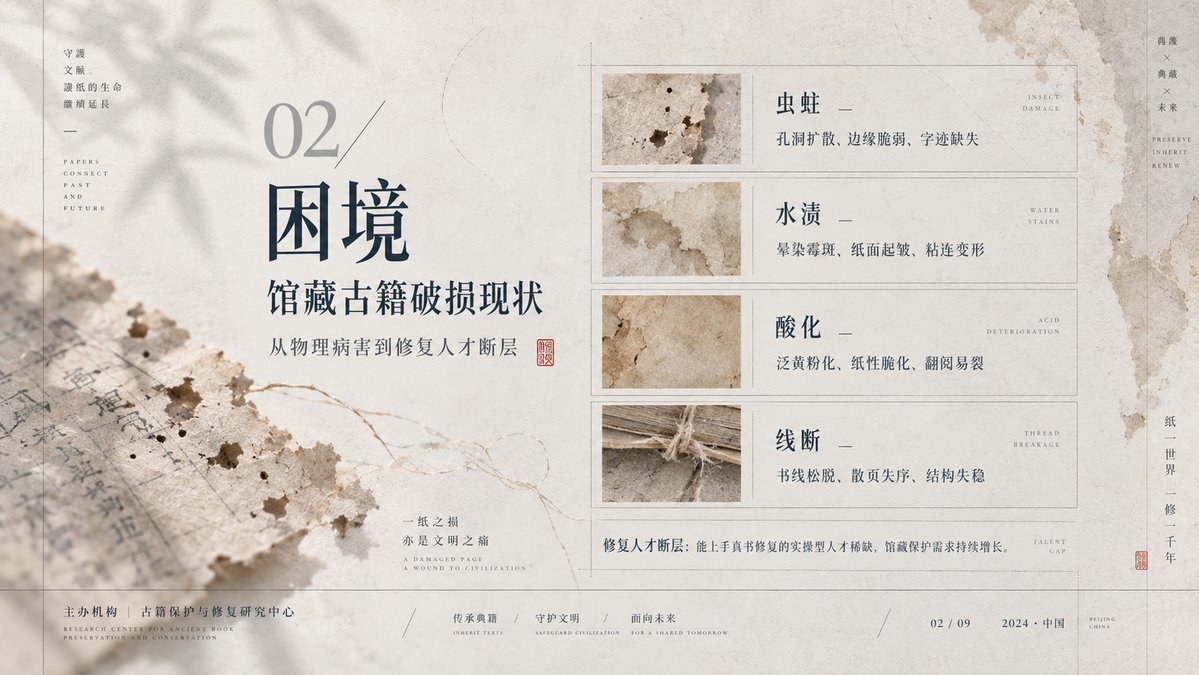
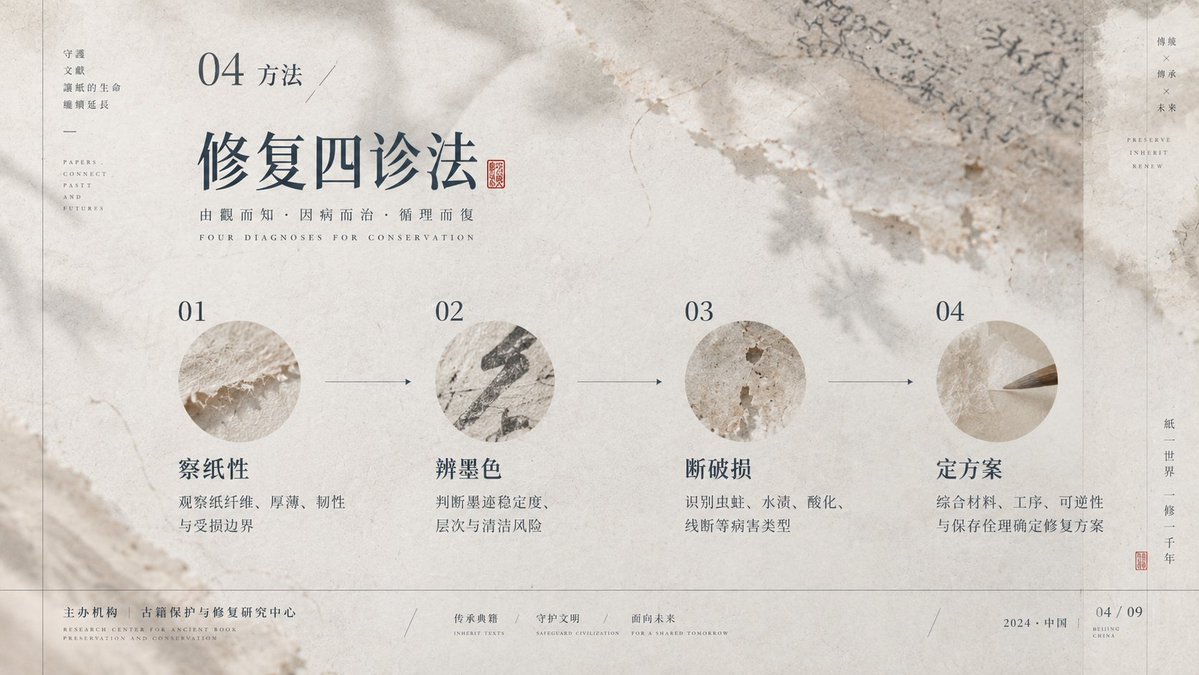
A restrained slide layout with a large empty field, paper-textured ink-wash imagery, and thin structural lines. Dense information sits on one side while the void holds the rest, giving a calm, scholarly reading pace.

- Model
- GPT Image 2
- Type
- 4 images
- Aspect ratio
- 16:9
- Shared
- 18 Sep 2026
- Likes on X
- 23
Image prompt
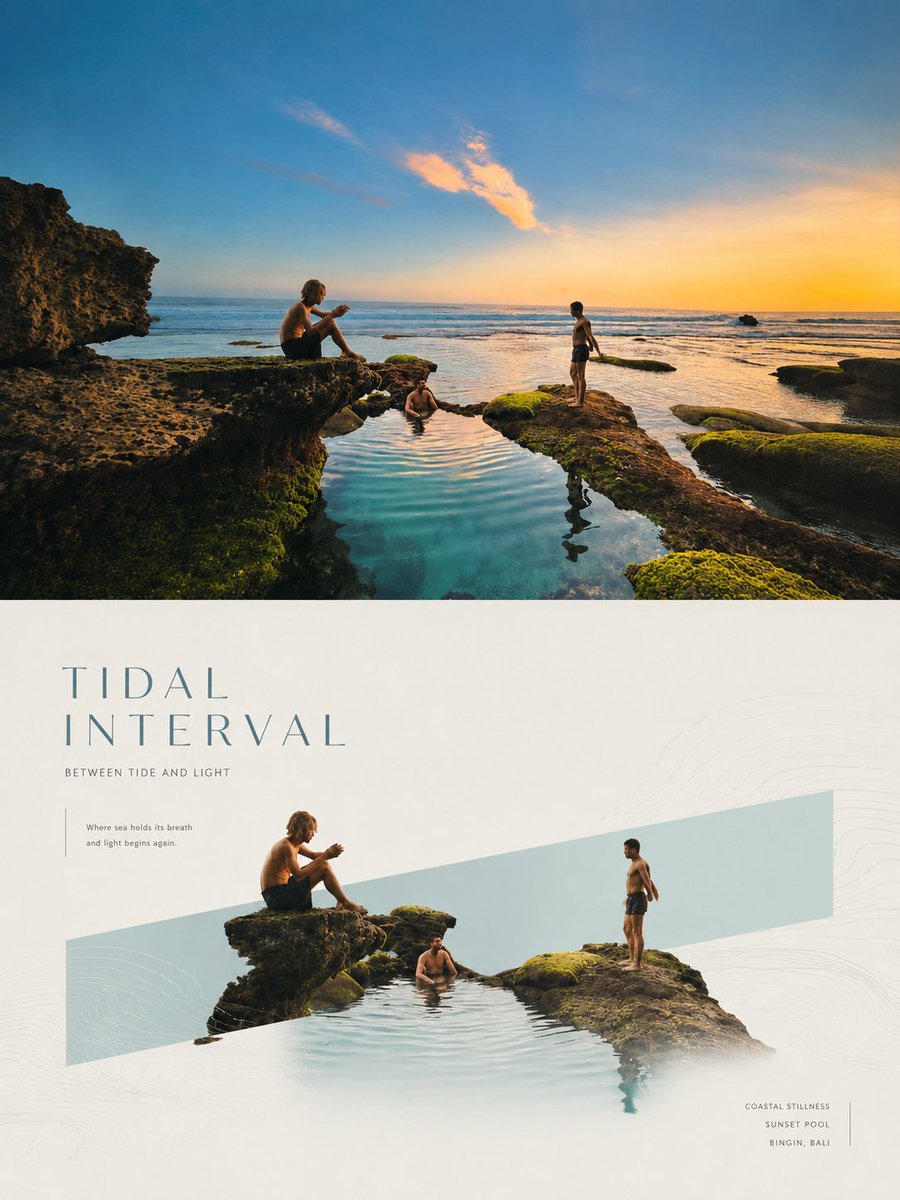
2,467 charactersEstablish a restrained PPT visual system built on negative-space narrative and a paper-image feel, led by the theories of Gestalt continuity, dynamic balance, modular grid, and baseline rhythm: use continuity to organize the slow reading of thin lines, shadows, and text; use unequal weighting so that large empty fields and a dense structure on one side hold each other in check; use the grid to align info columns, titles, annotations, and footer. Draw on Müller-Brockmann's rational grid to control margins, column widths, and the order of small type; on Brodovitch for editorial whitespace and the breathing between image and text that creates pauses; on Ikko Tanaka's method of geometricizing cultural symbols to turn ornament into flat structure; and on Albers' perception of adjacency to maintain low-saturation layers. The palette defines only roles: the background is the largest-area, low-saturation, high-lightness carrying layer; structural lines and body text are the low-lightness information layer; semi-transparent imagery is the mid-lightness atmosphere layer; a small amount of emphasis information appears with stronger lightness contrast, at an area ratio of about 7:2:1; future themed palettes map by role in one click, and must preserve lightness order, low saturation, transparent overlay, and the legibility of shadows. The layout uses an off-axis modular grid with the void dominant; the content narrative dictates that titles sit on the inner side of the void, info lists arrange along a quiet axis, and focal graphics hug the edge or cross it, the only break being a thin line or image crossing the column line to create traction. The background is composed of a layered craft of fibrous substrate, muted ink wash, and photographic transfer: first lay an absorbent texture, then overlay blurred organic directional shadows, linear frames, and fine branch-like guide lines, with softened edges, localized aging, and diffuse light. The typography uses contrasting pairs of high-contrast display type and low-contrast small type; titles retain a slender skeleton, open counters, fine sharp terminals, and loose tracking; body text forms precise annotations with tight leading and small size; any writing system is rebuilt with equivalent density and breath according to its own legitimate strokes, counters, connections, marks, and reading direction. The mood is understated, airy, silent, scholarly, gentle, orderly, with lingering resonance.
How to use it
Keep the grid, the off-axis placement of titles, and the thin line crossing the column, since these carry the calm balance of the design. Swap the palette roles and the subject words to fit your own deck, and the structure will still hold. It was shared as a GPT Image 2 prompt, so generate at 16:9 and treat the output as a slide template for a title slide or section divider.
Shared publicly on X on 18 Sep 2026. All credit for this prompt and its result goes to its creator. Is this yours? Ask for an update or removal.