Image prompt Posters & Typography Customizable
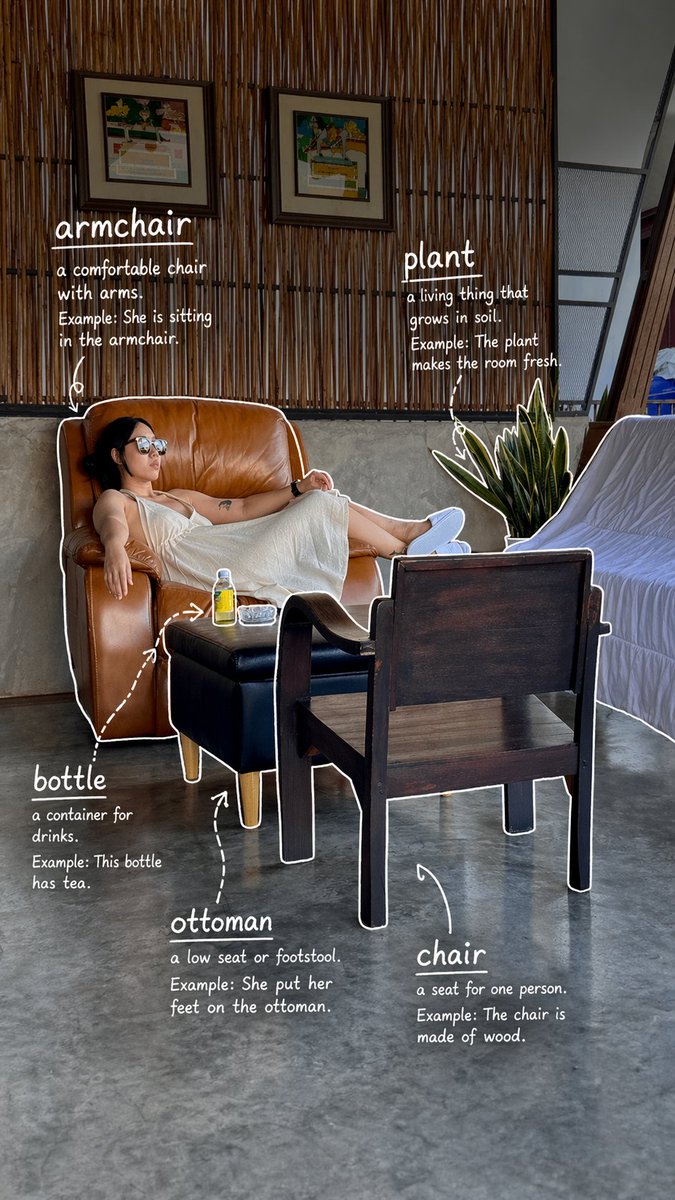
Hand-Drawn English Vocabulary Annotations on a Photo
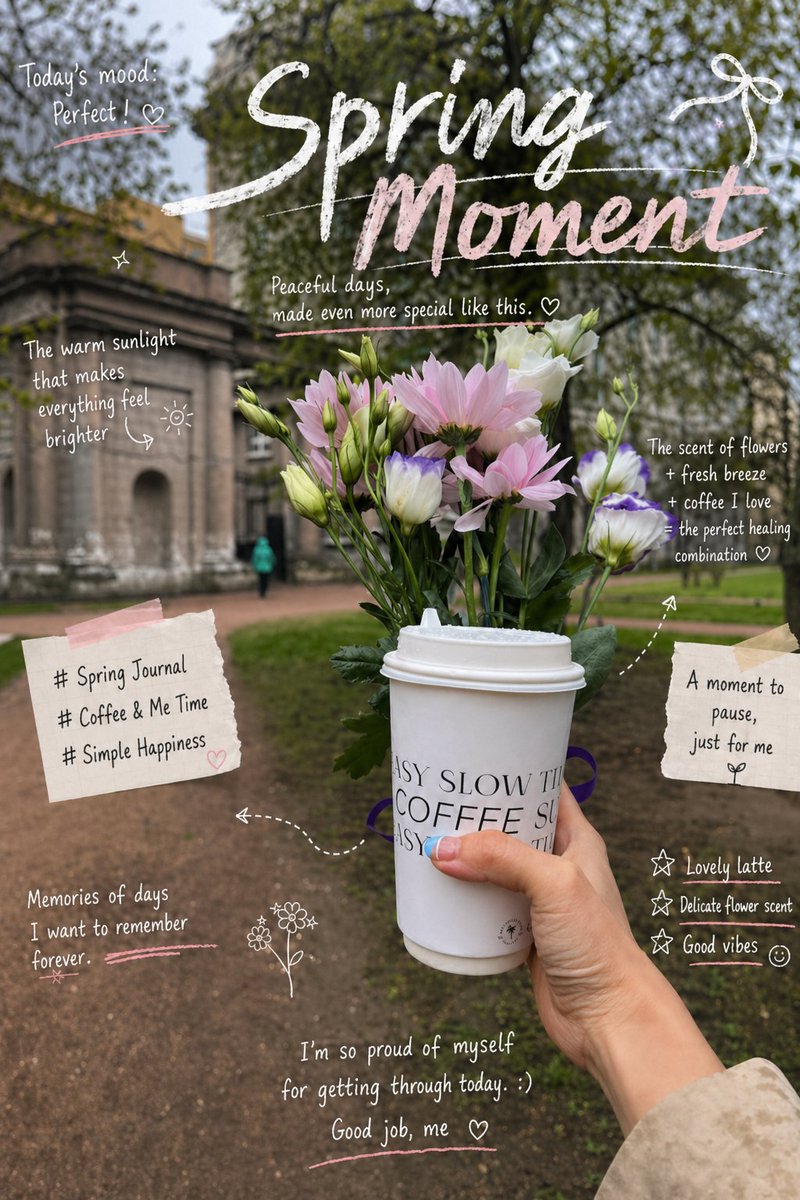
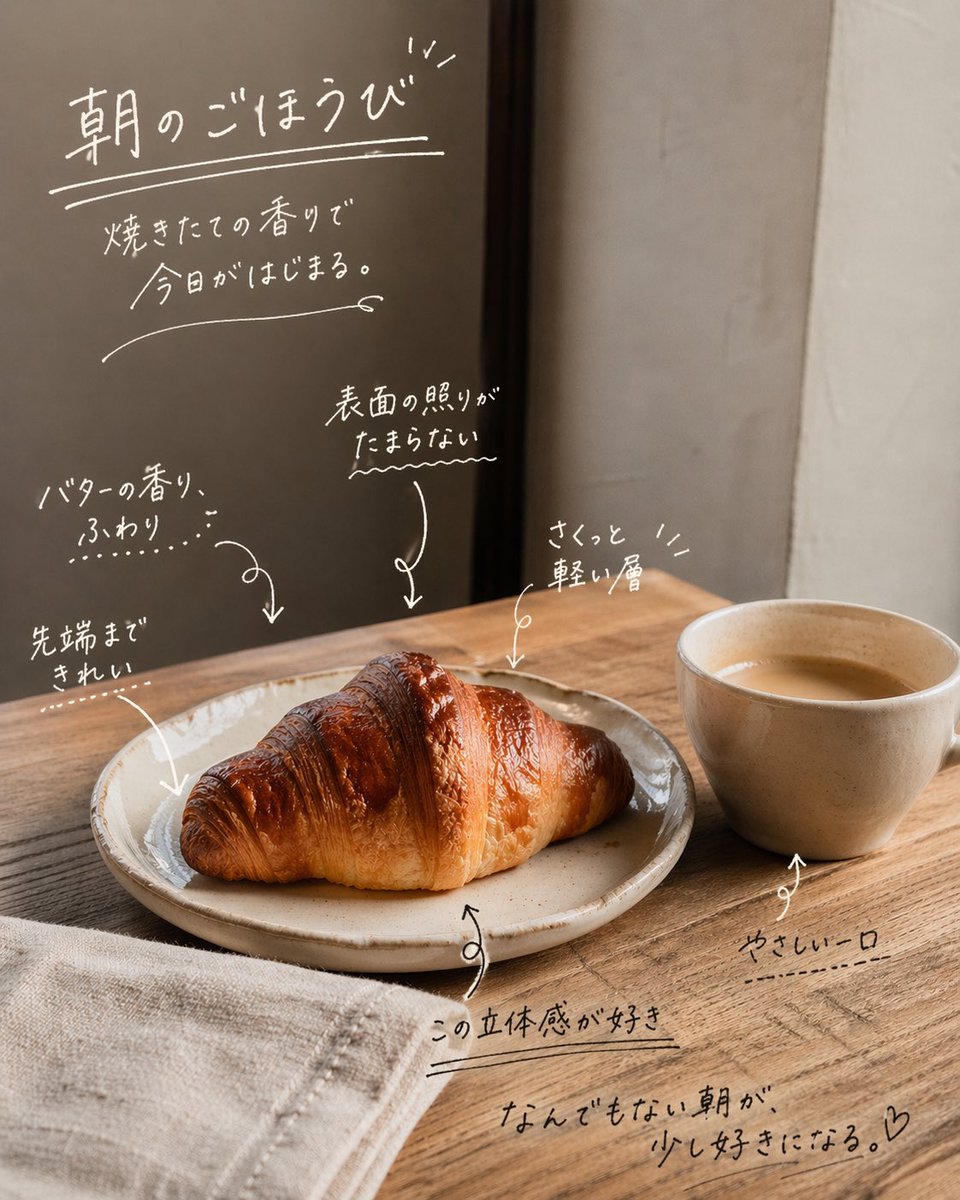
A casual everyday photo gets five loose white line outlines, each tagged with a simple English word, a beginner-friendly meaning, and a short example sentence. It reads like handwritten study notes on a phone screen.

- Model
- GPT Image 2
- Type
- Image
- Aspect ratio
- 9:16
- Shared
- 23 Apr 2026
- Likes on X
- 371
Image prompt
1,604 characters[Task Goal] Identify 5 objects in the photo and add for each object: 1. English word 2. Simple English definition 3. Optional short example sentence [Annotation Count] * Only label 5 objects * No more than 5 * Prioritize common, easy-to-learn everyday objects * If there are many objects in the scene, pick only the 5 most typical [Drawing Style] * Use white thin-line hand-drawn style annotations * Lines should look casually drawn, single-stroke feel * Lightly trace an outline around the edge of each object * Can add a few arrows or dashed lines to help point * Not too neat — keep it natural and relaxed * Don't fill the whole frame — leave white space [Text Format] Write next to each object: * English word * One simple English explanation * Optional one short example sentence Reference format: coffee a drink you can have in the morning Example: I drink coffee every day. bread soft food made from flour Example: I had bread for breakfast. [Text Style] * Primarily in English * Explanations should be simple, suitable for beginners * Don't write like a dictionary * More like visual vocabulary study notes * Word more prominent, explanation and example slightly smaller [Overall Feel] * Like handwritten English learning annotations on an everyday photo * Fresh, natural, with breathing room * Like light learning content on social media * Not too complex, not too crowded, not overly decorative [Key Output Focus] The key is: Pick only 5 objects → label with English words → add simple usage explanations → make the whole image look light and natural. Make the aspect ratio 9:16
How to use it
It was shared as a GPT Image 2 prompt, so upload your own everyday photo first, such as a kitchen counter or a desk, since the labels are drawn onto whatever scene you provide. Keep the instructions for five objects, the thin hand-drawn white strokes, and the word-first text hierarchy, which give the result its light, learner-friendly feel. Swap the sample objects or the target language to fit your study topic, and the finished image works well as a social post or a flashcard.
Shared publicly on X on 23 Apr 2026. All credit for this prompt and its result goes to its creator. Is this yours? Ask for an update or removal.