Image prompt Illustration & Characters Customizable
Glossy Anime Figure on a Tropical Festival Set
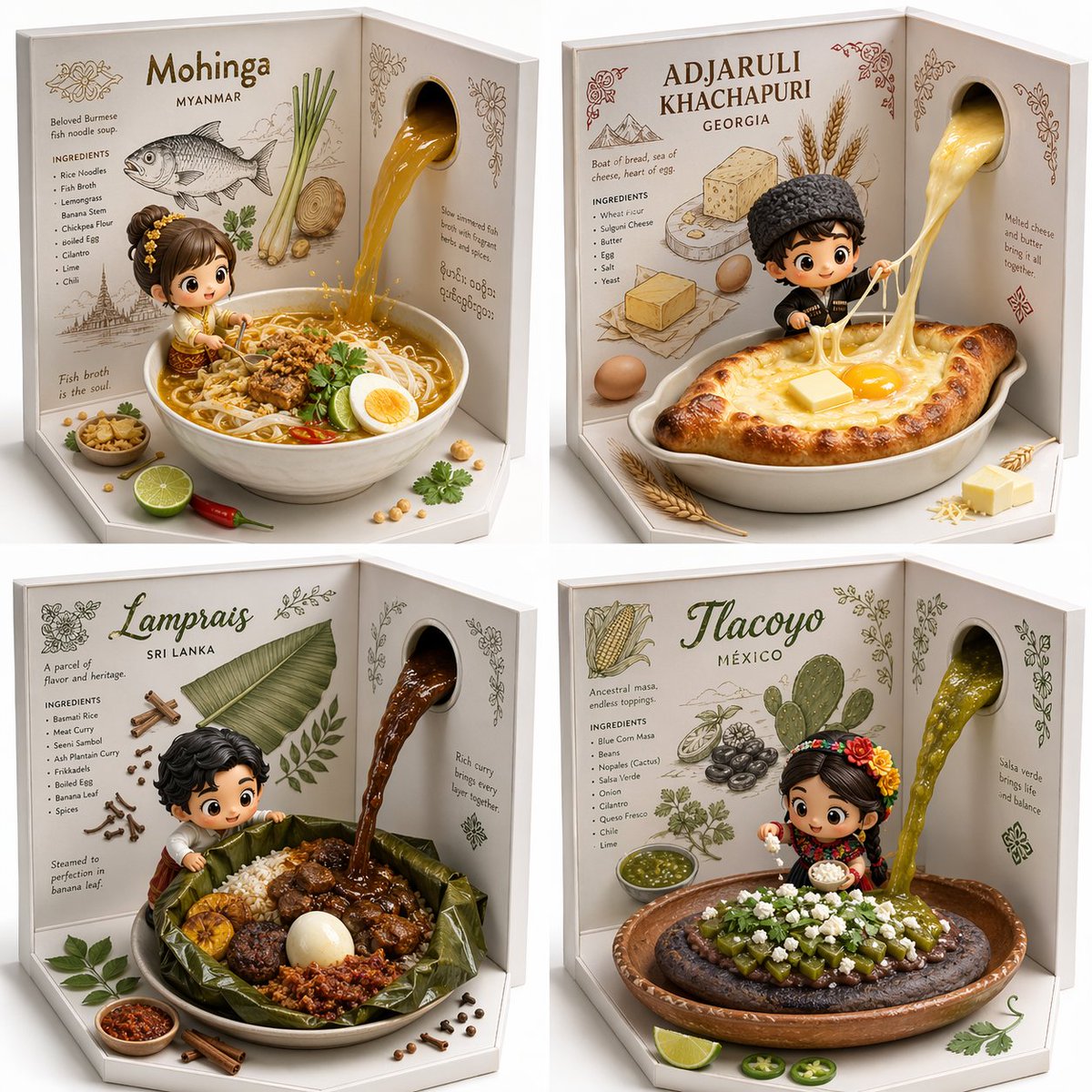
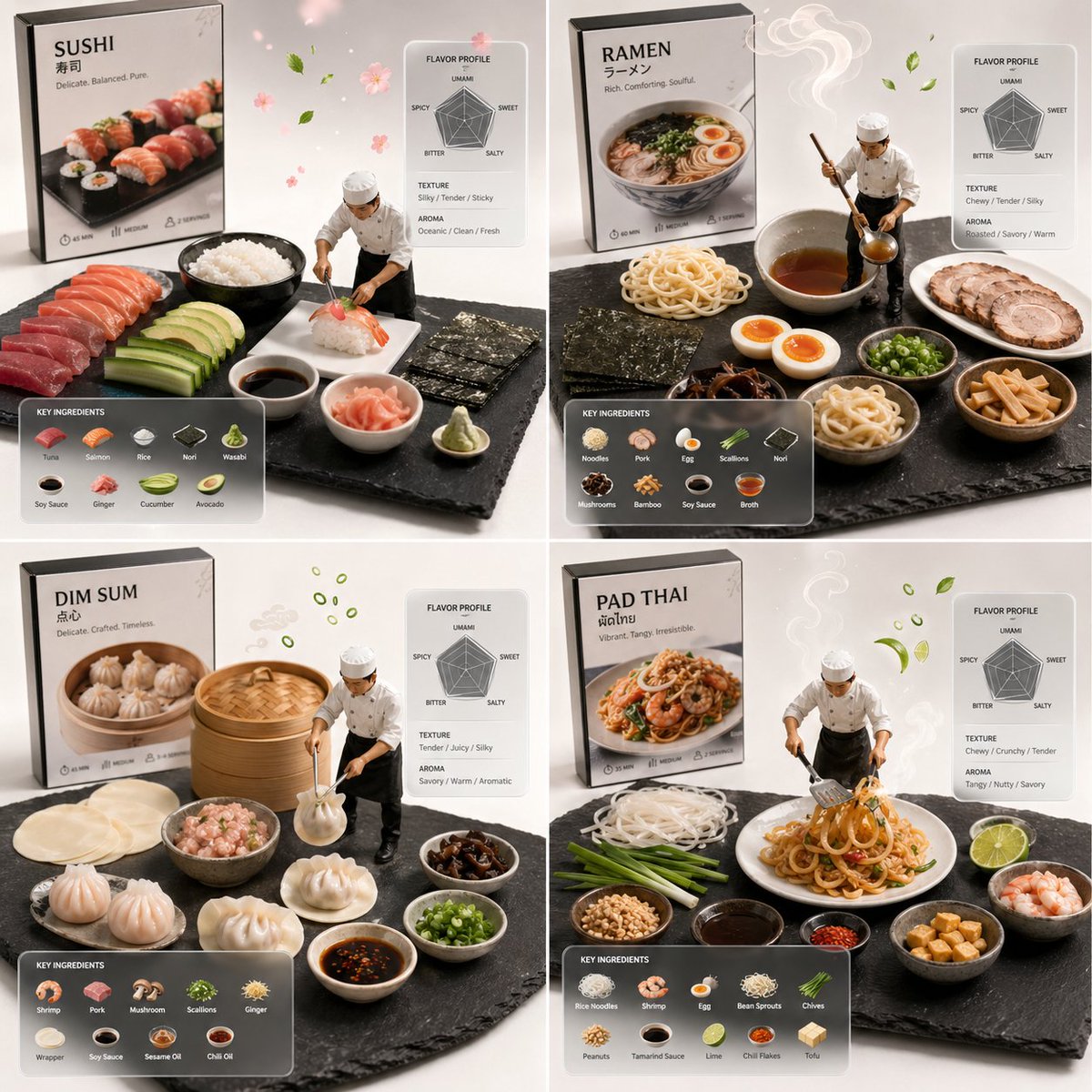
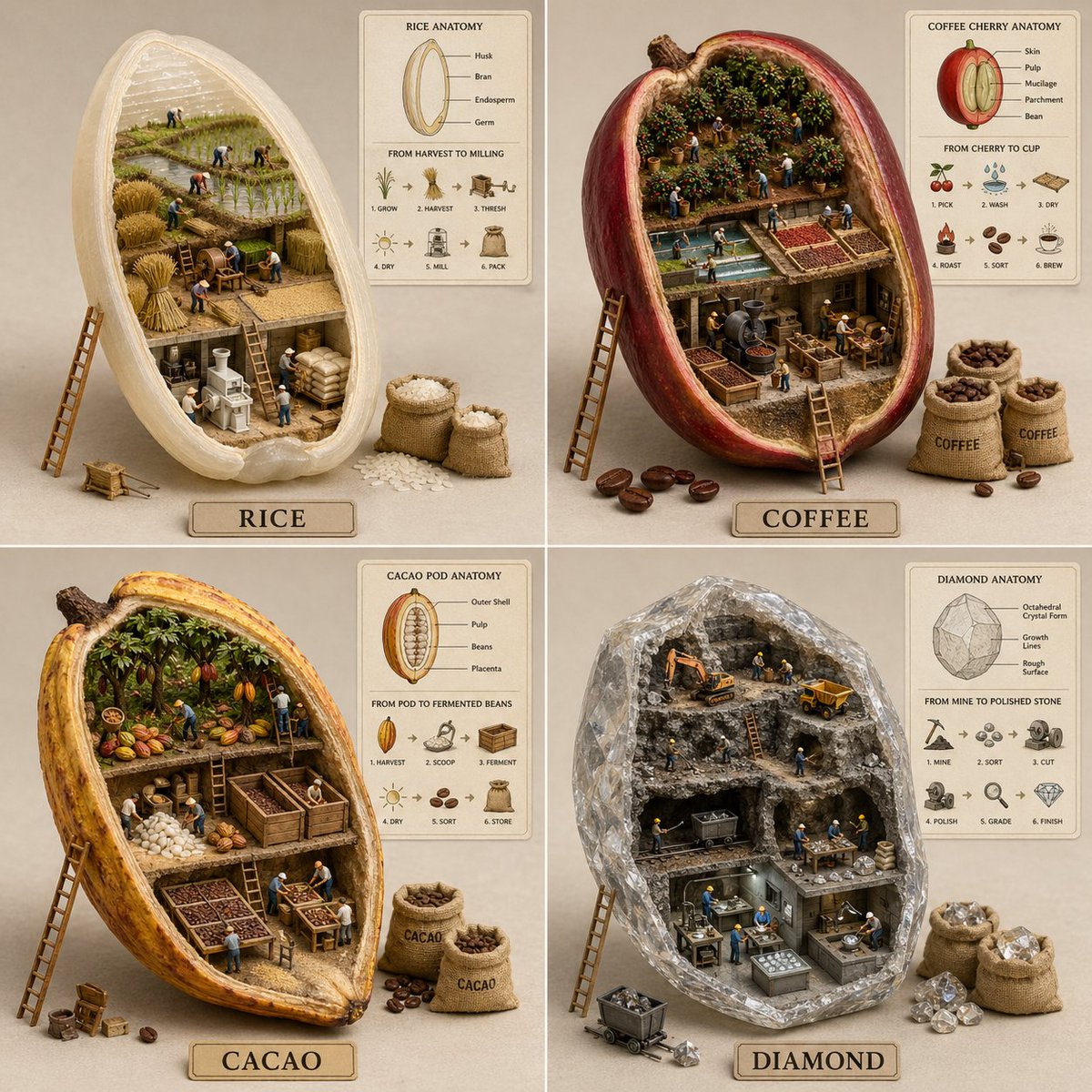
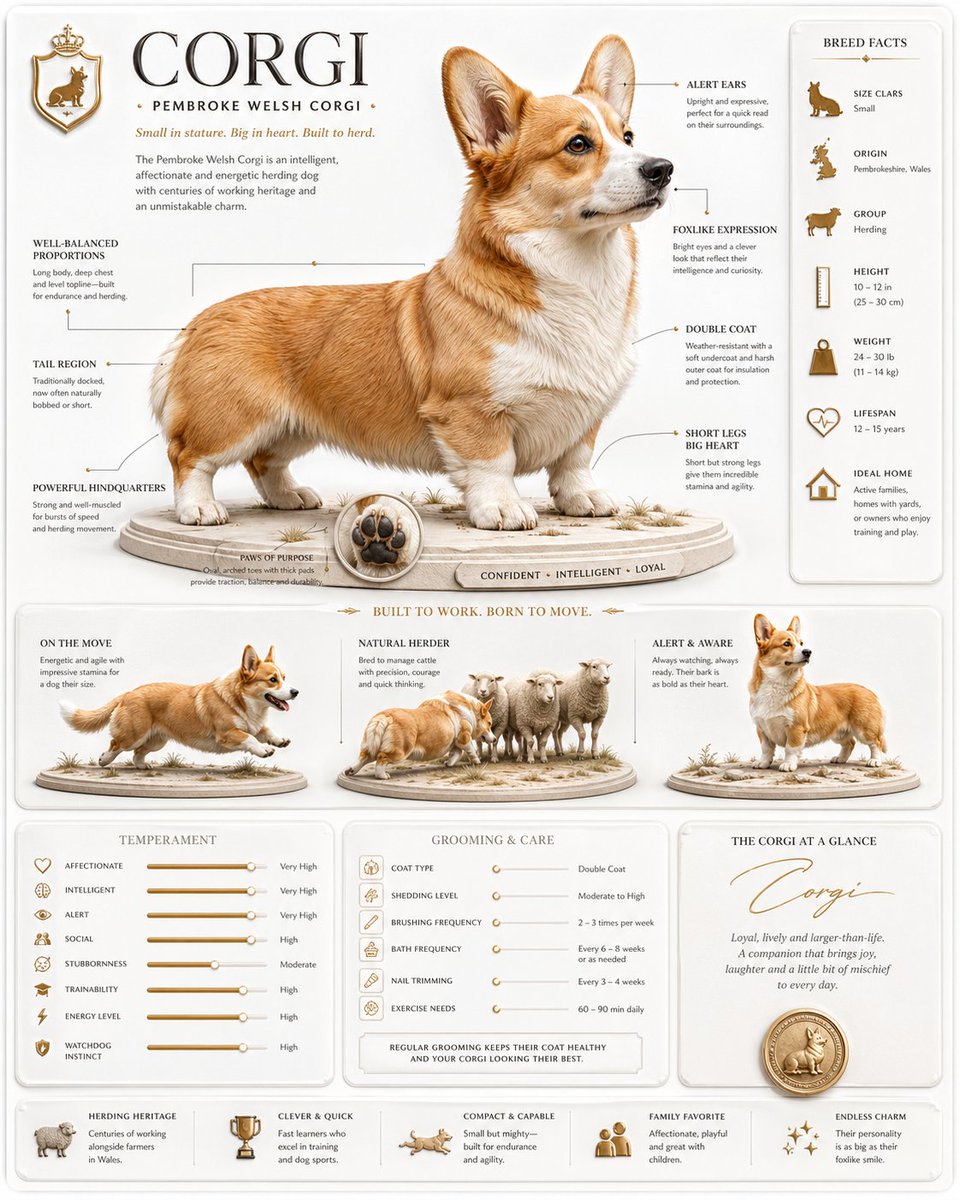
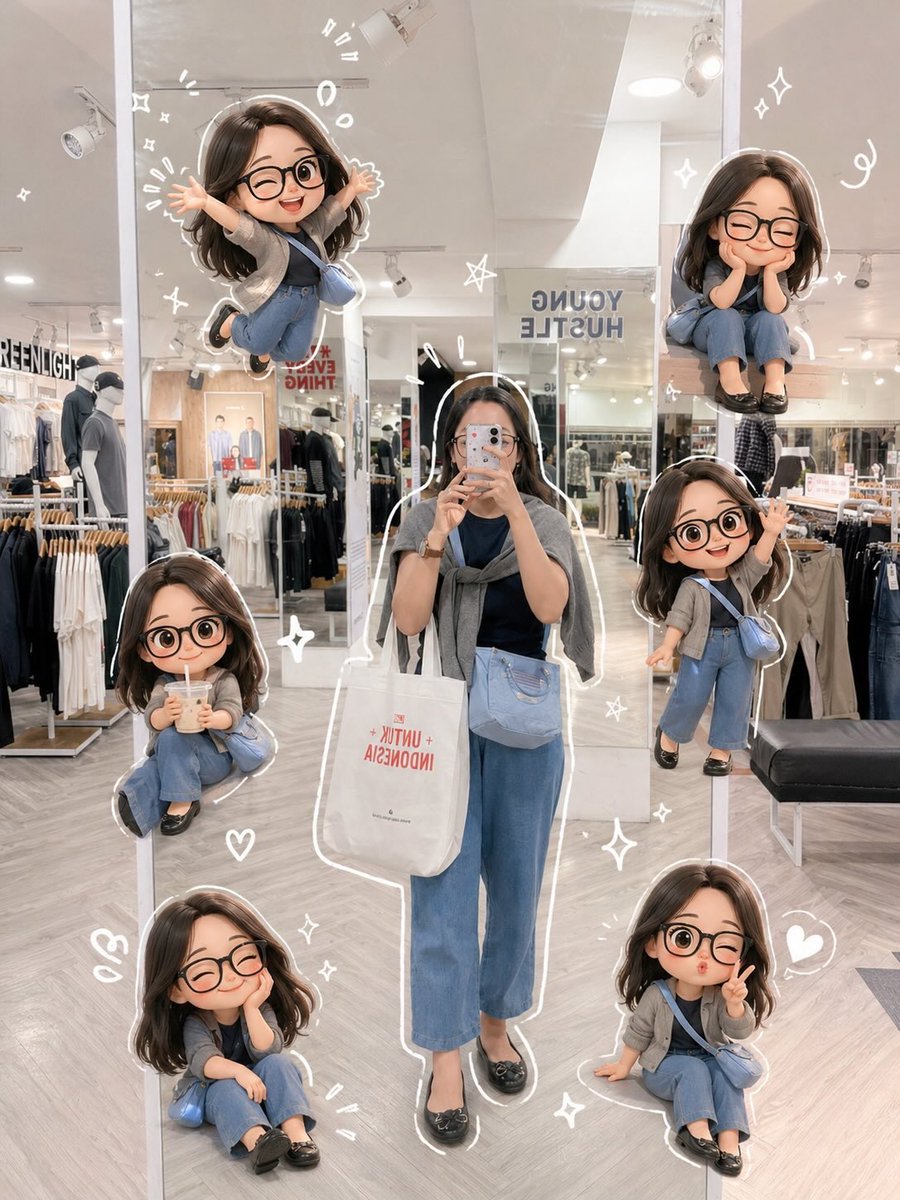
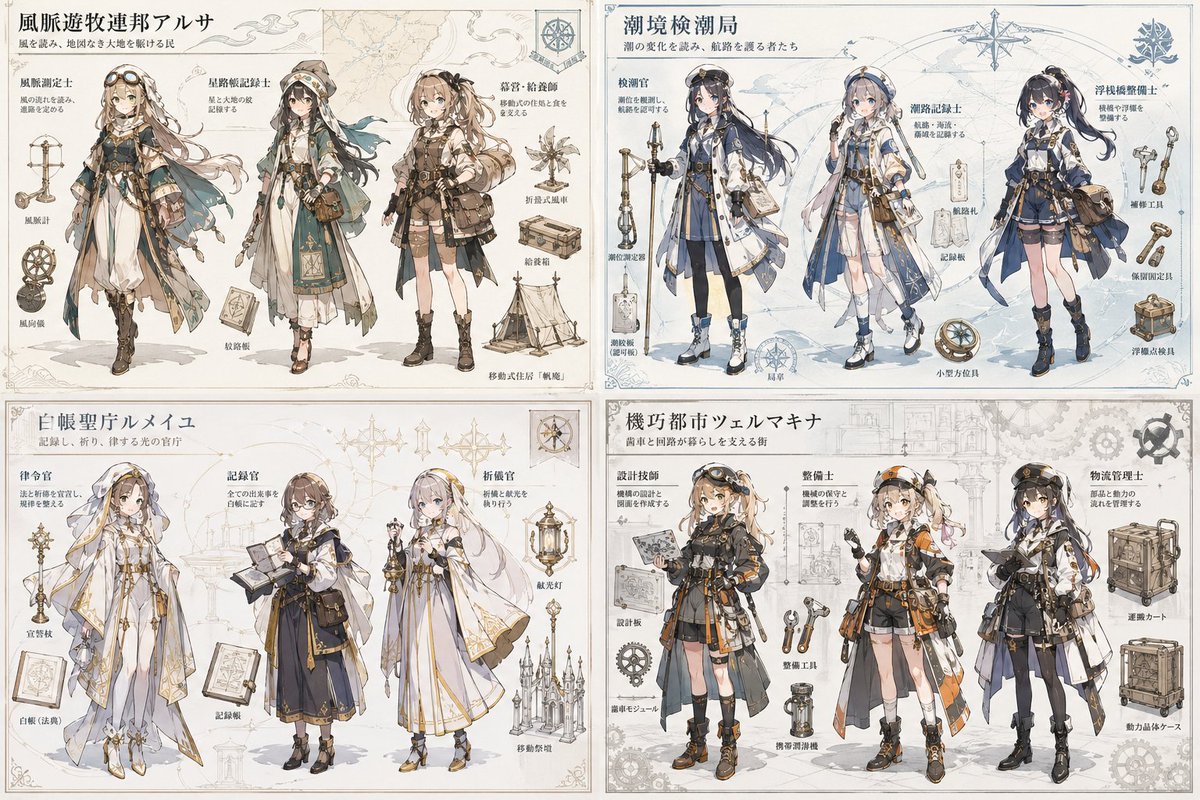
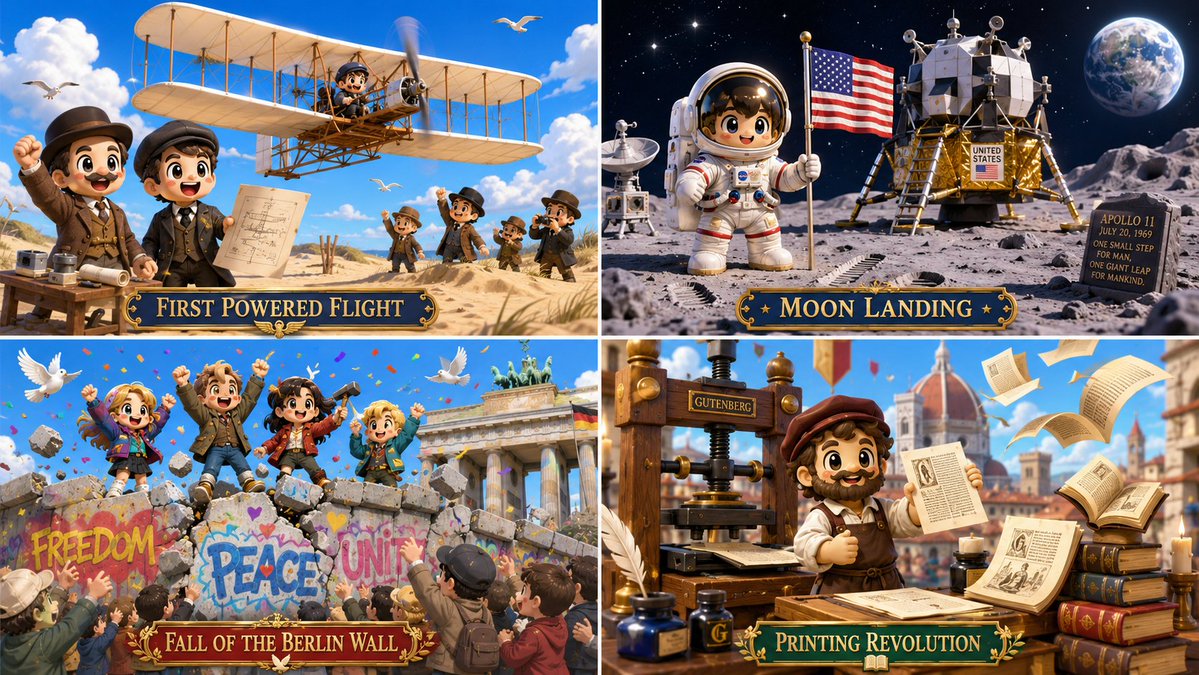
A cute, expressive figure sits at the centre of a bright tropical scene with palm-green plants, coral and yellow decor, and crisp sunny shadows. It reads like a polished designer-toy photo that is ready to post.

- Model
- GPT Image 2
- Type
- Image
- Aspect ratio
- 16:9
- Shared
- 1 Jul 2026
- Likes on X
- 16
SettingColour palette
Image prompt
2,757 charactersStyle = { <tropical_anime_collectible_tableau> MEDIUM: Glossy anime game key art fused with designer-toy product staging and tropical festival set design. SURFACE: Smooth stylized 3D anime rendering, polished vinyl-toy softness, clean skin shading, glossy eyes, matte ceramic props. FORM: Cute expressive characters or subjects with simplified sculptural shapes, oversized readable features, rounded accessories, and toy-like object clarity. COLOR: Bright tropical palette with aqua sky, palm green, coral pink, warm yellow, cream, glossy black accents, and festive red details. LIGHTING: Bright sunny daylight with soft highlights, clean shadows, and cheerful outdoor vibrancy. COMPOSITION: Character-forward or object-forward staging with colorful festival architecture, plants, props, and lifestyle-display balance. MOOD: Playful, fashionable, cheerful, slightly mischievous, collectible, and social-media-ready. </tropical_anime_collectible_tableau> <transformation> - Convert the subject into a polished anime-inspired collectible figure or centerpiece with expressive simplified features. - Reinterpret surrounding elements as tropical festival props, decorative plants, colorful architecture, cheerful objects, and staged lifestyle accessories. - Convert realistic proportions into cute stylized forms with clean silhouettes, smooth surfaces, and readable emotional posture. - Replace complex surface detail with glossy anime shading, vinyl-toy smoothness, ceramic accents, and bold color blocking. - Convert clothing, armor, tools, or natural textures into simplified costume-like panels, sculpted accessories, or designer-object details. - Turn background environments into bright staged sets with palm-like greenery, festive ornaments, decorative signage, and playful depth. - Preserve the subject’s core identity and action, but make it feel like a high-end anime figure photographed inside a vibrant tropical toy-world scene. </transformation> <shape_language> - Favor rounded heads, clean eyes, soft hands, simplified hair or surface masses, oversized accessories, and chunky readable props. - Use contrast between smooth character surfaces and decorative background detail. - Keep every object charming, collectible, and visually clear at thumbnail size. </shape_language> <finish> - Bright anime designer-toy key art. - Tropical festival energy with polished collectible staging. - Glossy, cute, colorful, clean, and viral-ready. </finish> <avoid> - Avoid gritty realism. - Avoid dull muted colors. - Avoid overly complex anatomy or texture. - Avoid horror lighting or documentary realism. - Avoid making the scene look flat; keep it staged and dimensional. </avoid> }
How to use it
It was shared as a GPT Image 2 prompt, so start with a clear photo of yourself or another subject if you want the figure to look like them. Keep the glossy vinyl finish, the bright palette, and the sunny lighting, since those carry the collectible look. Swap the festival props or colours to fit a theme, then post the result as a square or wide cover image.
Shared publicly on X on 1 Jul 2026. All credit for this prompt and its result goes to its creator. Is this yours? Ask for an update or removal.