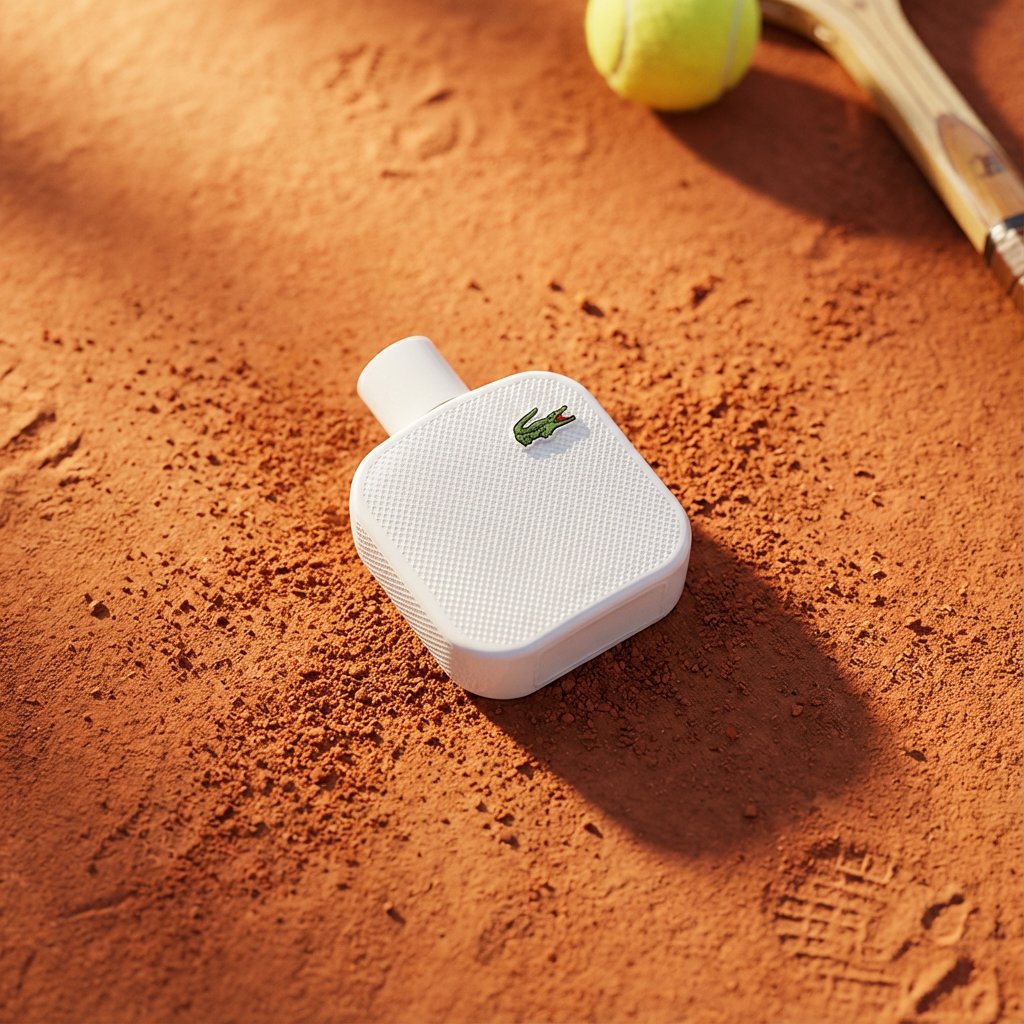


Image prompt Product & Ads Customizable Add your photo
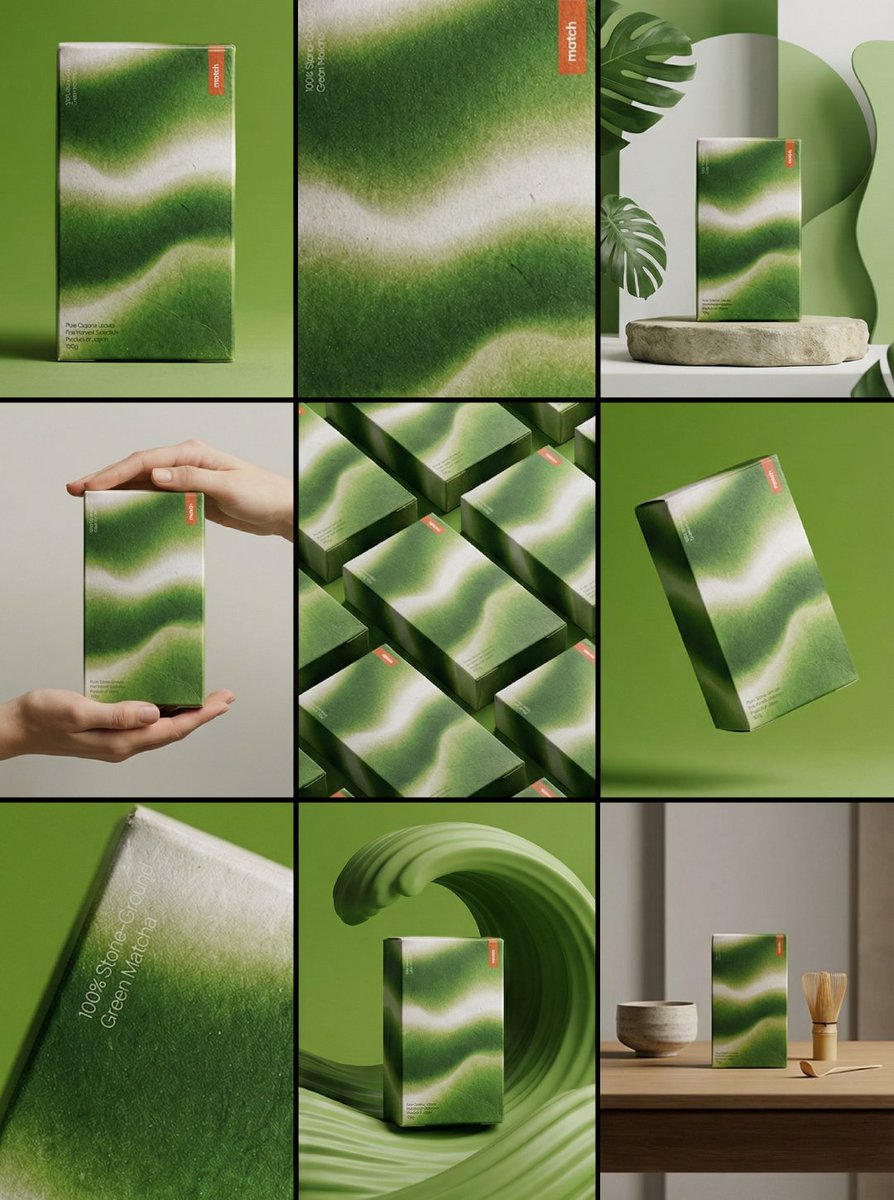
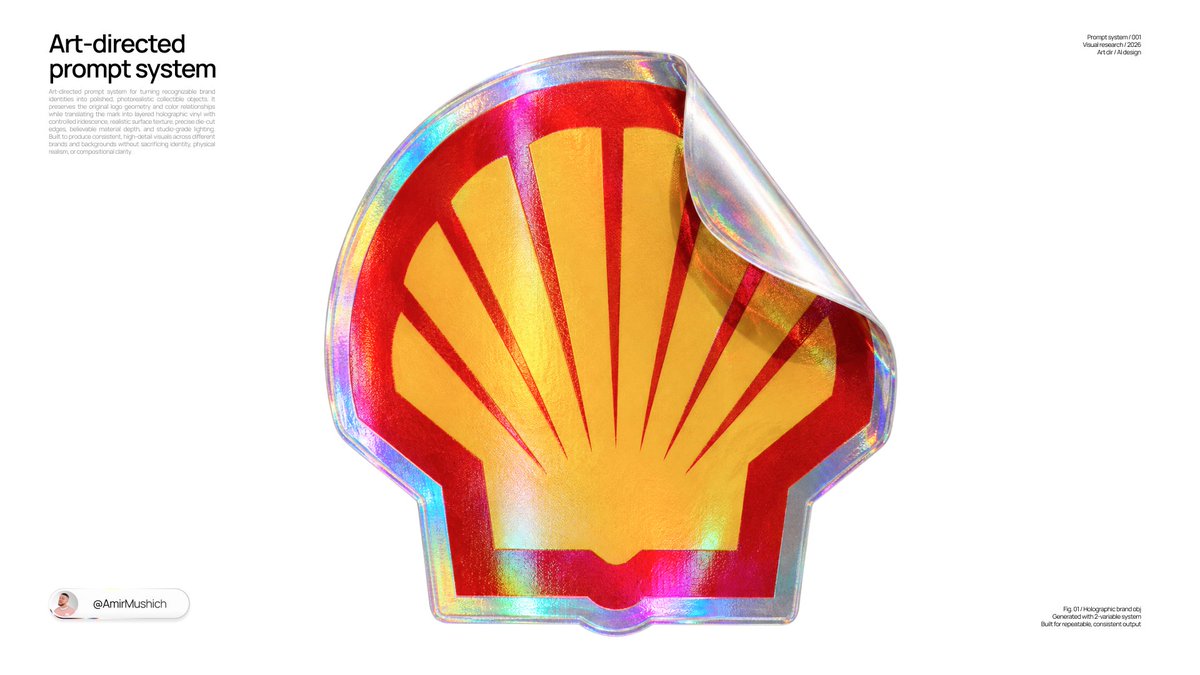
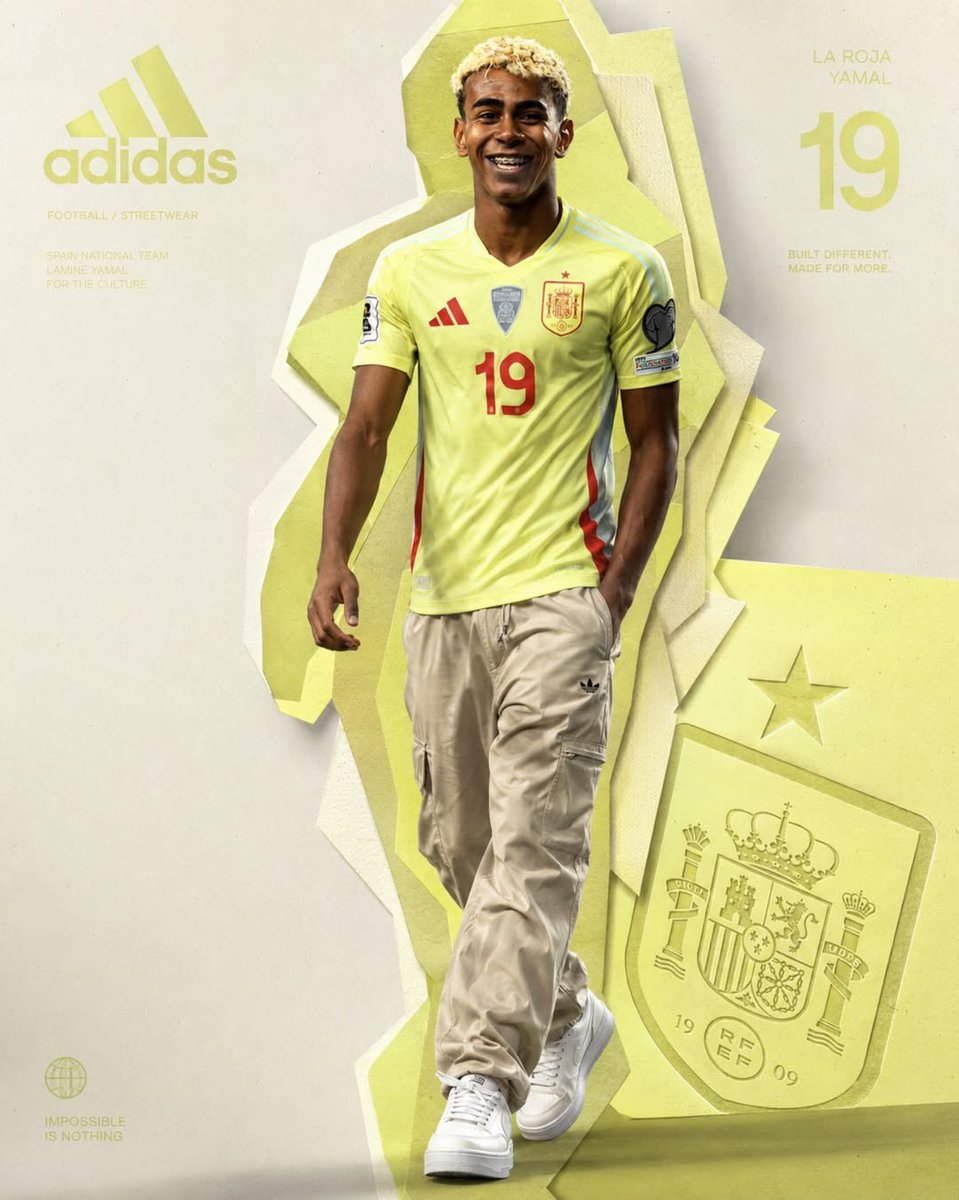
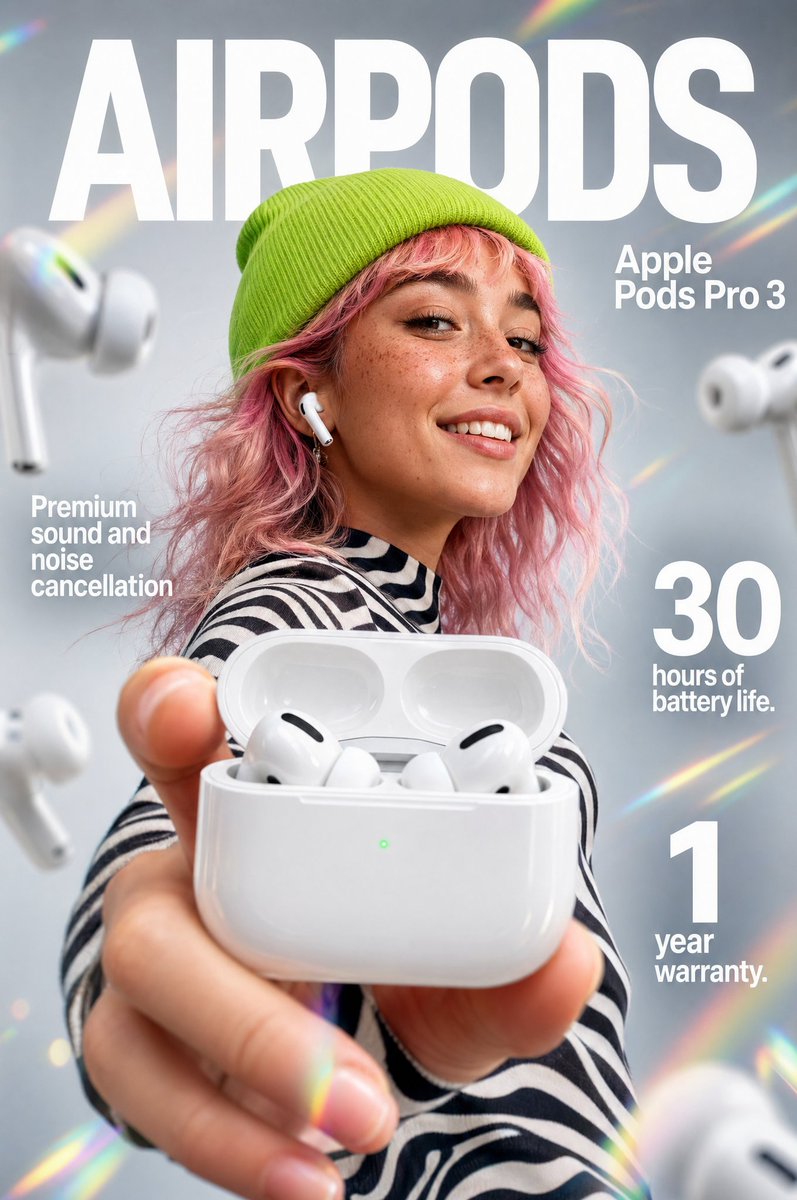
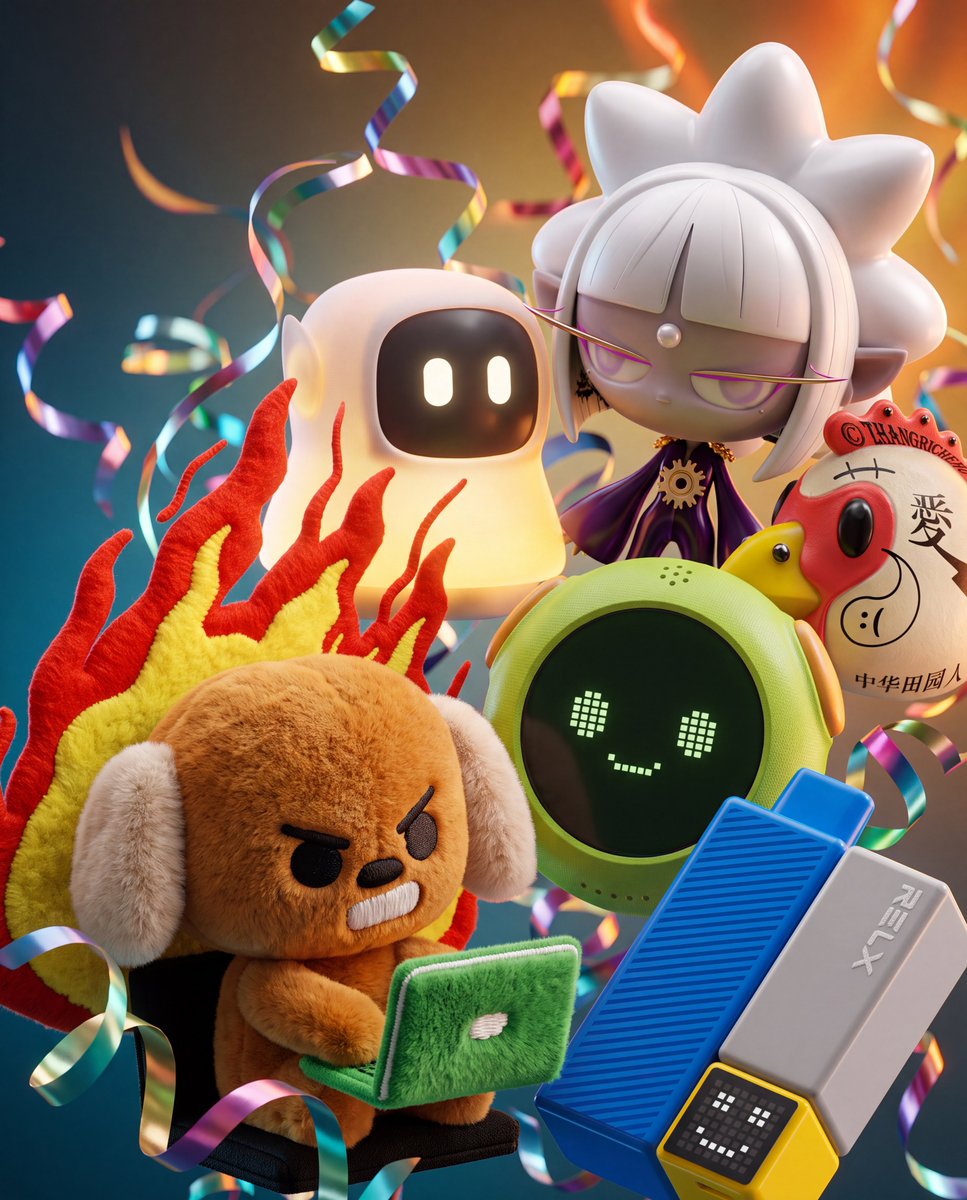
Floating Product Cluster With Metallic Ribbons in 3D
Several of your own products float in a tight macro cluster, overlapping and catching light at different angles, with metallic ribbon streamers curling through the frame. The background gradient is drawn from the colors of the products themselves.

- Model
- GPT Image 2
- Type
- 4 images
- Aspect ratio
- 4:5
- Shared
- 20 Jul 2026
- Likes on X
- 73
Image prompt
2,253 charactersExtreme close-up, highly detailed Blender + Octane render of the attached product images arranged as a dense, overlapping 3D floating cluster. Use the exact products shown in the attached photos preserve their true colors, materials, logos, labels, textures, and proportions exactly as photographed. Do not invent, substitute, or generically reinterpret any product; render them as faithful 3D versions of the attached references. Composition: objects overlap and float in a tight macro cluster, each catching light from a different angle, creating a layered depth-of-field effect with the nearest object in sharp focus and others softly falling off in the background blur. Intertwined throughout the cluster: long, curling streamers of metallic confetti ribbon and thin silky ribbon, threading between and behind the objects, catching specular highlights as they curl through the frame. Materials and rendering: emphasize contrasting textures true to each attached product brushed or polished metal, soft fabric sheen and folds, glass with complex caustics and refractions if transparent liquid is present, waxy or matte surfaces, glossy plastic or lacquer all rendered with physically accurate reflections, refractions, and soft shadow occlusion. Background: a sophisticated multi-tonal gradient, built creatively from the dominant and accent colors actually present in the attached product images analyze the attached photos' palette (primary object color, packaging color, any metallic or accent tones) and construct a smooth, moody gradient that transitions between 2–3 of those extracted tones, deepest/coolest tone at the bottom edge, warmest/lightest tone at the top edge, evoking a refined evening luxury atmosphere. Do not default to a fixed palette the gradient must visibly relate to and complement the attached products' actual colors. Confetti ribbon colors should also pull from this same extracted palette (one metallic tone + one soft tone). Lighting: soft key light from the upper background glow, subtle rim lighting on each object edge, gentle bounce light between overlapping items, no harsh shadows. Camera: macro lens look, shallow depth of field, extreme close-up framing, photorealistic, ultra-detailed, 8K render quality.
How to use it
Start with clear, evenly lit photos of one to five products, since the look depends on the real packaging and materials. It was shared as a GPT Image 2 prompt, which accepts uploaded photos. Keep the sentences about preserving colors, logos and textures, and the macro depth-of-field framing, so the products stay faithful. Swap the product mention for your own line, and use the result as a hero image for a launch or a seasonal ad.
Shared publicly on X on 20 Jul 2026. All credit for this prompt and its result goes to its creator. Is this yours? Ask for an update or removal.