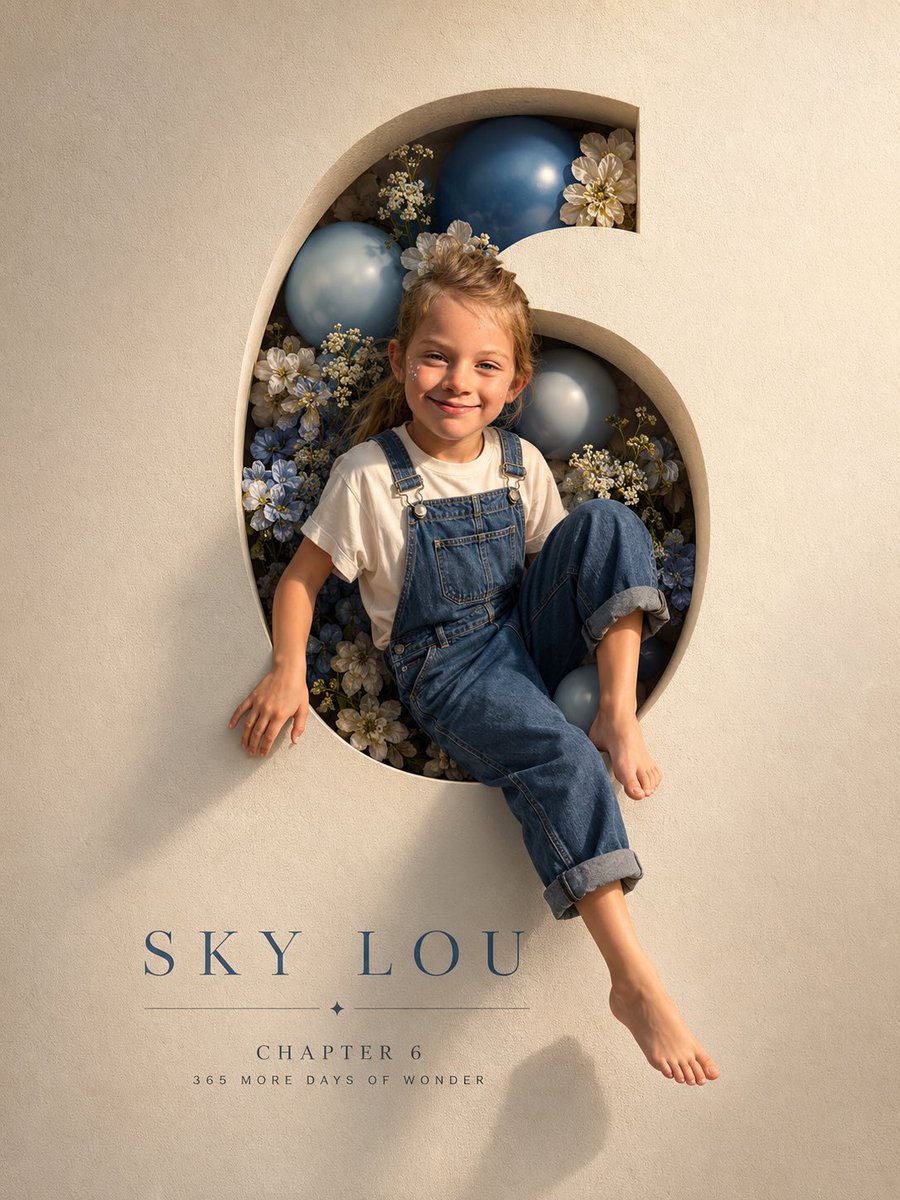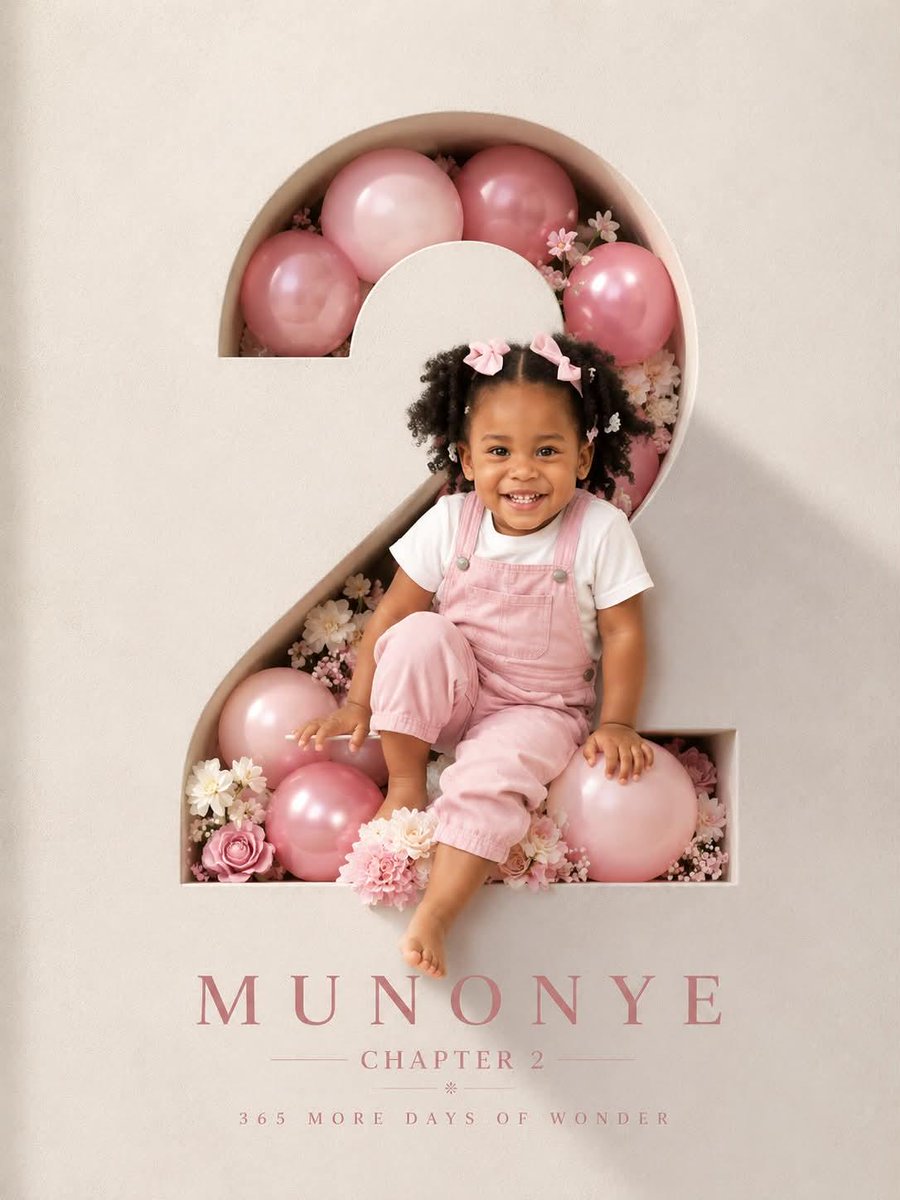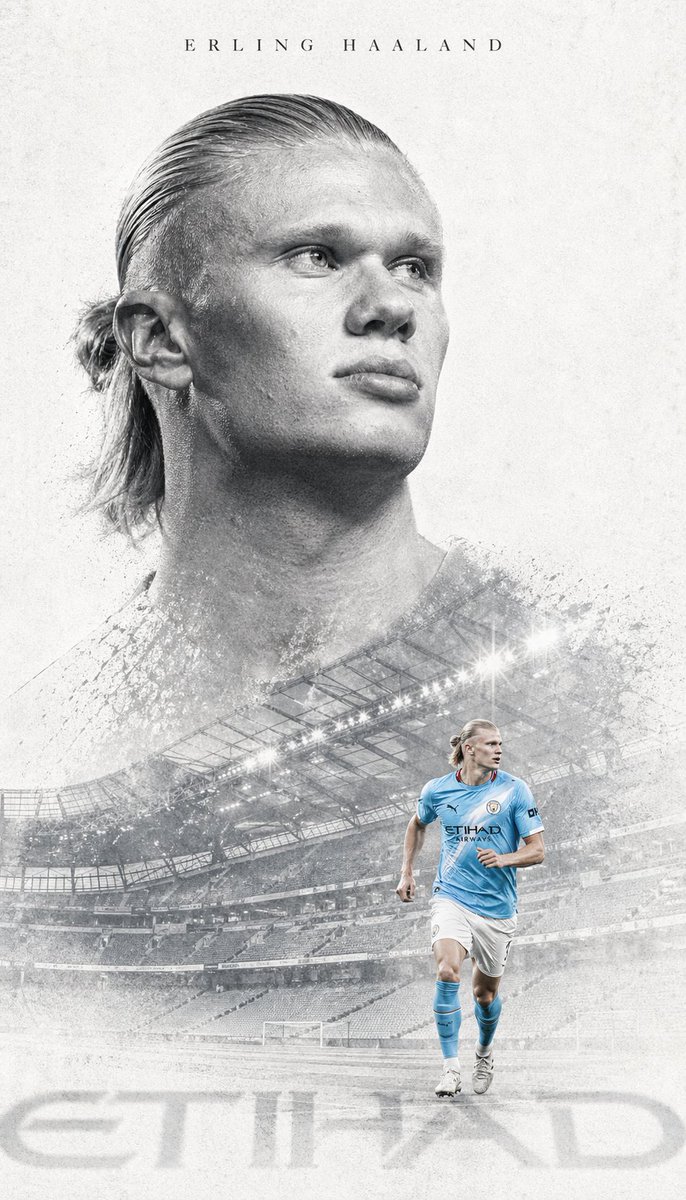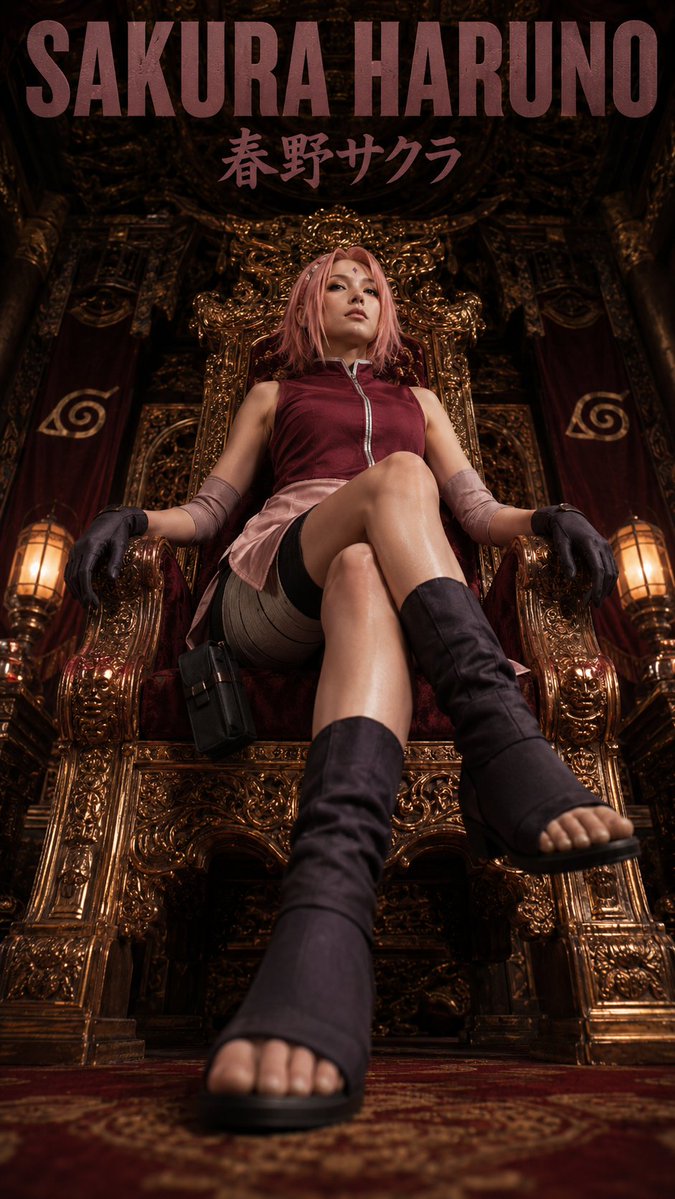


Image prompt Posters & Typography Customizable
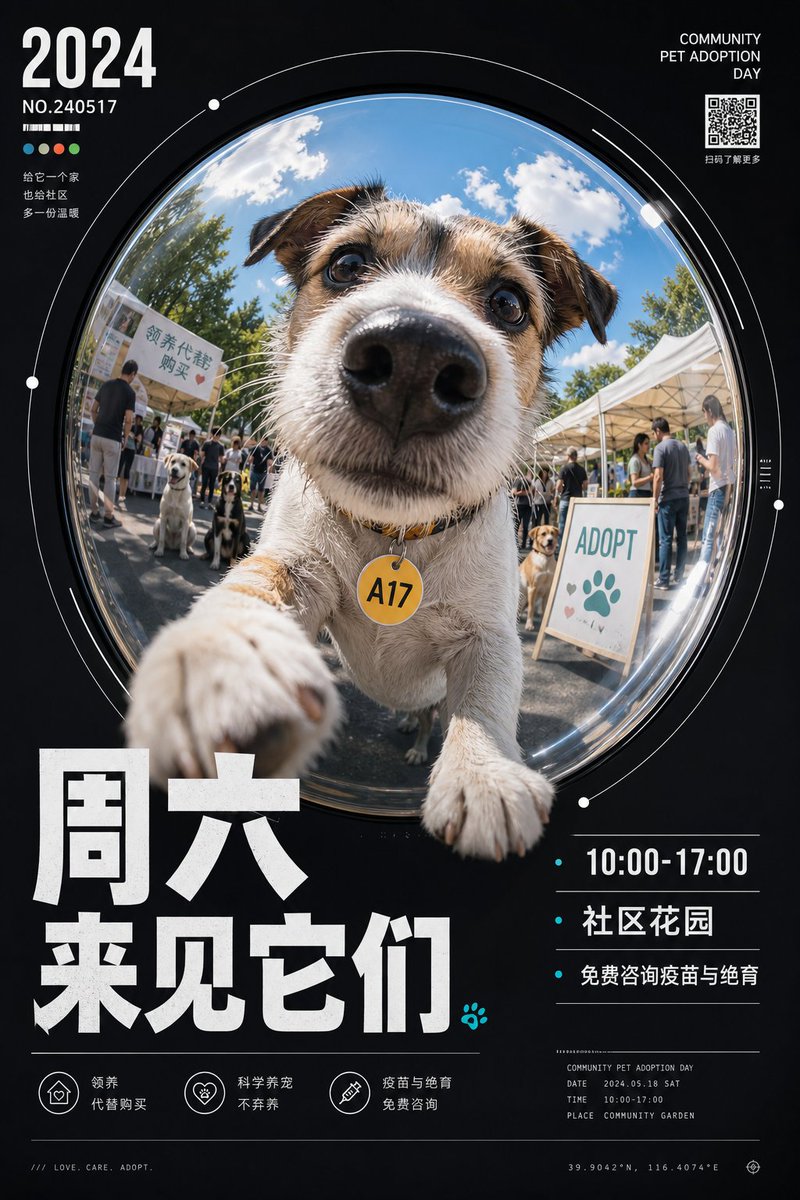
Fisheye Poster With Circular Viewport and Bold Title
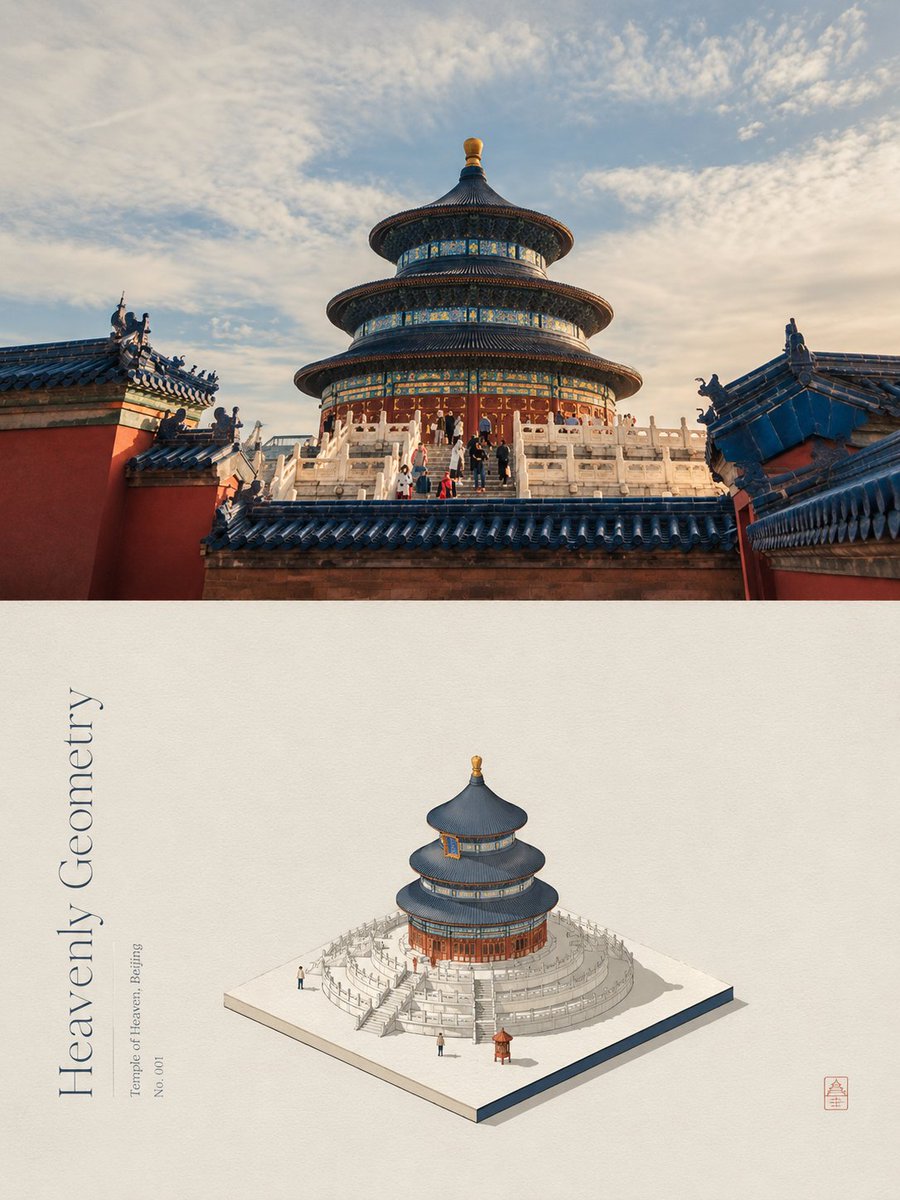
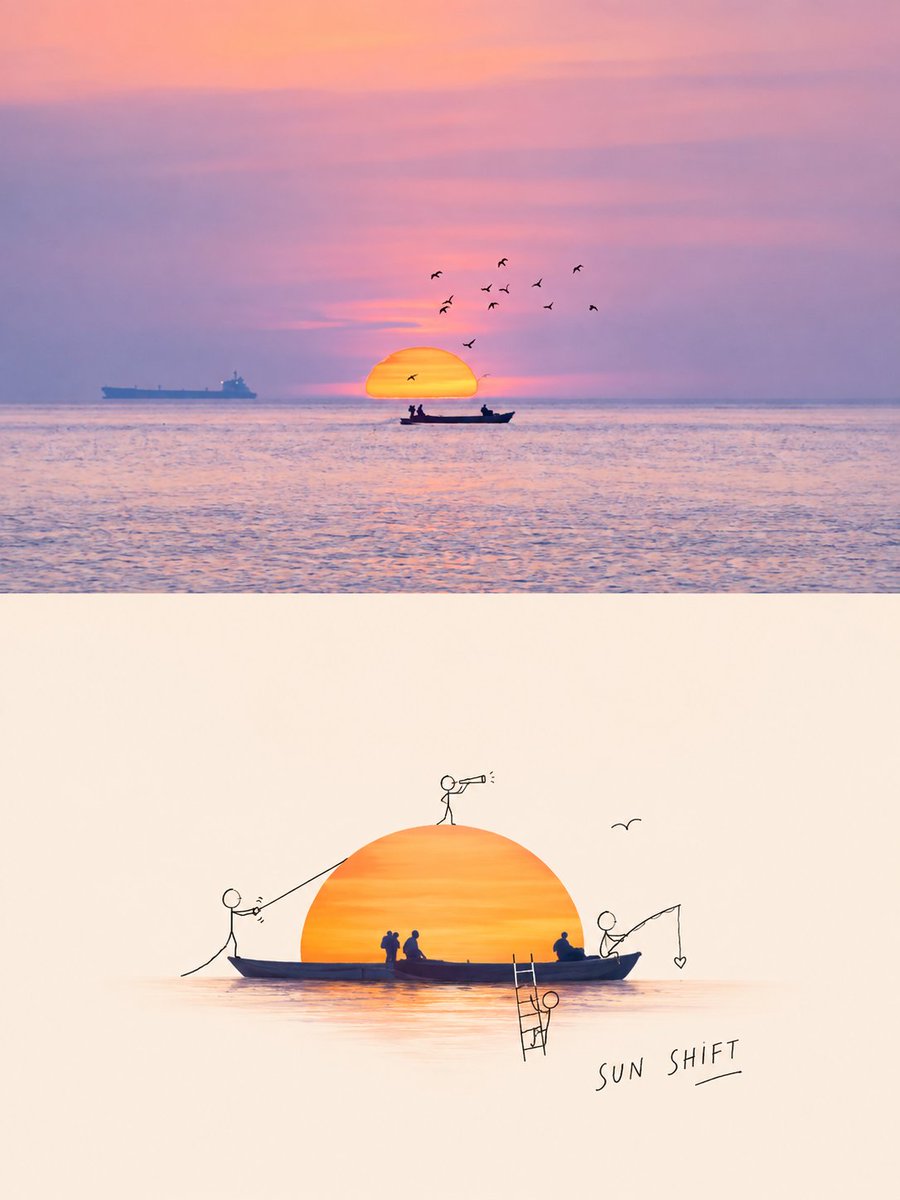
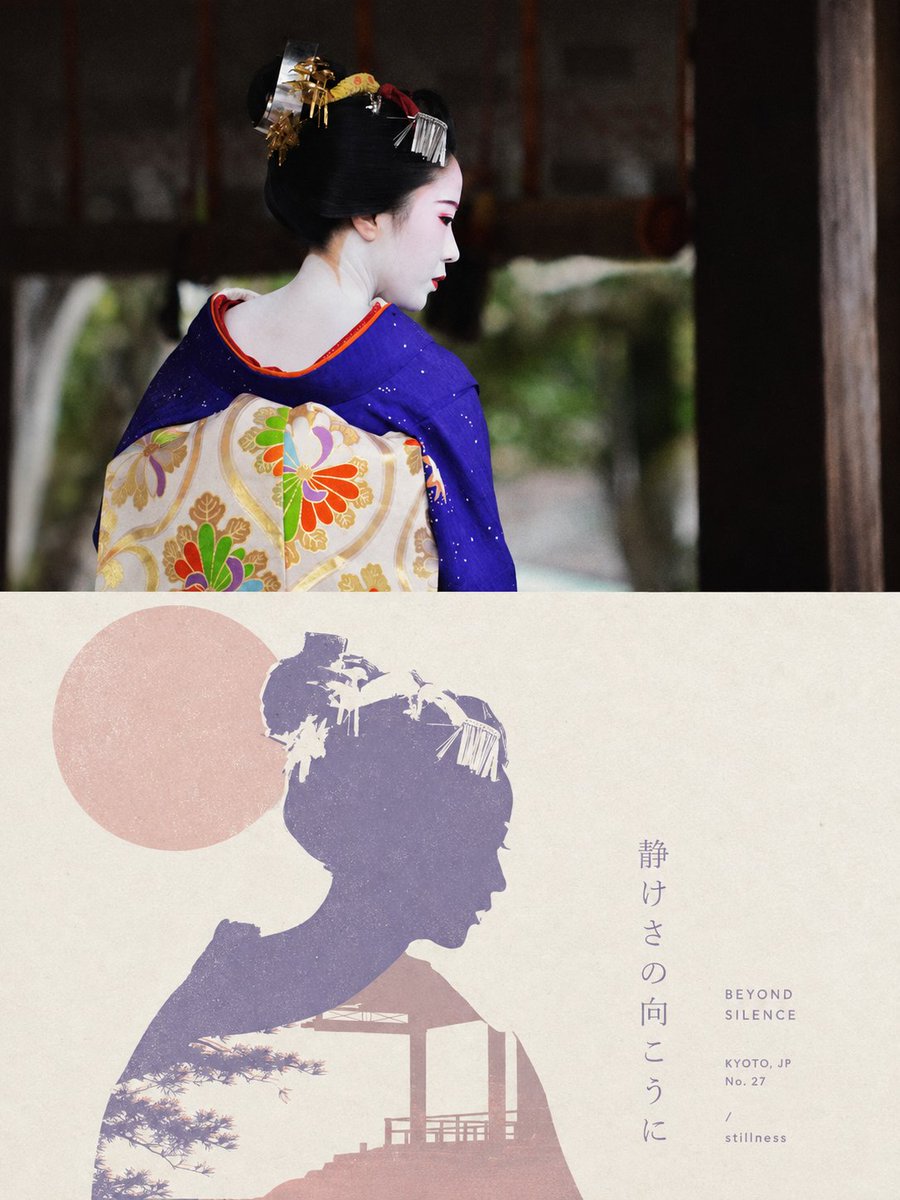
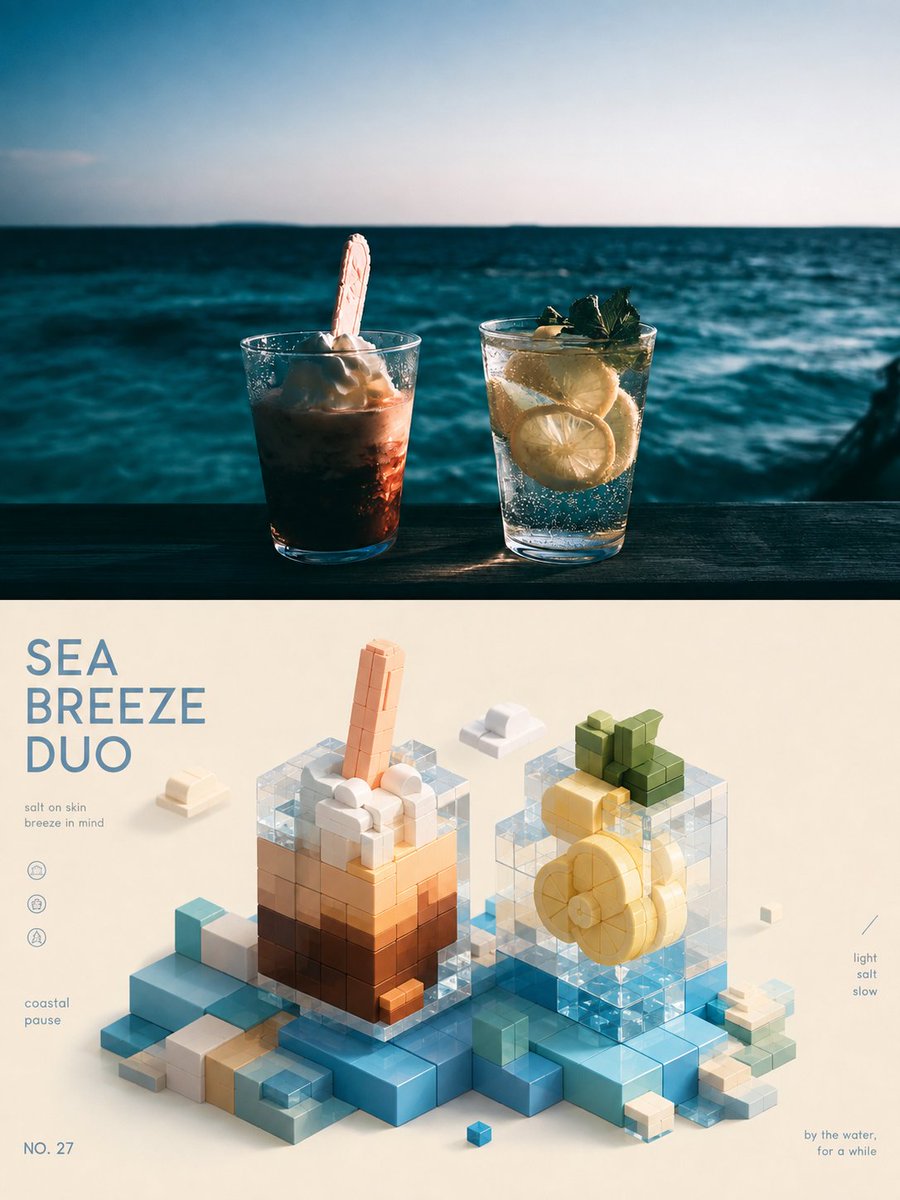
A huge circular fisheye window sits in the middle of a dark field of white type, with the subject pressing toward the edge as if it is about to leave the frame. Heavy numerals and small annotations turn an ordinary object into a poster with real momentum.

- Model
- GPT Image 2
- Type
- 3 images
- Aspect ratio
- 2:3
- Shared
- 11 Jun 2026
- Likes on X
- 98
Headline textDetail text
Image prompt
2,586 charactersAround any subject object, generate a strong-design visual: the composition is held by a dark, quiet outer field of information that supports a huge circular fisheye viewport at the center; the viewport looks stretched open by a mirror or wide-angle lens, the subject's core content stretched up close inside the circle, foreground elements reaching out toward the viewer and pressing against the circular edge, with slight distortion at the rim and a real sense of light-and-shadow pressure, creating a first-glance impact of "about to burst out of the frame." The outer rim of the circle is marked with thin white lines, incomplete arcs, and a few dot nodes; the outer field distributes a heavy bold main title, large year- or number-style digits, short information blocks, and tiny technical annotations, with predominantly high-contrast white typography, the main title compact and forceful, auxiliary text small and calm, Chinese and English may be mixed only as rhythm and information hierarchy, without copying any existing copy. The subject's identifying symbol may land on a foreground contact point or sticker, like a small mark pressed onto glass, forming a clear memory point. Colors are drawn from the subject's own material, mood, and semantics, keeping a large clean dark structural base, a bright translucent lit subject inside the circle, a few saturated crisp accent colors, white information text, and clean shadow layers as a role relationship; overall keep a bright, driving, calm-yet-manic visual emotion, with clear shadows and highlights of sunlight-like high brightness and clean edges, avoiding dirty gray, aged, smoky, or retro yellowing. The texture combines the spatial perspective of real photography, fisheye distortion, strong foreground scale, and digital flat layout, with high information density but a clear reading path: first the circular impact and foreground contact point, then the big title and numbers, and finally the scattered tiny annotations. —————— This image is for: horizontal 16:9, a bar World Cup watch-party reservation image; inside the circular fisheye is a raised beer mug and the reflection of a TV screen, the mug's rim pressing against the circular edge. On-scene text: in the outer field, a bold title "今晚一起看球" (Let's watch the match together tonight), beside it list 22:00 kickoff, big screen on the second floor, 36 limited seats, with a strong number feel. Must appear: on the table, a small team-flag sticker and a reservation QR-code placeholder; do not make it a real QR code, only like a small mark stuck on the glass.
How to use it
Start by replacing the subject object with your own, since the prompt is written to work around any subject. Keep the circular fisheye framing, the dark outer field, and the thin white arcs on the rim, because those carry the poster structure. It was shared as a GPT Image 2 prompt, so the on-scene text and the sticker detail are easy to swap for your own event or product wording.
Shared publicly on X on 11 Jun 2026. All credit for this prompt and its result goes to its creator. Is this yours? Ask for an update or removal.