

Image prompt Branding & UI Customizable
Central-Axis Exhibition Poster Prompt for Branding
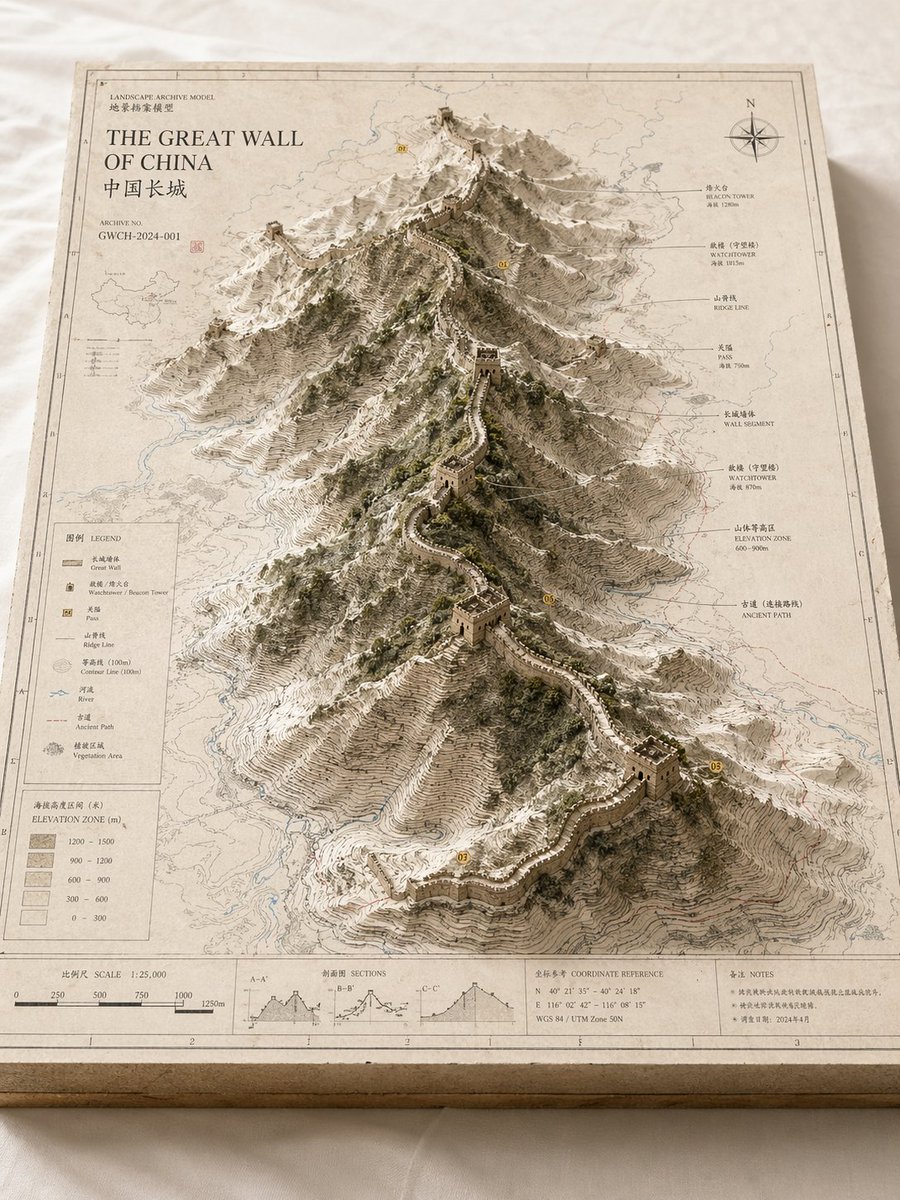
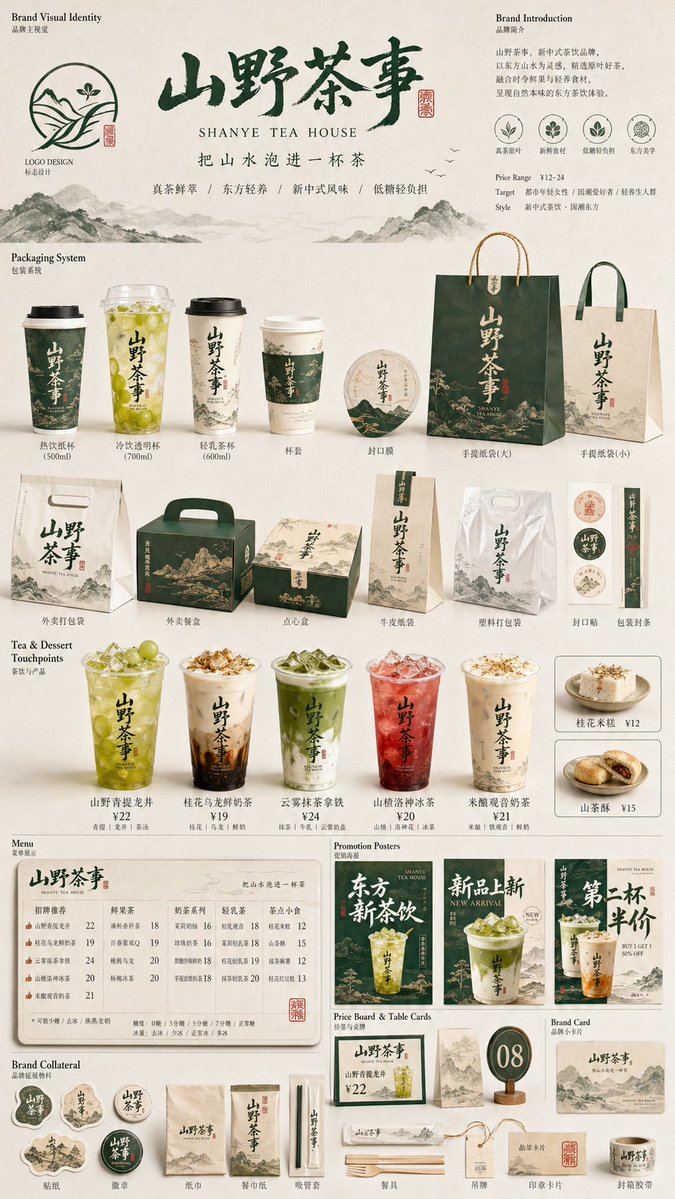
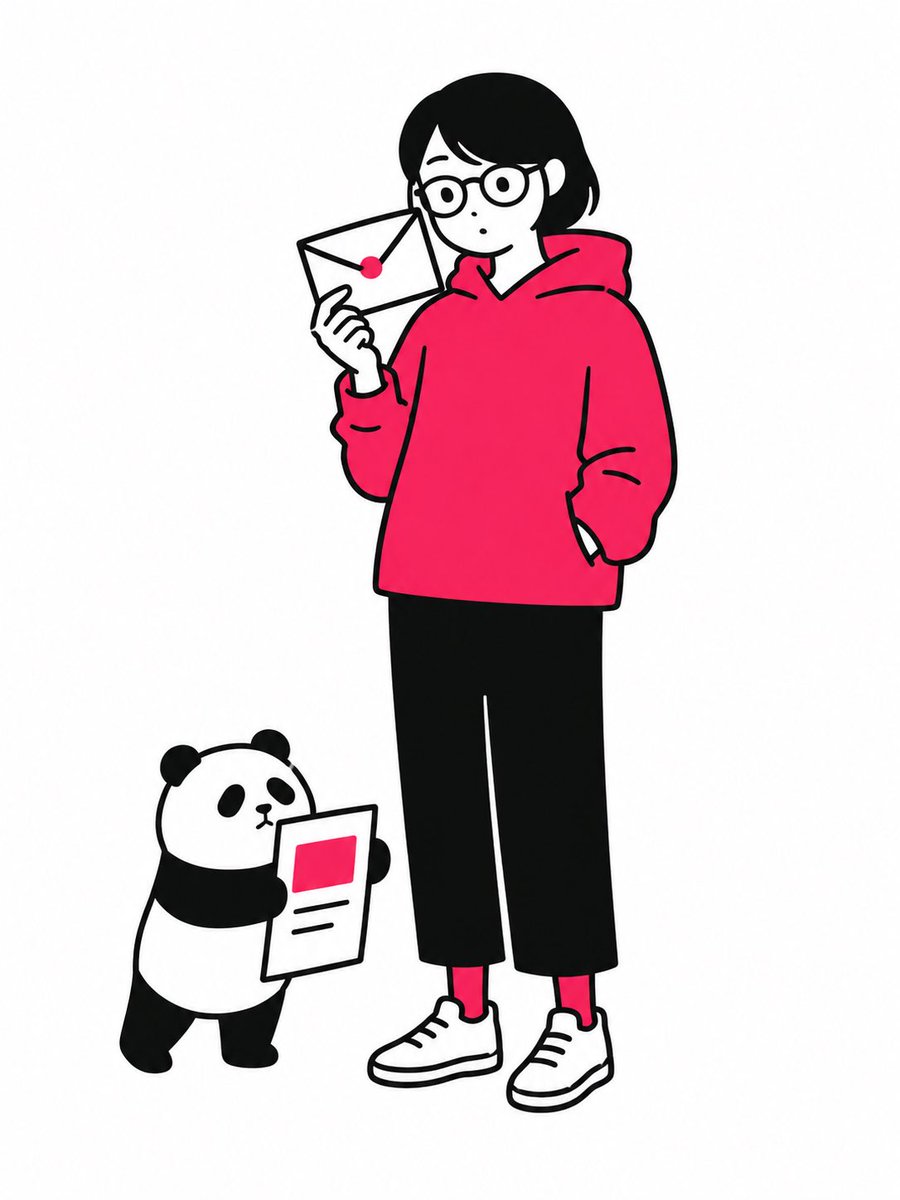
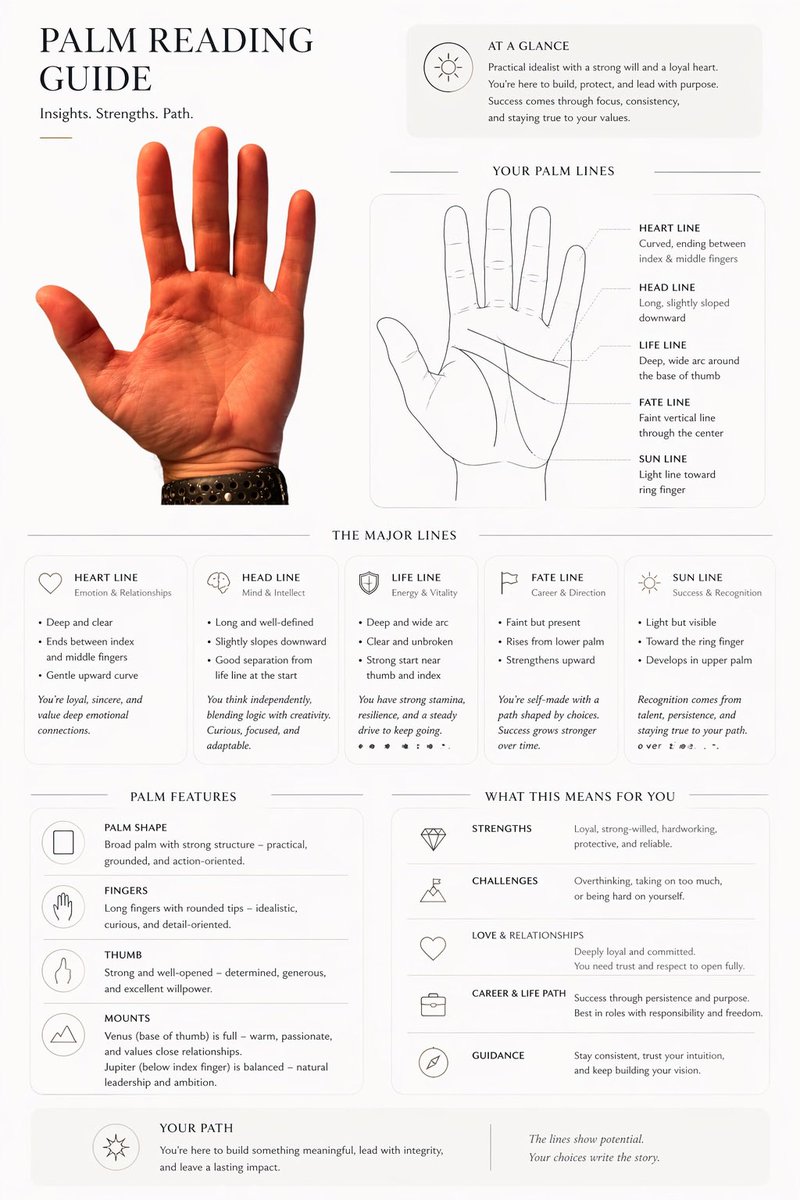
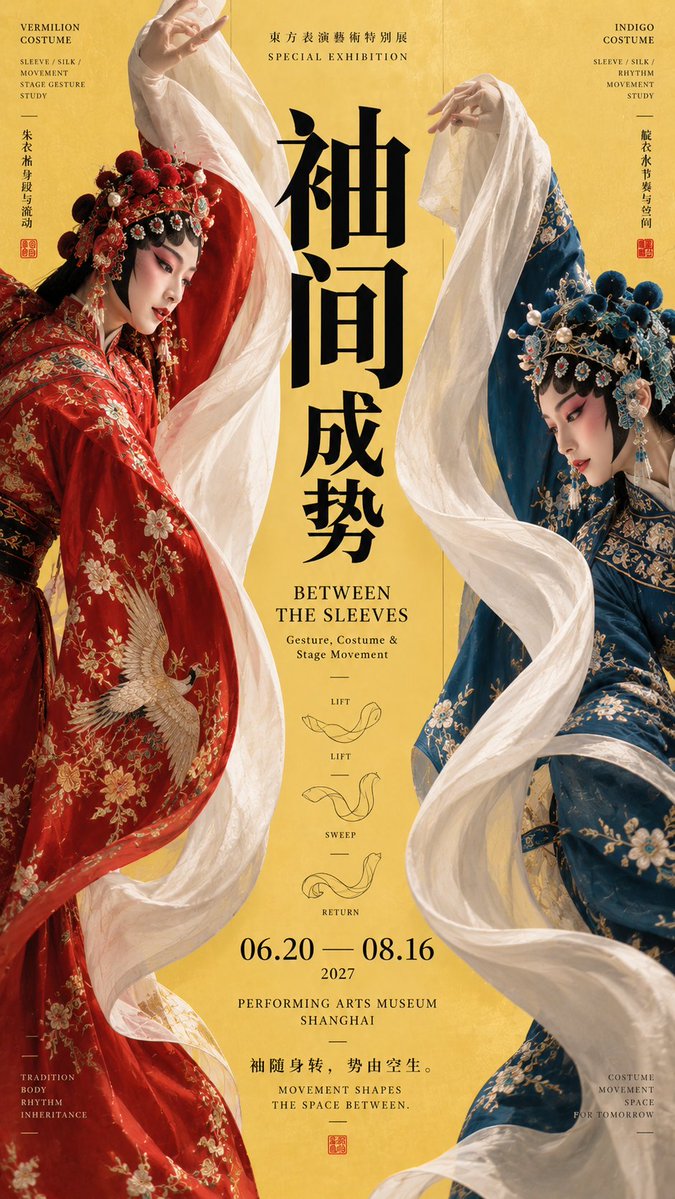
A vertical exhibition poster built on a strong central axis, with side elements such as figures, light, smoke or objects pushing the eye toward a large title. Museum-style information and a small research diagram add depth.

- Model
- GPT Image 2
- Type
- 4 images
- Aspect ratio
- 9:16
- Shared
- 8 Sep 2026
- Likes on X
- 6
ThemeTitle textTitle textColour palette
Image prompt
2,551 characters【Theme】:____ 【Chinese title】:____ 【English title】:____ 【Left element】:____ 【Right element】:____ 【Central axis content】:____ 【Framing method】:figure action / light-and-shadow projection / positive-negative contrast / smoke and airflow / solid silhouette 【Main color】:____ 【Accent color】:____ 【Date / Venue】:____ 【Aspect ratio】:9:16 Generate a "central-axis framing" poster with strong design sense and a cultural-exhibition temperament. The image establishes a clear, stable vertical axis, with the visual elements on both sides pushing the gaze toward the center. The two sides are not merely symmetrical decoration but truly participate in the theme's expression—they can be figures, dance sleeves, smoke, objects, architecture, projections, material silhouettes, or different states of the same theme. Flexibly choose the framing method based on the theme: figure actions use pose, sleeves, fabric, and body curves to frame the central negative form; light-and-shadow projection lets shadows or bright areas on both sides converge toward the center; positive-negative contrast uses original and product, solid and imprint, reverse-carving and direct print to form the axis relationship; smoke and airflow let two continuous rising or swirling lines encircle the center; solid silhouettes enclose the central zone through the edges of objects, architecture, or natural forms. The title must be the core of the image and truly participate in the composition. Use large vertical, horizontal, offset, split, or cross-zone typography; do not always apply the same "four-character title" format. The text may lightly interweave, overlap, or touch the edges of the subject, but must stay clearly legible. The overall information density should be richer than an ordinary poster; add a little exhibition information on the axis, side columns, and bottom, and a small research module such as motion trajectory, process steps, airflow changes, or structural diagram, making the image resemble a mature museum poster and editorial design. Control the palette to 3–5 main colors forming clear large color-block relationships. At first glance one should see the side visual forces and the axis focus; at second glance read the title; at third glance discover the connection between the composition method and the theme. Overall requirements: refined, clear, complete, richly layered, with visual impact; avoid mechanical symmetry, fixed-template feel, PPT-style info boxes, meaningless decoration, mottled noise, blurred text, and a low-completion AI look.
How to use it
Start by filling in the bracketed fields: theme, both titles, the left and right elements, and the two colours, keeping the same structure so the layout still reads clearly. Choose one framing method and keep it, because the sides only work if they clearly point to the centre. The large title on the axis and the 9:16 format are what carry the look, so leave those untouched. It was shared as a GPT Image 2 prompt, and the result suits an exhibition poster, a cover, or a social post.
Shared publicly on X on 8 Sep 2026. All credit for this prompt and its result goes to its creator. Is this yours? Ask for an update or removal.