Image prompt Branding & UI Customizable
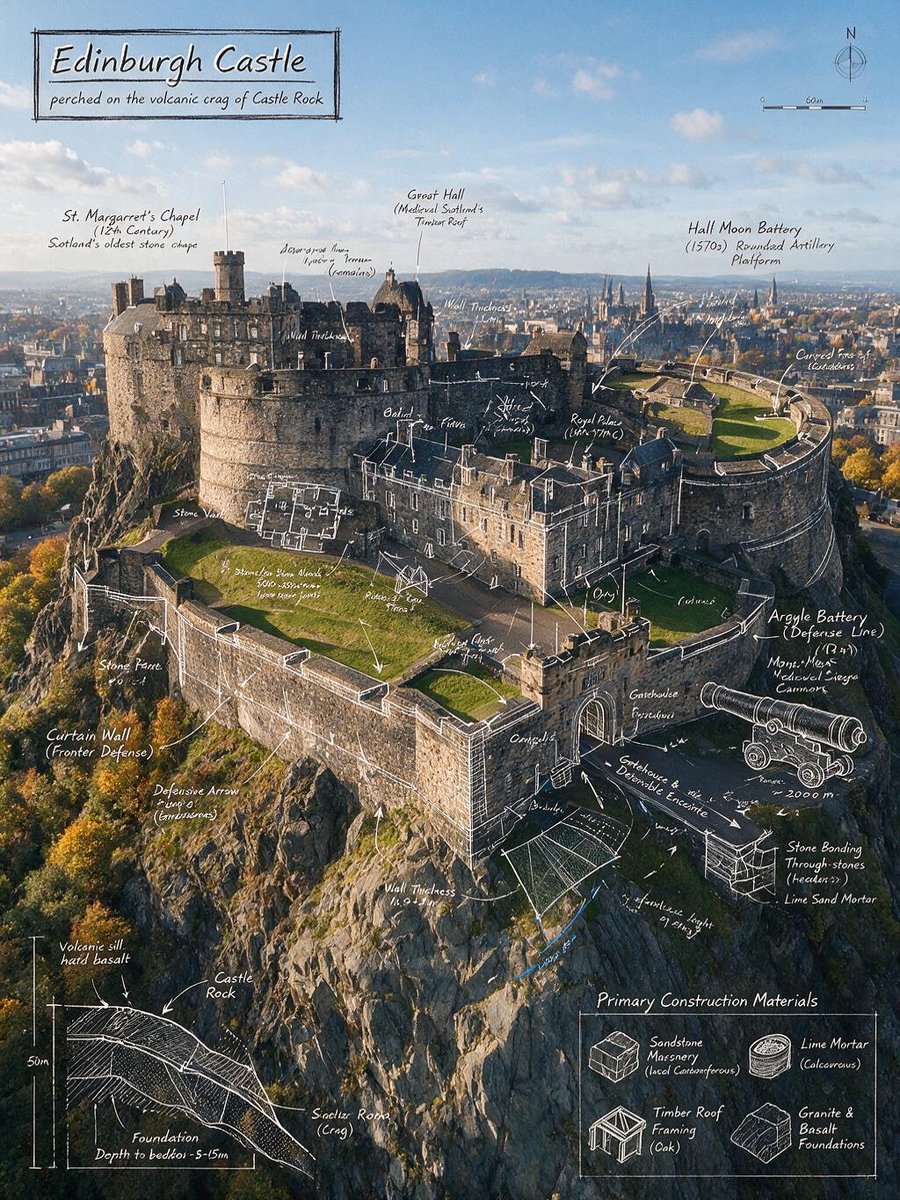
Castle Foundation Schematic Overlay on Photo
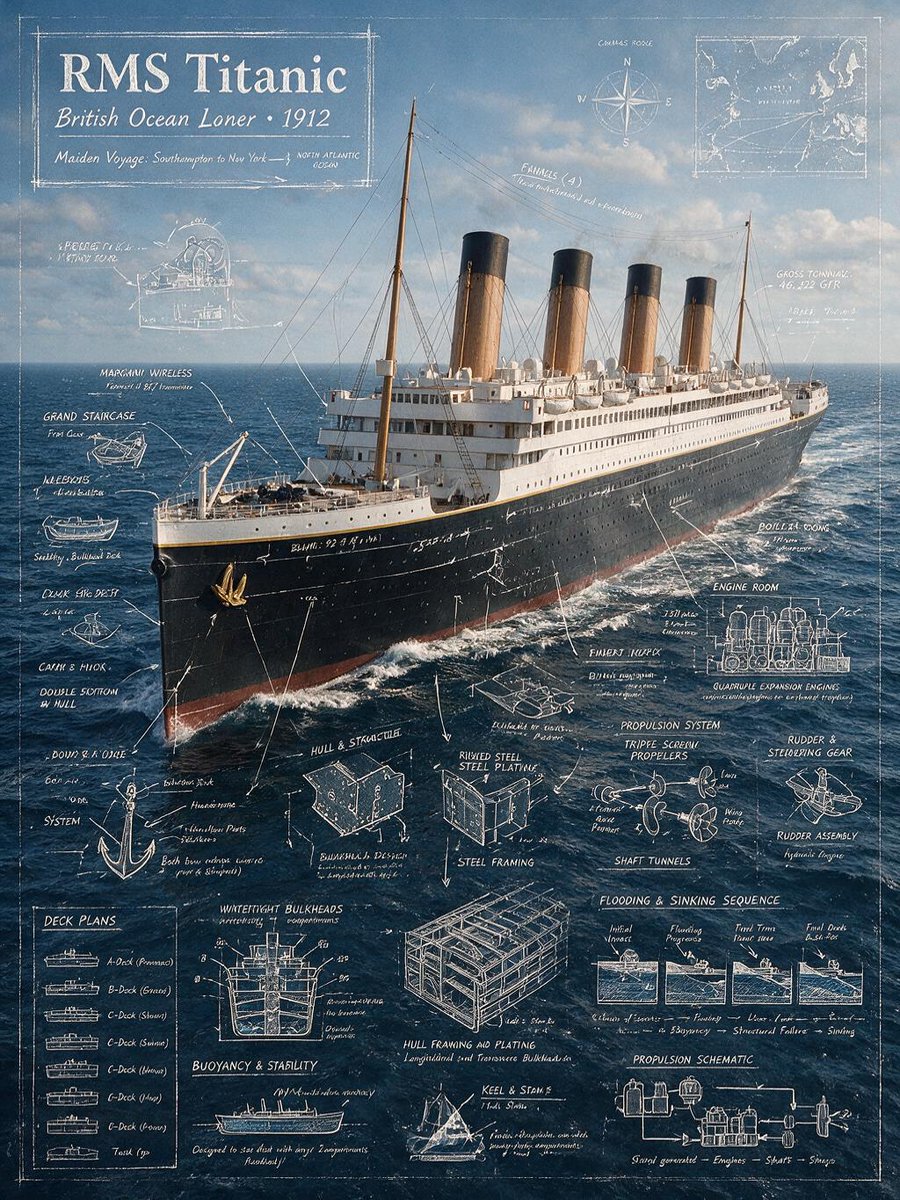
A real photograph of a hilltop fortress is layered with white chalk-style drafting lines, dimension callouts and short technical notes. The contrast between the warm stonework and the crisp blueprint marks makes the building read like a museum plate.

- Model
- GPT Image 2
- Type
- 2 images
- Aspect ratio
- 3:4
- Shared
- 10 Jul 2026
- Likes on X
- 82
Landmark nameKey feature
Image prompt
1,677 charactersCreate an infographic image of Edinburgh Castle, combining a real photograph of the castle with blueprint-style technical annotations and diagrams overlaid on the image. Include the title "Edinburgh Castle" inside a hand-drawn box in the corner. Add detailed white chalk-style architectural sketches and engineering annotations highlighting the castle's key structural elements, including the Castle Rock volcanic crag foundation, fortified curtain walls, gatehouse defenses, David's Tower remains, Great Hall, St. Margaret's Chapel, Half Moon Battery, Argyle Battery, Mons Meg cannon position, and the Royal Palace. Include important measurements, wall thickness indicators, elevation markers, floor plans, cross-sections, structural load-flow arrows, masonry bonding details, stone block dimensions, defensive line-of-sight diagrams, geological foundation notes, drainage paths, construction phases, and labels for the primary building materials such as sandstone masonry, lime mortar, timber roof framing, and granite foundations. Overlay technical callouts with architectural symbols, engineering notes, dimensional guides, compass orientation, elevation references, and simplified structural diagrams while preserving a clear view of the real castle, surrounding cliffs, and the Edinburgh skyline in the background. Style: Ultra-detailed blueprint aesthetic with white line drawings and handwritten technical annotations seamlessly overlaid on the real photograph, architectural drafting style, educational engineering infographic, high contrast, clean composition, premium museum-quality presentation, realistic environment fully visible behind the technical overlays.
How to use it
It was shared as a GPT Image 2 prompt, and it needs a photo of a building you can see clearly, since the overlays are meant to sit on top of real architecture. Keep the phrases about white chalk linework, handwritten annotations and the 3:4 framing, because they hold the drafting look together. Swap in your own landmark and a list of its key parts, then keep the title box in the corner for a clean educational sheet.
Shared publicly on X on 10 Jul 2026. All credit for this prompt and its result goes to its creator. Is this yours? Ask for an update or removal.