Image prompt Product & Ads Customizable
Brand Campaign Poster Mixing CGI Grid With Cutouts
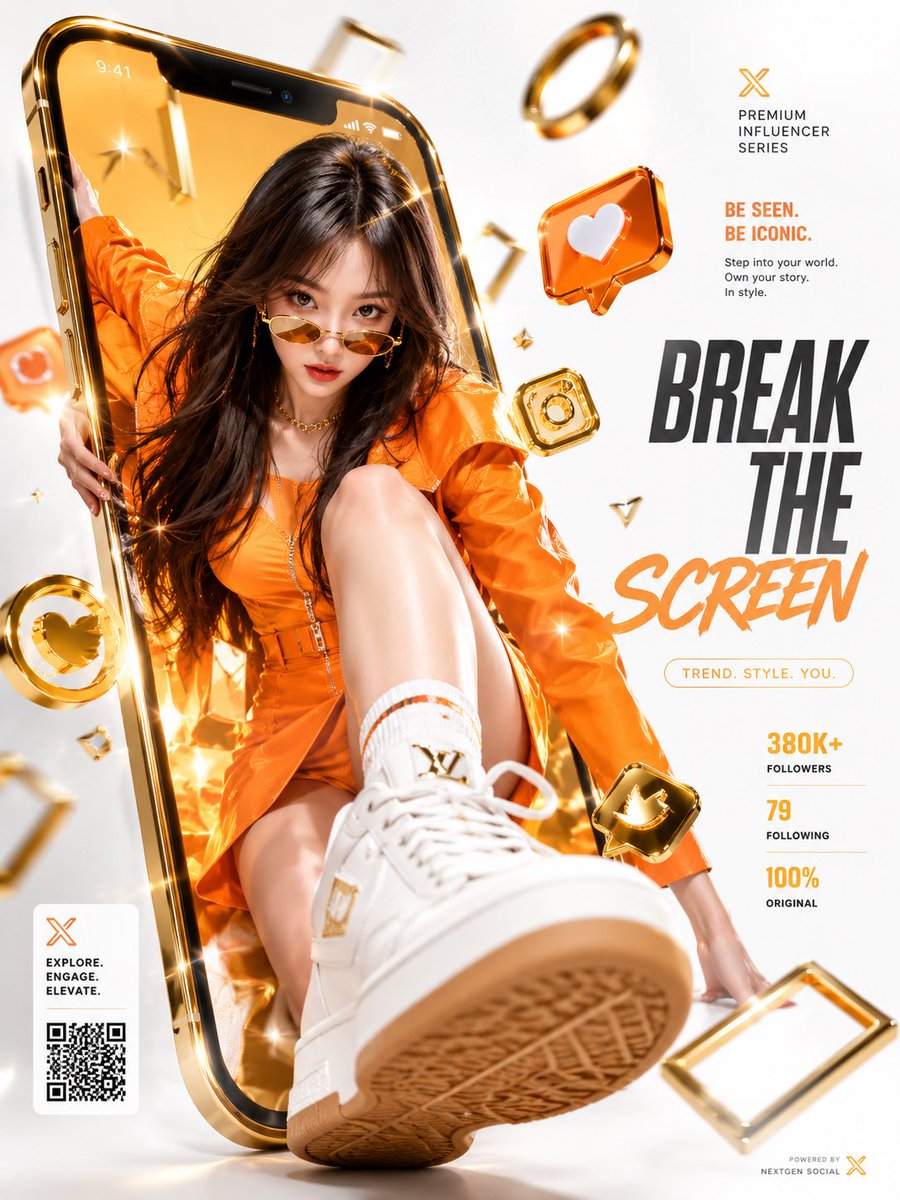
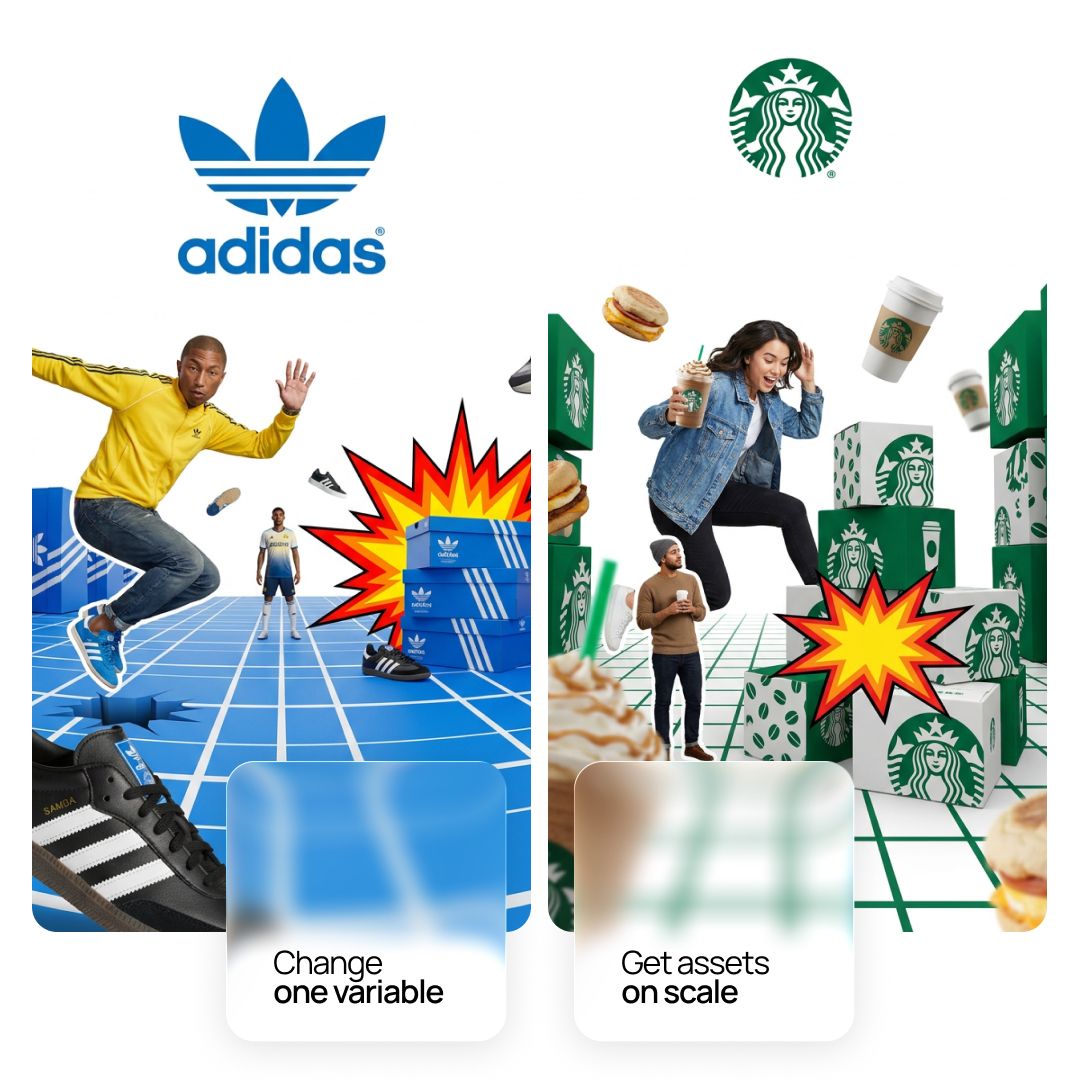
A vertical campaign poster that sets photographic athletes and oversized sneakers inside a brand-colored CGI grid floor under a clean white logo zone. The scale jumps and the cutout-meets-render contrast give it a bold, editorial energy.

- Model
- GPT Image 2
- Type
- Image
- Aspect ratio
- 1:1
- Shared
- 15 Jun 2026
- Likes on X
- 84
Image prompt
7,782 charactersAct as a CGI Art Director and Mixed Media Campaign Designer creating a single vertical hero campaign poster — combining a branded CGI three-dimensional environment with photographic human cutouts, oversized product photography, and 2D graphic accent elements. Everything is unified by [BRAND NAME]'s color system and product world. References: Adidas Originals campaign collage, Nike mixed media posters, contemporary streetwear brand CGI campaign visuals. --- PHASE 0: BRAND INTELLIGENCE — AUTONOMOUS EXTRACTION COLOR SYSTEM: identify [BRAND NAME]'s primary brand color — this becomes the color of the CGI environment: the grid floor, the 3D packaging blocks, and all branded surface elements. Identify the secondary color for contrast elements. HERO PRODUCTS: identify [BRAND NAME]'s 2 to 3 most iconic current products — footwear, apparel, or accessories. These products appear floating or scattered in the scene at various scales. The largest product appears in the extreme foreground at exaggerated scale. BRANDED PACKAGING: identify what [BRAND NAME]'s product packaging looks like — box design, colors, logo placement. These branded boxes or packages appear stacked in the scene as 3D objects. CULTURAL FIGURES: identify 1 to 2 real people — athletes, artists, or cultural figures — genuinely associated with [BRAND NAME]. They appear as photographic cutouts within the CGI environment. If no specific person — use a representative figure wearing [BRAND NAME] products authentically. LOGO: identify [BRAND NAME]'s canonical official logo — trefoil, wordmark, symbol. Placed centered at the top of the poster in its correct official form. --- PHASE 1: BACKGROUND AND UPPER ZONE The upper 35 to 40% of the poster: pure clean white — #FFFFFF, completely empty, no texture, no gradient. The official [BRAND NAME] logo is centered in this white zone, approximately 15 to 20% from the top of the frame. The logo is rendered in its correct official colors and proportions — not stylized, not distorted, the canonical mark. The white zone transitions seamlessly into the CGI environment below — no hard line, the environment appears to emerge from the white space. --- PHASE 2: CGI BRANDED ENVIRONMENT A three-dimensional grid floor plane occupies the lower 65 to 70% of the poster — rendered in [BRAND NAME]'s primary brand color. The grid: a flat plane with a regular square grid pattern — thin white grid lines on the brand color surface, each square approximately equal size, consistent with architectural grid paper or a design blueprint. The plane is viewed in extreme perspective — a very wide angle or fisheye lens perspective that creates dramatic convergence lines running toward the center-back of the scene. The grid plane extends from the bottom edge of the frame to approximately the vertical center, where it meets the white background zone. On the sides of the grid plane: large 3D rectangular blocks in [BRAND NAME]'s primary brand color — like oversized packaging boxes or architectural blocks. These blocks have the brand's logo and three-stripe or primary graphic element on their visible faces. They are cut off by the frame edges on the left and right — implying they extend beyond the frame. --- PHASE 3: HUMAN FIGURES — PHOTOGRAPHIC CUTOUTS Two photographic cutouts of people placed within the CGI environment — these are real photographs with backgrounds removed, placed into the 3D scene. Primary figure: large, positioned in the center of the composition, overlapping the transition zone between white background and grid floor. The figure is in a dynamic pose — jumping, leaning forward, reaching, or falling toward the camera. Wearing [BRAND NAME] products visibly. The figure's scale is large — they occupy approximately 50 to 60% of the poster height. The figure appears to burst out of the environment — their energy and movement direction pushes toward the viewer. Secondary figure: smaller, positioned in the mid-ground of the grid floor, approximately 20 to 25% of the poster height. Wearing [BRAND NAME] products. More static pose — standing, observing. The scale difference between the two figures creates deliberate forced perspective. Both figures are clean photographic cutouts — no background, no shadow, natural color photography. They exist in the same frame as the CGI environment but read as photographic elements placed into it. --- PHASE 4: PRODUCT ELEMENTS Three to four [BRAND NAME] hero products scattered through the scene at various scales and positions. Largest product: extreme foreground, partially cut off by the bottom or side frame edge — so large it fills 30 to 40% of frame width. This scale is intentionally exaggerated — the product is bigger than the human figures, creating the deliberate scale disruption that gives the image its surreal energy. Medium products: one or two products floating or flying in the mid-ground — slightly blurred from motion, at natural human-relative scale. The products are real product photography — clean, high resolution, correct colorways. Branded packaging: a stack of 4 to 6 [BRAND NAME] product boxes in the mid-ground, slightly right of center — each box showing the brand's packaging design with correct logo and graphic elements. The stack is slightly disordered — as if the boxes were just knocked over or are in motion. --- PHASE 5: GRAPHIC ACCENT ELEMENTS One comic book style explosion or impact graphic — a flat 2D starburst in red, yellow, and orange. Positioned overlapping the stack of product boxes — as if the energy of the scene caused an impact. This flat 2D graphic element sits on top of the 3D scene, breaking the spatial logic deliberately. It reads as a graphic sticker placed on the photograph. Additional small product: one or two additional products visible in the far background of the grid floor — very small scale, adding depth and density to the scene. --- PHASE 6: DEPTH OF FIELD AND SCALE The scene uses extreme scale disruption as a deliberate design choice — not realistic perspective but an exaggerated fantasy scale. The largest elements (foreground product, primary figure) dominate. The smallest elements (secondary figure, background products) are tiny. This scale compression gives the image its dynamic energy and branded visual language. Depth of field: extreme — the closest foreground elements (oversized product at bottom) are slightly blurred from being too close. The mid-ground figures and products are in sharp focus. The far background grid floor softens slightly. --- PHASE 7: COMPOSITION Aspect ratio: 3:4 or 4:5 portrait. The composition reads top to bottom: logo → white space → human figures emerging → grid floor with products and packaging → oversized foreground product. The primary figure is the visual center of gravity — everything else orbits around their dynamic pose. The grid floor creates a theatrical stage for all elements. The white upper zone gives the logo breathing room and creates contrast with the busy lower zone. --- PHASE 8: TECH SPECS CGI environment: Octane Render or Redshift — physically accurate grid floor with brand color material, 3D packaging boxes with correct brand graphics. Human figures: real photograph cutouts composited into the CGI scene — no illustration treatment, natural color photography. Products: real product photography composited into scene. Comic graphic: flat 2D vector graphic composited as an overlay element. Logo: correct official [BRAND NAME] logo, correctly rendered. Depth of field: physically accurate — mid-ground sharp, extreme foreground and far background softening. Anti-aliasing: maximum. Output feel: this image appears as [BRAND NAME]'s hero campaign visual — website homepage, Instagram campaign post, retail window display.
How to use it
Swap the bracketed brand placeholder for your own brand name, and describe your own hero products and packaging so the scene matches your line. Keep the white top zone, the extreme perspective grid and the scale contrast between the foreground product and the figures, since those carry the layered look. It was shared as a GPT Image 2 prompt, and it works well for a homepage hero, a window display mockup or a social campaign post.
Shared publicly on X on 15 Jun 2026. All credit for this prompt and its result goes to its creator. Is this yours? Ask for an update or removal.