
Willow
AI voice dictation for Mac, Windows and iPhone that converts speech into formatted text in any app where you type.
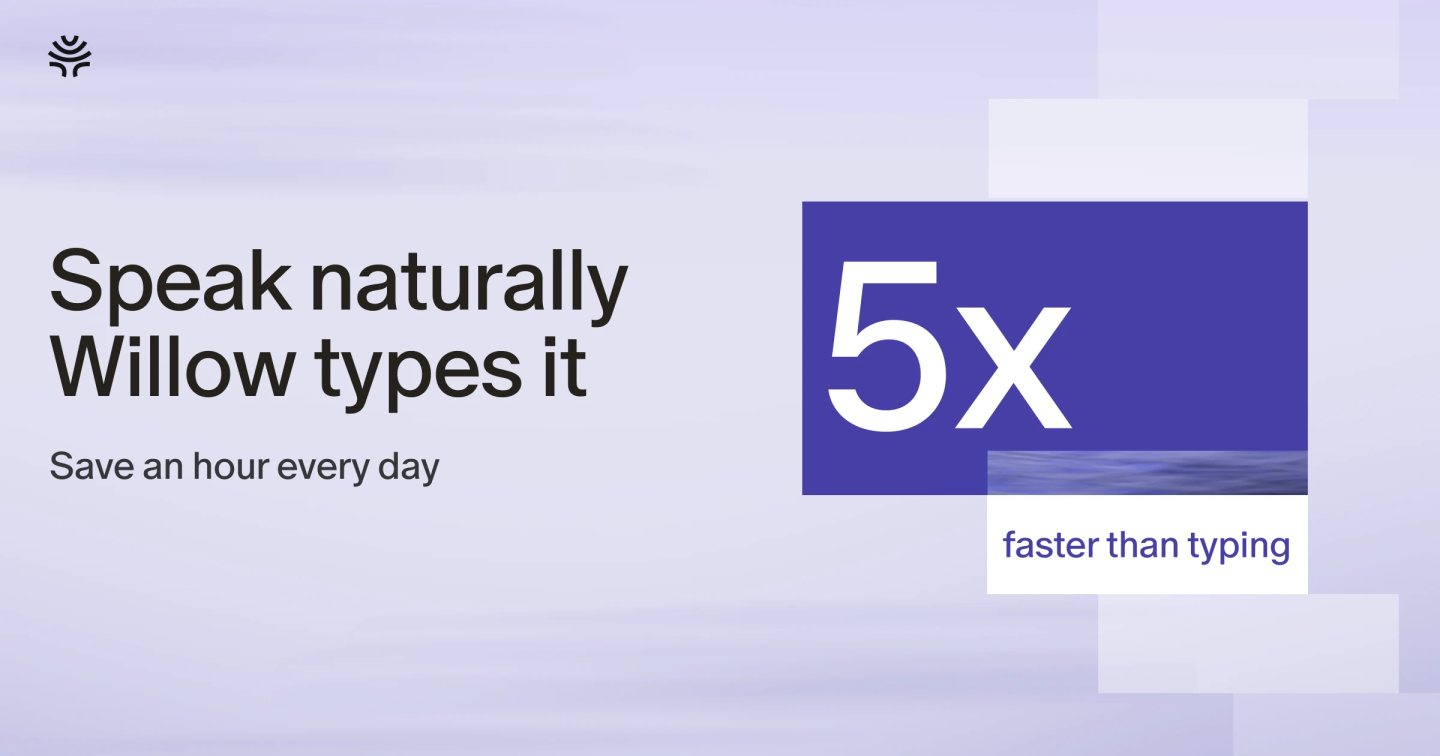
Willow is an AI dictation app and voice keyboard for Mac, Windows and iPhone. Willow is used to write emails, messages, documents and AI prompts by speaking. You hold a hotkey in any text field, talk naturally, and Willow inserts cleaned-up, punctuated text at the cursor without copying or switching windows.
Best for Professionals and students who write a lot of emails, chat messages, documents or AI prompts and want to dictate instead of type.
- Platforms
- iOS, Windows, macOS
- Pricing model
- Freemium
- Starting price
- $12 per user per month Pro (annual)
- Free plan
- Yes
- API
- Yes
- Made by
- Willow Care, Inc.
- Added
Last verified: . Information taken from willowvoice.com.
What is Willow?
Willow is a speech-to-text dictation tool that turns spoken words into formatted written text inside whatever application has the cursor, such as Slack, Gmail, Notion, Cursor or iMessage. It runs as a desktop app on Mac and Windows and as a keyboard app on iPhone. Beyond transcription, Willow strips filler words, corrects punctuation, and adapts output to the user's writing style over time. A companion feature called Willow Scribe takes a rough spoken description of what you want to say and produces polished text. The product supports more than 100 languages, keeps a personal dictionary of names and terms, and offers an offline mode that processes speech on the device. For organizations, Willow provides team plans with shared dictionaries, admin controls, enforced zero data retention, SOC 2 Type II compliance and HIPAA compliance. Willow is made by Willow Care, Inc.
Key Features
Automatic cleanup and formatting
Removes filler words, adds or fixes punctuation, and formats dictated text before it is inserted at the cursor.
Willow Scribe
Converts a loosely spoken description of an intended message into finished writing placed directly where you are working.
Personal dictionary that learns
Stores names, product terms and abbreviations it encounters so they are spelled correctly in later dictation, with team plans offering a shared dictionary.
Multilingual dictation
Accepts speech in over 100 languages and lets users switch between languages while dictating.
Offline and noisy-environment modes
Offline mode processes speech on the device without internet, and whisper mode handles quiet speech, fast talkers and background noise.
Text shortcuts and style matching
Saved phrases can be inserted with a short voice command, and the tool adjusts tone to the context, such as email, Slack or technical tools.
How Willow works
Place the cursor
Click into any text field in an app such as Slack, Gmail, Notion, Cursor or iMessage.
Hold the hotkey and talk
Press and hold the configured hotkey and speak naturally without dictating punctuation or worrying about filler words.
Release to insert text
Let go of the hotkey and formatted text is placed at the cursor location, with no copying or cleanup step.
Use Cases
- Answering email and chat
- A manager dictates replies to Gmail threads and Slack messages instead of typing each one.
- Prompting AI coding tools
- A developer speaks detailed instructions into Cursor or a chatbot to write longer, more specific prompts quickly.
- Drafting long documents
- A writer or student talks through ideas in Notion or a document editor to get a first draft down without keyboard friction.
- Clinical and legal documentation
- Healthcare or legal teams dictate notes under a Business plan with enforced zero data retention and HIPAA compliance.
- Messaging on the go
- A salesperson uses the iPhone keyboard app to dictate follow-up texts and messages between meetings.
Pricing
Basic
Custom
Free, no credit card required
20 Scribe uses per week
- Unlimited dictation with Frontier Mini model
- Limited personalization
- Works in any text field
Pro (monthly)
$15
per user per month, billed monthly
Unlimited Scribe usage
- Unlimited Frontier Pro model
- Priority, faster transcription
- Learns your writing style
- Longer dictation length
Pro (annual)
$12
per user per month, billed annually
Unlimited Scribe usage
- Same features as monthly Pro
- 20% saving versus monthly
Business (monthly)
$35
per month, billed monthly
- All Pro features
- Enforced zero data retention
- SOC 2 Type II and enforced HIPAA compliance
- Admin and team controls
Business (annual)
$28
per month, billed annually
- Same features as monthly Business
- 20% saving versus monthly
Enterprise
Custom
Custom pricing, contact sales
- Invoice and PO billing
- SSO and SAML
- MSA and DPA
- Usage dashboards and API
- Dedicated support
Annual billing is shown as saving 20% compared with monthly billing. Enterprise pricing is custom via sales. Checked 30 Oct 2026 at willowvoice.com.
Things to know
- Free plan limits
- The free Basic plan uses a less capable model (Frontier Mini) with limited personalization and caps Willow Scribe at 20 uses per week.
- Platform availability
- Willow runs on Mac, Windows and iOS; an Android version is listed as coming soon.
- Cancellation terms
- Subscriptions can be changed or cancelled from Plan & Billing in the app, and a cancelled plan stays active until the current billing period ends.
- Discount eligibility
- Discounts on the Individual Pro plan are available to students, educators, nonprofits and veterans after a verification process.
FAQs
What is Willow?
Willow is an AI dictation app and voice keyboard that turns speech into formatted text in any app where you type. Willow is available for Mac, Windows and iPhone.
Is Willow free?
Willow has a free Basic plan that requires no credit card, with a lighter speech model and 20 Scribe uses per week. Paid Pro plans start at $12 per user per month billed annually or $15 billed monthly.
Does Willow work on mobile?
Willow works on iPhone as a voice typing keyboard. An Android version is listed as coming soon.
Does Willow work offline?
Willow offers an offline mode that runs dictation entirely on your device without an internet connection.
How many languages does Willow support?
Willow supports dictation in more than 100 languages and lets you switch between them while speaking.
Is Willow secure enough for healthcare or regulated work?
Willow states it is SOC 2 Type II certified and HIPAA compliant, with end-to-end encryption and zero data retention. Enforced privacy mode and enforced HIPAA compliance are part of the Business plan.
Does Willow have an API?
Willow lists API access along with advanced usage dashboards as part of its custom-priced Enterprise plan.
Who makes Willow?
Willow is made by Willow Care, Inc.
Who it's for
- Executives and managers
- Software developers
- Sales and support teams
- Lawyers
- Healthcare professionals
- Students
Comments
No comments yet. If you have used Willow, tell other readers how it went.
Alternatives to Willow
| Tool | Free plan | Starting price | API |
|---|---|---|---|
 TruecallerCaller ID and spam blocking app with an AI call-screening assistant, AI voice detection and call transcription. |
— | — | — |
 Bobble AIAI keyboard app for Android and iOS with stickers, GIFs and suggestions, plus keyboard-based services for brands. |
— | — | — |
 AI Book GeneratorGenerates a full ebook with chapters and cover from a title and topic, or assists you chapter by chapter. |
Yes | — | — |
 AI Doc MakerAI generator that turns a prompt into formatted documents, PDFs, slides, spreadsheets and voiceovers. |
Yes | — | — |
 AI Exporter HubChrome extension that bulk exports chats from six AI assistants to Notion, Markdown, Obsidian or PDF with media kept intact. |
— | — | — |
Listed in the same categories as Willow. A starting price appears only where we checked it on the maker’s pricing page; a dash means not checked or not published. All Voice Assistants & Speech Recognition tools