
WayinVideo
AI video platform that clips, summarizes, transcribes, captions and reframes long videos for work, study and social media.
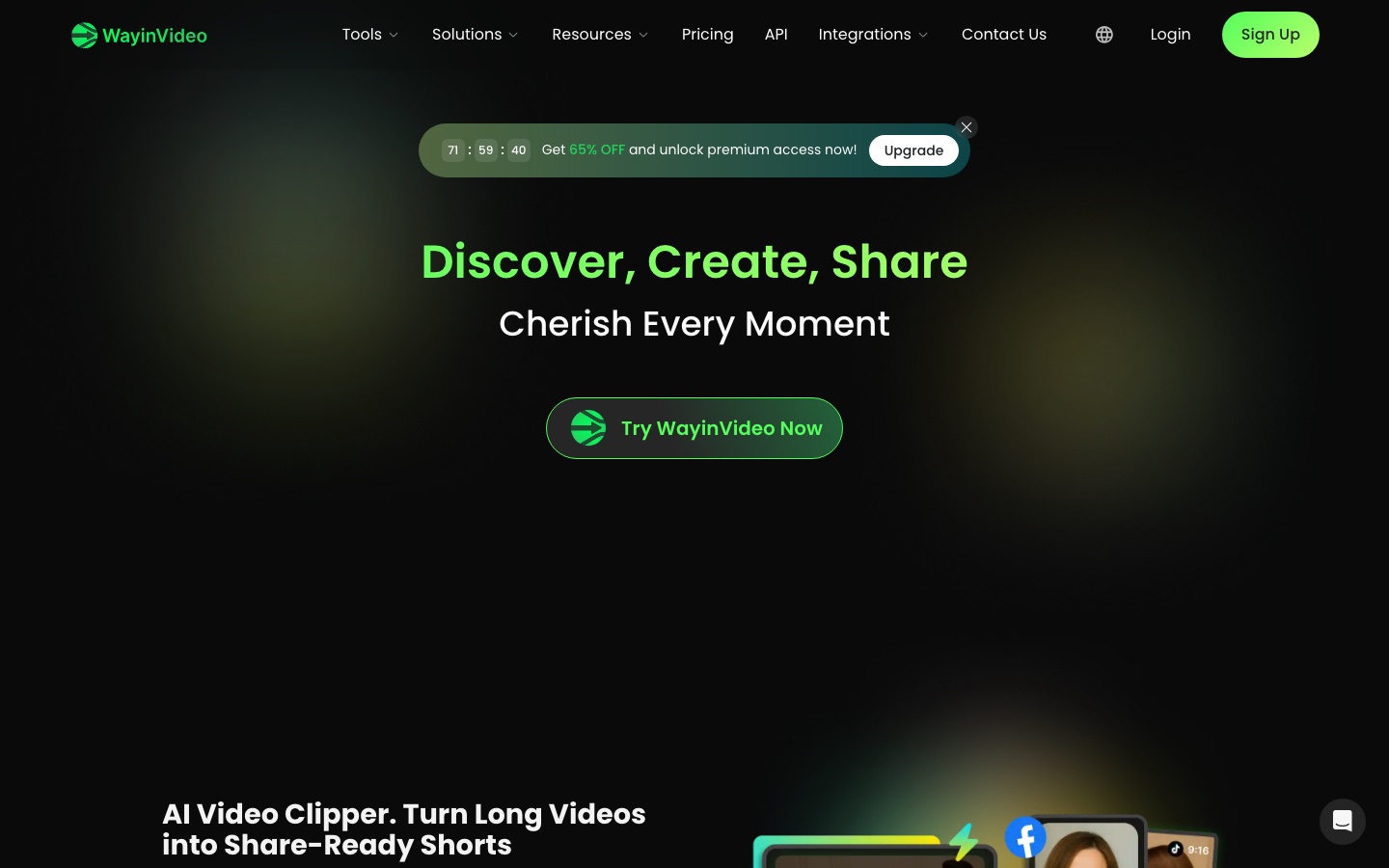
WayinVideo is an AI video platform from Wayin AI that turns long videos into short clips and also summarizes, transcribes, captions and reframes them. WayinVideo is used by pasting a video link or uploading a file, choosing a tool such as the clip maker or summarizer, and exporting the result for social platforms or notes.
Best for Creators, podcasters and streamers repurposing long recordings into short-form clips, and learners who want summaries and transcripts of long videos.
- Platforms
- Web, API, Browser extension, Plugin
- Pricing model
- Freemium
- Free plan
- Yes
- API
- Yes
- Made by
- WayinVideo
- Added
Last verified: . Information taken from wayin.ai.
What is WayinVideo?
WayinVideo is an online AI video platform that groups its tools under three headings: understand, create and edit. On the understanding side it produces a one-paragraph summary with a timestamped outline, transcripts with speaker labels, mind maps, and a search that jumps to the moment matching a typed question. For creation, the clip maker detects highlights, speaker changes and pacing to cut long footage into short vertical clips. Editing tools add multilingual animated captions and reframe footage to 9:16, 1:1 or 16:9 by tracking faces and key objects. The summarizer works in more than 100 languages. The same functions are exposed through an API, and the site lists a Chrome extension, a desktop app and an Obsidian plugin. New accounts receive 100 free credits, and paid plans are offered for individuals and businesses.
Key Features
AI clip maker
Finds highlights in a long video and cuts them into short vertical clips for Shorts, Reels and TikTok.
Video summarizer
Writes a short overview and a timestamped outline of key moments, in over 100 languages.
Transcription
Generates punctuated transcripts with timestamps and speaker labels that can be copied into notes.
Find moments
Searches the video and its transcript for a keyword or question and jumps to the matching point.
Animated captions
Creates subtitles in multiple languages with animated styles and callout cards.
AI reframe
Keeps the subject centred while converting footage between vertical, square and widescreen formats.
Screenshots
Use Cases
- Podcast clips
- Cut each episode into several captioned clips for social channels.
- Stream highlights
- Pull shareable moments out of game VODs and livestreams.
- Lecture notes
- Summarize and transcribe a recorded class to study from.
- Meeting and interview records
- Produce speaker-labelled transcripts of recorded conversations.
- Automated video pipelines
- Trigger clipping, transcription and summaries from your own software through the API.
Things to know
- Subscriptions renew automatically
- Monthly and yearly plans renew on the billing date unless cancelled beforehand.
- Payments are nonrefundable
- After cancelling, benefits continue to the end of the paid cycle, but the site says payments are not refunded.
- Credits reset monthly
- Credits that are not used within a month are cleared when the next period begins.
- Brand name
- The product is presented as WayinVideo on the wayin.ai site.
FAQs
What is WayinVideo?
WayinVideo is an AI video platform with tools for clipping, summarizing, transcribing, captioning and reframing videos.
What is WayinVideo used for?
WayinVideo is used to turn long videos into short social clips and to get summaries, transcripts and searchable moments from recordings.
Is WayinVideo free?
WayinVideo can be used free to start: signing up grants 100 free credits, and no credit card is required. Paid plans add more credits.
How much does WayinVideo cost?
WayinVideo sells monthly and yearly subscriptions in Individual and Business groups. See the official pricing page for current plan prices.
Does WayinVideo have an API?
Yes. The WayinVideo API offers clipping, transcription, summarization and moment finding for automated workflows.
Do unused WayinVideo credits roll over?
No. WayinVideo resets credits every month, so unused credits are not carried into the next billing period.
Can I cancel a WayinVideo subscription?
Yes. A WayinVideo subscription can be cancelled in account settings and stays active until the current billing cycle ends; the site notes that payments are nonrefundable.
Which aspect ratios does WayinVideo reframe to?
WayinVideo's AI reframe outputs 9:16, 1:1 and 16:9 versions from one edit.
Who it's for
- Content creators
- Podcasters
- Streamers
- Marketers
- Students
Comments
No comments yet. If you have used WayinVideo, tell other readers how it went.
Alternatives to WayinVideo
| Tool | Free plan | Starting price | API |
|---|---|---|---|
 CliptoLocal-first AI memory for video, audio, images and documents, with transcription, search and summaries. |
— | — | — |
 DescriptAI video and audio editor where you cut recordings by editing the transcript, with an assistant called Underlord. |
Yes | — | Yes |
 Exemplary AIBrowser tool that turns long recordings into captioned short clips, transcripts, subtitles and written posts. |
Yes | $29/mo | — |
 NottaAI meeting notetaker that records, transcribes, translates and summarises conversations in 58 languages. |
Yes | $8.17/mo | — |
 PodsqueezeAI podcast tool that produces transcripts, show notes, clips, audiograms and cleaned-up audio from an episode. |
— | — | — |
Listed in the same categories as WayinVideo. A starting price appears only where we checked it on the maker’s pricing page; a dash means not checked or not published. All Video Editing tools