
Vocalize
AI voice generator for making cover songs and text-to-speech with community-uploaded voice models.
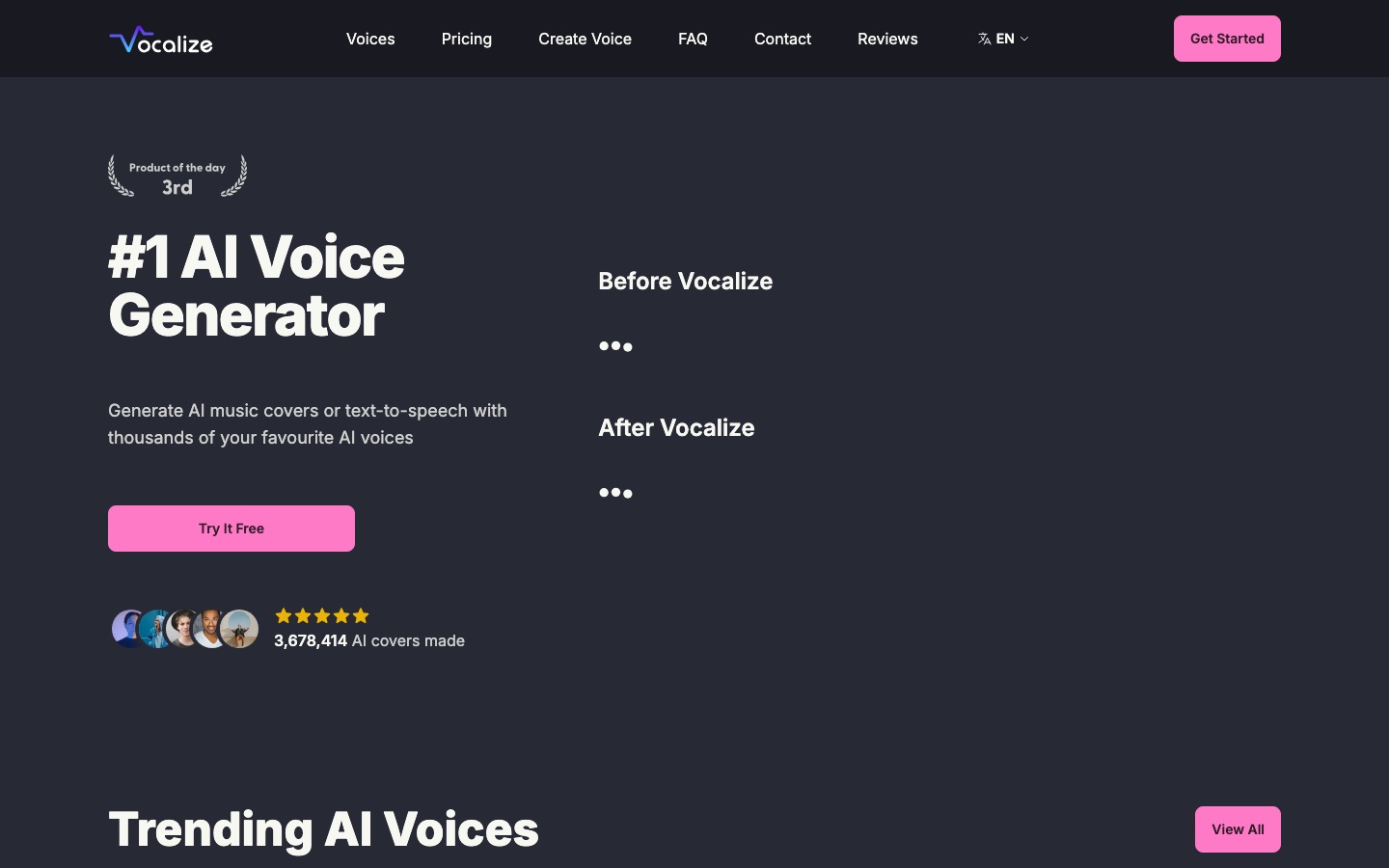
Vocalize is an AI voice generator that creates cover songs and text-to-speech audio using voice models uploaded by its community. Vocalize is used by picking a voice, or cloning your own, and supplying a song or text; the result is ready in seconds to about a minute. New Vocalize accounts get three free credits.
Best for Musicians and creators who want to convert their own vocals or scripts into a different voice for demos and personal projects.
- Platforms
- Web
- Pricing model
- Freemium
- Starting price
- $9.99 per month Converter plan; the period comes from the pricing FAQ, which calls it a monthly subscription.
- Free trial
- Yes
- Made by
- Guava LLC
- Added
Last verified: . Information taken from vocalize.fm.
What is Vocalize?
Vocalize is a web-based AI voice generator with two outputs: cover songs sung in a chosen voice and spoken audio produced from typed text. Voices come from a community library that the site puts at more than 50,000 models; every model is uploaded by a member, and users can also add a clone of their own voice. For a cover, the service isolates the vocal in a song, converts it to the selected voice and mixes it back, which takes between ten seconds and a minute depending on track length. Text-to-speech finishes in a few seconds. New accounts receive three credits without entering a card. A paid subscription named Converter removes generation limits and the shared queue. The site is run by Guava LLC and its interface is translated into many languages.
Key Features
AI Cover Songs
Separates the vocal from a track, converts it to the chosen voice model and remixes the result.
Text-to-Speech
Reads typed text aloud in a selected voice, with output ready within seconds.
Community Voice Library
Lists user-uploaded voice models, with a trending section and a browsable catalogue.
Create Voice
Lets a member upload a model or clone their own voice for singing and speech.
Parallel Generations
Subscribers can run several conversions at once and bypass the queue used by free accounts.
Advanced Conversion Settings
The paid plan opens extra controls for tuning how a conversion is produced.
Screenshots
Use Cases
- Demo Vocals for a Track
- A producer converts their own singing into a different vocal timbre to sketch a part before hiring a singer.
- Character Lines for a Game
- An indie developer drafts spoken lines for game characters with text-to-speech.
- Singing in Your Own Cloned Voice
- A user uploads a model of their voice and has it perform a song.
- Narration from a Script
- A creator turns a written script into spoken audio for a video.
- Trying the Service First
- A newcomer spends the three sign-up credits to hear results before subscribing.
Pricing
Converter
$12.99$9.99
per month, monthly subscription
Unlimited generations
- Priority over the shared queue
- Full AI voice library
- Unlimited model uploads
- Several generations in parallel
- Advanced conversion settings
Price as listed in the text of the official pricing page, which marks it as USD and shows $12.99 struck through. The page does not print the period beside the figure; its FAQ confirms the plan is a monthly subscription that can be cancelled from the billing settings. Checked 9 Oct 2026 at vocalize.fm.
Things to know
- Voice models are user-generated
- Every model in the library is uploaded by a member, and the trending list includes voices named after real performers and fictional characters. The operator does not present them as authorised by those people.
- Copyright and trademark takedowns
- The DMCA policy gives a contact address for infringement notices and says accounts of repeat infringers are suspended or terminated.
- Free use is limited
- Sign-up includes three credits, and free accounts share a queue during busy periods.
- Payments go through Stripe
- The site states that card details are handled by Stripe and are not stored on its own servers.
FAQs
What is Vocalize?
Vocalize is an AI voice generator for cover songs and text-to-speech. It works with voice models uploaded by its community, and members can add their own.
What is Vocalize used for?
Vocalize is used to make a song sound as if a chosen voice model sang it and to read text aloud in that voice.
Is Vocalize free?
Vocalize can be tried for free: signing up gives 3 credits and no credit card is asked for. Continued use without limits requires the paid Converter subscription.
How much does Vocalize cost?
Vocalize lists one plan, Converter, at $9.99 USD, shown against a struck-through $12.99. The FAQ on the pricing page describes it as a monthly subscription that can be cancelled at any time.
How long does a Vocalize generation take?
Vocalize finishes text-to-speech within seconds, while an AI cover needs roughly 10 to 60 seconds depending on how long the song is. Users without a subscription may be queued when the service is busy.
Who makes Vocalize?
Vocalize is operated by Guava LLC, the company named in the site footer and in its DMCA policy.
Can I upload my own voice to Vocalize?
Yes. Vocalize lets any member upload a voice model or clone their own voice, and the paid plan allows unlimited model uploads.
Does Vocalize offer refunds?
Vocalize says refunds are possible subject to its refund policy, so eligibility should be checked there before requesting one.
Who it's for
- Music producers
- Content creators
- Game developers
- Hobbyists
- Voice actors
Comments
No comments yet. If you have used Vocalize, tell other readers how it went.
Alternatives to Vocalize
| Tool | Free plan | Starting price | API |
|---|---|---|---|
 AI Cover Generator (Aicover.fun)Browser tool that re-sings an uploaded song with a selected AI voice model, with no account needed. |
Yes | — | — |
 ApplioFree, open-source voice conversion suite for training voice models, converting audio and changing your voice live. |
Yes | — | — |
 JammableAI cover generator and voice changer with a large community voice library and custom voice training. |
No | — | Yes |
 MusicGPTAI music generator that creates songs, instrumentals, sound effects and speech from text prompts. |
— | — | Yes |
 UberduckAI vocals platform for text to speech, singing and rap generation, voice cloning and voice conversion. |
Yes | — | Yes |
Listed in the same categories as Vocalize. A starting price appears only where we checked it on the maker’s pricing page; a dash means not checked or not published. All Voice Cloning & Voice Changer tools