
AI Cover Generator (Aicover.fun)
Browser tool that re-sings an uploaded song with a selected AI voice model, with no account needed.
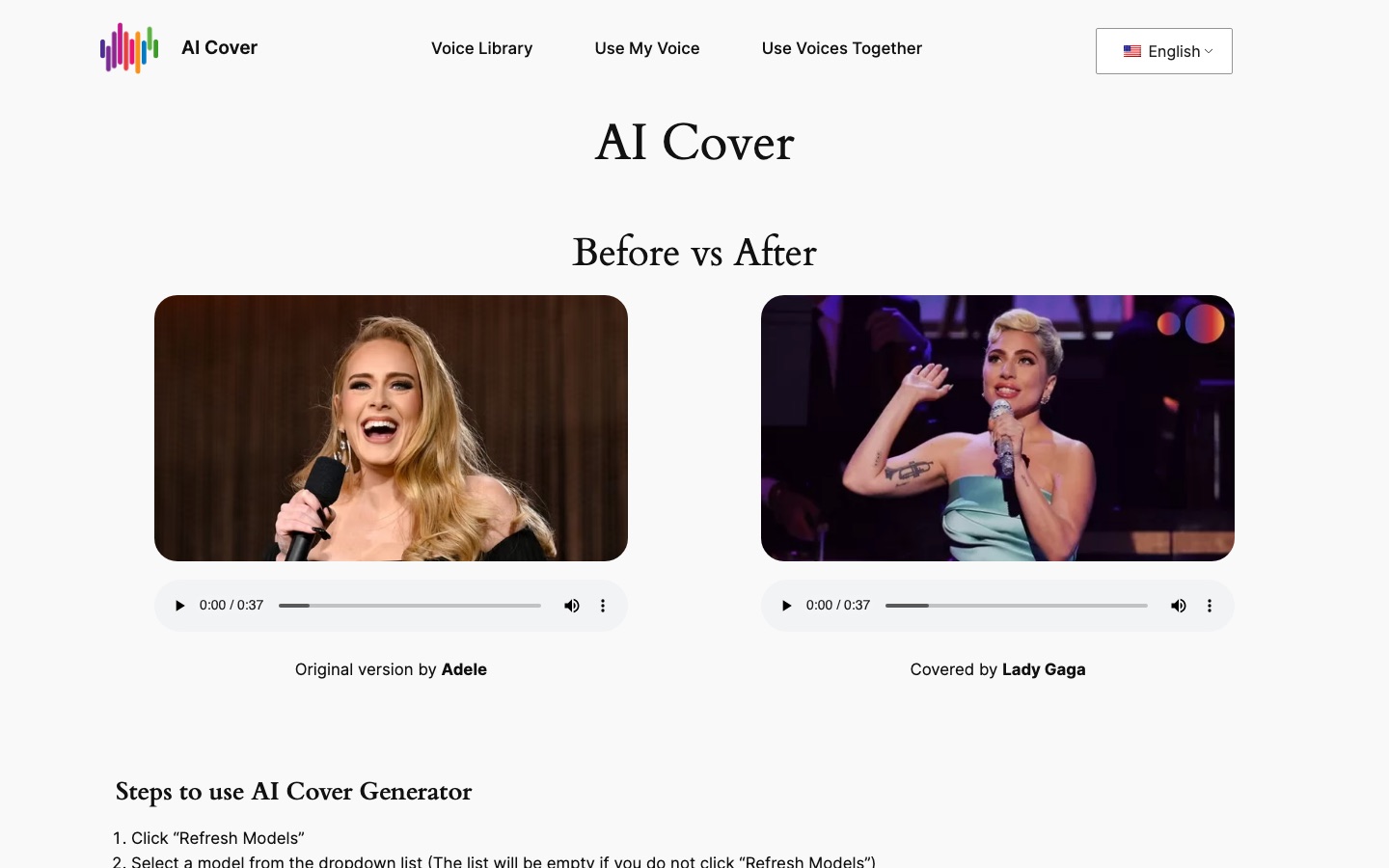
AI Cover Generator (Aicover.fun) is a web tool that produces song covers with synthetic voices. On AI Cover Generator a user refreshes the model list, picks a voice model, uploads an audio file or pastes a YouTube link, and presses generate. The site says the tool is free and works without signing up.
Best for Hobbyists and content creators who want to experiment with voice-converted song covers in the browser without installing software.
- Platforms
- Web
- Pricing model
- Free
- Free plan
- Yes
- Added
Last verified: . Information taken from aicover.fun.
What is AI Cover Generator (Aicover.fun)?
AI Cover Generator (Aicover.fun) is an online tool that takes a song and replaces its vocal with a voice produced by an AI voice model. The page is built around a short procedure: load the list of models, choose one, supply a track as a file or a YouTube address, and start generation. A voice library sorts models into music, anime, Korean and gaming groups and shows how often each has been used. Separate menu entries cover creating a model from your own voice and combining several voices in one cover. The interface is offered in more than twenty languages. The site notes that heavy use can exhaust GPU capacity, that errors may appear at busy times, and that loading a model can take several seconds.
Key Features
Voice Model Selection
Loads a dropdown of voice models after you press the refresh button and applies the one you pick to the song.
File or Link Input
Accepts an uploaded audio file or a pasted YouTube address as the source track.
Voice Library
Lists available models by theme, such as music, anime, Korean artists and gaming, along with usage counts.
Custom Voice Option
Links to a flow for building a voice model from your own voice.
Multiple Voices
Provides a menu entry for using more than one voice together in a single cover.
Multilingual Interface
Offers the page in over twenty languages, including Spanish, Japanese, Arabic and Turkish.
How AI Cover Generator (Aicover.fun) works
Refresh the models
Press the refresh button; the dropdown stays empty until you do.
Choose a voice
Select a model from the list.
Add the song
Upload an audio file or paste a YouTube address.
Generate
Start the job and wait for the converted track.
Use Cases
- Trying a Song in Another Voice
- Hear how a track sounds when its vocal line is converted to a different voice model.
- Character Voice Parodies
- Make a novelty version of a song using a cartoon or game character model.
- Covering a Song in Your Own Voice
- Create a personal voice model and apply it to an existing recording.
- Short Social Clips
- Produce a cover snippet to post alongside video content.
- Comparing Voice Models
- Run the same song through several models to judge which suits it.
Things to know
- Voice library includes real people
- Many listed models are named after real singers and politicians. The home page does not display terms covering consent or permitted use, so check rights before publishing any output.
- Shared GPU capacity
- The site says intensive use in a short period can cause resource shortages and asks users to pause for a few minutes.
- YouTube links may fail
- The page itself notes that a pasted YouTube link might not be recognised.
- Copyright questions
- The site's own article acknowledges that AI covers raise ethical questions around copyright and originality.
FAQs
What is AI Cover Generator (Aicover.fun)?
AI Cover Generator (Aicover.fun) is a browser-based tool that creates a cover of a song by swapping the vocal for an AI voice model.
How do I use AI Cover Generator?
On AI Cover Generator you click the refresh button to load models, choose one, add the song as a file or a YouTube address, and click generate.
Is AI Cover Generator free?
The Aicover.fun site describes AI Cover Generator as free and says no sign-up is required.
Can I use my own voice with AI Cover Generator?
Yes. AI Cover Generator links to a separate step for creating a voice model from your own voice.
Why does AI Cover Generator return an error?
AI Cover Generator warns that errors can occur at peak usage or after intensive use, and suggests waiting a few minutes before trying again.
What languages does the AI Cover Generator site support?
The AI Cover Generator interface can be switched between more than twenty languages, among them English, Chinese, Spanish, Russian, French and German.
Who it's for
- Content creators
- Music hobbyists
- Fans
- Musicians
Comments
No comments yet. If you have used AI Cover Generator (Aicover.fun), tell other readers how it went.
Alternatives to AI Cover Generator (Aicover.fun)
| Tool | Free plan | Starting price | API |
|---|---|---|---|
 VocalizeAI voice generator for making cover songs and text-to-speech with community-uploaded voice models. |
— | $9.99/mo | — |
 JammableAI cover generator and voice changer with a large community voice library and custom voice training. |
No | — | Yes |
 MusicFab AIOnline AI music maker that creates full songs with vocals or instrumentals from text prompts, lyrics or hummed ideas. |
Yes | — | — |
 MusicGPTAI music generator that creates songs, instrumentals, sound effects and speech from text prompts. |
— | — | Yes |
 UberduckAI vocals platform for text to speech, singing and rap generation, voice cloning and voice conversion. |
Yes | — | Yes |
Listed in the same categories as AI Cover Generator (Aicover.fun). A starting price appears only where we checked it on the maker’s pricing page; a dash means not checked or not published. All Voice Cloning & Voice Changer tools