
Vidnoz AI
AI video generator with talking avatars, synthetic voices, templates and video translation.
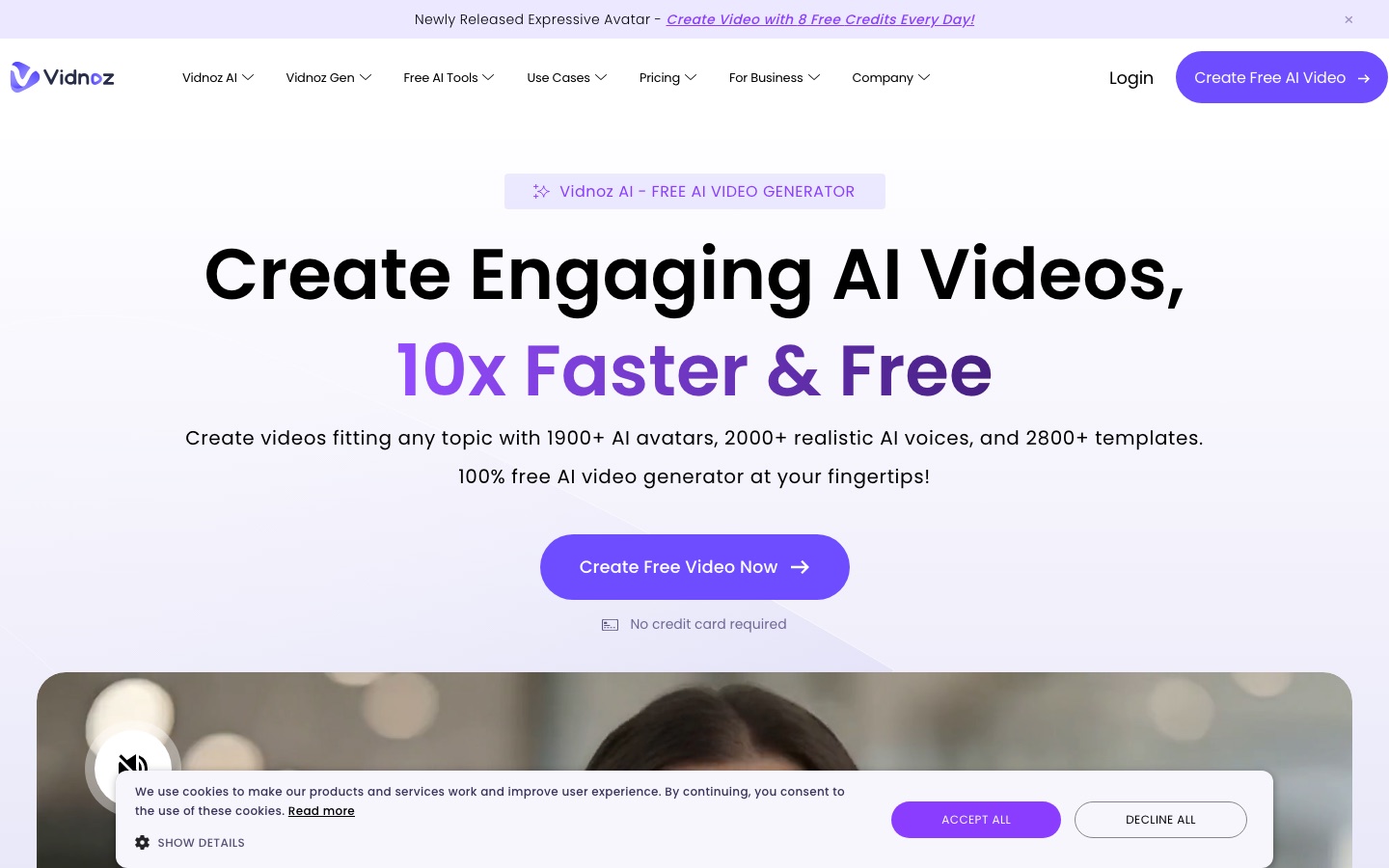
Vidnoz AI is an online AI video generator in which an avatar reads a script you type. Vidnoz AI users choose a template or avatar, enter the text, pick a voice, customise the layout and generate a video to download or share. Vidnoz AI lists more than 1,900 avatars, 2,000 voices, 2,800 templates and over 140 languages.
Best for Trainers, marketers and educators who want presenter-style videos from a script without filming, including translated versions.
- Platforms
- Web
- Pricing model
- Freemium
- Free plan
- Yes
- Made by
- Vidnoz
- Added
Last verified: . Information taken from vidnoz.com.
What is Vidnoz AI?
Vidnoz AI is an online video maker in which an on-screen avatar reads a script you type. A project typically starts from a template or an avatar; you enter the text, pick a voice, adjust the layout, music and transitions, and then generate a video to download or share. The site lists more than 1,900 avatars, 2,000 voices and 2,800 templates, and supports over 140 languages. Related tools clone a voice, build a custom avatar from your own footage, animate a photo into a talking avatar, and translate existing videos with lip sync. A separate Vidnoz Gen area offers image-to-video and text-to-video generation using several third-party models.
Key Features
Avatar Presenters
Offers a library of AI avatars that speak a script with lip sync, plus avatars with gestures and facial expressions.
Custom and Photo Avatars
Creates a digital double from your own video, or a talking avatar from a single photo.
Text to Speech and Voice Cloning
Converts text into speech across a large voice catalogue and can replicate your own voice.
Video Translation
Translates a video into other languages and matches the lip movement to the new audio.
Templates
Provides editable templates for formats such as news, pitches, training and invitations.
Generative Video and Image Tools
Includes image-to-video, text-to-video and image generation built on models such as Veo, Sora and Kling.
How Vidnoz AI works
Choose a template or avatar
Start from a ready template or an avatar, or begin with a blank project.
Create the voiceover
Type what the avatar should say and select a voice.
Customise the video
Adjust the layout and add music, effects and transitions.
Generate and share
Generate the video, then save the file or send it out through social channels or email.
Use Cases
- Training and Onboarding
- Make instructional and onboarding videos for staff without filming a presenter.
- E-Learning
- Turn a course script into a narrated lesson with an on-screen avatar.
- Marketing and Social Media
- Produce product and promotional videos from a template.
- Sales Outreach
- Create video messages for prospects and share them by email.
- Customer Support
- Publish tutorial and FAQ videos, translated for customers in other languages.
Things to know
- Free use is credit-based
- The site advertises free credits every day and says no credit card is required to start.
- Separate plans per product
- The pricing menu lists different plans for Vidnoz AI, Vidnoz Gen, the video translator, voice tools and Vidnoz Flex; check the official pricing page for current plans and prices.
- Scene length
- Expressive avatar videos are described as up to five minutes per scene.
FAQs
What is Vidnoz AI?
Vidnoz AI is an online tool for creating videos with AI avatars and synthetic voices from a typed script.
What is Vidnoz AI used for?
Vidnoz AI is used for training and onboarding videos, e-learning lessons, explainer and marketing videos, sales messages and customer support tutorials.
Is Vidnoz AI free?
Vidnoz AI advertises free video creation with free credits each day and no credit card required. Paid plans exist for its different products, but their details were not part of the material checked.
How long can a Vidnoz AI video be?
Vidnoz AI mentions up to five minutes of video per scene for its expressive avatars.
How many languages does Vidnoz AI support?
Vidnoz AI supports more than 140 languages for both voiceover and video translation.
Can I use my own face and voice in Vidnoz AI?
Yes. Vidnoz AI has tools for building a custom avatar from your own video and for cloning your voice.
Which AI models does Vidnoz AI use for generation?
The Vidnoz Gen area lists models including Google Veo, Sora, Kling, Seedance, Wan, Hailuo, Nano Banana and Google Imagen.
What does Vidnoz AI say about security?
Vidnoz AI states that it is ISO/IEC 27001:2022 compliant and offers single sign-on across its services.
Who it's for
- Marketers
- Trainers and HR teams
- Educators
- Sales teams
- Content creators
- Support teams
Comments
No comments yet. If you have used Vidnoz AI, tell other readers how it went.
Alternatives to Vidnoz AI
| Tool | Free plan | Starting price | API |
|---|---|---|---|
 VyondBusiness video platform for animated, avatar and AI-generated videos, with a prompt-to-video tool and brand controls. |
— | — | — |
AI StudiosDeepBrain AI's video platform for avatar-presented videos, AI dubbing and generative clips from text, links or documents. |
Yes | — | Yes |
 ArcadsAI video ad creator with a library of 1,000+ AI actors, custom avatars and tools to edit, translate and remix ads. |
— | — | Yes |
 D-IDPlatform for generating talking-avatar videos and deploying real-time conversational avatars, with an API. |
— | — | Yes |
 HeyGenAI video platform for avatar-led videos, script-based editing and translation into 175+ languages. |
Yes | — | Yes |
Listed in the same categories as Vidnoz AI. A starting price appears only where we checked it on the maker’s pricing page; a dash means not checked or not published. All AI Video Generator tools