
Tripo AI
AI 3D model generator that turns text prompts, photos or sketches into textured, exportable meshes.
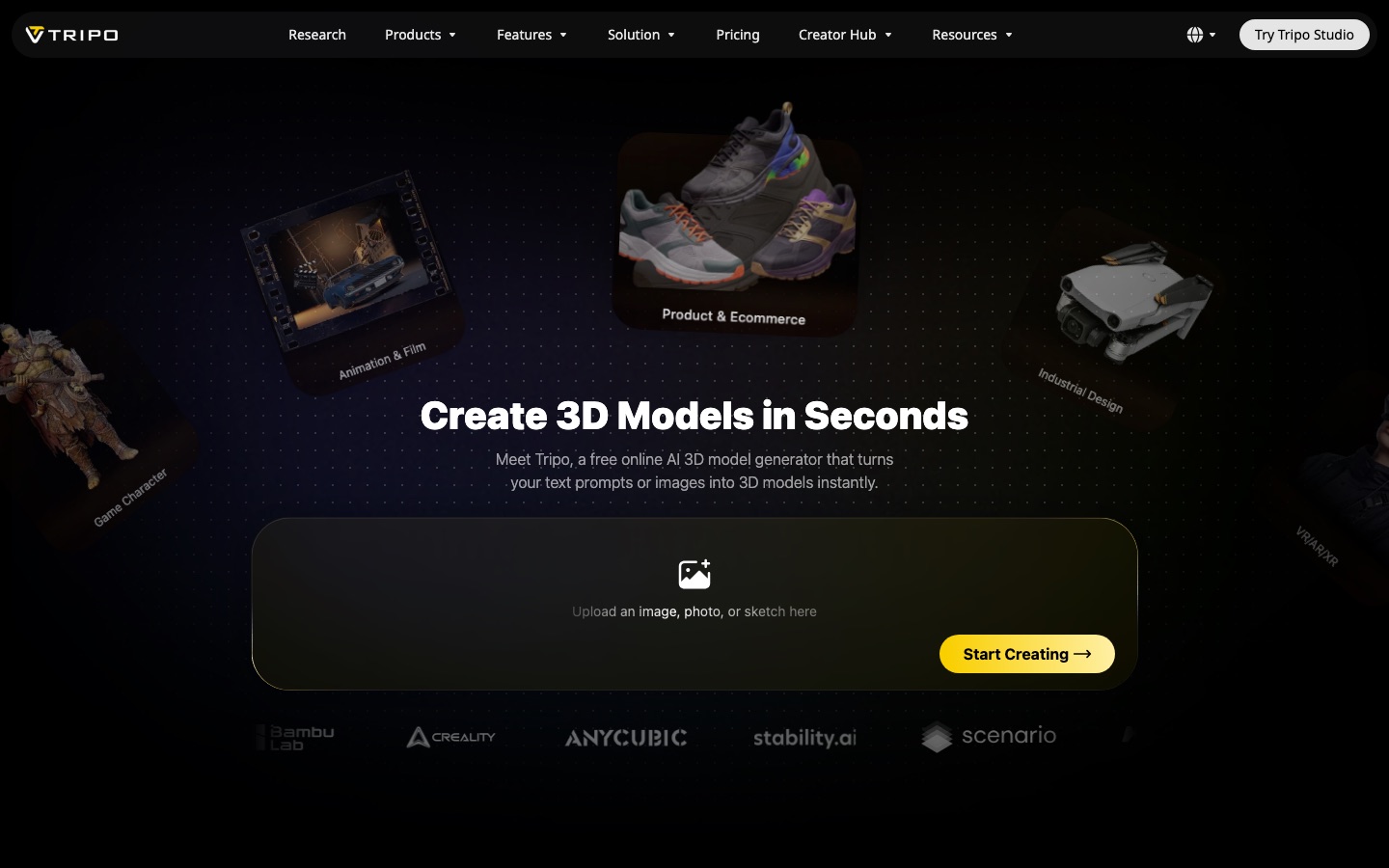
Tripo AI is a browser-based AI 3D model generator. Tripo AI users type a prompt or upload a photo, sketch or concept art, and the service returns a textured 3D model that can be refined, rigged and exported as GLB, FBX, OBJ, USD or STL for game engines and 3D printing. Tripo AI has a free tier and an API.
Best for Game developers, 3D printing hobbyists and product teams who need a usable 3D model from an image or prompt without modelling it by hand.
- Listed in
- AI 3D Model GeneratorDeveloper API
- Platforms
- Web, API, Plugin
- Pricing model
- Freemium
- Starting price
- $20 per month Pro plan, billed annually as $240 per year
- Free plan
- Yes
- API
- Yes
- Made by
- Tripo
- Added
Last verified: . Information taken from tripo3d.ai.
What is Tripo AI?
Tripo AI is a browser-based service that generates 3D models from a text description or from an image such as a photo, sketch or piece of concept art. It offers two output styles: a high-detail mesh of up to two million polygons, and a quad mesh between 500 and 25,000 polygons intended to go straight into a game engine. Further steps cover texturing, splitting a model into parts, cleaning up topology, and rigging characters for animation. Models export in common formats and can be sent on to engines such as Unity and Unreal or prepared for 3D printing. Tripo also has plugins for 3D software and an API for developers. Usage is counted in credits, with a free tier and paid plans.
Key Features
Image and Text to 3D
Creates a textured model from one image, several views of an object, or a written prompt.
Two Mesh Types
Outputs either a dense, detailed mesh or a lower-polygon quad mesh with tidy edge flow for real-time use.
AI Texturing
Generates full PBR texture sets at up to 8K, or flat base-colour textures for stylised work.
Smart Segmentation
Divides a model into separate editable parts, including pieces sized to fit a print bed.
Rigging and Animation
Adds a skeleton to humanoid or creature models so they can be animated.
Export and Plugins
Exports GLB, FBX, OBJ, USD, STL and 3MF, with bridges to tools such as Blender, Maya, Unity, Unreal and Godot.
How Tripo AI works
Describe or upload
Type a text prompt or upload a photo, sketch or piece of concept art.
Generate the model
Tripo AI builds a textured 3D model that matches the reference.
Download and use
Export the model in a standard format for 3D software, a game engine or a printer.
Screenshots
Use Cases
- Game Assets
- Produce characters and props as quad meshes ready to import into Unity, Unreal or another engine.
- 3D Printing
- Convert a photo or sketch into a mesh, split it to fit the print bed and export it for slicing.
- Product Visualisation
- Turn product photos into textured 3D models for online shops and adverts.
- Concept Prototyping
- Block out an industrial design or character idea in 3D before detailed modelling or CAD.
- VR and AR Scenes
- Build performance-optimised models for immersive applications.
Pricing
Free
Free
per month, no payment
200 credits per month (about 13 models)
- One task at a time in the standard queue
- Models are public and for non-commercial use
- Limited edit history, storage and exports
Pro
$20
per month, $240 billed annually
3,000 credits per month (about 200 models)
- 10 concurrent tasks with high queue priority
- Private models with commercial use
- Batch generation and 7-day edit history
Max
$90
per month, $1,080 billed annually
25,000 credits per month (about 1,660 models)
- 100 concurrent tasks with dedicated queue priority
- Permanent edit history
- Early access to beta features
Prices as displayed on the official pricing page with annual billing selected. A Team plan also exists, but the page states its price inconsistently, so it is left out here. Extra credits can be bought separately, and API and enterprise pricing are handled apart from these plans. Checked 8 Oct 2026 at tripo3d.ai.
Things to know
- Free models are public
- The Free plan lists public models for non-commercial use; private models and commercial use start with Pro.
- Everything runs on credits
- Generation and editing consume credits depending on settings; the Free plan includes 200 a month, described as about 13 models.
- Team plan price not listed
- The pricing page shows conflicting figures for the Team plan, so it is not included in the plan list here.
- Prices shown assume annual billing
- The listed monthly figures are the ones displayed with annual billing selected.
FAQs
What is Tripo AI?
Tripo AI is an AI tool that generates textured 3D models from text prompts or images in the browser.
What is Tripo AI used for?
Tripo AI is used to create game assets, models for 3D printing, product visualisations, concept prototypes and VR or AR content.
Is Tripo AI free?
Yes. Tripo AI has a Free plan with 200 credits a month; models made on it are public and limited to non-commercial use.
How much does Tripo AI cost?
With annual billing, the official Tripo AI pricing page lists Pro at $20 per month ($240 a year) and Max at $90 per month ($1,080 a year), alongside the Free plan. Each plan includes a monthly credit allowance.
Does Tripo AI have an API?
Yes. Tripo AI offers an API for developers who want to add 3D generation to their own workflows; API pricing is handled separately from the Studio plans.
Which file formats can Tripo AI export?
Tripo AI exports GLB, FBX, OBJ and USD for general 3D work, and STL or 3MF for printing.
Can I use Tripo AI models commercially?
Paid Tripo AI plans list commercial use, while Free plan models are for non-commercial use. The site refers to its terms of service for the full conditions.
Do I need to install anything to use Tripo AI?
No. Tripo AI runs in the browser, and plugins are available for tools such as Blender, Unity, Unreal and Maya.
Who it's for
- Game developers
- 3D artists
- 3D printing hobbyists
- Product designers
- E-commerce teams
- VR/AR developers
Used in these workflows
- Which AI tools help you develop a game, from design document to launch?Stage 4: 3D models and animation
Each guide lists the stages of one job and the tools that help at each stage. All guides
Comments
No comments yet. If you have used Tripo AI, tell other readers how it went.
Alternatives to Tripo AI
| Tool | Free plan | Starting price | API |
|---|---|---|---|
 3D AI StudioBrowser toolkit for generating 3D models from text or images, with texturing, remeshing and several AI engines. |
— | — | Yes |
 Alpha3DAI 3D pipeline that generates a model from text or photos, then handles retopology, UVs, texturing, rigging and export. |
— | — | Yes |
 Hi3DAI platform that turns text or images into 3D models and prepares them for 3D printing. |
Yes | — | Yes |
 Hyper3D RodinAI generator that turns text prompts or images into 3D models, with editing tools, plugins and an API. |
Yes | — | Yes |
 AI or NotAI detector for images, text, audio and video, including deepfakes, available on the web and through an API. |
Yes | — | Yes |
Listed in the same categories as Tripo AI. A starting price appears only where we checked it on the maker’s pricing page; a dash means not checked or not published. All AI 3D Model Generator tools