
Rollstack
AI presentation platform that builds and refreshes slide decks from BI tools, data warehouses and spreadsheets.
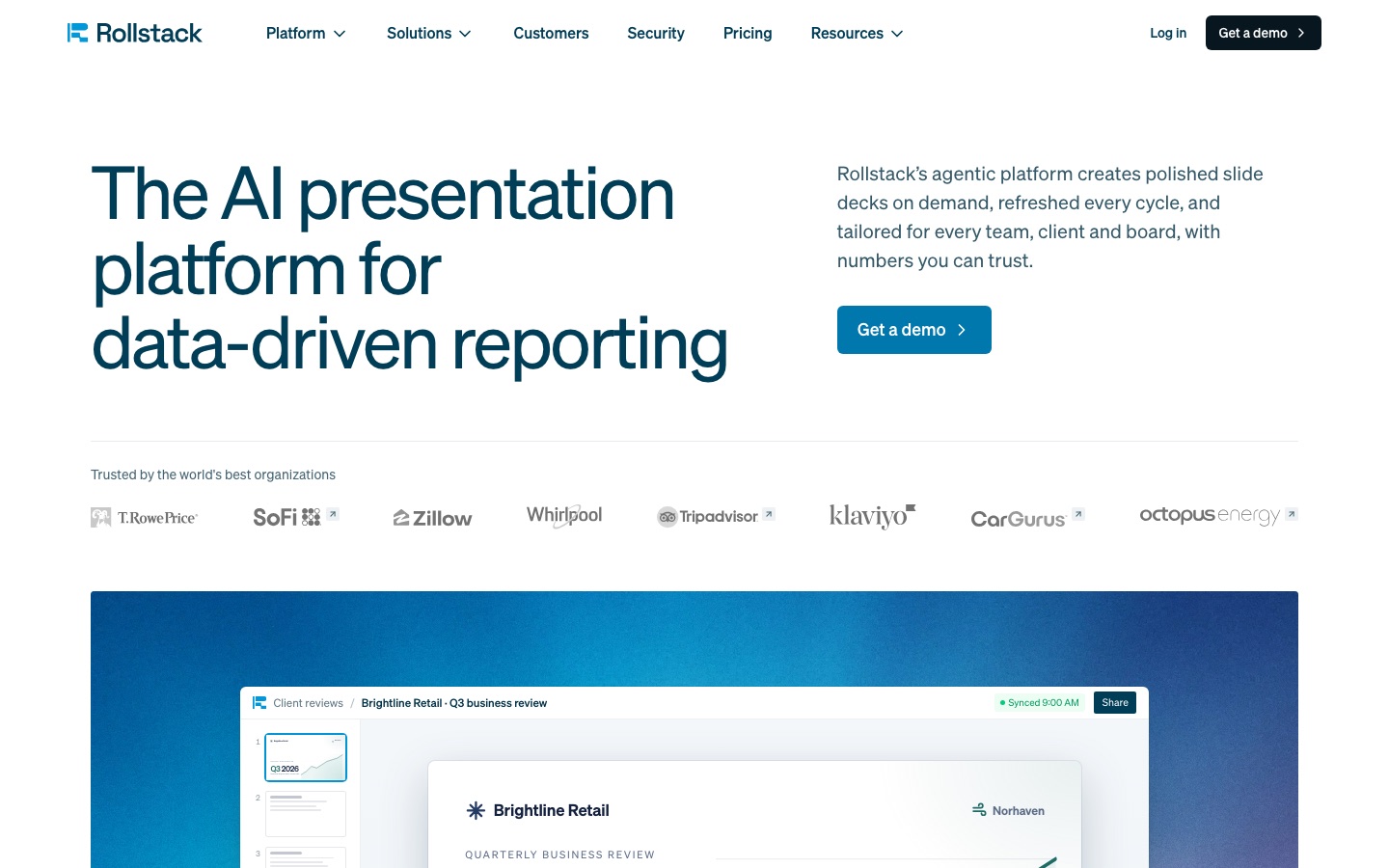
Rollstack is an AI presentation platform for reporting on business data. Rollstack connects to BI tools, warehouses and spreadsheets, drafts branded slide decks from a prompt and refreshes them on demand or on schedule. Teams use Rollstack by connecting data sources, describing the report they need and delivering tailored decks to each client, region or team.
Best for Data, finance and customer-facing teams that rebuild the same data-heavy decks every week, month or quarter.
- Platforms
- Web
- Pricing model
- Subscription
- Made by
- Rollstack Inc.
- Added
Last verified: . Information taken from rollstack.com.
What is Rollstack?
Rollstack is a reporting platform that produces slide decks from an organisation's data and keeps them current. It connects to sources such as Snowflake, Databricks, Tableau, Power BI, Looker, Excel and Google Sheets, and its data agents draft slides, charts and written takeaways from a prompt, using the company's own PowerPoint or Google Slides template. Decks can be refreshed with a click or on a schedule while layouts and commentary stay in place. A Dynamic Reports feature turns one approved template into a separate version for each client, region or team and delivers them as Google Slides, PDF or email. Figures come from deterministic queries, and each number can be traced to its source, with version history and audit trails. Rollstack follows permissions set in the BI tool and lists SOC 2 Type II, HIPAA and GDPR compliance with SSO.
Key Features
Data Agents
Search connected sources for relevant figures, identify what changed and draft slides with takeaways from a written request.
Rollstack Slides
Provides an editor for building and revising decks with AI inside a company's PowerPoint or Google Slides templates.
Dynamic Reports
Generates a version of one template for every value of a parameter such as client or region, each with its own data.
Scheduled Refresh
Updates charts, tables and figures in one click or on a timetable without disturbing formatting or commentary.
Audit and Lineage
Traces any figure back to its source query and keeps template version history and a record of who changed what.
Governance
Honours BI-tool permissions and adds role-based access, row-level security, audit logs and data-team sign-off before delivery.
How Rollstack works
Connect
Link the dashboards, warehouses and spreadsheets the organisation already relies on.
Build
Describe the report; agents assemble it in the company template from live data.
Scale
Deliver a tailored deck to each client, region or brand, on request or on a schedule.
Screenshots
Use Cases
- Client Business Reviews
- Send every customer a quarterly review filled with their own numbers from one template.
- Board and Finance Packs
- Refresh the monthly board deck from the warehouse instead of pasting charts.
- Weekly Operations Reviews
- Open each weekly meeting with slides already updated to the latest period.
- Campaign Reporting
- Deliver campaign and brand reports to marketing stakeholders on a schedule.
- Ad Hoc Deep Dives
- Ask a question about a metric and receive a deck that explains the drivers.
Things to know
- Plans are measured in syncs
- Each plan includes a fixed number of data syncs; Standard is billed yearly with all syncs granted upfront.
- Dynamic Reports need a higher plan
- Dynamic Reports and standard SSO are listed from the Premium plan, and SAML/SCIM and on-prem BI support under Enterprise.
- Sales-led onboarding
- The site's main call to action is booking a demo, and two of the three plans are priced by contacting the company.
FAQs
What is Rollstack?
Rollstack is an AI presentation platform that creates and refreshes slide decks from data in BI tools, data warehouses and spreadsheets.
What is Rollstack used for?
Rollstack is used for recurring business reporting such as client reviews, board packs, weekly operations reviews and campaign reports.
Which data sources does Rollstack connect to?
Rollstack connects to Snowflake, Databricks, Tableau, Power BI, Looker, Metabase, Excel, Google Sheets and other sources.
How much does Rollstack cost?
Rollstack lists Standard, Premium and Enterprise plans that differ by the number of data syncs included; Premium and Enterprise are quoted on request. See the official pricing page for current figures.
Does Rollstack work with PowerPoint and Google Slides?
Yes. Rollstack drafts reports in a company's PowerPoint or Google Slides template and can deliver decks as Google Slides, PDF or email.
Are the numbers in Rollstack generated by AI?
No. Rollstack says figures come from deterministic queries on the connected sources, so no number is generated, and each one can be traced to its origin.
Is Rollstack secure?
Rollstack lists SOC 2 Type II, HIPAA and GDPR compliance, SSO, role-based permissions, row-level security and audit logs.
Who makes Rollstack?
Rollstack is made by Rollstack Inc.
Who it's for
- Data and analytics teams
- Finance and FP&A teams
- Customer success teams
- RevOps teams
- Marketing teams
- Agencies
Used in these workflows
- From raw data to a finished report: what AI does at each step, and what you still checkStage 7: Presenting the report
Each guide lists the stages of one job and the tools that help at each stage. All guides
Comments
No comments yet. If you have used Rollstack, tell other readers how it went.
Alternatives to Rollstack
| Tool | Free plan | Starting price | API |
|---|---|---|---|
 AI Graph MakerWeb tool that turns typed descriptions or uploaded data into charts, flowcharts, mind maps and diagrams. |
Yes | — | — |
 ChartGen AIAI chart generator that turns uploaded CSV or Excel data and a plain-language request into finished charts. |
Yes | — | — |
 Julius AIAI workspace for analysing data in plain English and creating reports, slides, websites, images and video. |
Yes | — | — |
 VisActorOpen-source data visualization suite from ByteDance with chart, table, graph and AI-assisted storytelling libraries. |
— | — | — |
 data.worldEnterprise data catalog built on a knowledge graph, with search, governance, lineage and an AI chat assistant. |
— | — | Yes |
Listed in the same categories as Rollstack. A starting price appears only where we checked it on the maker’s pricing page; a dash means not checked or not published. All Presentations & Diagrams tools