
Qura AI
Chrome extension that drafts AI replies for X and LinkedIn posts in a chosen tone and turns videos into posts.
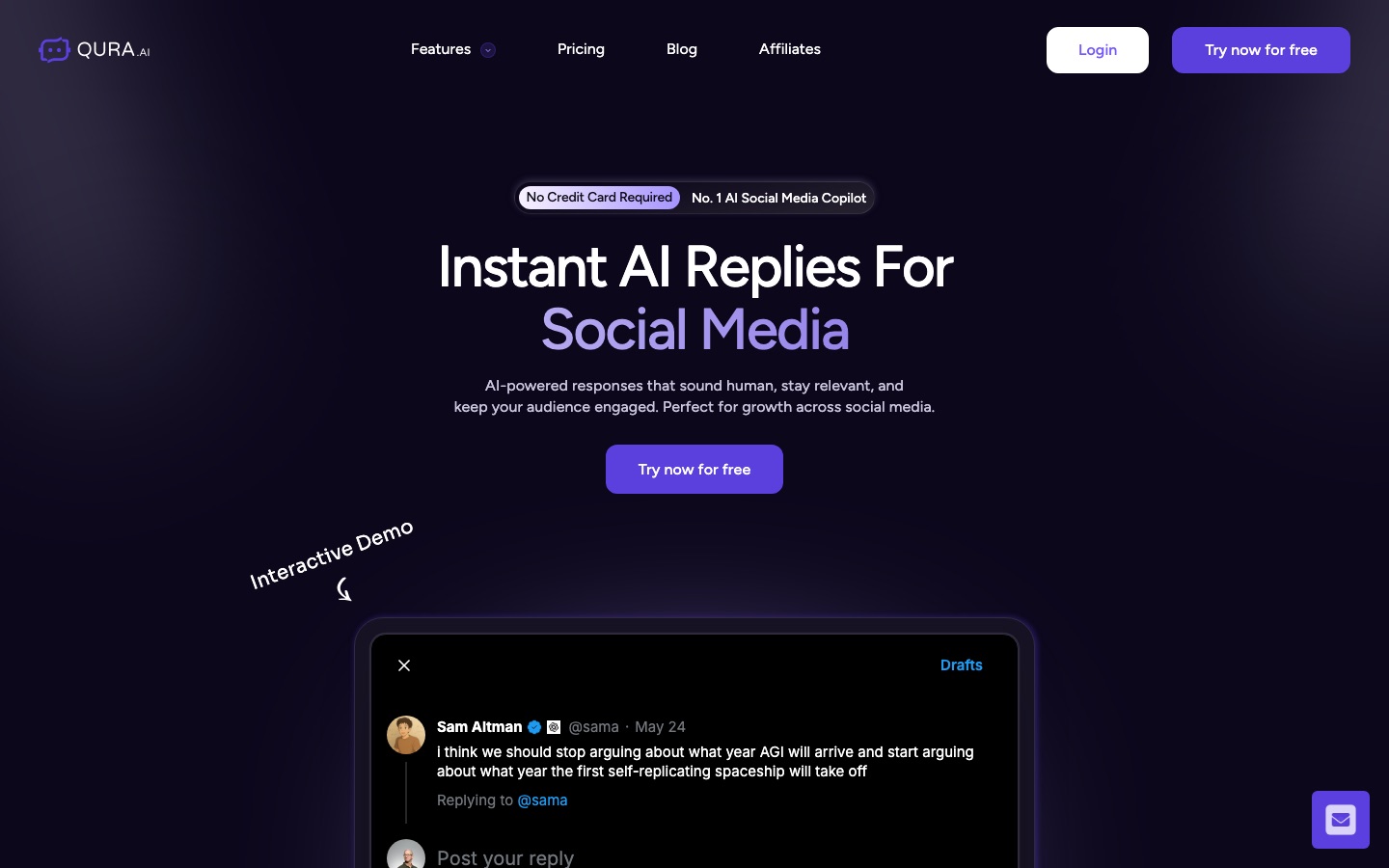
Qura AI is a Chrome extension that drafts replies to posts on X (Twitter) and LinkedIn. Qura AI generates a response in a preset or custom tone, which the user edits and publishes. A web dashboard also converts YouTube videos into threads or LinkedIn posts. Setup requires an account, the extension and a license key.
Best for Founders, creators and marketers who reply to many posts on X or LinkedIn and want first drafts in a consistent tone.
- Listed in
- Social Media
- Platforms
- Browser extension, Web
- Pricing model
- Subscription
- Made by
- Qura AI
- Added
Last verified: . Information taken from qura.ai.
What is Qura AI?
Qura AI is a Chrome extension that writes reply drafts for posts on X (Twitter) and LinkedIn. While reading a post, the user opens the reply box, picks a tone such as creative, analytical, supportive, friendly or humorous, and receives a suggested response to review and edit before publishing. Custom tones can be defined with the user's own instructions so that replies stay consistent with a personal or company voice. A web dashboard adds a post generator that converts a YouTube video or URL into an X thread or a LinkedIn post, and an Optimize Tweet tool for improving drafts. The extension is activated with a license key generated in the account settings. Plans are called Basic, Pro and Business, each with an allowance of reply credits, and a pay-as-you-go option is shown as well.
Key Features
AI Reply Drafts
Suggests a response to the X or LinkedIn post you are viewing, directly inside the reply field.
Tone Selection
Offers preset tones including creative, analytical, supportive, friendly and humorous.
Custom Tones
Lets you write your own instructions so generated replies follow a defined brand voice.
YouTube to Post
Converts a YouTube video into an X thread or a LinkedIn post from the dashboard.
Tweet Optimizer
Reviews a draft tweet and proposes changes intended to improve engagement.
Editable Output
Leaves each generated reply open for review and changes before you post it.
How Qura AI works
Open a post
Go to the tweet or LinkedIn post you want to answer and click its comment icon.
Choose a tone
Select one of the preset tones or one you created.
Review the draft
Read the generated reply and change anything that needs it.
Publish
Post the reply from the same box.
Screenshots
Use Cases
- Daily Reply Routine
- Respond to more posts in a niche without composing each reply from a blank box.
- Consistent Company Voice
- Give a team one custom tone so replies from the brand account read alike.
- Repurposing Video Content
- Turn a YouTube upload into a thread and a LinkedIn post.
- Founder Networking
- Keep up engagement with peers and prospects on LinkedIn in limited time.
- Improving a Draft Tweet
- Run a post through the optimizer before publishing.
Things to know
- Chrome only
- The extension is distributed through the Chrome Web Store.
- License key activation
- The extension works after a key from the account settings has been added to it.
- Replies draw on credits
- Each plan lists a yearly or monthly allowance of reply credits.
FAQs
What is Qura AI?
Qura AI is a Chrome extension that generates reply drafts for X (Twitter) and LinkedIn, with extra tools for turning YouTube videos into posts.
Which platforms does Qura AI support?
Qura AI works on X (Twitter) and LinkedIn through its Chrome extension, with additional features in a web dashboard.
How do I set up Qura AI?
Sign up for a Qura AI account and add the extension to Chrome from its Web Store listing. Then create a license key under account settings and paste that key into the extension to switch it on.
Can Qura AI match my writing style?
Yes. Qura AI lets you create custom tones with your own instructions in addition to its preset tones.
Does Qura AI post automatically?
No. Qura AI says users are expected to check and adapt each generated reply themselves before it is published, and that the product does not centre on automated actions.
How much does Qura AI cost?
Qura AI offers Basic, Pro and Business plans with monthly or annual billing and a pay-as-you-go option. See the official pricing page for current rates.
Can Qura AI create posts from YouTube videos?
Yes. The Qura AI dashboard includes a post generator that converts a YouTube video into an X thread or a LinkedIn post.
Who it's for
- Entrepreneurs
- Content creators
- Marketers
- Social media teams
- Companies
Comments
No comments yet. If you have used Qura AI, tell other readers how it went.
Alternatives to Qura AI
| Tool | Free plan | Starting price | API |
|---|---|---|---|
AuthoredUpLinkedIn content tool for writing, formatting, scheduling and analysing posts via a web app and Chrome extension. |
— | — | Yes |
 CommentGuardModeration software that auto-hides spam and negative comments on Facebook and Instagram and drafts AI replies. |
— | — | — |
 AI Video CutPrompt-driven tool that cuts long videos into captioned short clips for Shorts, TikTok, Reels and ads. |
Yes | — | — |
 AdAdvisorAI media-buying platform for Meta ads that pairs free dashboards with agents for strategy, budgets and creative. |
Yes | — | — |
 AdManage.aiBulk ad launching and management tool that publishes large batches of ads to 12 channels from one workflow. |
— | — | Yes |
Listed in the same category as Qura AI. A starting price appears only where we checked it on the maker’s pricing page; a dash means not checked or not published. All Social Media tools