
Ollie
Text-message personal assistant that connects calendars, email and to-dos and handles family logistics, meals and errands.
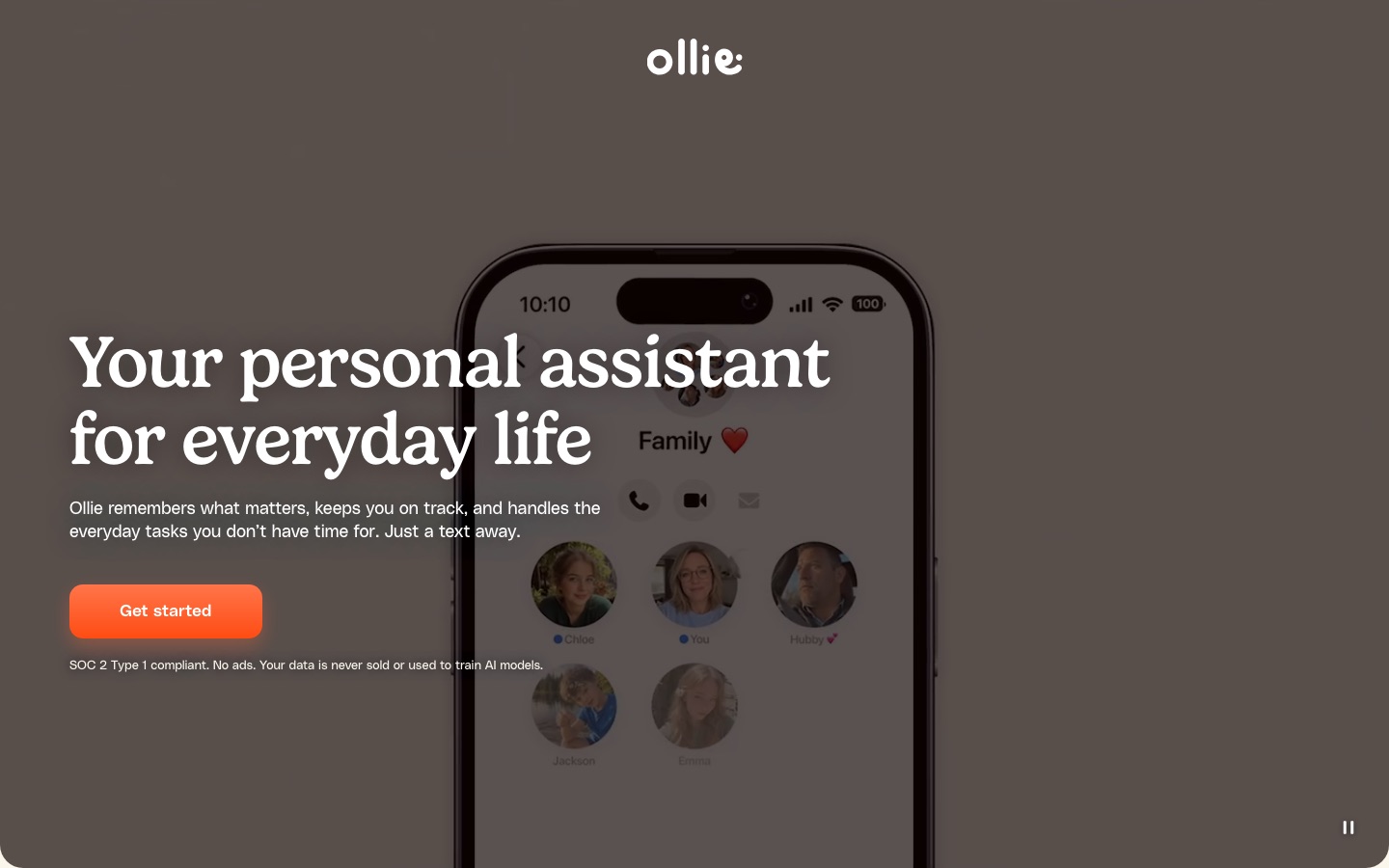
Ollie is a personal AI assistant that operates through text messages instead of an app. Ollie is used by texting requests and connecting a calendar and email account, after which it sends reminders and daily briefings, tracks school emails, plans meals with grocery lists and completes tasks such as bookings, orders and bill payments.
Best for Parents and households juggling school messages, schedules, meals and errands who prefer to delegate by text instead of managing another app.
- Pricing model
- Freemium
- Free plan
- Yes
- Made by
- Confabulation Corporation
- Added
Last verified: . Information taken from ollie.ai.
What is Ollie?
Ollie is a personal AI assistant that works entirely through text messages, with no app or login required. Once a calendar and email account are connected through delegated access, Ollie pulls together events, messages and to-dos and texts the user what needs attention, including a daily briefing and reminders. It can watch school emails and apps for schedule changes, keep to-do lists, and carry out tasks such as filling in forms, booking appointments, placing orders, paying bills and cancelling subscriptions. A meal feature sends dinner ideas, lets the user swipe through suggestions to build a weekly menu, compiles a grocery list organised by aisle and can place the order through Amazon, Instacart or Walmart. Partners and family members can be added to a group text so everyone shares the same assistant. The operator states that Ollie is SOC 2 Type 1 compliant and neither sells user data nor uses it for model training.
Key Features
Text-based assistant
Receives requests and replies by ordinary text message on iOS and Android phones.
Calendar and email connection
Links accounts through delegated access, so the password is never seen or stored by Ollie.
Reminders and daily briefing
Sends a summary of the day and nudges for upcoming commitments.
School email monitoring
Checks school messages and apps and offers to add changes such as a half day to the calendar.
Task completion
Carries out bookings, orders, bill payments, form filling and subscription cancellations on request.
Meal planning and groceries
Suggests meals, turns the chosen menu into a combined shopping list and orders it from a supported retailer.
How Ollie works
Send a text
Start a conversation with Ollie; no app download or account is needed to begin.
Share context
Connect your calendar and email and tell Ollie about your household and routines.
Ask or wait
Request a task by text, or let Ollie flag items that need attention and propose the next step.
Use Cases
- Keeping up with school updates
- Find out about schedule changes buried in teacher emails.
- Sharing family logistics
- Put a partner and children in one group text with the assistant.
- Weekly dinner planning
- Choose meals on Sunday and receive the grocery list automatically.
- Booking appointments
- Ask for the first free slot at a groomer or clinic and get a reminder beforehand.
- Cancelling a subscription
- Hand off the cancellation steps and receive a confirmation.
Things to know
- Plans are measured in messages
- Each reply that Ollie sends counts as one message; a typical request uses one, and larger ones may take a few.
- Daily messages do not roll over
- Each plan includes free daily messages that refresh every morning and are used before the monthly allowance; neither accumulates.
- No app to install
- Ollie lives in the phone's text conversations, and plan changes or cancellation are also done by texting.
- Privacy statements
- The operator says data is never sold or shared, is not used to train AI models, and that the service is SOC 2 Type 1 compliant.
FAQs
What is Ollie?
Ollie is a personal AI assistant that you communicate with by text message. It manages reminders, calendars, email and household tasks.
What is Ollie used for?
Ollie is used to keep track of family schedules and school emails, plan meals and groceries, and complete errands such as bookings, orders and payments.
Is Ollie free?
Yes, Ollie has a Free plan with 50 messages from Ollie per month plus 6 extra each day, and no credit card or account is needed to start.
How much does Ollie cost?
A larger Always-On plan is also offered; see the official pricing page.
Do I need to download an app to use Ollie?
No. Ollie works inside text messages on both iOS and Android, so there is nothing to install.
Can I use Ollie with my family?
Yes. Ollie can be added to a group text with a partner, family members or anyone else who helps run the household.
Is my data private with Ollie?
Ollie states that it never shares or sells user data and does not train models on it.
Who makes Ollie?
Ollie is operated by Confabulation Corporation, the company named in the website footer.
Who it's for
- Parents
- Busy families
- Couples
- Household managers
- Working professionals
Comments
No comments yet. If you have used Ollie, tell other readers how it went.
Alternatives to Ollie
| Tool | Free plan | Starting price | API |
|---|---|---|---|
 Cantian AIAn AI agent that gives Bazi astrology readings, divination, feng shui advice and name suggestions based on Eastern classics. |
Yes | — | — |
 AI Meal PlannerGenerates a seven-day meal plan with recipes, macro counts and a combined grocery list from a short quiz. |
Yes | — | — |
 AkiflowTime-blocking planner that merges tasks, calendars and an inbox, with an AI assistant called Aki. |
No | — | — |
 ChefGPTAI recipe generator and calorie tracker that builds meals from your ingredients and logs nutrition from photos. |
— | — | Yes |
 DishGenAI recipe generator and meal planner that writes new dishes from your ingredients, diet and goals. |
Yes | — | — |
Listed in the same categories as Ollie. A starting price appears only where we checked it on the maker’s pricing page; a dash means not checked or not published. All Productivity & Team Work tools