
Luvvoice
Online text-to-speech tool with more than 200 AI voices in over 70 languages and MP3 download.
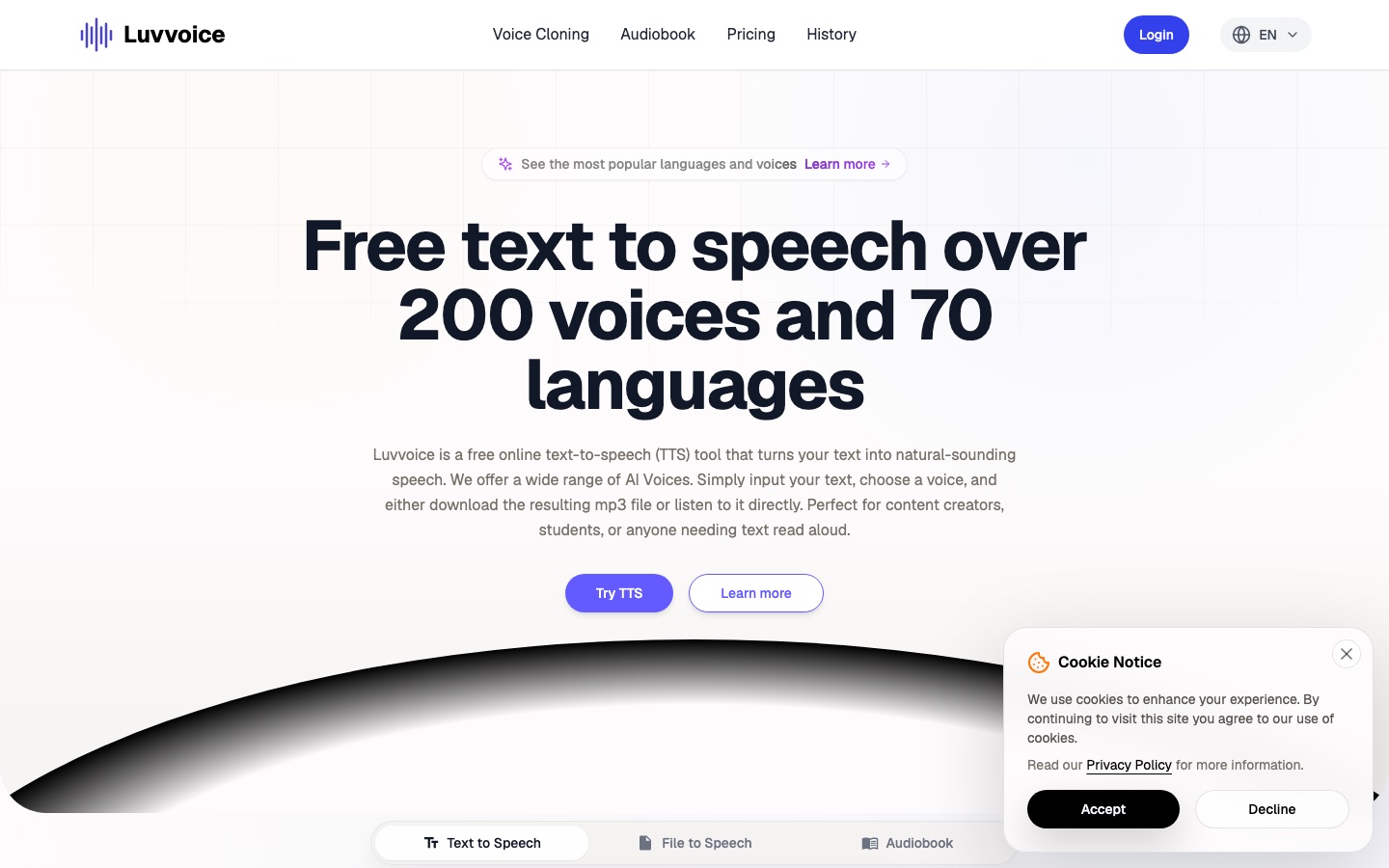
Luvvoice is an online text-to-speech tool that turns written text into spoken audio with AI voices. Luvvoice is used by pasting text or uploading a PDF or TXT file, selecting one of more than 200 voices in over 70 languages, and then listening in the browser or downloading the result as an MP3.
Best for Creators, students and educators who need spoken audio from scripts or documents in many languages.
- Platforms
- Web, API, MCP
- Pricing model
- Freemium
- Free plan
- Yes
- API
- Yes
- Added
Last verified: . Information taken from luvvoice.com.
What is Luvvoice?
Luvvoice is a web-based text-to-speech service that converts written text into spoken audio using AI voices. Its library holds more than 200 voices across over 70 languages, including English, Spanish, Chinese, German, French, Japanese, Arabic and Hindi. You paste or type a script, pick a voice and either play the result in the browser or save it as an MP3 file. A file mode reads PDF and TXT documents, and speech rate and pitch can be changed in the settings. Signed-in users get a larger per-conversion limit and a toolbar button for inserting pauses of set lengths. The site also lists voice cloning, an audiobook section, a voice library with custom voices, and developer resources consisting of API documentation and an MCP server. A free plan exists alongside paid options, and the site says generated audio may be used commercially.
Key Features
Voice Library
Provides over 200 AI voices covering more than 70 languages to choose from for each conversion.
Text and File Input
Accepts typed or pasted scripts as well as uploaded PDF and TXT documents.
MP3 Output
Plays generated speech in the browser and offers it as a downloadable MP3 file.
Rate and Pitch Controls
Changes how fast and how high the voice speaks through the settings panel.
Pause Insertion
Adds breaks of 0.5 to 5 seconds at the cursor position for signed-in users.
Custom Voices and Cloning
Offers public custom voices that draw on custom credits, plus a voice cloning tool.
How Luvvoice works
Enter the text
Paste or type a script into the text box, or upload a document.
Choose language and voice
Select the language of the text and the voice you prefer.
Generate
Start the conversion and wait for the audio to be processed.
Listen or download
Play the result in the browser or save the MP3 file.
Use Cases
- Video Voiceovers
- Narrate YouTube or TikTok clips without recording your own voice.
- Listening to Documents
- Convert a long PDF or text file into audio to hear instead of read.
- Language Practice
- Hear text spoken in a language you are studying.
- Accessible Web Content
- Provide an audio version of written pages for visitors with visual impairments.
- Podcast Segments
- Generate spoken intros or inserts from a script.
Things to know
- Limits depend on login
- Signed-in and paying users can convert up to 20,000 characters in a single run; anonymous use has a lower cap.
- Scanned PDFs may fail
- Documents that consist only of images or scans may not yield extractable text.
- Pauses are limited
- The site recommends no more than 20 inserted pauses per conversion.
- Audio is kept for a set time
- Generated files can be saved for 30 days.
FAQs
What is Luvvoice?
Luvvoice is an online text-to-speech tool that turns text into speech with AI voices and lets you download the audio as MP3.
Is Luvvoice free?
Yes. Luvvoice has a free plan with a monthly character allowance, and paid plans raise the limits.
How many voices and languages does Luvvoice have?
Luvvoice offers more than 200 voices in over 70 languages.
Which file formats does Luvvoice support?
Luvvoice reads PDF and TXT documents as input and exports audio in MP3 format. Scanned or image-only PDFs may not have their text extracted.
Can I use Luvvoice audio commercially?
Yes. Luvvoice says users own the generated audio files and may use them in commercial projects, provided the use complies with local laws.
Does Luvvoice have an API?
Yes. Luvvoice lists API documentation and an MCP server in its developer resources.
How long does Luvvoice keep generated audio?
Luvvoice keeps generated audio available for 30 days, according to its feature list.
Who it's for
- Content creators
- Students
- Podcasters
- Educators
- Developers
Comments
No comments yet. If you have used Luvvoice, tell other readers how it went.
Alternatives to Luvvoice
| Tool | Free plan | Starting price | API |
|---|---|---|---|
 ListnrAI voice generator for text to speech, voice cloning and narration in a browser-based studio. ListnrAI voice generator for text to speech, voice cloning and narration in a browser-based studio. |
Yes | — | Yes |
 NaturalReaderAI text-to-speech apps that read documents, web pages and scanned books aloud and create voiceovers. NaturalReaderAI text-to-speech apps that read documents, web pages and scanned books aloud and create voiceovers. |
Yes | — | — |
 TypecastAI voice generator with emotion-aware text to speech, voice cloning, a mobile app and a developer API. TypecastAI voice generator with emotion-aware text to speech, voice cloning, a mobile app and a developer API. |
Yes | — | Yes |
 Fish AudioAI voice platform for text to speech and voice cloning with emotion tags, a large voice library and a developer API. Fish AudioAI voice platform for text to speech and voice cloning with emotion tags, a large voice library and a developer API. |
Yes | — | Yes |
 Inworld AIRealtime voice AI platform offering text-to-speech, speech-to-text, a speech-to-speech API and LLM routing. Inworld AIRealtime voice AI platform offering text-to-speech, speech-to-text, a speech-to-speech API and LLM routing. |
Yes | — | Yes |
Listed in the same categories as Luvvoice. A starting price appears only where we checked it on the maker’s pricing page; a dash means not checked or not published. All Text to Speech tools