
Linked Helper
Desktop LinkedIn automation software for outreach campaigns, lead data export and AI-written messages.
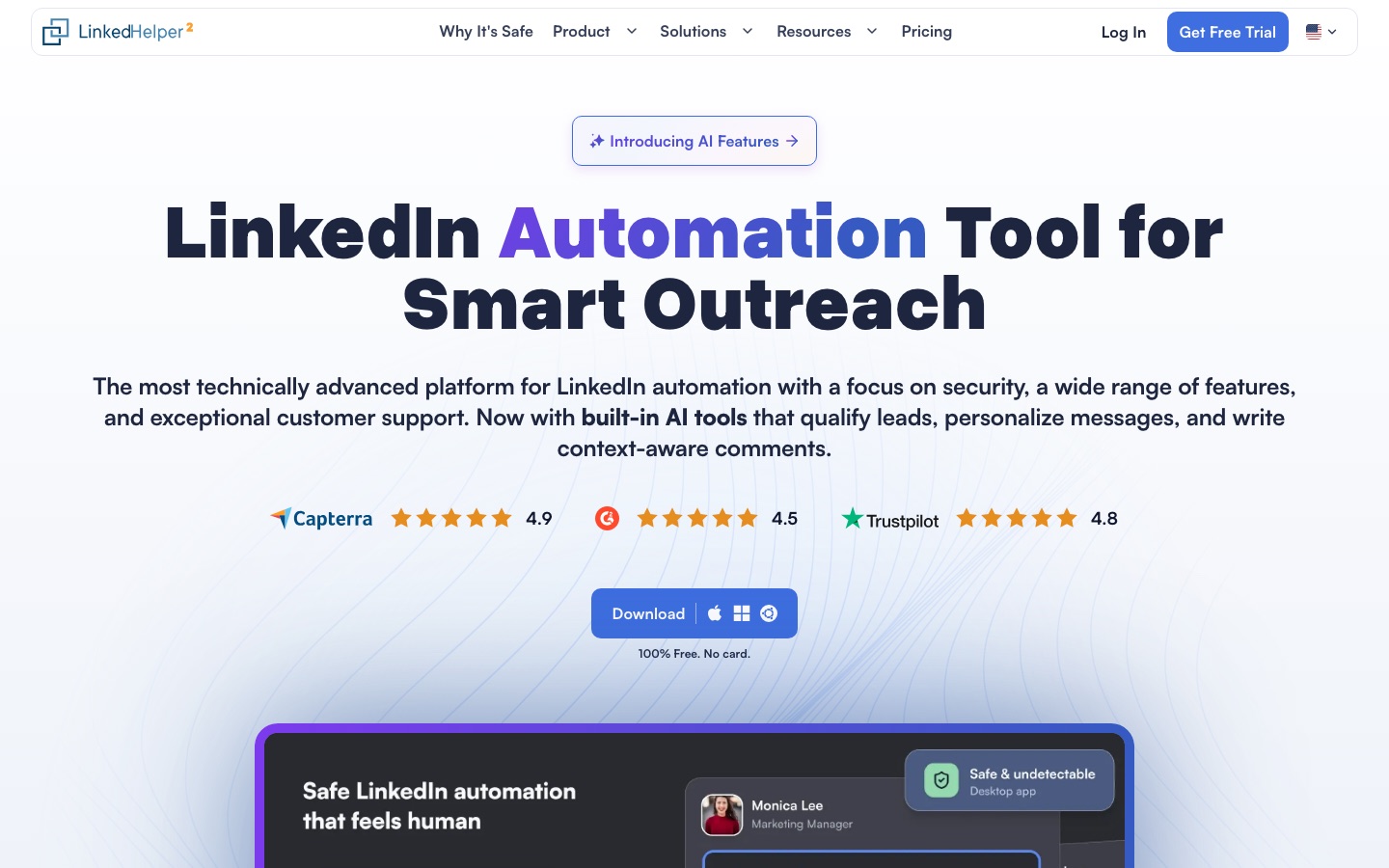
Linked Helper is desktop software that automates LinkedIn outreach. Linked Helper sends connection requests and message sequences, stops a sequence when a lead replies, extracts and enriches profile data, and uses built-in AI to write messages and comments and to filter leads against an ideal customer profile. Data goes to CSV or a CRM.
Best for Sales, recruiting and agency teams that run repeated LinkedIn outreach and want campaigns, lead data and CRM sync handled in one desktop application.
- Listed in
- Social MediaSales & CRM
- Pricing model
- Subscription
- Free trial
- Yes
- Made by
- Linked Helper
- Added
Last verified: . Information taken from linkedhelper.com.
What is Linked Helper?
Linked Helper is a LinkedIn automation tool that runs as a desktop application rather than a browser extension. Users arrange actions such as profile visits, connection requests, follow-up messages, skill endorsements and event or group invitations into campaigns, and a sequence halts for any lead who writes back. Built-in AI features draft individual invitations and follow-ups from profile data, check collected profiles against a described ideal customer profile, write comments on leads' posts and suggest replies in the inbox. The software also extracts people and company data from LinkedIn and Sales Navigator, looks up emails and phone numbers, and keeps contacts in its own CRM with tags and notes. Records can be exported to CSV or pushed to HubSpot, Salesforce, Pipedrive, Google Sheets and other systems through native integrations and webhooks.
Key Features
AI Personalized Messages
Writes a separate invitation or follow-up for each lead using their profile; drafts sit in a queue for approval or can be auto-approved.
AI ICP Detection
Scores every collected profile against the customer description in the campaign settings and diverts poor matches to another list before outreach starts.
AI Commenter
Drafts a comment from a lead's post and profile in a Professional, Friendly or Casual tone at the length you set.
Campaign Sequences
Links visits, invitations and messages into one funnel with variables, IF-THEN-ELSE templates and spintax, and stops for anyone who answers.
Data Extraction and Enrichment
Collects profiles from searches, groups, events and company pages, then adds emails, phone numbers and more than 50 data points.
Built-in CRM and Inbox
Stores tags, notes, custom fields and interaction history per contact, and lets you answer chats from a single inbox.
Screenshots
Videos
Use Cases
- B2B Prospecting
- Build a list from a Sales Navigator search and run invitations followed by timed follow-ups.
- Recruiting Outreach
- Contact candidates through LinkedIn Recruiter or Talent with messages adapted to each profile.
- Agency Client Management
- Keep each client's accounts and data in a separate workspace and invite the client as a view-only guest.
- Event Promotion
- Invite existing connections to a LinkedIn event, webinar, group or company page in bulk.
- CRM Data Sync
- Send scraped profiles and message history to HubSpot, Salesforce or a Google Sheet.
Things to know
- The app has to stay running
- Automation runs on your own computer or VPS with either storage type, so that machine must be on with the app open.
- Local and cloud storage differ
- Local workspaces keep data on one device with manual backups; cloud workspaces add automatic backups, device switching and incoming webhooks.
- Standard has daily caps
- On the Standard plan several actions, such as group or event messages and event invitations, are limited to 20 per day.
- AI credits come with the term
- AI credits are granted up front according to license length; extra credits can be bought and do not expire.
FAQs
What is Linked Helper?
Linked Helper is desktop software for automating LinkedIn outreach, lead data collection and contact management.
What is Linked Helper used for?
Linked Helper is used to send connection requests and message sequences, enrich and export lead data, and manage LinkedIn conversations from one inbox.
Is Linked Helper free?
Linked Helper offers a free trial, and the site states that no card is needed to start it. Continued use requires a paid Standard or Pro license.
How much does Linked Helper cost?
Longer terms and more licenses lower the per-license price; Pro and cloud storage cost more.
Is Linked Helper a Chrome extension?
No. Linked Helper is a desktop app, and the site says it does not inject code into the LinkedIn page.
Which CRMs does Linked Helper integrate with?
Linked Helper lists native integrations with Salesforce, HubSpot, Zoho CRM, Pipedrive, Close, ActiveCampaign, HighLevel, Capsule, Streak and Instantly, and it also connects to Google Sheets, Make, Zapier and webhooks.
Does Linked Helper work with Sales Navigator?
Yes. Linked Helper works with free Basic or Premium LinkedIn accounts and can also process Sales Navigator, Recruiter and Talent.
Who it's for
- Sales teams
- Recruiters
- Marketers
- Agencies
Comments
No comments yet. If you have used Linked Helper, tell other readers how it went.
Alternatives to Linked Helper
| Tool | Free plan | Starting price | API |
|---|---|---|---|
 SalesRobotCloud-based outreach tool that automates LinkedIn and cold email sequences, with AI replies, voice notes and video. SalesRobotCloud-based outreach tool that automates LinkedIn and cold email sequences, with AI replies, voice notes and video. |
— | — | Yes |
 ConnectSafely.aiLinkedIn growth platform offering post boosting, AI-written comments on targeted posts and an API with MCP access. ConnectSafely.aiLinkedIn growth platform offering post boosting, AI-written comments on targeted posts and an API with MCP access. |
Yes | — | Yes |
 Volumn.aiAI agents for X/Twitter that write and schedule posts, reply to relevant conversations, find leads and send outreach DMs. Volumn.aiAI agents for X/Twitter that write and schedule posts, reply to relevant conversations, find leads and send outreach DMs. |
— | — | Yes |
 InrōInstagram DM automation with an AI agent, comment-to-DM replies, DM campaigns and a contact inbox. InrōInstagram DM automation with an AI agent, comment-to-DM replies, DM campaigns and a contact inbox. |
Yes | — | Yes |
 InstantDMInstagram and Facebook automation that sends DMs in response to comments, story replies, keywords and live streams. InstantDMInstagram and Facebook automation that sends DMs in response to comments, story replies, keywords and live streams. |
Yes | — | Yes |
Listed in the same categories as Linked Helper. A starting price appears only where we checked it on the maker’s pricing page; a dash means not checked or not published. All Social Media tools