
InspectMind AI
AI plan check that reviews construction drawings, specs and codes and returns an evidence-linked issue list.
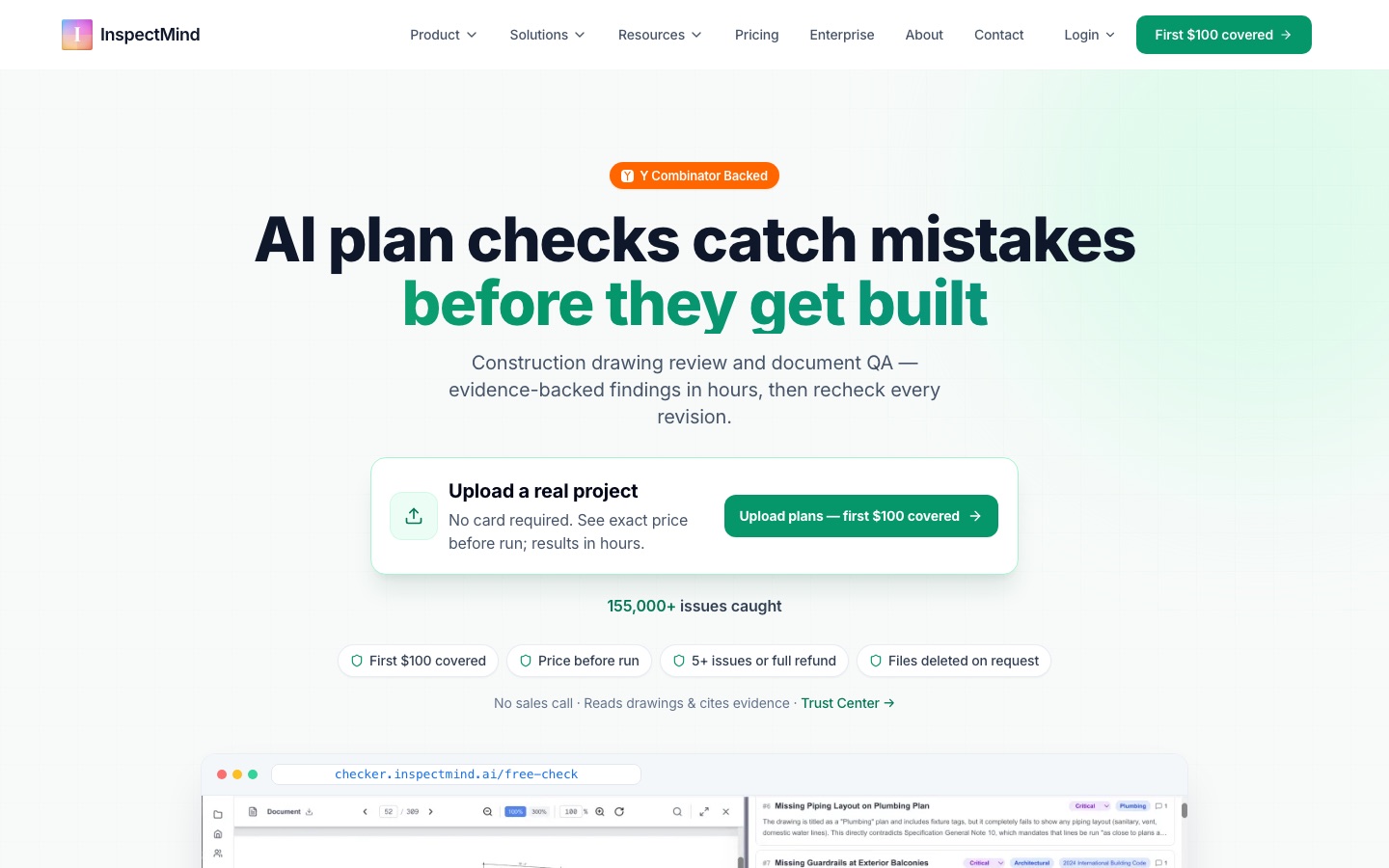
InspectMind AI is a plan check service that reviews construction drawings, specifications and building codes for errors and coordination conflicts. InspectMind AI is used by uploading project PDFs, letting the AI cross-reference them, and receiving a list of findings ranked by severity, each with a drawing snippet and code reference. Pricing is per check, based on sheet count.
Best for Design and construction teams that want a second, automated review of a drawing set for code, spec and cross-discipline conflicts before permit or construction.
- Listed in
- Documents & PDF
- Platforms
- Web
- Pricing model
- Credits
- Free plan
- No
- Made by
- InspectMind
- Added
Last verified: . Information taken from inspectmind.ai.
What is InspectMind AI?
InspectMind AI is a document review tool for the construction industry that checks drawing sets with AI before they reach permitting or the field. A team uploads its project PDFs, which can include architectural, structural, MEP and civil sheets, specifications, geotechnical reports, internal QA checklists and local ordinances; scanned and hand-drawn files are accepted. The system compares disciplines against each other and against codes such as IBC, CBC, ADA and fire codes, looking for spec-versus-drawing contradictions, code problems and details that cannot be built. Output is an issue list sorted from critical to low, where every item carries the relevant drawing excerpt and citation so a professional can verify it. Reports export to PDF, Excel or Procore, and an RFI document can be generated per issue. The site notes that findings need professional review. Charges are per check with the quote shown beforehand.
Key Features
Cross-Discipline Review
Compares architectural, structural, MEP, civil, fire and landscape sheets to surface coordination conflicts between them.
Code Checking
Tests drawings against selected codes, including IBC, CBC, ADA, fire codes and state or local requirements.
Custom Standards
Checks against QA checklists, internal standards and local ordinances that you upload alongside the project.
Evidence for Each Finding
Attaches the exact drawing snippet and a code or page reference to every issue so it can be confirmed quickly.
Severity-Ranked Reports
Orders issues from critical to low and exports them to Excel or Procore, with a one-click RFI PDF per item.
Team Sharing Without Seat Fees
Lets results be shared with colleagues and consultants at no per-user charge.
How InspectMind AI works
Upload project PDFs
Add drawings, specs and reports, plus any internal checklists, standards or local ordinances to check against.
AI reviews the set
The system cross-references all disciplines against codes, specifications and your own standards, including constructability.
Receive the issue list
Findings arrive ranked by severity with page references, code citations and drawing excerpts, ready to export or share.
Use Cases
- Pre-Permit QA
- Run a check on a 90% or 100% set to find code and coordination problems before submission.
- Early Design Reviews
- Review 30% or 60% sets so conflicts are corrected while changes are still cheap.
- Revision Rechecks
- Check each new revision of a set to confirm earlier issues were resolved.
- Spec and Drawing Reconciliation
- Find places where the specification book and the sheets describe different products or dimensions.
- Shop Drawing and Submittal Review
- Apply the same review to shop drawings and submittals received during construction.
Things to know
- Findings need professional review
- The site states that reported items are potential findings and should be reviewed by a qualified professional.
- Desktop upload is recommended
- The pricing page notes that construction PDFs are easier to upload from a computer than from a phone.
- Volume pricing is separate
- Teams reviewing more than 250 sheets a month are directed to contact the company for monthly plans and discounted rates.
FAQs
What is InspectMind AI?
InspectMind AI is an AI plan check tool that reviews construction drawings, specifications and codes and reports the issues it finds with supporting evidence.
What is InspectMind AI used for?
InspectMind AI is used for construction document QA: catching code violations, contradictions between specs and drawings, and cross-discipline clashes before permit or construction.
How much does InspectMind AI cost?
InspectMind AI: there is no free plan. Paid plan rates are published on inspectmind.ai. Check the official pricing page for current amounts.
Is InspectMind AI free?
InspectMind AI: there is no free plan. Paid plan rates are published on inspectmind.ai. Check the official pricing page for current amounts.
How long does an InspectMind AI check take?
InspectMind AI says small checks often finish in about an hour, sets of 100 to 500 pages take a few hours, and larger ones are returned the same day.
Does InspectMind AI accept scanned PDFs?
Yes. InspectMind AI states that scanned, hand-drawn and native digital PDFs all work.
Does InspectMind AI offer a refund?
InspectMind AI advertises a full refund if a check finds fewer than five issues.
Who it's for
- Architects
- Engineers
- General contractors
- Developers
- Owner's representatives
- Plan checkers
Read about it
Comments
No comments yet. If you have used InspectMind AI, tell other readers how it went.
Alternatives to InspectMind AI
| Tool | Free plan | Starting price | API |
|---|---|---|---|
 AI Doc MakerAI generator that turns a prompt into formatted documents, PDFs, slides, spreadsheets and voiceovers. |
Yes | — | — |
 AI Exporter HubChrome extension that bulk exports chats from six AI assistants to Notion, Markdown, Obsidian or PDF with media kept intact. |
— | — | — |
 AI LawyerLegal AI assistant that answers legal questions in chat, summarises and compares documents, and drafts letters and clauses. |
— | — | — |
 AITranslator.comFree AI translator that compares the output of 22 AI models and returns the translation most of them agree on. |
Yes | — | Yes |
AnyGenAI workspace for building documents, slide decks and data analyses step by step, with a second AI checking the output. |
— | — | — |
Listed in the same category as InspectMind AI. A starting price appears only where we checked it on the maker’s pricing page; a dash means not checked or not published. All Documents & PDF tools