
Flonnect
Screen and meeting recorder with AI editing, transcription and instant share links for desktop and Chrome.
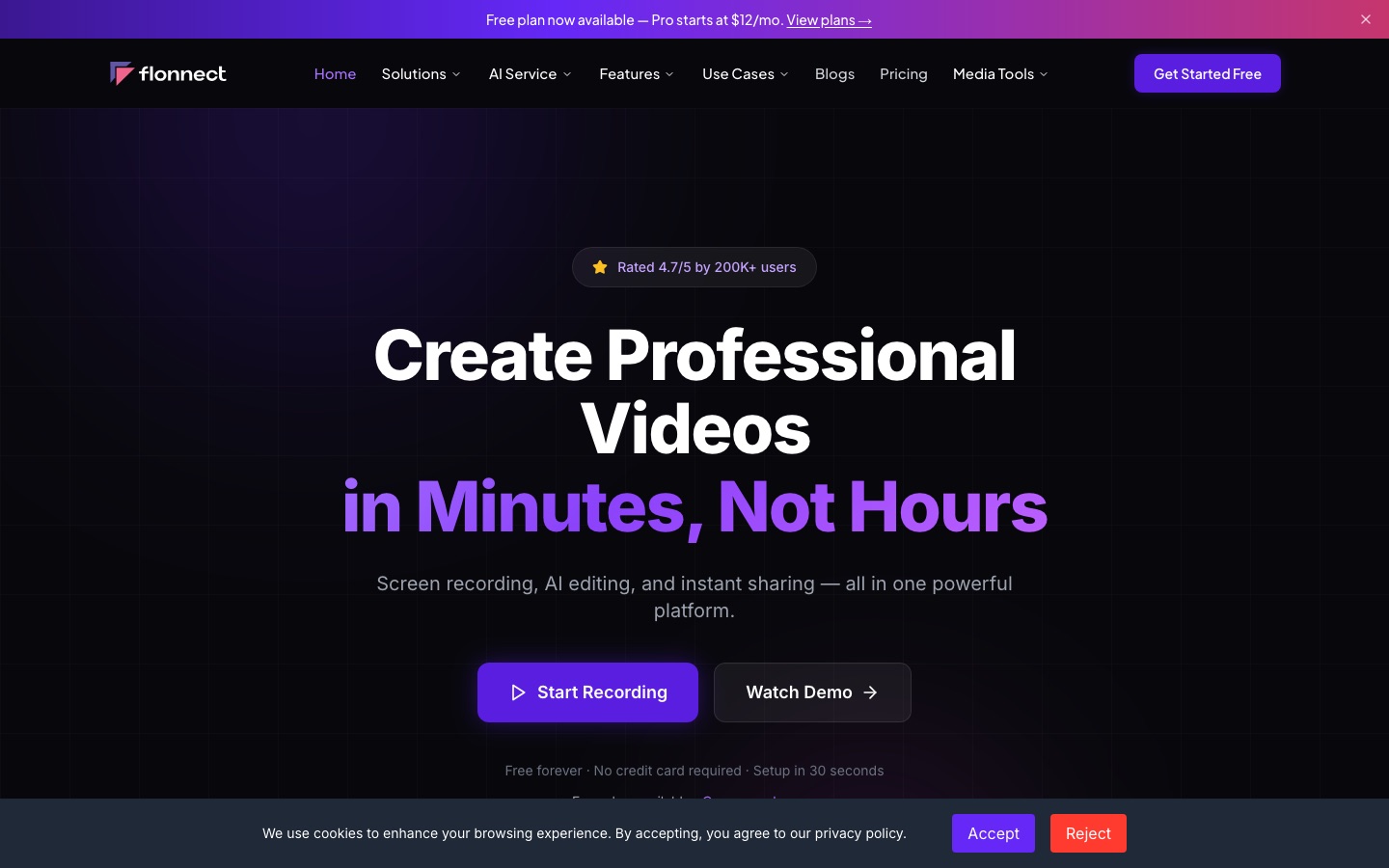
Flonnect is a screen and meeting recorder with built-in AI editing. Flonnect captures the screen, webcam and audio, then transcribes, trims and captions the recording and gives it a shareable link with view analytics. It is installed as a Chrome extension or a Windows or macOS app, and a free plan with a lifetime recording cap is available.
Best for Teams, educators and creators who record tutorials, demos or meetings and want transcription and sharing handled in the same tool.
- Listed in
- Video EditingMeeting Assistants
- Platforms
- Windows, macOS, Browser extension
- Pricing model
- Freemium
- Free plan
- Yes
- Free trial
- Yes
- Made by
- Talky Media Private Limited
- Added
Last verified: . Information taken from flonnect.com.
What is Flonnect?
Flonnect is a screen recording platform that combines capture, AI-assisted editing and link-based sharing in one product. It records the screen, a webcam or both together, with a choice of a browser tab, a single window or the full display, and it can pick up system sound alongside the microphone. After recording, the software transcribes speech in more than 20 languages, trims footage, strips filler words and produces captions. Finished videos get a shareable link, can be embedded on other sites, and report views and engagement. Beyond recording, the product line covers a meeting recorder with summaries and action items, clickable product demos, visual bug reports and video testimonials, plus a set of AI generators and file utilities. Flonnect runs as a Chrome extension and as desktop apps for Windows and macOS.
Key Features
Screen and Webcam Capture
Records a tab, a window or the whole screen, optionally with a positioned webcam overlay, system audio and microphone input.
AI Transcription and Trimming
Transcribes recordings in over 20 languages, cuts filler words and generates captions and subtitles.
Link Sharing and Analytics
Creates a share link for each video, supports embedding and custom branding, and reports views and engagement.
Meeting Recorder
Records meetings such as Google Meet sessions and adds transcripts, summaries and action items.
Interactive Demos and Bug Reports
Builds clickable product demos and annotated bug reports out of screen captures.
Media Tools
Provides file utilities including audio extraction, trimming and splitting, compression, subtitle handling and container conversion.
How Flonnect works
Install
Add the Chrome extension or download the desktop app.
Record
Capture the screen, the webcam or both for a tutorial, demo or presentation.
Edit with AI
Let the software transcribe, trim and clean up the recording.
Share
Send the generated link and follow views and engagement.
Screenshots
Use Cases
- Tutorials and Training
- Record a walkthrough with webcam narration and send it to colleagues as a link.
- Sales Demos
- Turn a product recording into a clickable demo that prospects can step through themselves.
- QA Bug Reports
- Capture a defect on screen, annotate it and pass the report to developers.
- Meeting Records
- Keep a transcript and summary of a call along with its action items.
- Online Classes
- Capture a lesson so students can replay it with captions.
Things to know
- Free plan is capped for life
- The free tier allows 20 recordings in total rather than a monthly quota, with 1 GB of storage.
- Extension meeting recordings use the video quota
- Meetings recorded through the Chrome extension are counted against the plan's video limit.
- Discounts on request
- Students, NGOs and content creators can ask for a reduced rate by sending proof of eligibility.
FAQs
What is Flonnect?
Flonnect is a screen and meeting recording platform with AI editing, transcription and link-based video sharing.
What is Flonnect used for?
Flonnect is used to record tutorials, product demos, presentations, meetings and bug reports, then edit and share them without a separate video editor.
Is Flonnect free?
Yes. Flonnect has a free plan that needs no credit card and covers 20 recordings in total, 10 bug reports per month and 1 GB of storage.
How much does Flonnect cost?
Flonnect lists Free, Pro, Business, Team and Enterprise plans. For current prices, see the official pricing page.
Which platforms does Flonnect support?
Flonnect is available as a Chrome extension and as downloadable apps for Windows and macOS.
What languages does Flonnect transcribe?
Flonnect states that its automatic transcription covers more than 20 languages.
Who makes Flonnect?
Flonnect is operated by Talky Media Private Limited, according to the site footer.
Who it's for
- Business teams
- Educators
- Marketers
- Developers and QA
- Sales and support teams
- Content creators
Read about it
Comments
No comments yet. If you have used Flonnect, tell other readers how it went.
Alternatives to Flonnect
| Tool | Free plan | Starting price | API |
|---|---|---|---|
 Exemplary AIBrowser tool that turns long recordings into captioned short clips, transcripts, subtitles and written posts. |
Yes | $29/mo | — |
 ClipchampBrowser-based video editor from Microsoft with AI voiceovers, automatic subtitles, recording tools and stock media. |
Yes | — | — |
 DescriptAI video and audio editor where you cut recordings by editing the transcript, with an assistant called Underlord. |
Yes | — | Yes |
 Fireflies.aiAI meeting assistant that records, transcribes, summarises and makes team conversations searchable. |
Yes | — | Yes |
 FlexClipOnline video maker and editor with templates, stock media and AI tools for text-to-video, subtitles and voice. |
— | — | — |
Listed in the same categories as Flonnect. A starting price appears only where we checked it on the maker’s pricing page; a dash means not checked or not published. All Video Editing tools