
FaceSwapper.ai
Free online AI face swap for photos, videos and GIFs, with batch and multi-face modes.
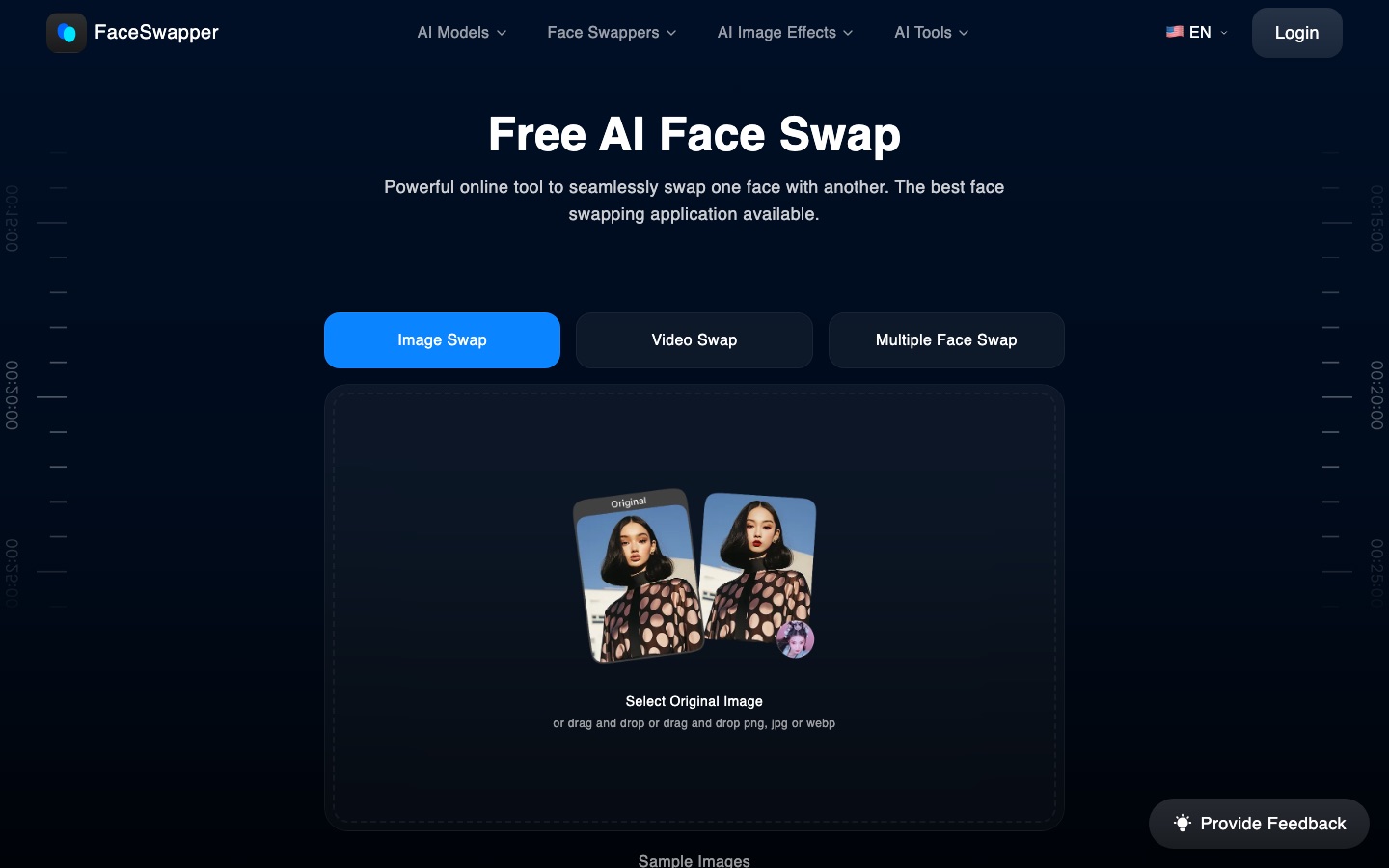
FaceSwapper.ai is a free online tool that uses AI to replace a face in a photo, video or GIF with another face. FaceSwapper.ai is used by uploading the original image, uploading the image with the face to insert and pressing Swap; the site says no sign-up or credits are needed. Extra tools cover group photos, batches and clothing.
Best for People making humorous or creative edits of their own photos and clips who want a quick face swap in the browser.
- Platforms
- Web
- Pricing model
- Free
- Free plan
- Yes
- Added
Last verified: . Information taken from faceswapper.ai.
What is FaceSwapper.ai?
FaceSwapper.ai is a free web tool that replaces one face with another in photos, videos and GIFs using AI. The basic flow takes two uploads: the original picture and the picture containing the face to insert; the result appears a few seconds after pressing Swap. Variants handle several faces in a group photo, the same face across a batch of photos, and faces in video clips or animated GIFs. The site says swaps need neither sign-up nor credits. Around the core tool sit other image utilities, among them a clothes swapper, gender swap, age progression, moustache and glasses filters, a face shape detector, an expression changer, a headshot generator and a prompt-driven photo editor. According to the site, uploads are visible only to the user and are deleted once the result has been generated and downloaded.
Key Features
Photo Face Swap
Puts the face from one uploaded picture onto the person in another.
Video Face Swap
Replaces a face throughout a video clip.
Multiple Face Swap
Handles several faces at once in a group photograph.
GIF Face Swap
Swaps the face inside an animated GIF after you upload a photo and choose the GIF.
Batch Face Swap
Applies one face to a whole set of photos in a single run.
AI Photo Editing
Removes or adds elements in a picture through text prompts, next to effects such as age progression or glasses.
How FaceSwapper.ai works
Upload the original photo
Choose a clear picture; the site notes that better source photos give better results.
Upload the face to use
Add the second picture, which contains the face that should appear in the result.
Press Swap
The tool produces the swapped image within seconds.
Use Cases
- Meme Making
- Create a joke image by exchanging faces in a familiar picture format.
- Group Photo Edits
- Swap several faces in one shot with friends or family who have agreed to it.
- Personalised GIFs
- Put your own face into a reaction GIF for chats.
- Trying a Different Look
- Preview clothing, glasses or a moustache on a photo of yourself.
- Batch Edits for a Series
- Apply the same face to a run of images for a consistent set.
Things to know
- Consent matters
- Use only images of people who have agreed to the edit; no usage conditions appear on the home page, so read the Terms of Service before use.
- File handling
- The site says uploads are visible only to the uploader and are deleted after the result is downloaded.
- Accepted uploads
- Photos can be supplied as PNG, JPG or WebP files.
FAQs
What is FaceSwapper.ai?
FaceSwapper.ai is an online AI tool that swaps faces in photos, videos and GIFs.
What is FaceSwapper.ai used for?
FaceSwapper.ai is used for playful and creative edits such as memes, group photo swaps and personalised GIFs.
Is FaceSwapper.ai free?
Yes. FaceSwapper.ai describes its face swap as free, with no credits required.
Do I need to sign up for FaceSwapper.ai?
No. FaceSwapper.ai says the face swap can be used without creating an account.
Can FaceSwapper.ai swap faces in videos?
Yes. FaceSwapper.ai has a video face swap mode, as well as one for animated GIFs.
What image formats does FaceSwapper.ai accept?
FaceSwapper.ai accepts PNG, JPG and WebP images for upload.
Does FaceSwapper.ai keep my photos?
FaceSwapper.ai states that it does not store files on its servers and deletes them after the result is generated and downloaded.
Who it's for
- Casual users
- Meme makers
- Social media users
- Content creators
Comments
No comments yet. If you have used FaceSwapper.ai, tell other readers how it went.
Alternatives to FaceSwapper.ai
| Tool | Free plan | Starting price | API |
|---|---|---|---|
 DeepSwapOnline face swap tool for videos, photos and GIFs, with AI video generation and image utilities. |
— | — | — |
 GIF Face SwapFree online tool that replaces the face in a GIF with a face from an uploaded photo. |
Yes | — | — |
 Picsi.AiFace swap tool for photos, videos and GIFs from the InsightFace team, with web, desktop, mobile and plugin versions. |
Yes | — | — |
FaceFusionOpen-source face manipulation software for photos and videos that runs on your own hardware. |
Yes | — | Yes |
 AVCLabs AIAI software and online tools for upscaling, restoring, blurring and editing videos and photos. |
— | — | — |
Listed in the same categories as FaceSwapper.ai. A starting price appears only where we checked it on the maker’s pricing page; a dash means not checked or not published. All Image Editing tools