
CodeHS
K-12 computer science platform with curriculum, a browser IDE, autograding and classroom AI tools.
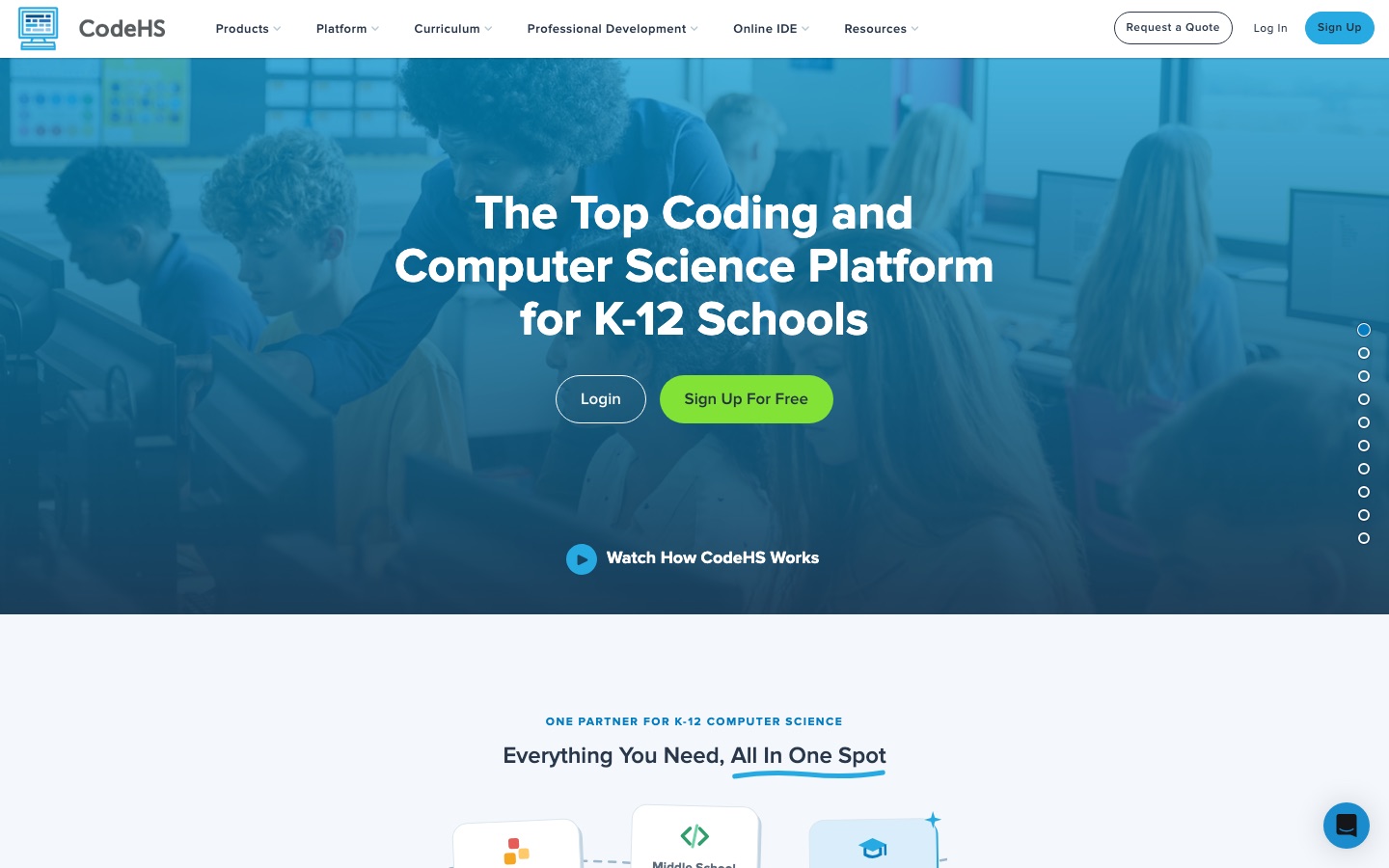
CodeHS is a computer science teaching platform for K-12 schools. CodeHS supplies more than 100 courses, a browser-based IDE covering over ten languages, autograders and a learning management layer for tracking students. Teachers create a free account, assign lessons, and students write and run code in the browser, with AI hints and guided AI coding available.
Best for Schools and districts that need one system for computer science curriculum, coding practice, grading and teacher training from elementary through high school.
- Platforms
- Web
- Pricing model
- Freemium
- Free plan
- Yes
- Made by
- CodeHS
- Added
Last verified: . Information taken from codehs.com.
What is CodeHS?
CodeHS is an education platform for teaching computer science from kindergarten to grade twelve. It bundles a course catalogue of over 100 standards-aligned courses spanning programming, AI, cybersecurity and digital literacy, including AP and certification preparation, with the tools to deliver them. Students work in an online IDE that runs JavaScript, Python, Java, C++, SQL, HTML and other languages on any Chromebook without installation, and can move from blocks to text. Teachers get autograders, code history that flags pasted code, classroom management, grading workflows and LMS integrations. AI functions include hints and Ask AI inside the editor, an AI Creator for building lessons, and Vibe Coding, a guided AI coding mode for students. Younger grades are served through CodeHop and Tynker, which CodeHS acquired.
Key Features
Course Catalogue
Offers more than 100 customisable courses with lesson plans, practice problems and mapping to state and national standards.
Online IDE
Runs and debugs code in the browser in over ten languages, with no software to install.
Autograders
Checks student programs against test cases as soon as they press Run.
Code History
Keeps every saved version of a program and marks blocks of code that were pasted in.
AI Tools
Adds in-editor hints, Ask AI, lesson generation for teachers and guided vibe coding for students.
Certifications
Delivers teacher-proctored exams on the platform that lead to industry-recognised credentials for CTE pathways.
Screenshots
Videos
Use Cases
- Running an AP Computer Science Class
- Teach AP CSP or CSA with ready lessons and auto-graded exercises.
- Starting Coding in Elementary School
- Use CodeHop lessons designed for teachers without a CS background.
- Cybersecurity Labs
- Give students practice in a sandboxed Cyber Range.
- Monitoring Progress
- See who is stuck or behind from the class roster view.
- Teacher Upskilling
- Enrol staff in online or in-person professional development.
Things to know
- School pricing is by quote
- The site directs schools and districts to request a quote instead of listing prices.
- Several products under one brand
- CodeHop, Tynker, Typing, CodeHS Pro, Cyber Range and Bool are separate products aimed at different grades.
- US standards focus
- Curriculum, certifications and resources are organised around the requirements of individual US states.
FAQs
What is CodeHS?
CodeHS is a platform for K-12 computer science education that combines curriculum, a browser-based coding environment, grading tools and teacher training.
Is CodeHS free?
CodeHS offers free teacher accounts and a plan called CodeHS Free. Paid options such as CodeHS Pro for schools and districts are sold by quote.
Which programming languages does CodeHS support?
CodeHS's online IDE supports JavaScript, Python, Java, C++, SQL, HTML, p5.js, block coding and its own Karel and Tracy environments, among others.
Does CodeHS have AI features?
Yes. CodeHS includes AI hints, Ask AI, autograding support, an AI Creator for lessons and a guided Vibe Coding mode, and it also publishes AI courses.
What grades is CodeHS for?
CodeHS covers kindergarten through grade twelve, with CodeHop and Tynker for younger students and CodeHS Pro for middle and high school.
Does CodeHS work on Chromebooks?
Yes. CodeHS says its IDE runs on any Chromebook in a browser tab with no installs.
Does CodeHS integrate with school systems?
Yes. CodeHS provides LMS integrations for connecting to a district's existing platforms.
Who it's for
- Teachers
- Schools
- Districts
- K-12 students
- CTE programs
- Homeschool families
Comments
No comments yet. If you have used CodeHS, tell other readers how it went.
Alternatives to CodeHS
| Tool | Free plan | Starting price | API |
|---|---|---|---|
 AI2SQLAI SQL assistant that writes, explains, fixes and optimises queries against your real database schema. |
Yes | $9/mo | Yes |
 APEUniPTE exam practice platform that scores speaking and writing answers with AI. |
Yes | — | — |
 AgentSkill.shDirectory and marketplace of installable skills for AI coding agents such as Claude Code, Cursor and Copilot. |
— | — | — |
AimlabsAim trainer for FPS players with AI-personalised tasks, performance analytics and game-specific practice tools. |
Yes | — | — |
 Alfa PTEOnline PTE practice platform with AI-scored questions, mock tests and performance analytics. |
— | — | — |
Listed in the same categories as CodeHS. A starting price appears only where we checked it on the maker’s pricing page; a dash means not checked or not published. All Education & Tutoring tools