AI Mastering
Online service that masters uploaded audio automatically, with adjustable loudness targets and output formats.
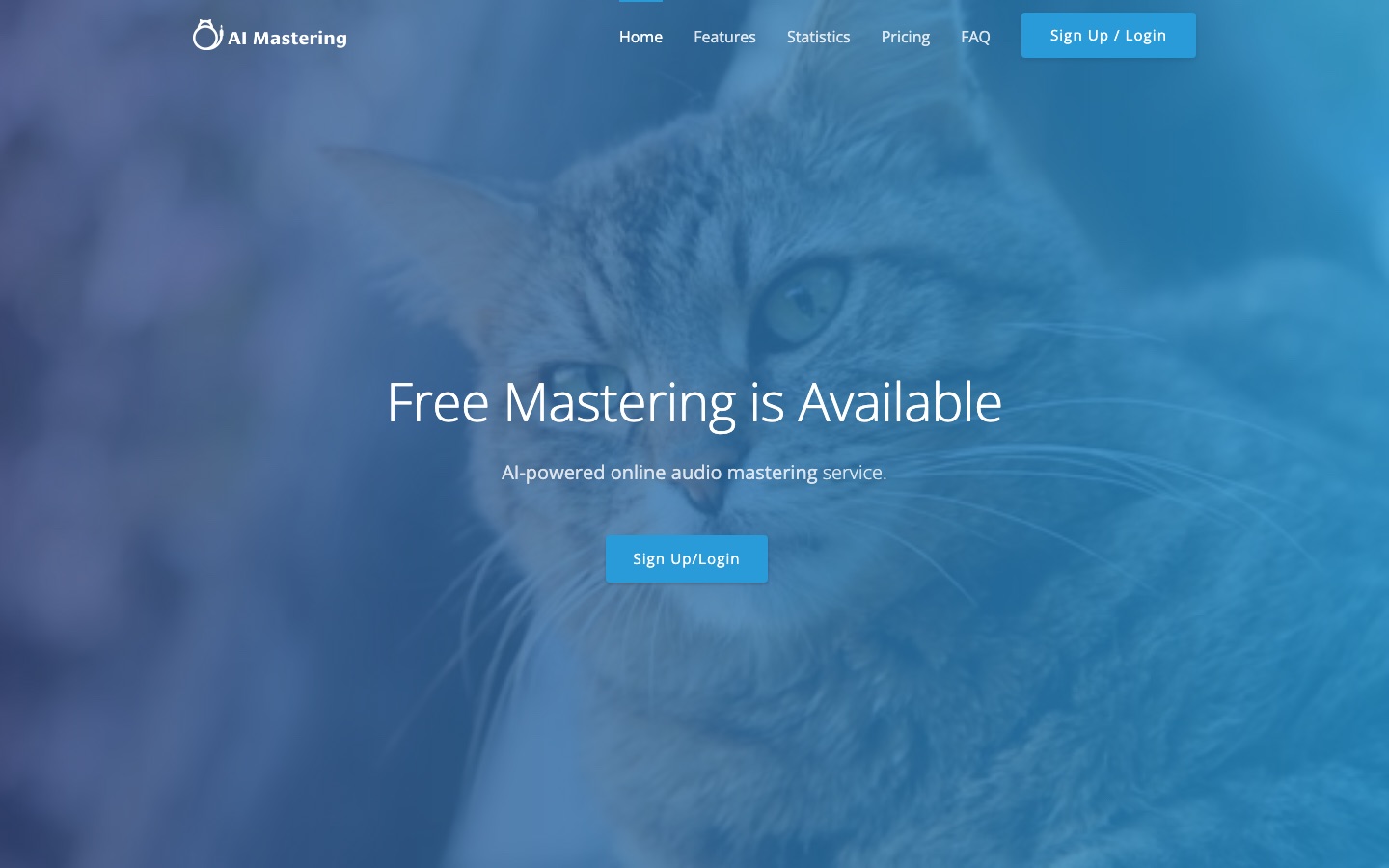
AI Mastering is a web service that masters audio tracks automatically. A user signs in to AI Mastering, drops a file into the page, and receives a processed version in which loudness and dynamic range have been balanced. Target loudness, mastering level and output format can be changed, and the site offers a free plan.
Best for Musicians and home producers who want a quick automated master with a few adjustable settings rather than a manual mastering session.
- Listed in
- Audio Editing & Enhancement
- Platforms
- Web, API
- Free plan
- Yes
- API
- Yes
- Made by
- AI Mastering
- Added
Last verified: . Information taken from aimastering.com.
What is AI Mastering?
AI Mastering is an automated audio mastering service that runs in the browser. Tracks are added by drag and drop, and the system processes them with the aim of moving their sound closer to commercially released music. A limiter is used to balance overall loudness against dynamic range. Users are not locked into a single preset: the target loudness, the strength of the mastering and the format of the output file can each be customised, and spectrum and loudness analysis views are included for checking the result. The site advertises a free plan with unlimited mastering and lists an API for developers. According to its own statistics the service has passed 2,700 users in total, sees over 50 active users a day, and handles more than 3,600 masterings a month.
Key Features
Automatic Mastering
Processes an uploaded track without manual steps, adjusting it toward the sound of commercial releases.
Limiter for Loudness and Dynamics
Uses a limiter to trade off loudness against dynamic range in the finished file.
Target Loudness Setting
Lets you specify the loudness level the master should reach.
Mastering Level Control
Lets you choose how strongly the processing is applied.
Output Format Options
Allows the format of the exported audio to be customised.
Spectrum and Loudness Analysis
Shows analysis views of frequency content and loudness for the audio.
Use Cases
- Finishing a Demo
- Give a home recording a consistent level before sharing it.
- Matching Loudness Across Tracks
- Set the same loudness target for every song on a release.
- Checking a Mix
- Inspect the spectrum and loudness readouts to see how a mix measures up.
- Preparing Podcast Audio
- Bring spoken-word recordings to a steady volume.
- Batch Work via API
- Integrate mastering into your own tooling through the documented API.
Things to know
- Account required
- The home page offers only a sign-up or login button as the entry point.
- Usage figures are self-reported
- The user and monthly mastering counts come from the site, which notes that the user total is combined with bakuage.com.
- Paid tiers not described here
- The home page text names only the free plan; details of any other plans were not available in the material reviewed.
FAQs
What is AI Mastering?
AI Mastering is an online service that masters audio automatically using AI. You upload a track and it returns a version with adjusted loudness and dynamics.
What is AI Mastering used for?
AI Mastering is used to improve the perceived sound quality of music and balance loudness with dynamic range without doing the mastering by hand.
Is AI Mastering free?
AI Mastering advertises a free plan that includes unlimited mastering, and registration is free.
What can I customise in AI Mastering?
AI Mastering lets you set the target loudness, the mastering level and the output format.
Does AI Mastering have an API?
Yes. The AI Mastering site links to API documentation for developers.
Do I need an account to use AI Mastering?
The AI Mastering home page directs visitors to sign up or log in before mastering.
Who it's for
- Musicians
- Home producers
- Podcasters
- Beatmakers
Used in these workflows
- From lyric to release: AI tools for producing a music trackStage 5: Mixing, mastering and cleanup
- Producing an audiobook with AI narration, from manuscript to releaseStage 5: Audio cleanup and mastering
Each guide lists the stages of one job and the tools that help at each stage. All guides
Comments
No comments yet. If you have used AI Mastering, tell other readers how it went.
Alternatives to AI Mastering
| Tool | Free plan | Starting price | API |
|---|---|---|---|
 Amped StudioBrowser-based music studio for recording, beat making and mixing, with an AI assistant and stem splitter. |
Yes | — | — |
 Audio EnhancerOnline AI tool that cleans up recordings by removing noise and echo, fixing loudness and tidying speech. |
Yes | — | Yes |
 AIMusic.soText-to-music generator with lyrics, sound effects, stem splitting and lyrics videos, running on daily or monthly credits. |
Yes | — | — |
 AudimeeVocal conversion tool for music producers with royalty-free AI voices, custom voice training and stem tools. |
Yes | — | — |
 Audio MuseOnline audio toolkit with AI music generation, stem splitting, vocal removal, noise reduction and mastering. |
Yes | — | — |
Listed in the same category as AI Mastering. A starting price appears only where we checked it on the maker’s pricing page; a dash means not checked or not published. All Audio Editing & Enhancement tools