
Amped Studio
Browser-based music studio for recording, beat making and mixing, with an AI assistant and stem splitter.
Amped Studio is a browser-based music production studio. In Amped Studio you record audio, program beats and MIDI parts, apply effects and mix a song without installing software, and AI tools can generate a starting composition or split a track into vocals and instrumental. Amped Studio has a free tier and paid Premium plans.
Best for Beginners, creators and music teachers who want a full recording and beat-making environment in the browser, with optional AI help.
- Platforms
- Web
- Pricing model
- Freemium
- Free plan
- Yes
- Free trial
- Yes
- Made by
- LettoPro SA
- Added
Last verified: . Information taken from ampedstudio.com.
What is Amped Studio?
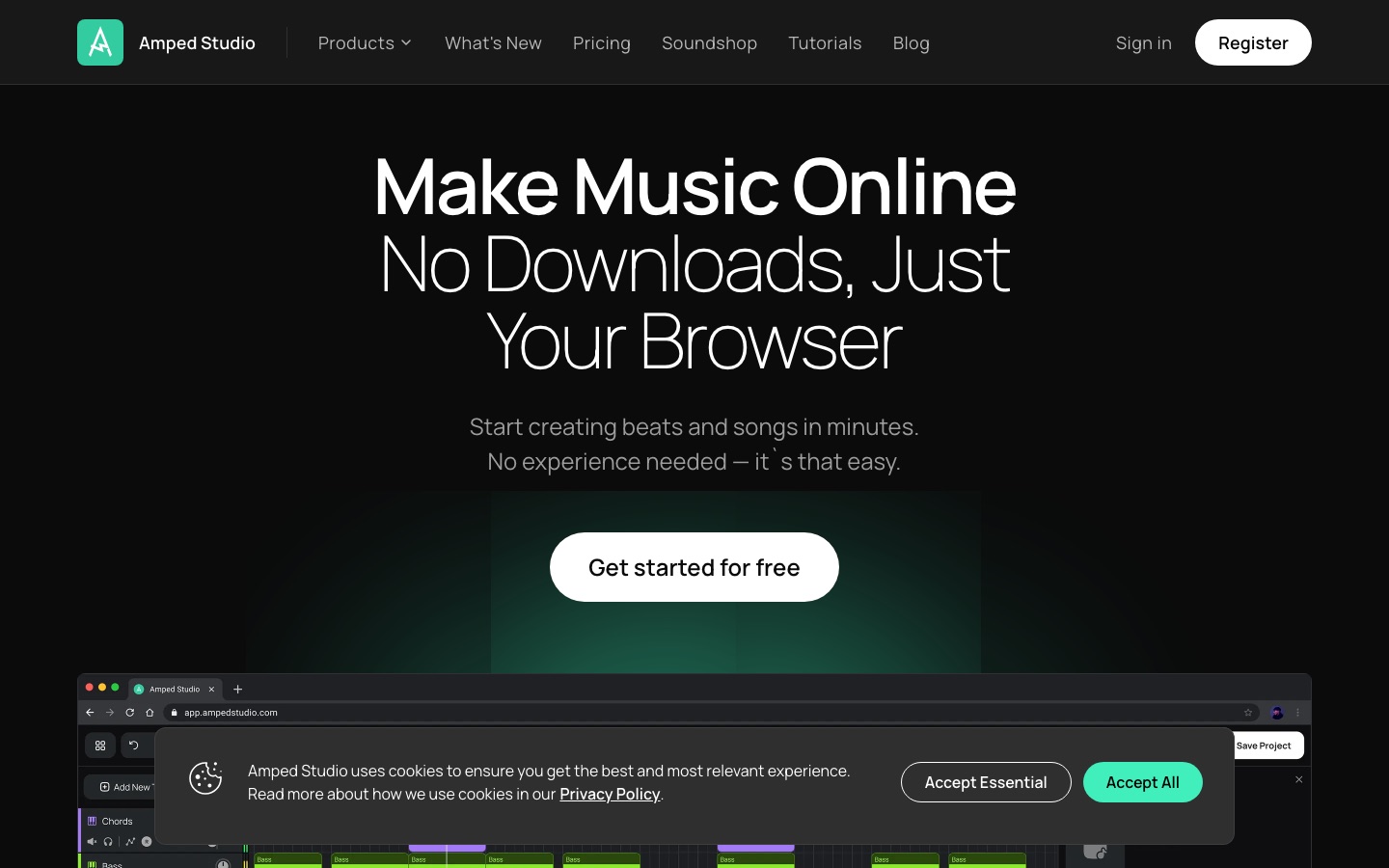
Amped Studio is an online digital audio workstation from LettoPro SA that runs in the browser without installation. It combines audio and MIDI tracks, so you can record vocals through a microphone, program beats with the Drumpler drum machine, play virtual instruments from an external MIDI keyboard and arrange everything on one timeline. Editing functions include audio-to-MIDI conversion, pitch and gain editing, time stretching, cutting and parameter automation, backed by reverb, delay, compression and other effects. VST 3 plugins installed on your computer can be used on paid plans. Two AI tools are included: an assistant that generates a starting composition in a chosen style and tempo, and a splitter that separates a song into vocal and instrumental tracks. Projects can be shared by link for collaboration. A free Starter tier and paid Premium plans are offered.
Key Features
Online DAW
Records, arranges and mixes audio and MIDI tracks in a browser tab.
AI Assistant
Generates a composition in a selected style at the tempo you set, delivered as stems you can edit.
AI Splitter
Separates an uploaded song into instrumental and vocal tracks.
Instruments and Effects
Includes virtual synths, a drum machine and more than twenty effects such as reverb, delay and compression.
VST 3 Support
Loads third-party plugins installed on your computer, on paid plans.
Link-Based Collaboration
Creates a link to a project so another musician can open it and contribute.
Use Cases
- Making a First Beat
- Build a rhythm with the drum machine and bundled samples.
- Recording Vocals for Content
- Capture a voice track, add effects and use it in videos or shorts.
- Music Lessons
- Run classes with the Education plan, organising students into groups and setting assignments.
- Remixing with Stems
- Split a song and rework the separated parts.
- Remote Co-Writing
- Send a project link to a collaborator in another place.
Things to know
- No mobile mode
- The studio is not currently usable on mobile, according to a notice on the home page.
- AI tools sit in the top plan
- The Music assistant and Splitter are listed under Premium + AI, while the free tier gets one-time demo access.
- Free tier restrictions
- Starter shows ads, limits projects and tracks, and has no VST 3 support or library storage for your own files.
FAQs
What is Amped Studio?
Amped Studio is an online music production studio, or DAW, that runs in the browser and includes AI tools for generating ideas and splitting songs.
Is Amped Studio an AI music generator?
Not in the text-prompt sense. Amped Studio says it is not a prompt-based generator but includes AI tools that help create music.
Is Amped Studio free?
Yes. Amped Studio has a free Starter tier with ads, limited to 5 projects and 16 tracks, and paid plans include a 7-day trial.
How much does Amped Studio cost?
Amped Studio: a free plan is available, and a free trial is offered. Paid plan rates are published on ampedstudio.com. Check the official pricing page for current amounts.
Does Amped Studio work on mobile?
No. Amped Studio states that the current version does not support mobile mode, though this is being worked on.
Can I record vocals in Amped Studio?
Yes. Amped Studio records from a microphone straight onto a track, after which you can add effects and edit takes.
Does Amped Studio support VST plugins?
Yes. Amped Studio supports VST 3 plugins on its paid plans; the free tier does not include this.
Who makes Amped Studio?
Amped Studio is published by LettoPro SA.
Who it's for
- Beginner musicians
- Beat makers
- Vocalists
- Content creators
- Music teachers
Used in these workflows
- From lyric to release: AI tools for producing a music trackStage 2: Composition and generation
- From lyric to release: AI tools for producing a music trackStage 4: Stems and arrangement
Each guide lists the stages of one job and the tools that help at each stage. All guides
Comments
No comments yet. If you have used Amped Studio, tell other readers how it went.
Alternatives to Amped Studio
| Tool | Free plan | Starting price | API |
|---|---|---|---|
 AIMusic.soText-to-music generator with lyrics, sound effects, stem splitting and lyrics videos, running on daily or monthly credits. |
Yes | — | — |
 Audio MuseOnline audio toolkit with AI music generation, stem splitting, vocal removal, noise reduction and mastering. |
Yes | — | — |
 Brev AIOnline AI music generator that turns text prompts or lyrics into songs, with vocal removal and lyric video tools. |
Yes | — | Yes |
 MakeBestMusicAI song generator that turns lyrics or a prompt into vocal or instrumental tracks, with stems, mastering and MIDI tools. |
Yes | — | — |
 MusiCraft Stem SplitterBrowser-based AI tool that splits a song into separate stems such as vocals, drums, bass, guitar and single instruments. |
Yes | — | Yes |
Listed in the same categories as Amped Studio. A starting price appears only where we checked it on the maker’s pricing page; a dash means not checked or not published. All Audio Editing & Enhancement tools