Image prompt Posters & Typography Customizable
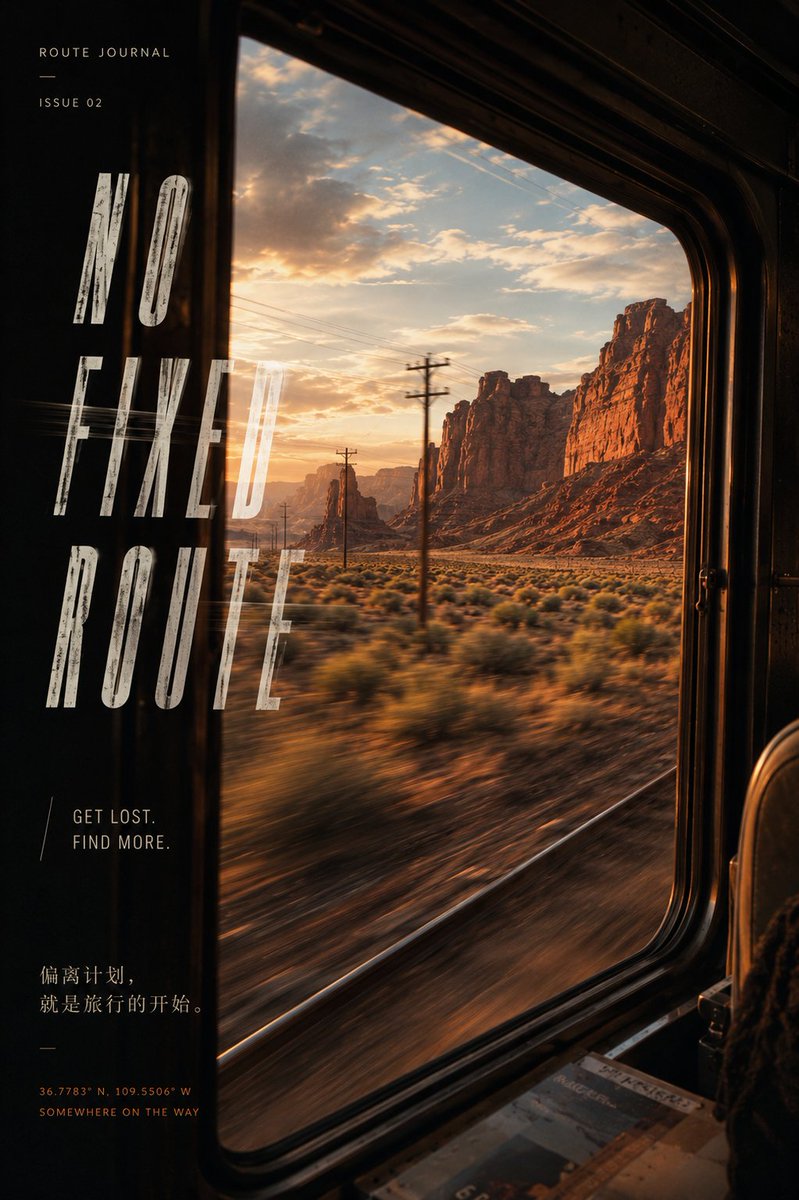
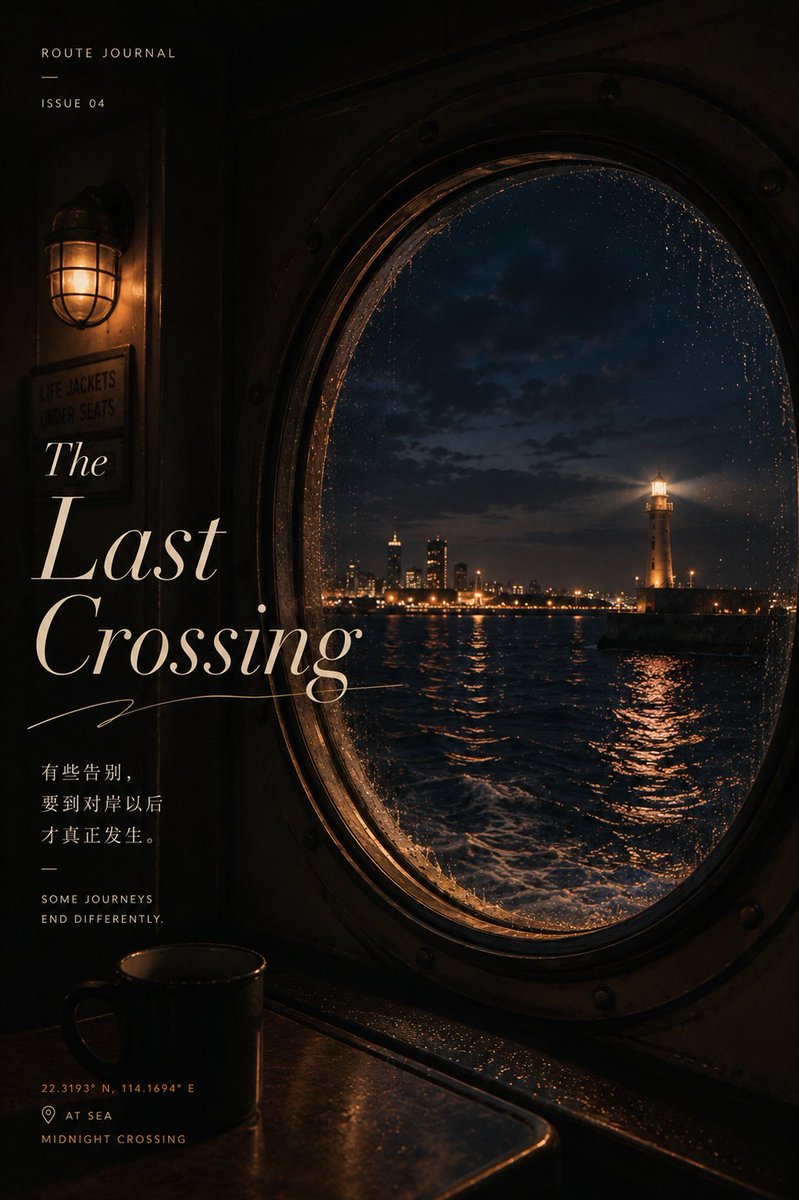
Travel Window Poster With Motion Blur Typography
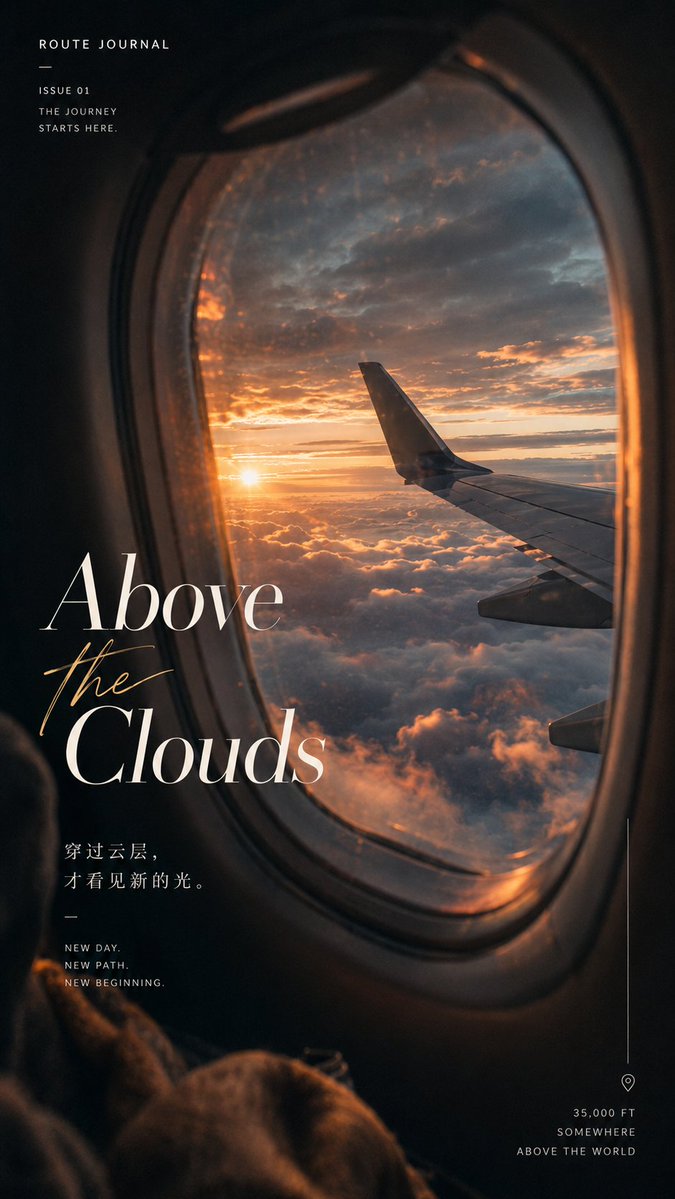
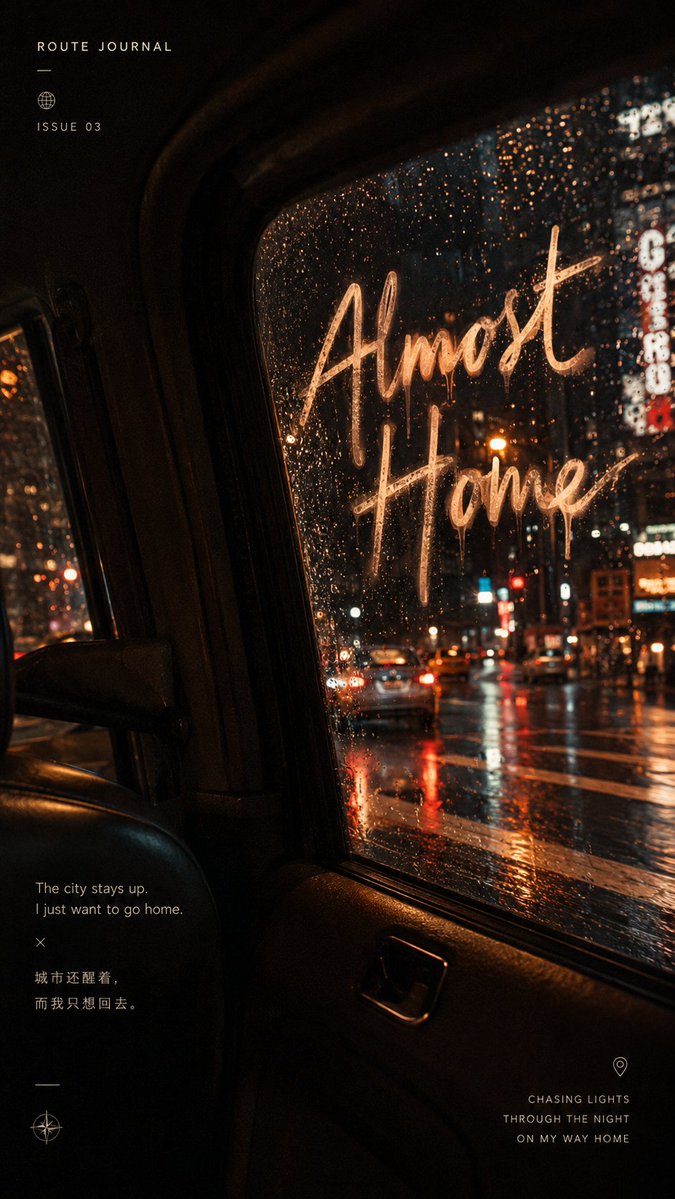
A cinematic poster seen through a passenger window, with streaking foreground scenery, a bright outside world against a dim cabin, and a serif title caught in the glass reflection. It reads as a moment glimpsed in motion.

- Model
- GPT Image 2
- Type
- 4 images
- Aspect ratio
- 9:16
- Shared
- 23 Jul 2026
- Likes on X
- 51
Main titleAuxiliary line
Image prompt
2,596 charactersGenerate a "travel window narrative poster." 【Replaceable content】 Transport: 【airplane / train / car / ferry / bus】 Scene outside the window: 【sea of clouds at sunrise / desert canyon / rainy-night city / midnight harbor】 Thematic emotion: 【departure / exploration / night return / farewell】 Main title: 【enter an English title】 Auxiliary phrase: 【enter a short line of copy】 Main color tone: 【cool gray-blue / warm gold-orange / rainy-night blue-red / deep-sea blue-gold】 Aspect ratio: 9:16 Use a real passenger's viewpoint, looking obliquely out the window from one side of the seat; the window should not face the camera directly nor be fully centered. The window frame, seat, armrest, or table corner naturally enter the frame, creating real spatial occlusion and a subjective sense of observation. Keep the transport interior dim and the scenery outside bright, forming a clear dark-inside, bright-outside relationship. The glass carries slight reflections, mist, raindrops, scratches, or reflections of cabin lights, making the image feel like a moment glimpsed by chance during the journey. Reinforce the state of motion: trees, shrubs, poles, road signs, lights, or water near the window show clear directional motion blur, while distant mountains, city, clouds, or lighthouse stay relatively sharp, forming the layering of "speed in the foreground, story in the distance." Overall, use cinematic travel photography, a vintage magazine editorial style, natural film grain, real depth of field, and slight vignetting. The image should carry emotion, speed, and a sense of travel, not looking like a static landscape photo or a tidy tourism-ad template. Text must become part of the image: - Choose a high-contrast serif, a narrow elongated typeface, or a handwritten font according to the theme - The main title may partly enter the window frame, shadow, raindrops, or glass reflection - Allow slight trailing, haze, reflection, wear, or a text effect extending onto the water - The text should be design-forward but restrained, without exaggerated 3D, metallic, or show-off effects - Small text uniformly uses a clean narrow sans-serif - Keep a few editorial elements, such as ROUTE JOURNAL, ISSUE number, coordinates, thin lines, or place labels The composition need not be perfectly aligned; allow natural tilt, partial cropping, and asymmetric white space. Real photographic texture, refined, immersive, with cinematic narrative feel; avoid a frontal window, fully symmetric window frame, static scenery, over-sharpening, oversaturation, template-like layout, and text pile-up.
How to use it
Start with a photo of your own if you want the window view to match a real trip, or describe the transport and scene in the placeholders. Keep the dark-inside, bright-outside contrast and the oblique window angle, since they carry the feeling of motion. Swap the title, the auxiliary line and the color tone to fit your theme. It was shared as a GPT Image 2 prompt.
Shared publicly on X on 23 Jul 2026. All credit for this prompt and its result goes to its creator. Is this yours? Ask for an update or removal.