Image prompt Scenes & Spaces Customizable
Surreal Red Tree Reflection Lake 3D Art
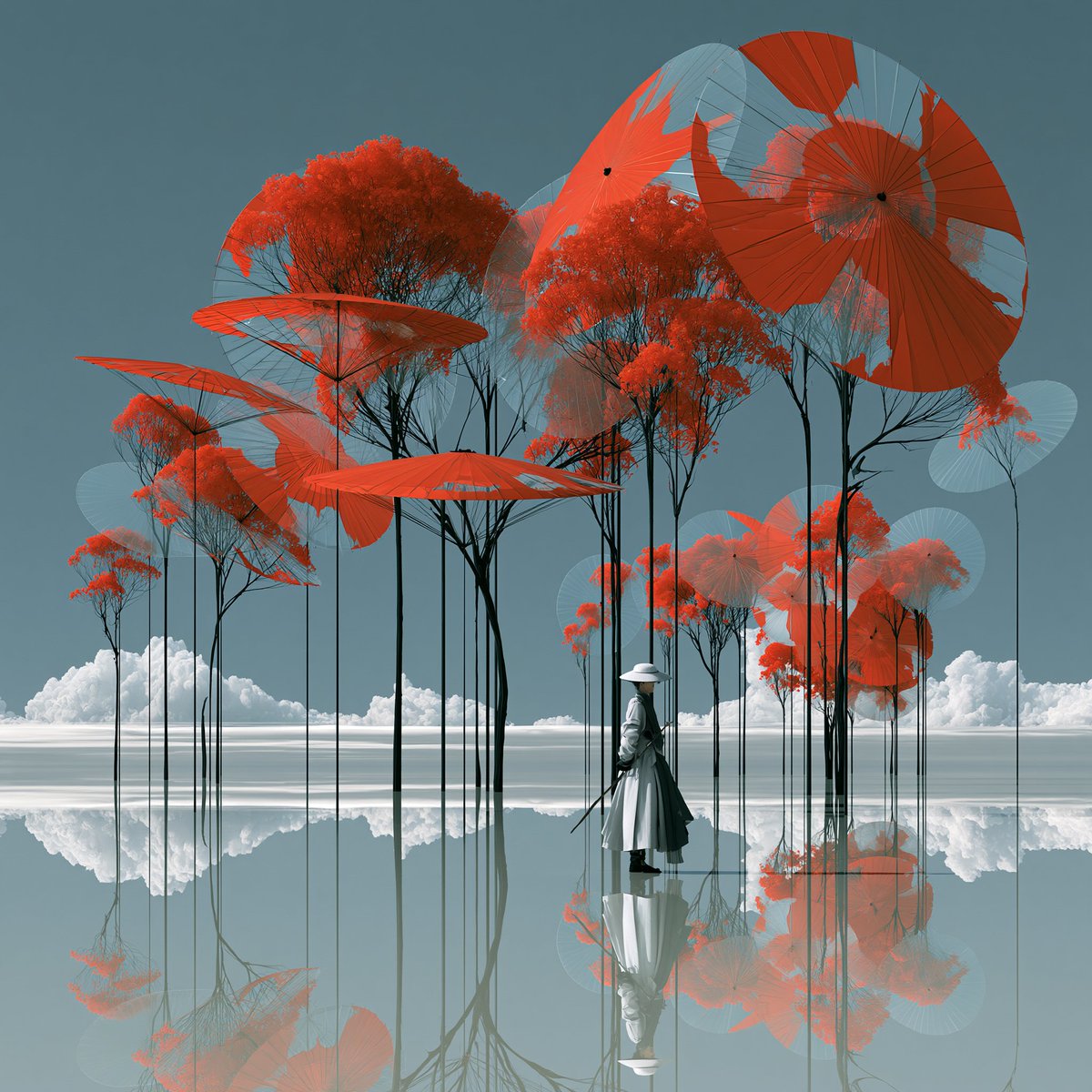
A calm shallow lake mirrors a forest of slender trees with red-orange canopies beneath a cyan sky. A tiny traveler in a white hat stands among them, giving the quiet scene a sense of scale and poetry.

- Model
- GPT Image 2
- Type
- Image
- Aspect ratio
- 1:1
- Shared
- 28 May 2026
- Likes on X
- 54
Figure outfitTree colour
Image prompt
522 characterssurreal dreamlike 3D digital art, an endless shallow mirror lake under a cyan blue sky, a quiet forest of slender dark trees with vivid red-orange parasol-shaped canopies, each tree reflected perfectly in the water, a tiny lone traveler in a white hat standing among them for scale, soft white clouds on the horizon, minimalist poetic atmosphere, centered balanced square composition, clean cyan, white, red and orange palette, no green leaves, no city buildings, no text, no logo --chaos 10 --ar 1:1 --stylize 750 --v 8.1
How to use it
It was shared as a GPT Image 2 prompt. Keep the palette words, since cyan, white, red and orange carry the look, and keep the perfect reflection and the lone figure for scale. To make it yours, swap the tree shape or canopy colour, or change the traveler's hat and clothing. It works well as a square wallpaper or a calm social post.
Shared publicly on X on 28 May 2026. All credit for this prompt and its result goes to its creator. Is this yours? Ask for an update or removal.