Image prompt Illustration & Characters Customizable
Split Photo and Watercolor Architecture Scenes
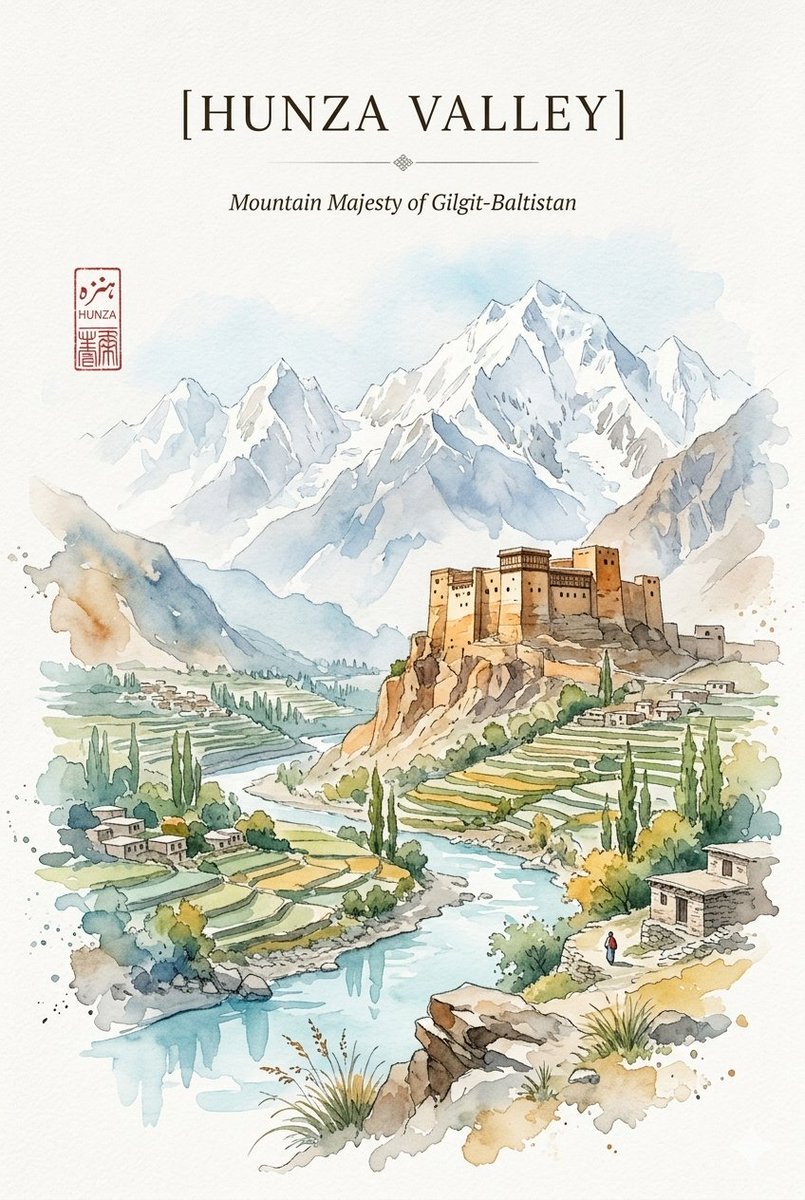
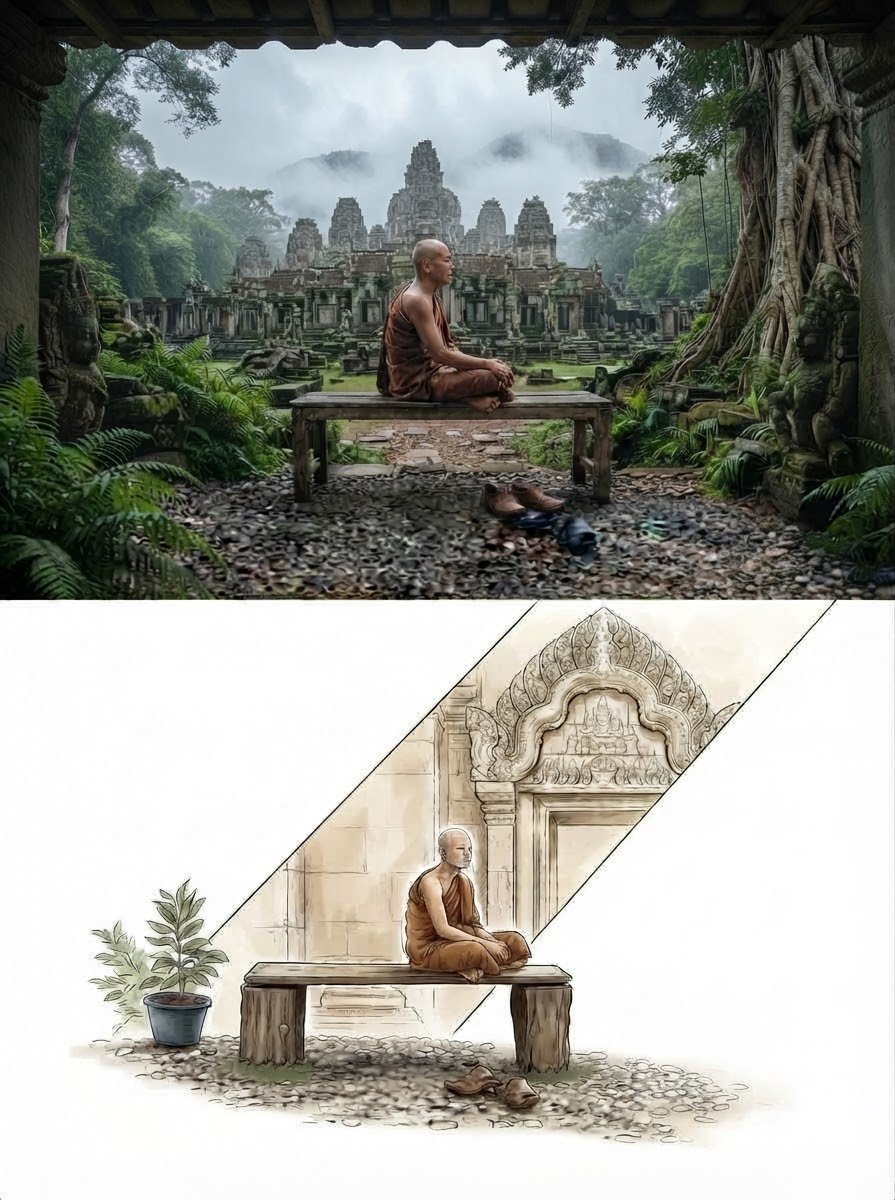
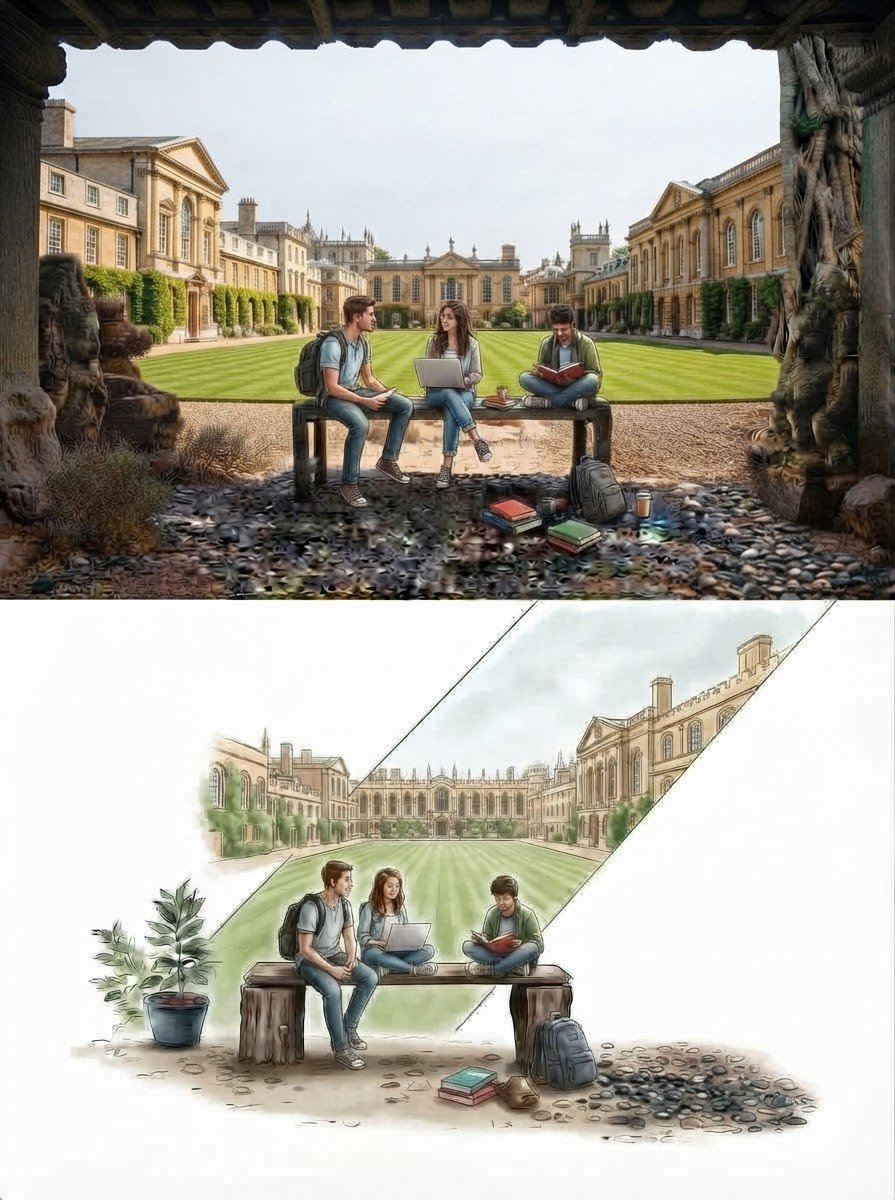
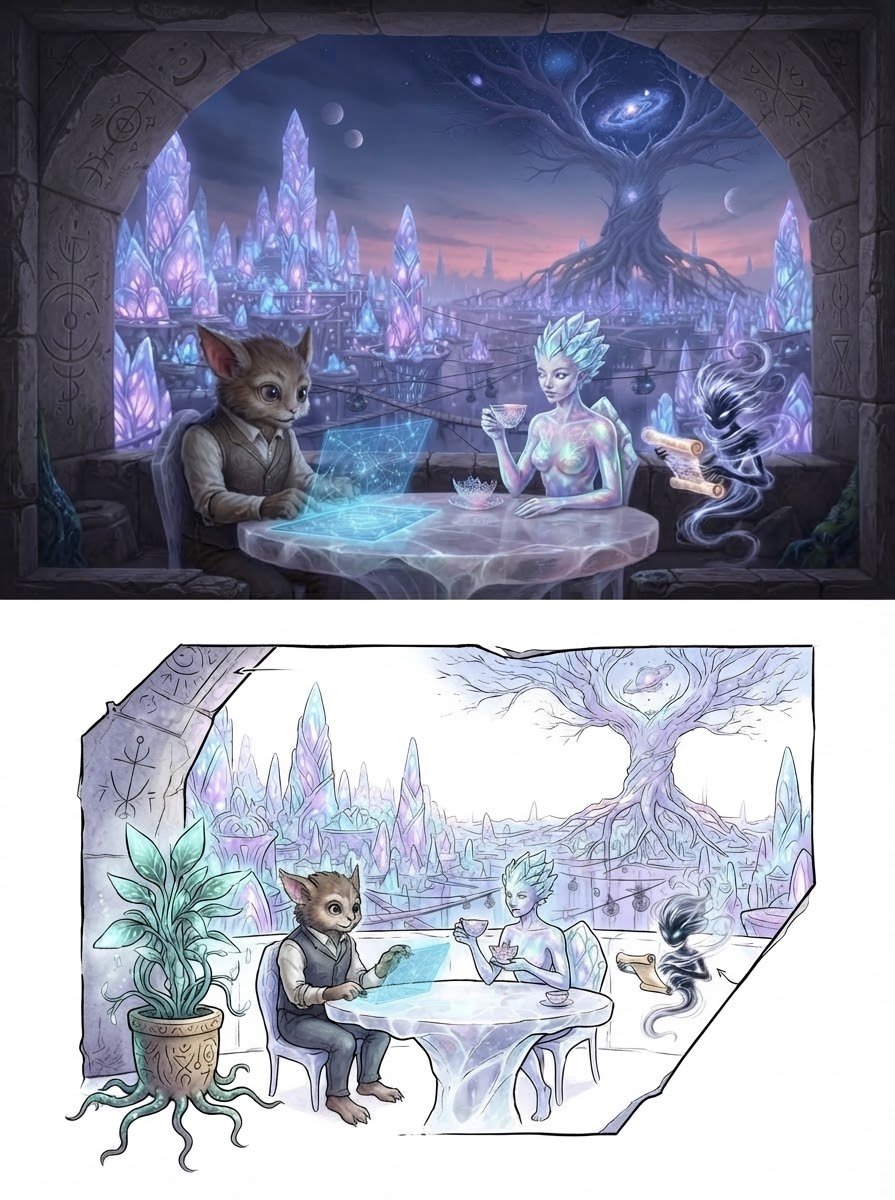
Each image divides into a photorealistic scene above and a watercolor and pen-and-ink sketch below, joined by clean diagonal borders. The result reads like a sketchbook page where a real place turns into a drawing.

- Model
- GPT Image 2
- Type
- 3 images
- Aspect ratio
- 3:4
- Shared
- 9 Oct 2026
- Likes on X
- 35
Image prompt
580 charactersA vertical split-composition layout featuring a highly detailed photorealistic scene on the upper half and a corresponding watercolor and pen-and-ink artistic architectural sketch on the lower half. The design connects the two distinct styles using clean diagonal framing and border lines, presenting creative narrative worlds ranging from serene ancient monastic ruins and classic academic courtyards to fantastical cosmic realms. Each composition showcases a meticulous balance of rich environmental textures, fine linework, and soft washes of color on a clean white background.
How to use it
The prompt works without any uploaded photo, so you can start from it directly. To make it yours, swap the setting described in the prompt for a place you know, such as a campus, a harbor or a monastery you have visited, and keep the vertical split and the white background so the layout still holds. It was shared as a GPT Image 2 prompt, and the result suits a printable art poster or a portfolio spread.
Featured inArchitecture AI prompts
Shared publicly on X on 9 Oct 2026. All credit for this prompt and its result goes to its creator. Is this yours? Ask for an update or removal.