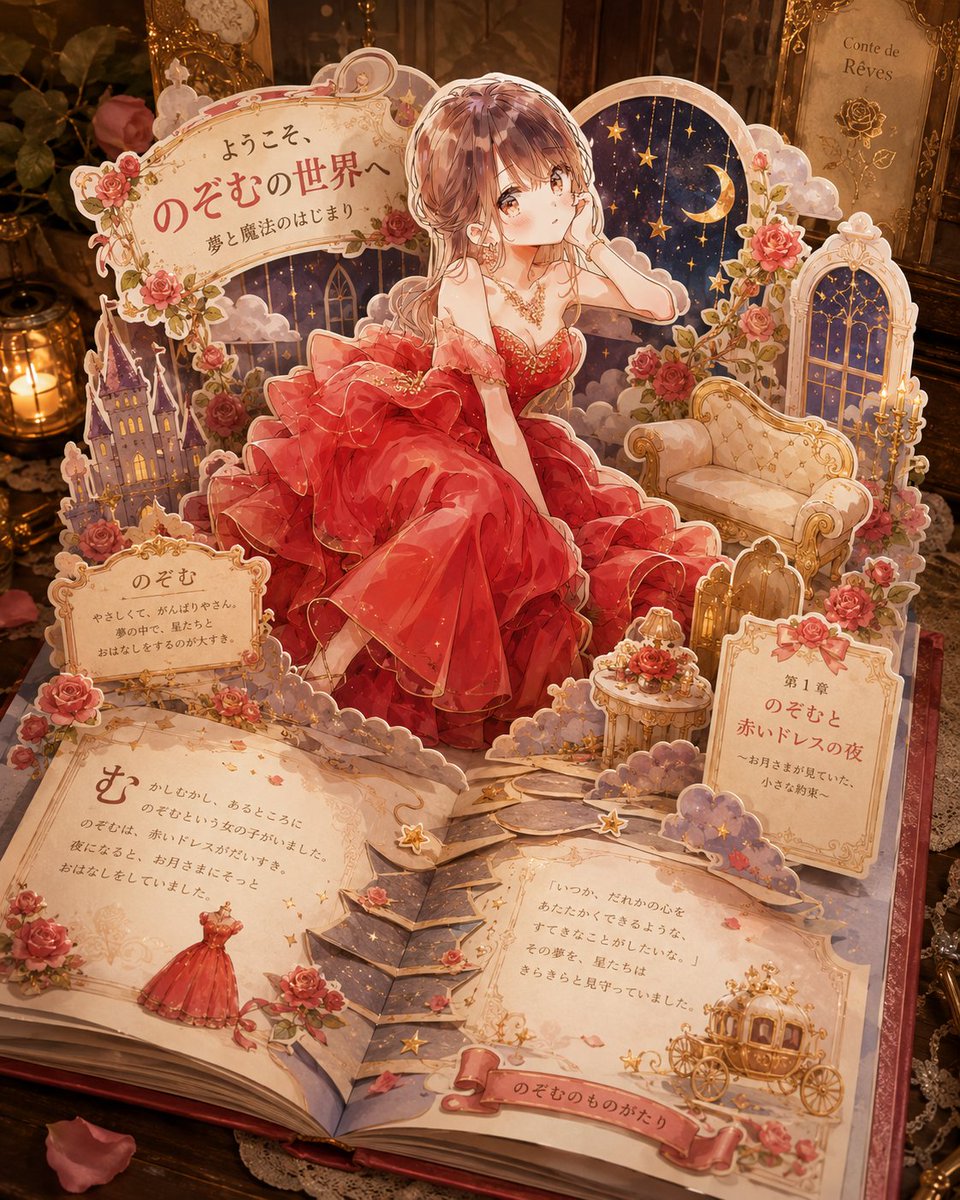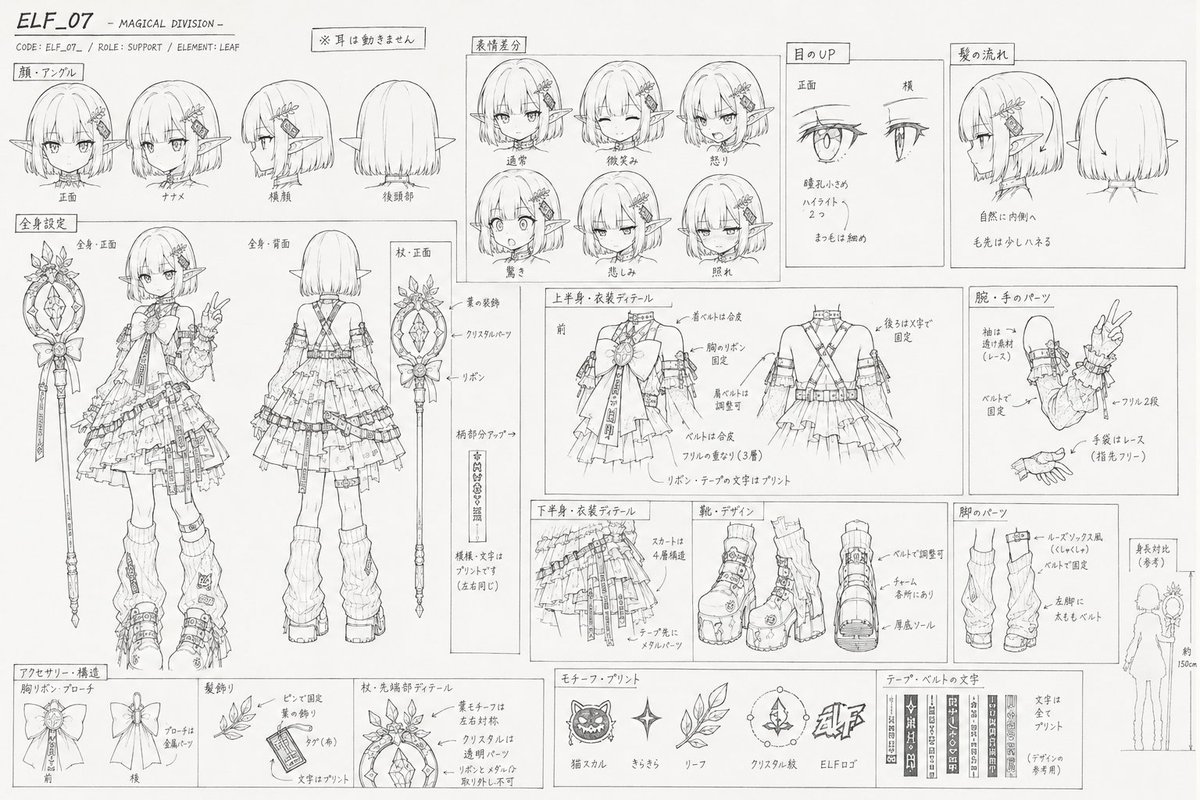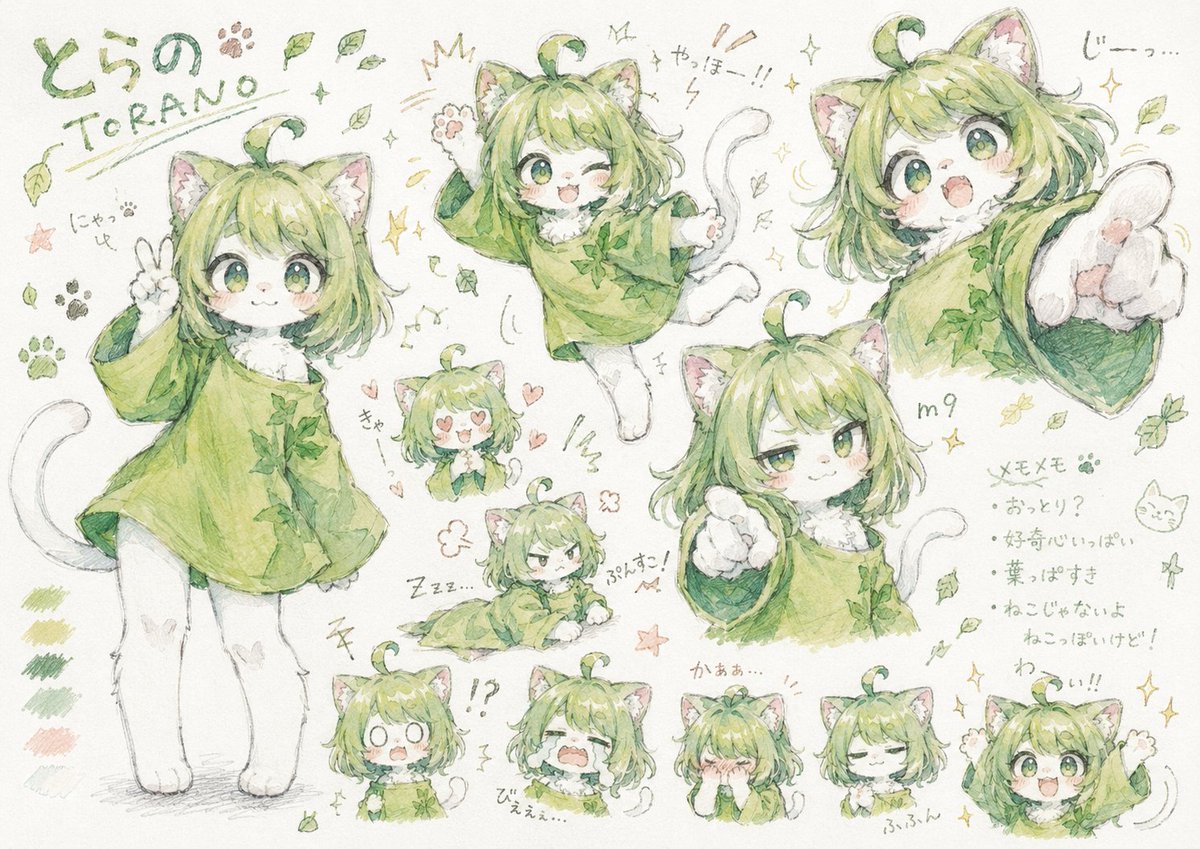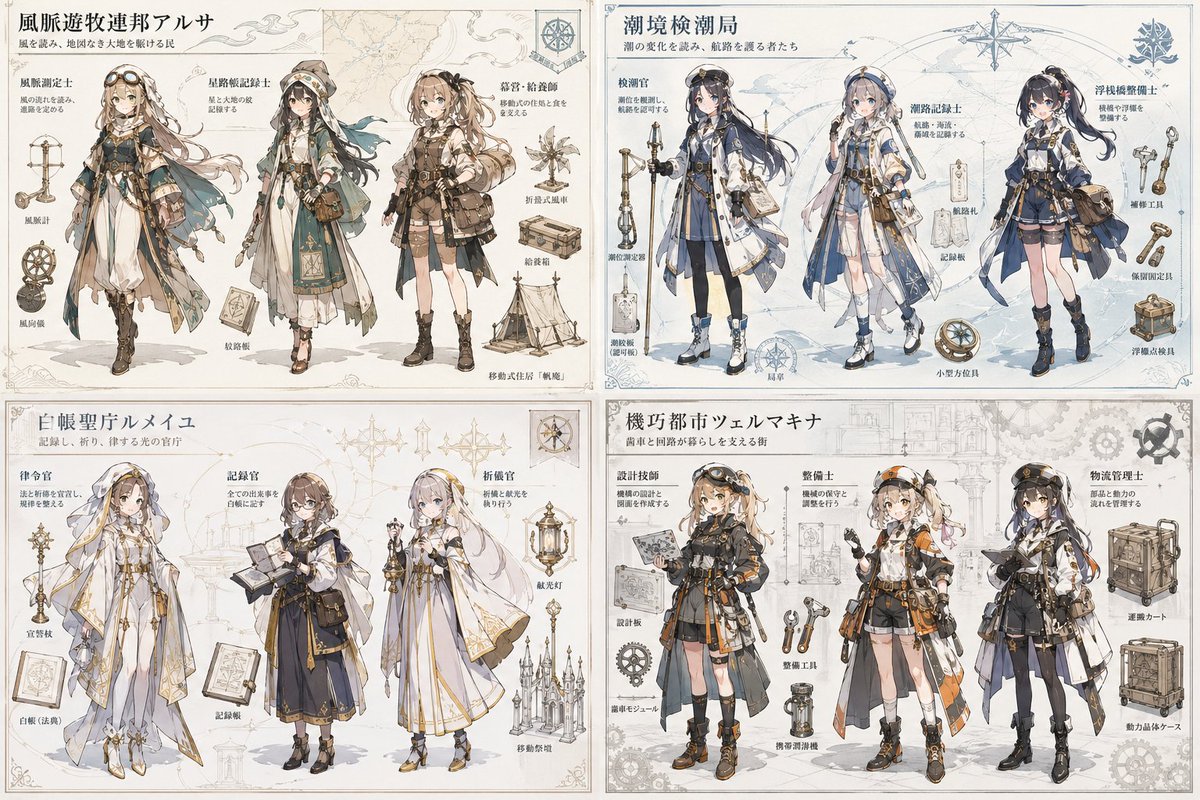
Image prompt Illustration & Characters
Special Move Name Illustration From Your Character
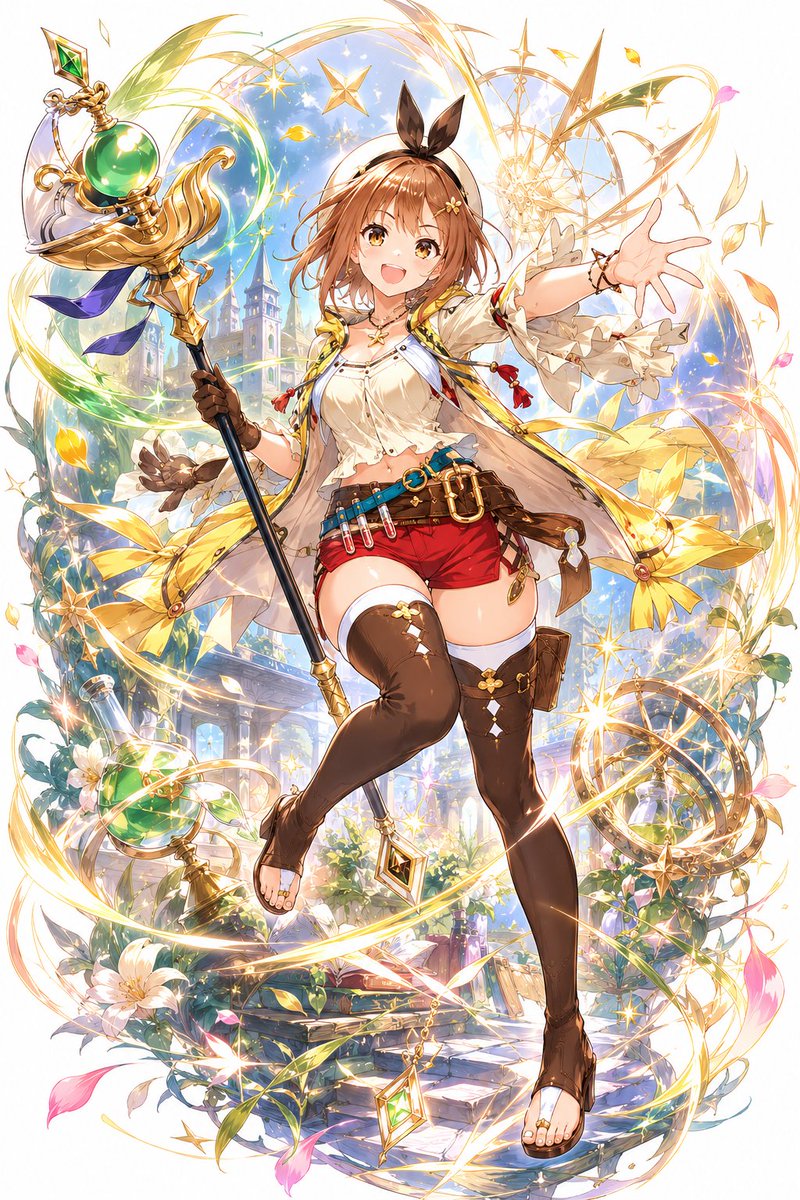
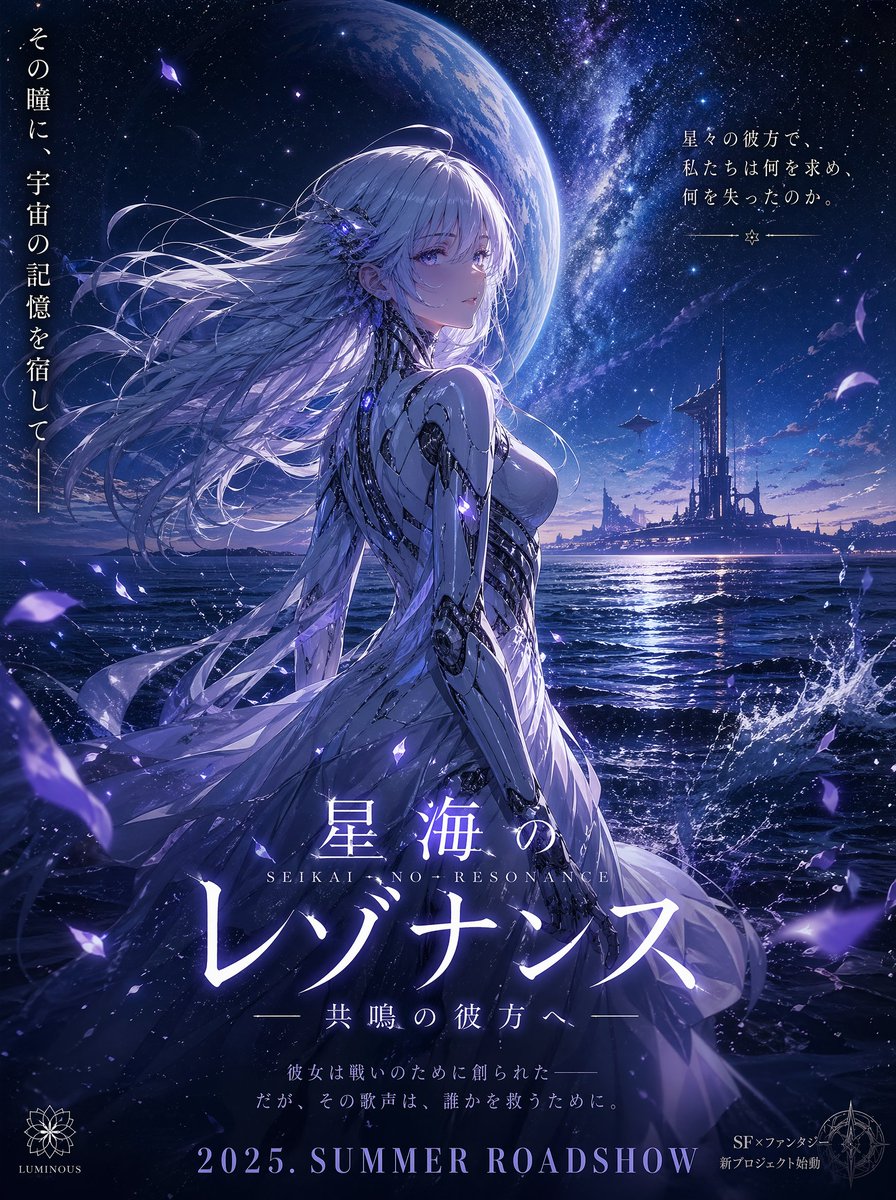
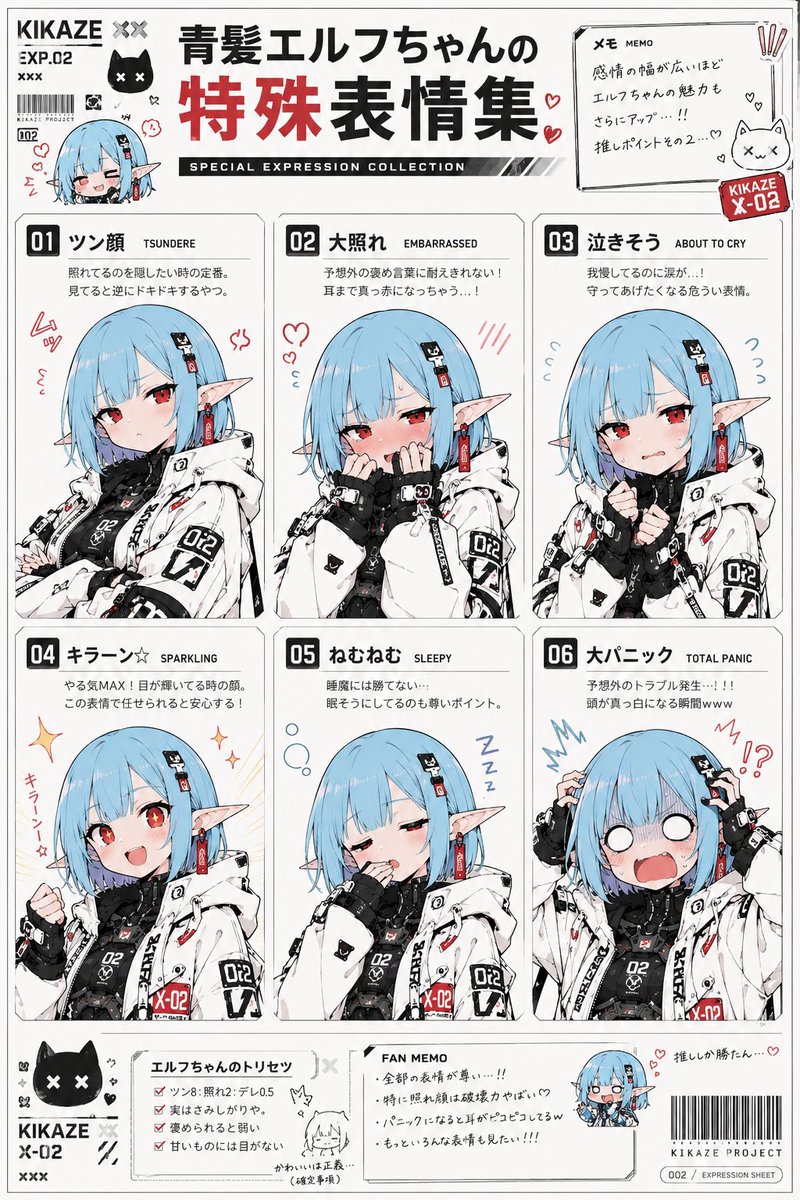
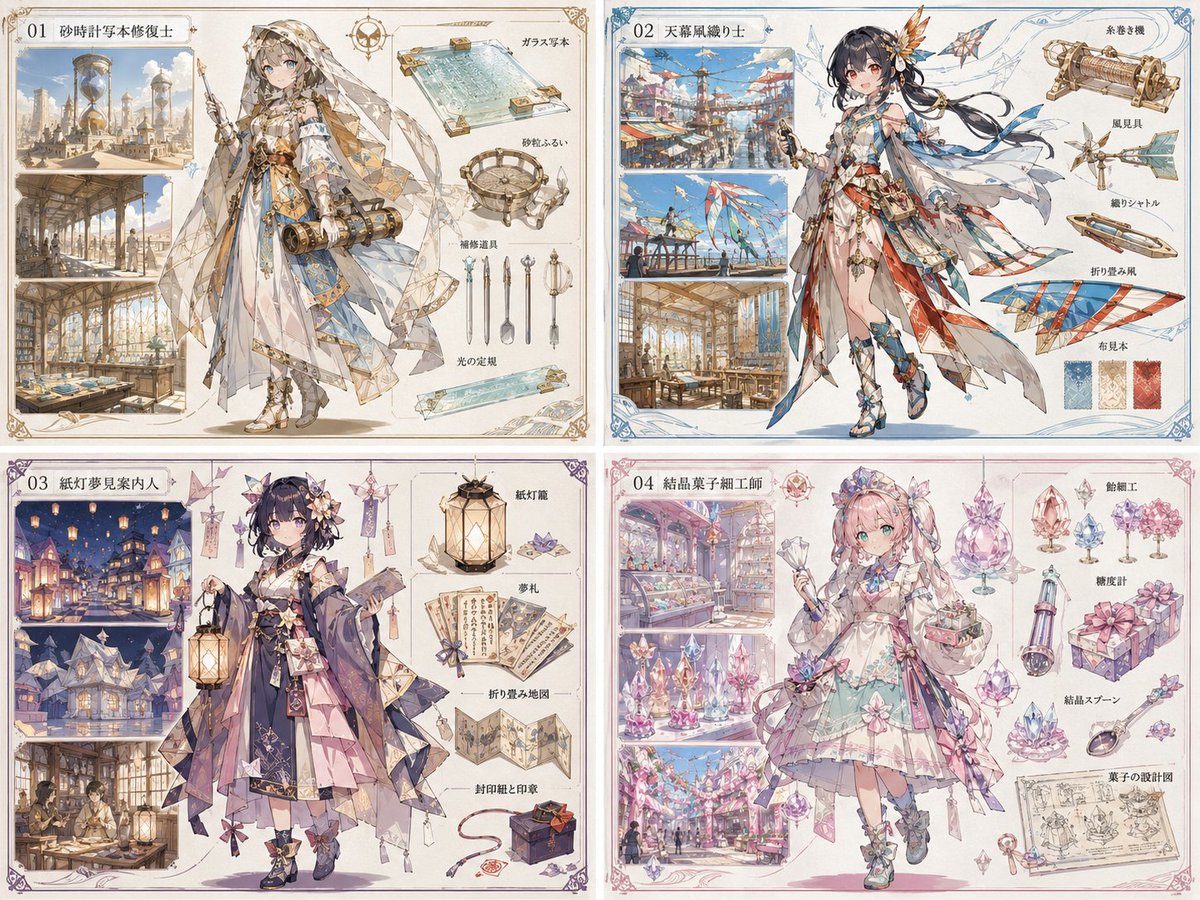
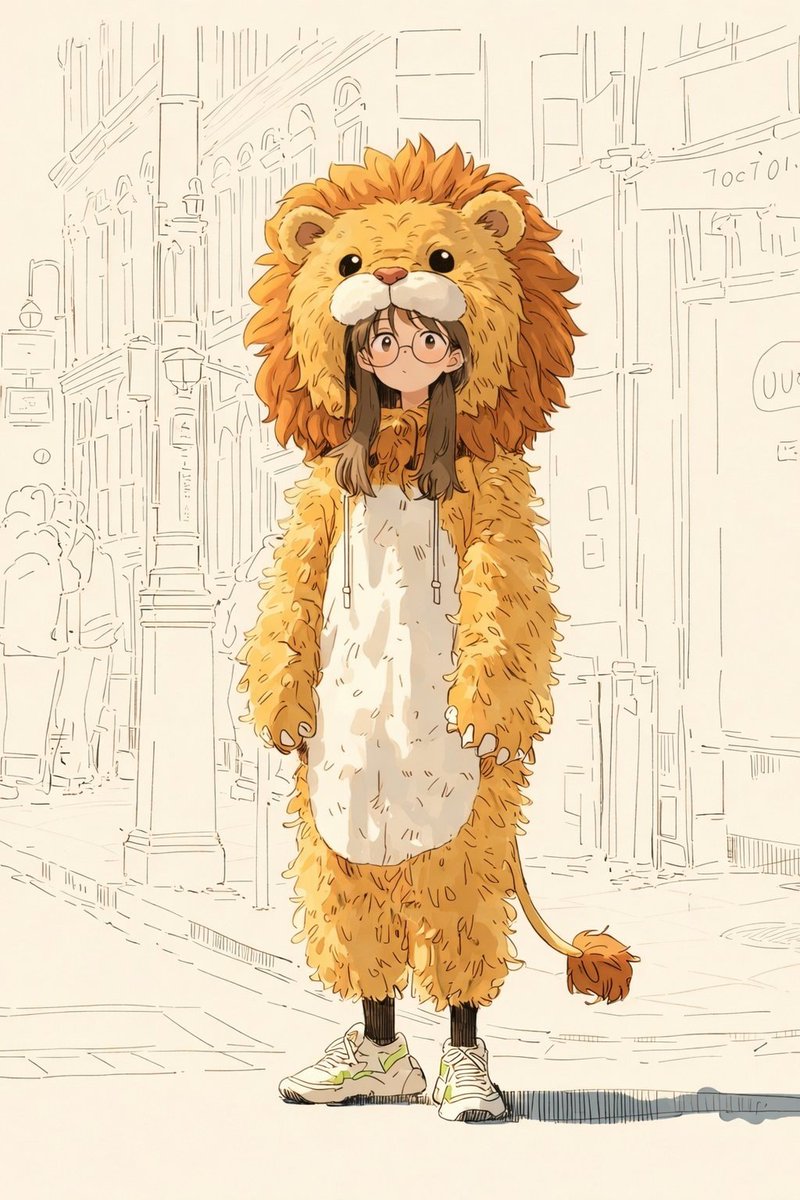
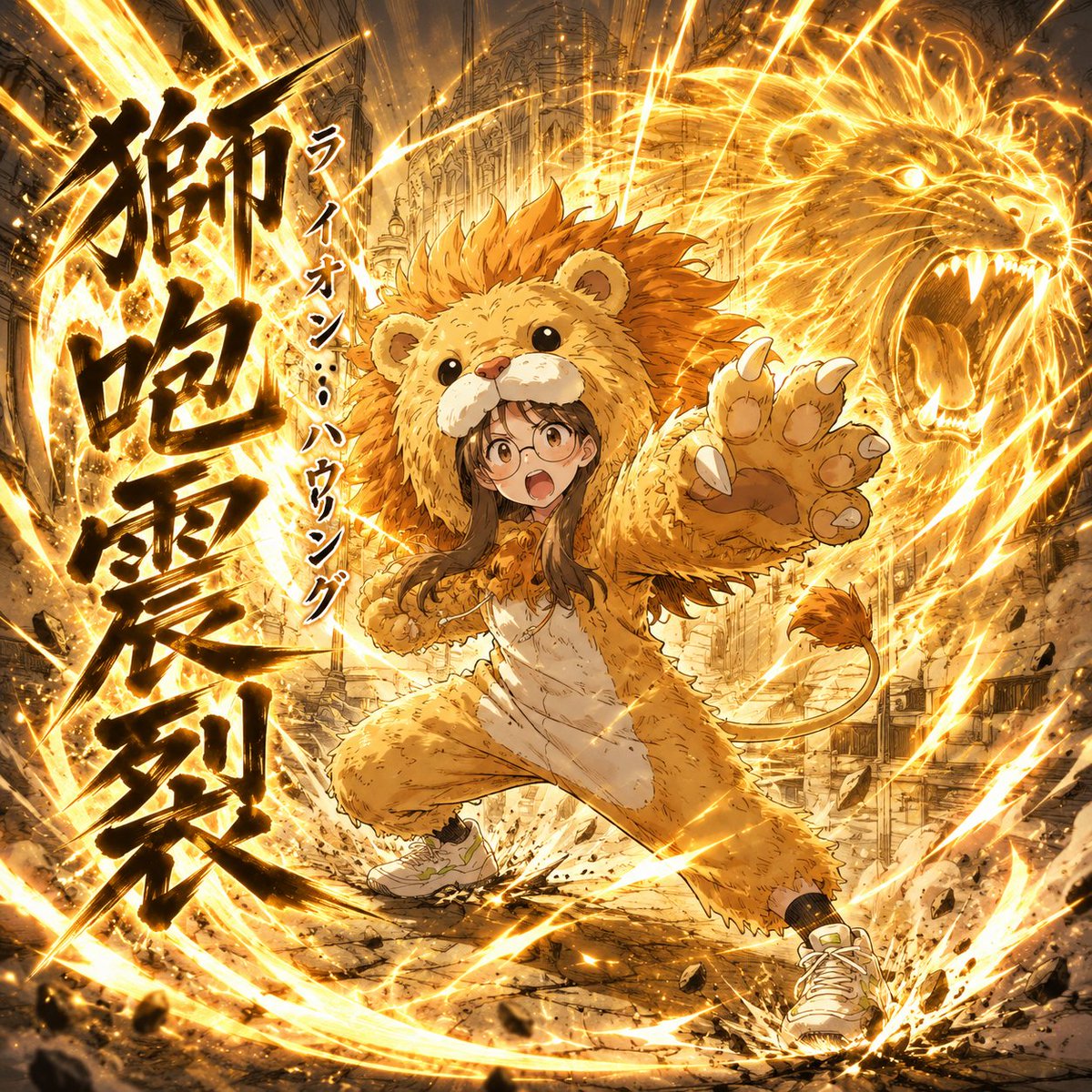
A character from your reference photo strikes a dramatic pose while shouting an invented move name in bold kanji, with katakana reading beside it. The mix of over-the-top attack energy and playful naming gives the picture a chuunibyou-style flair.

- Model
- GPT Image 2
- Type
- 2 images
- Aspect ratio
- 2:3
- Shared
- 13 May 2026
- Likes on X
- 302
Image prompt
910 charactersFrom the reference image, read the character's appearance, personality, mood, expression, costume and so on, then devise a fitting special move based on it. Pick and adapt one of three technique types: ① punches, kicks and striking attacks; ② energy release such as hadouken or qigong; ③ slashing attacks using a weapon such as a sword or staff. Come up with a name for the special move. The name consists of 3 to 6 kanji characters with katakana furigana. For example, something like "銀河破断撃 Galaxy Burst." Generate a single illustration of the reference character shouting this move name while performing an action that matches the move. The kanji and katakana of the name may be a combination with completely different meanings. Prioritize a chuunibyou (over-the-top teenage) vibe over consistency. Draw the kanji large and add the katakana as ruby beside or above them. The image aspect ratio should be 1:1.
How to use it
This prompt needs a reference image of a character, so upload one first and the illustration will follow its look and costume. It was shared as a GPT Image 2 prompt, so check the aspect ratio setting, since the text asks for 1:1 even though the category suggests 2:3. Keep the instruction about large kanji with katakana ruby, since that layout is what makes the result read as a move name.
Shared publicly on X on 13 May 2026. All credit for this prompt and its result goes to its creator. Is this yours? Ask for an update or removal.