Image prompt Posters & Typography Customizable
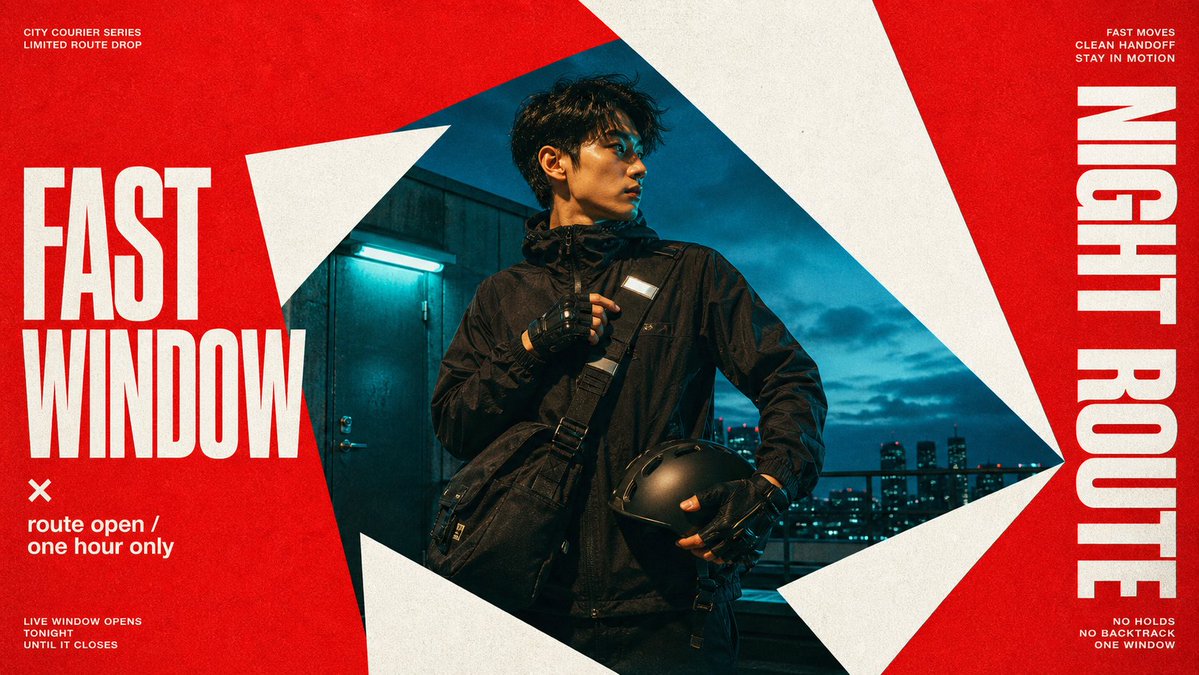
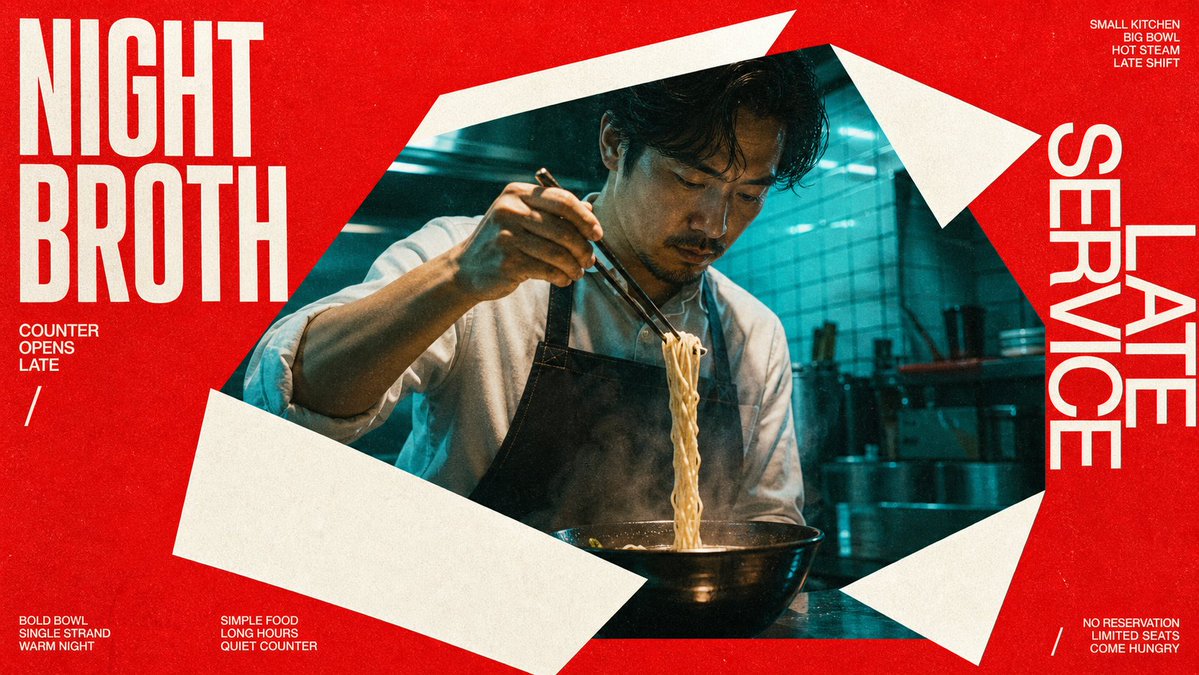
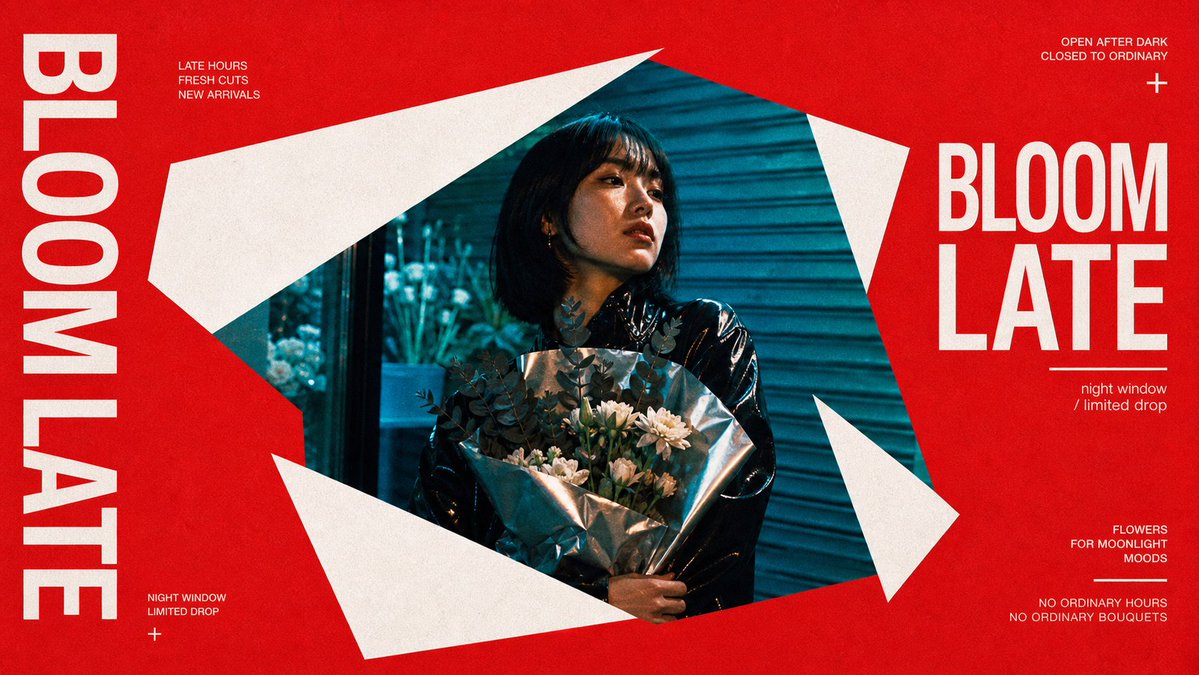
Scarlet Shard Photo Type Poster Design
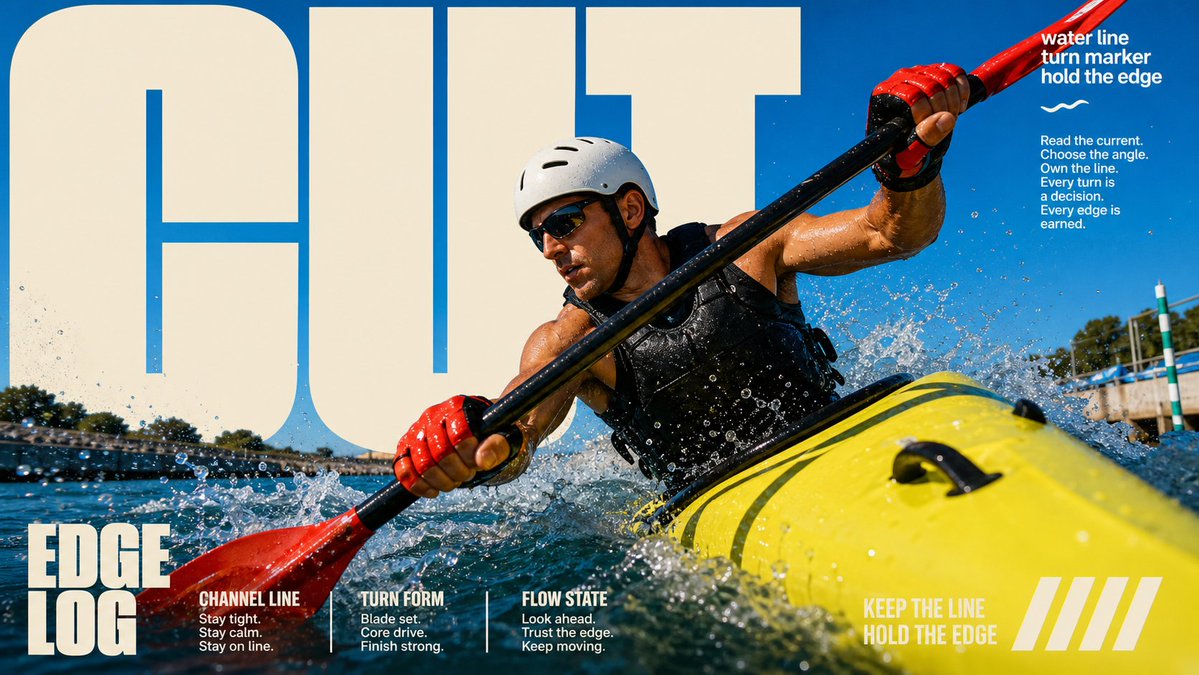
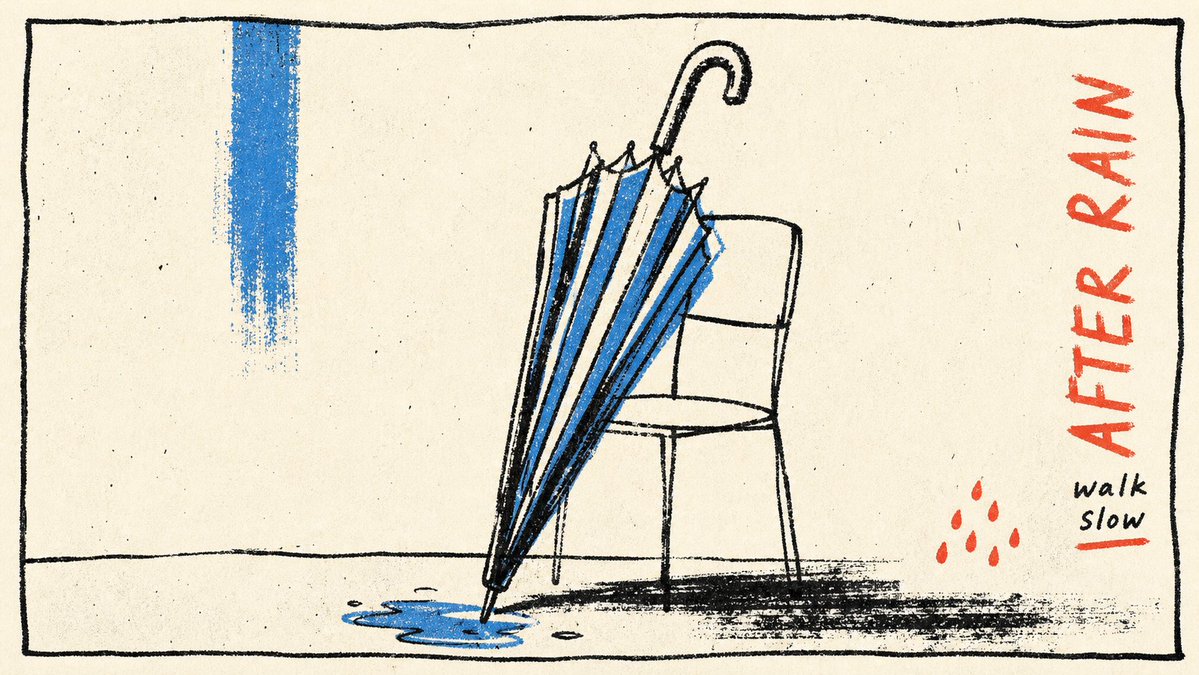
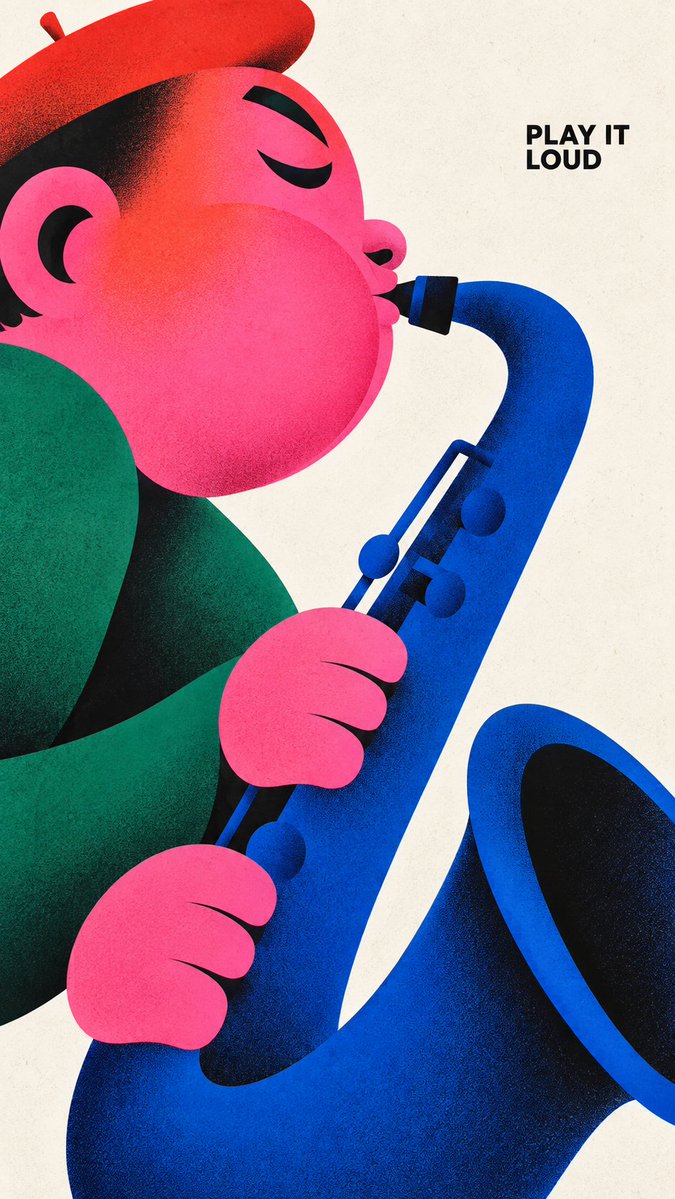
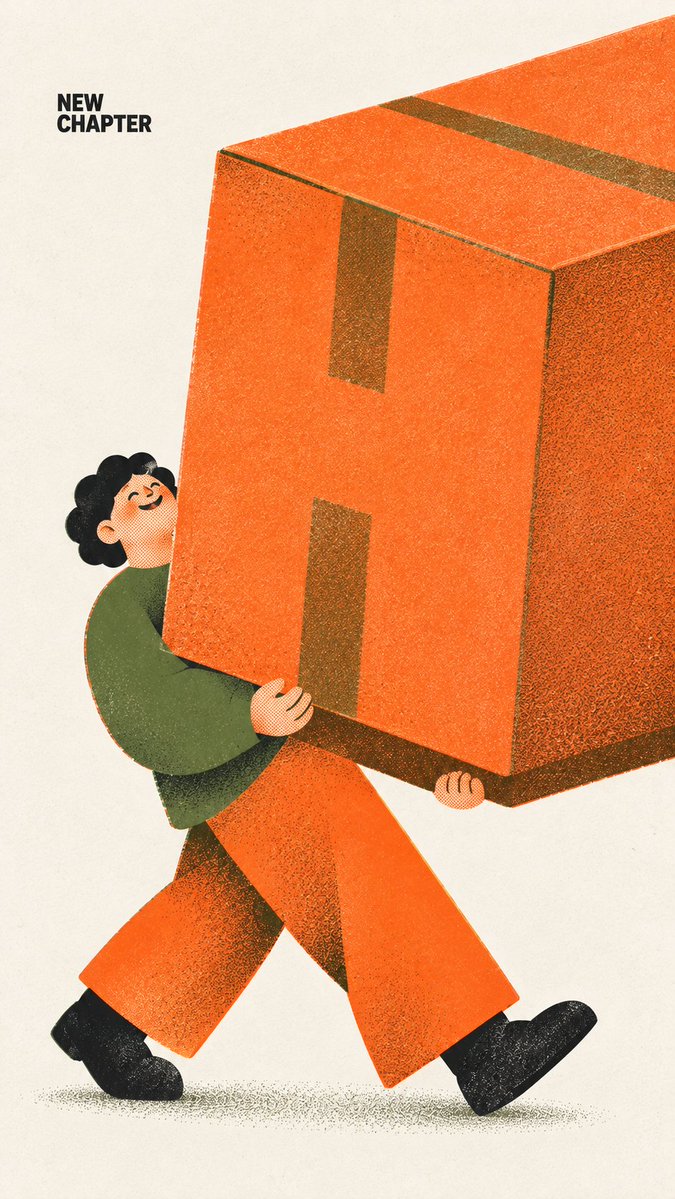
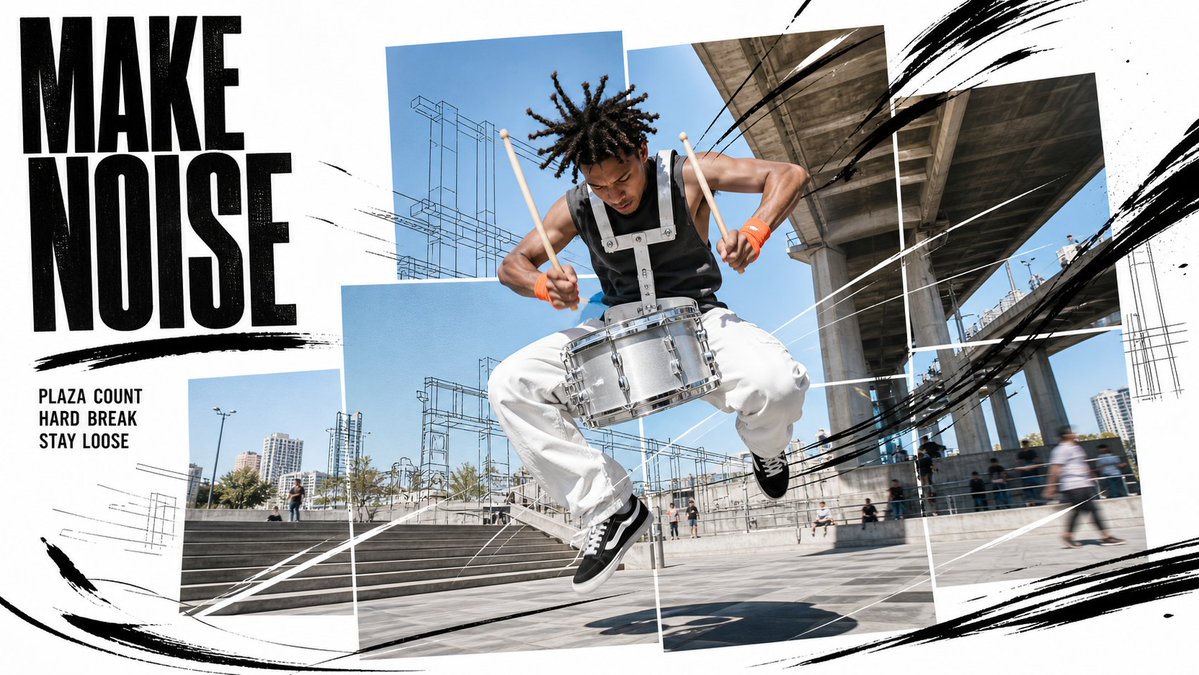
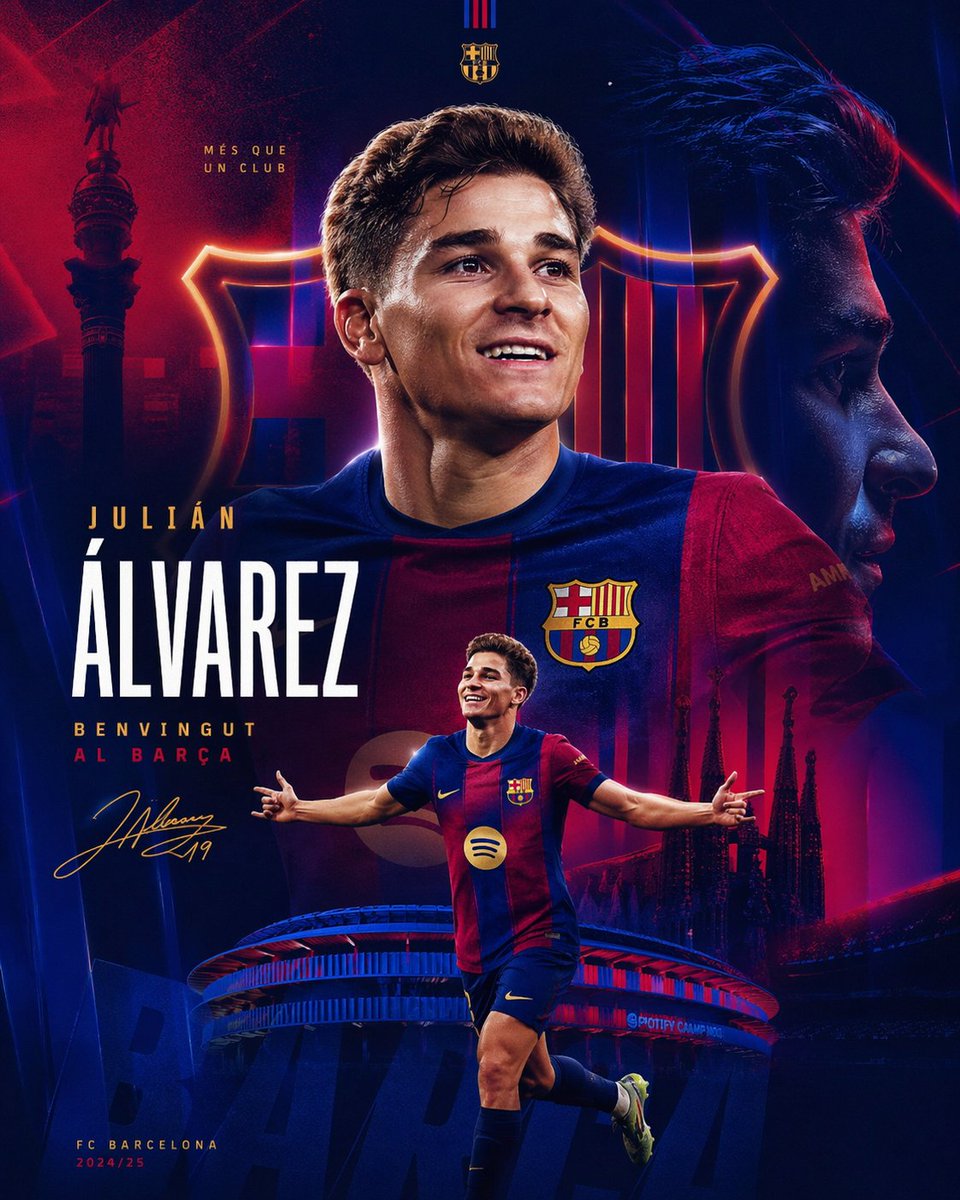
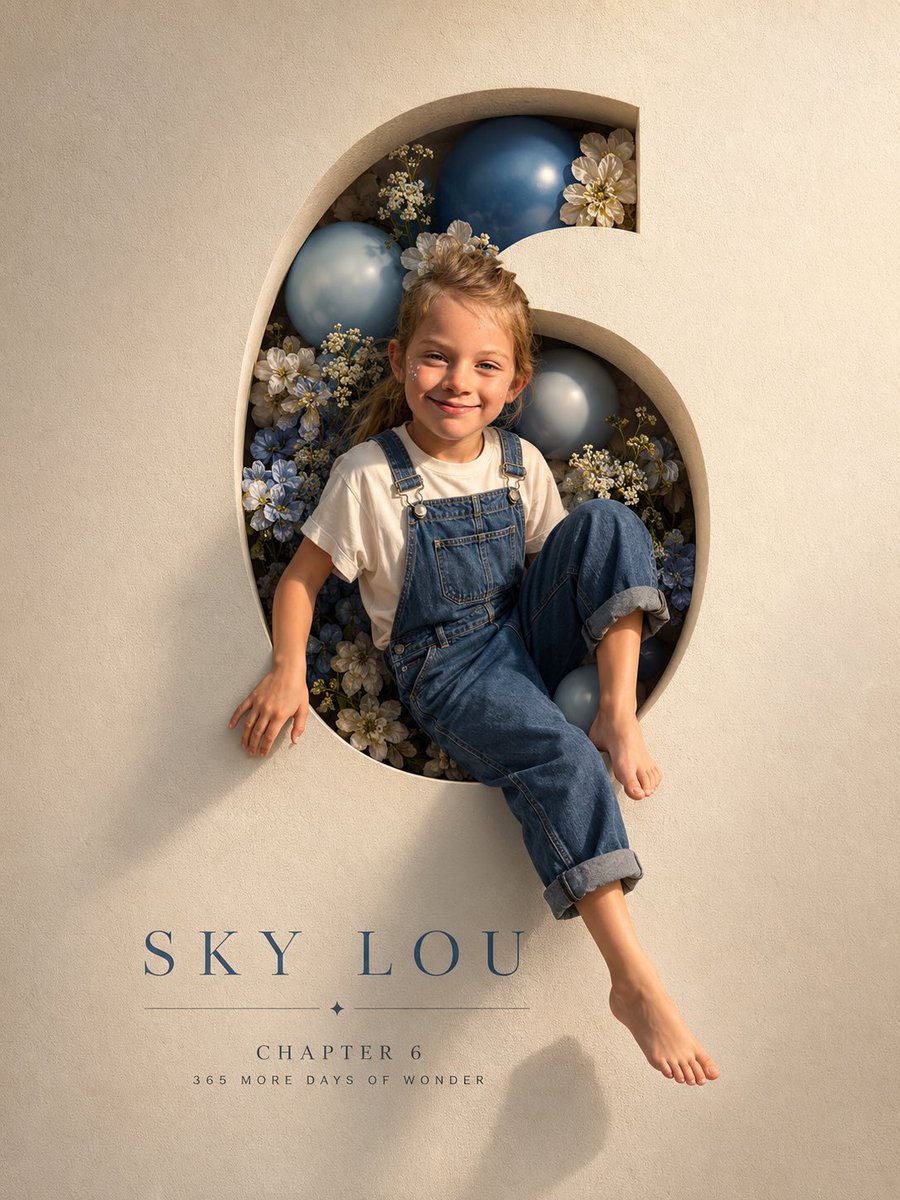
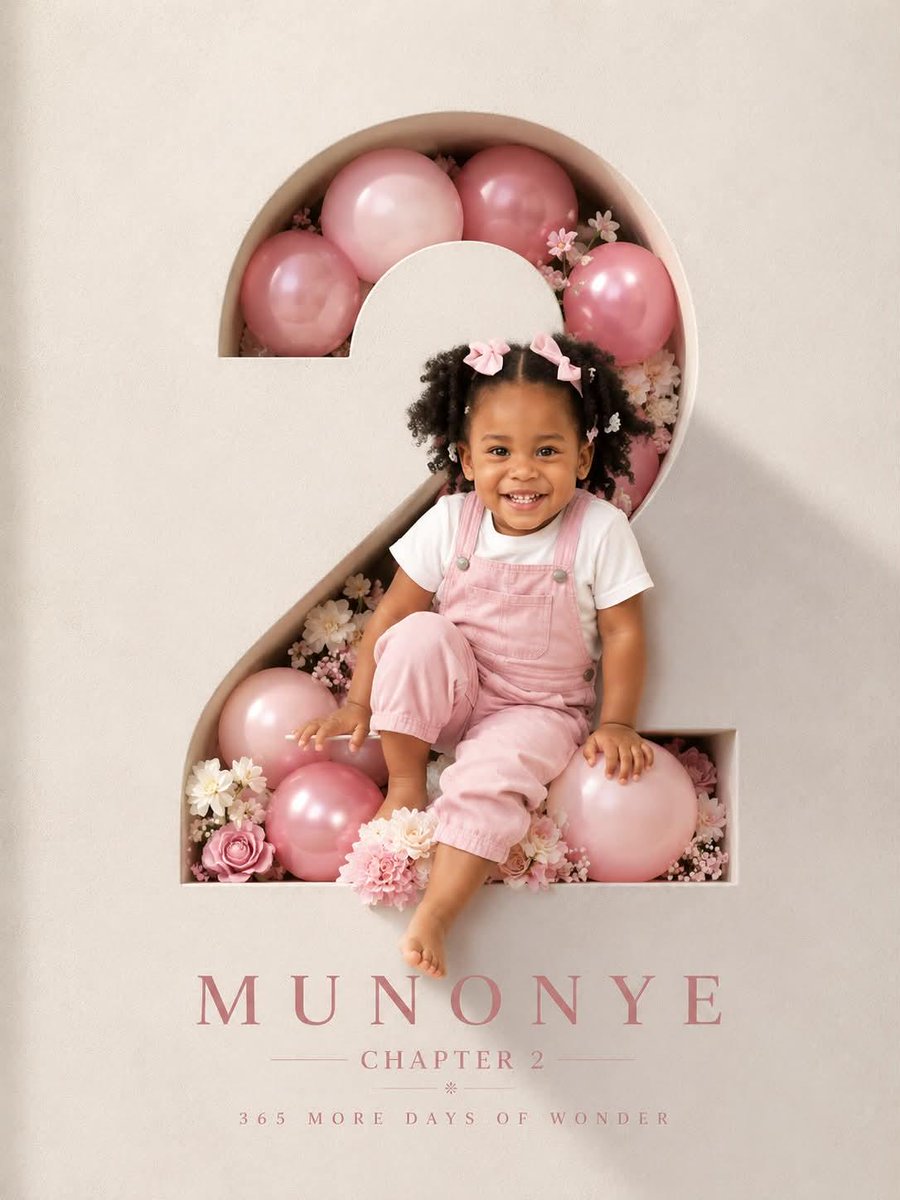
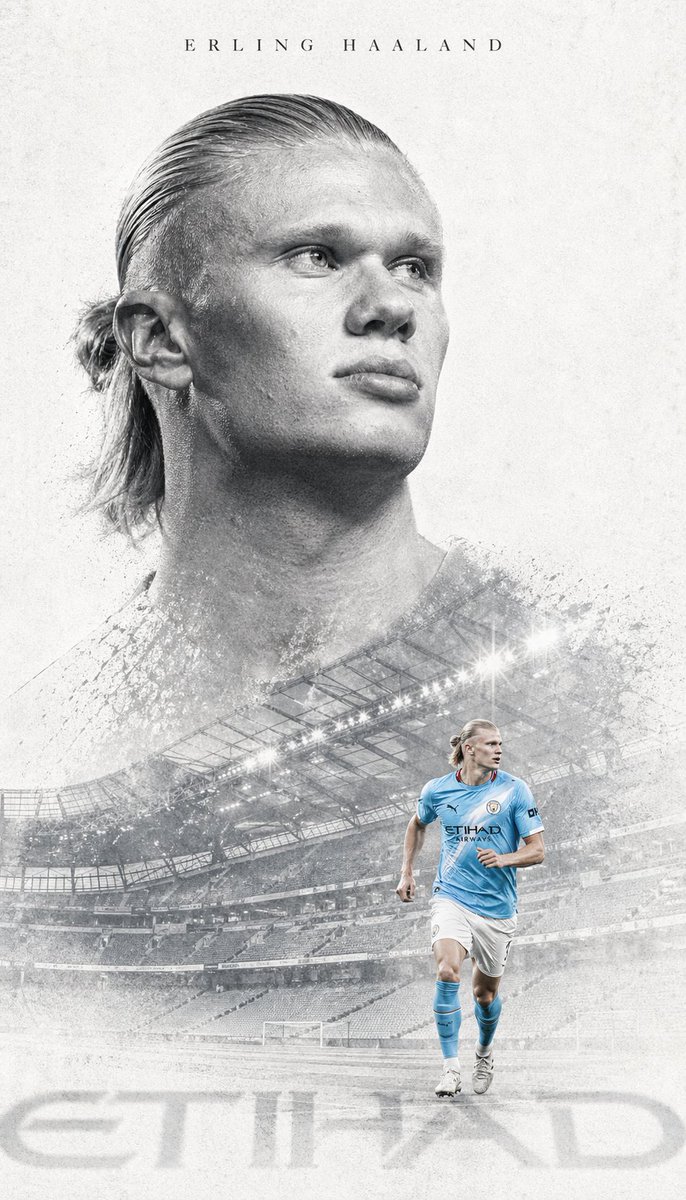
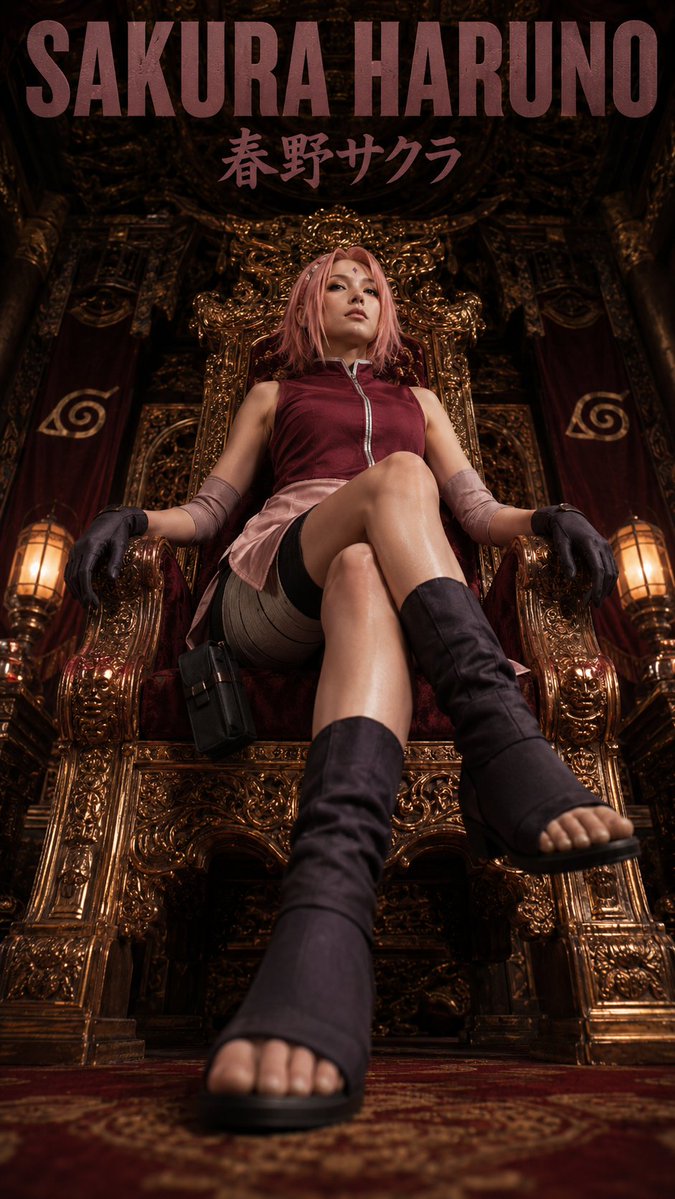
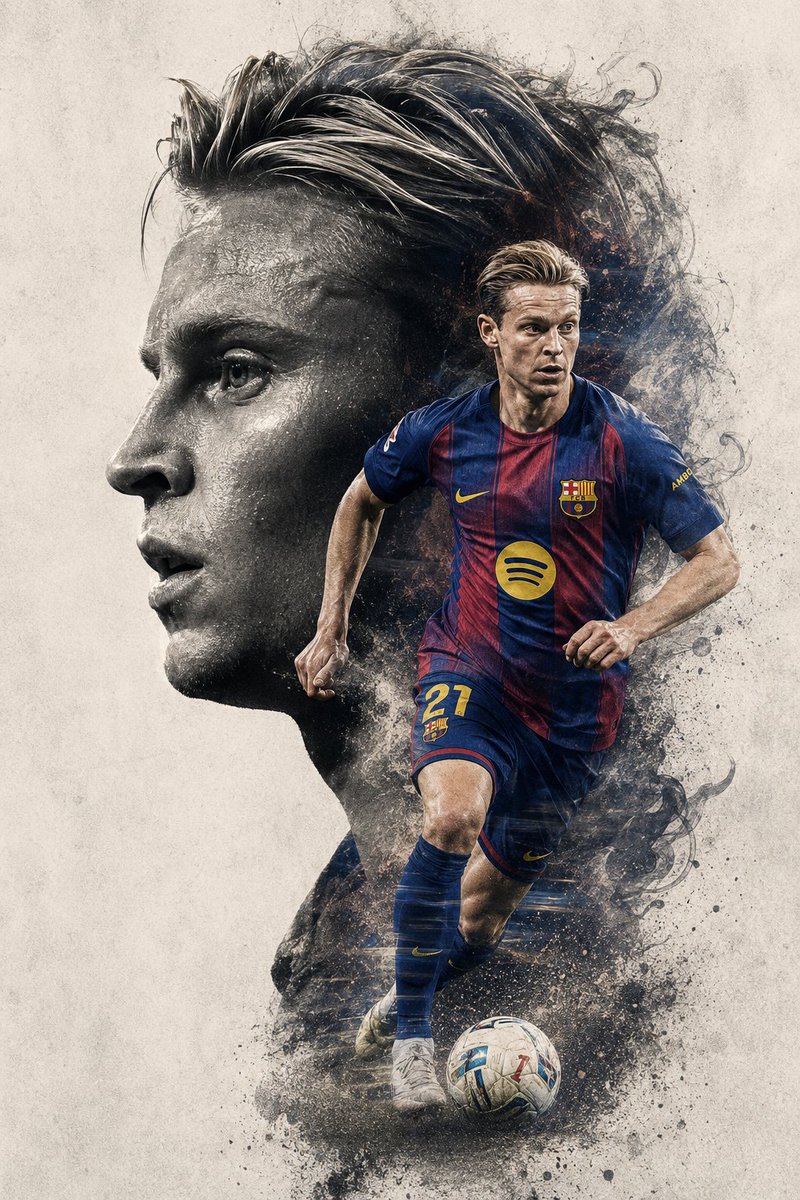
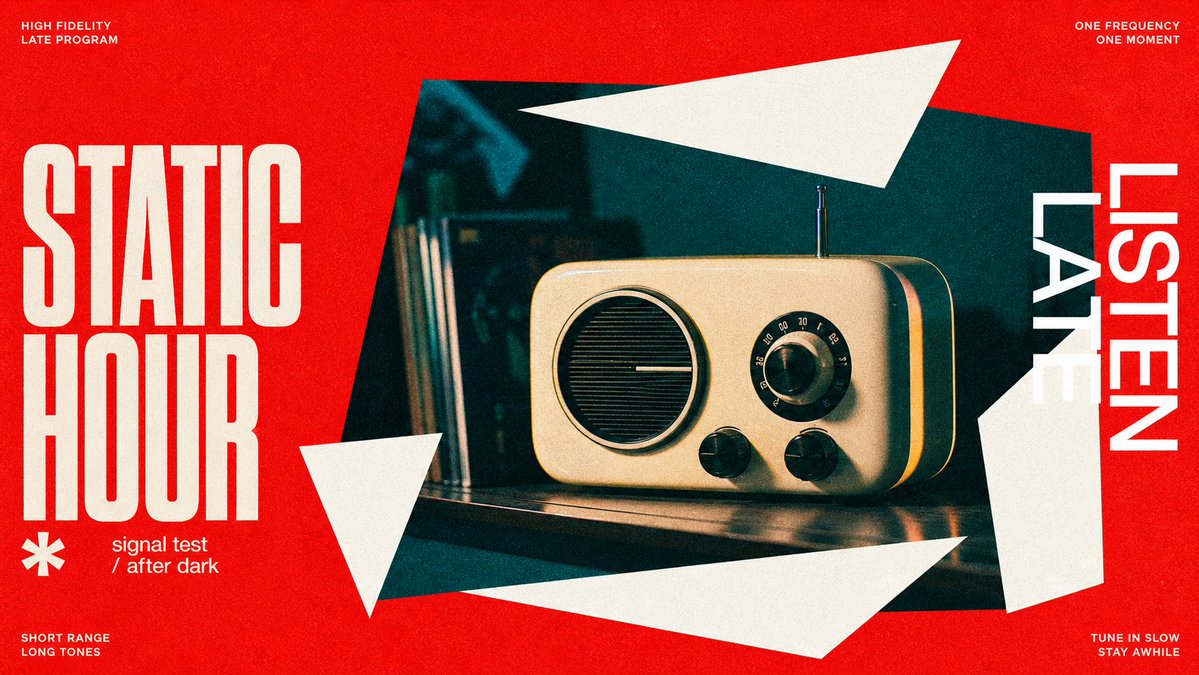
A bold editorial poster built on a scarlet grain field, with oversized white geometric shards and a cyan-tinted photo cropped around a fractured central opening. Stacked sans-serif type gives it a sharp, magazine-cover energy.

- Model
- GPT Image 2
- Type
- 4 images
- Aspect ratio
- 16:9
- Shared
- 15 Jun 2026
- Likes on X
- 151
Headline textSupporting textMain subject
Image prompt
992 characters{ "style_name": "Scarlet Shard Photo Type Poster Style", "style_slug": "scarlet-shard-photo-type-poster-style", "style_version": "1.0.0", "style_summary": "A high-energy editorial poster system built from a scarlet grain field, oversized white geometric shards, cropped cyan-tinted photography, and stacked modern sans typography arranged around a central fractured aperture.", "environment_variables": { "SUBJECT": "main subject", "SUBJECT_ACTION": "main action", "PRODUCT_OR_PROP": "object, product, or prop", "LOCATION": "environment or setting", "BACKGROUND_ELEMENTS": "secondary scene details", "MAIN_TEXT": "main headline or graphic text", "SECONDARY_TEXT": "small repeated supporting text", "ACCENT_SYMBOL": "separator or decorative symbol", "WARDROBE_STYLE": "styling direction", "STYLE_FIDELITY_ANCHORS": "observable style traits that must remain visible", "SOURCE_CONTENT_TO_AVOID": "literal source content that generated samples must not recreate", "ASPECT_RATIO": "9:16 or 16:9" }
How to use it
Replace the placeholder fields with your own headline, photo subject, and small repeated text, then keep the scarlet grain, the white shards, and the cyan tint, since those carry the look. It was shared as a GPT Image 2 prompt, and the 16:9 setting suits a wide banner or presentation slide. Use the result as a poster for an event, album, or product launch.
Shared publicly on X on 15 Jun 2026. All credit for this prompt and its result goes to its creator. Is this yours? Ask for an update or removal.