Image prompt Product & Ads Customizable
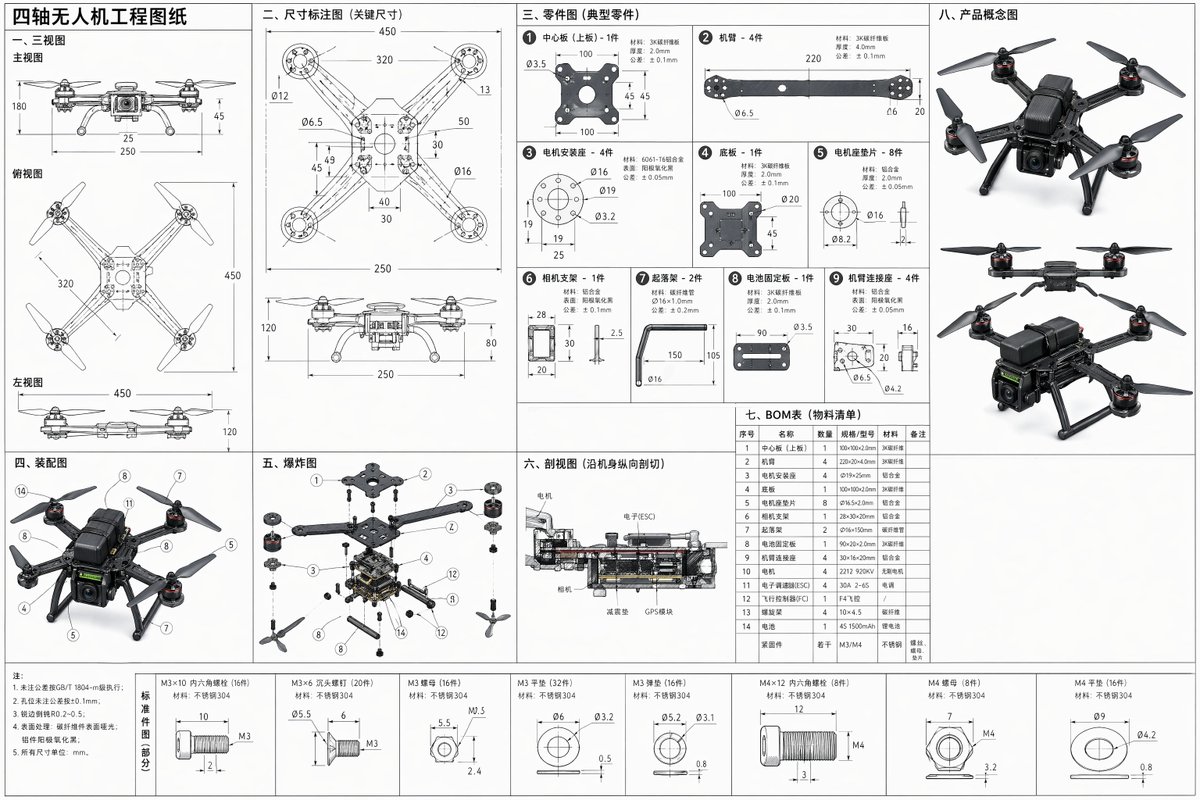
Quadcopter Drone Technical Drawing Sheet
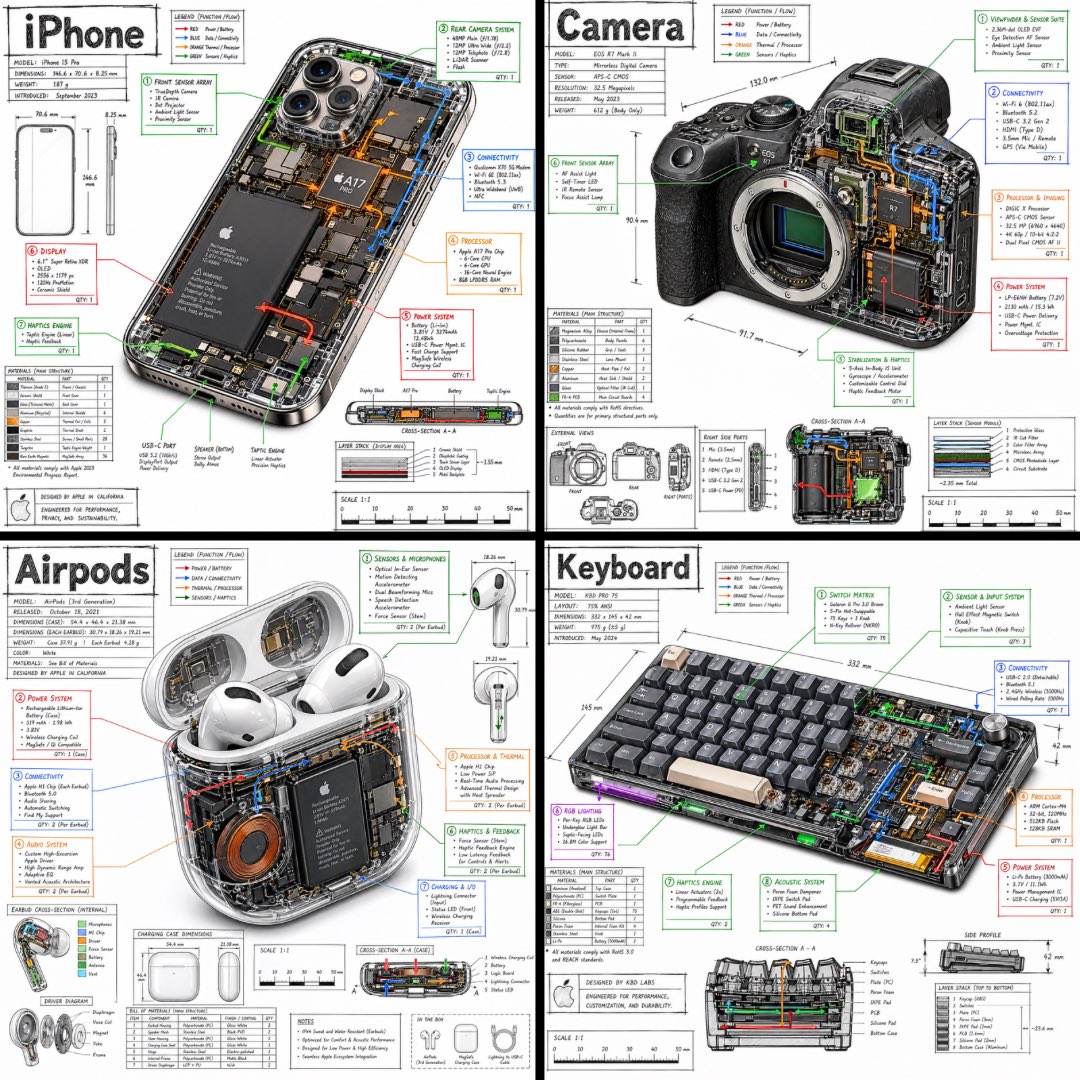
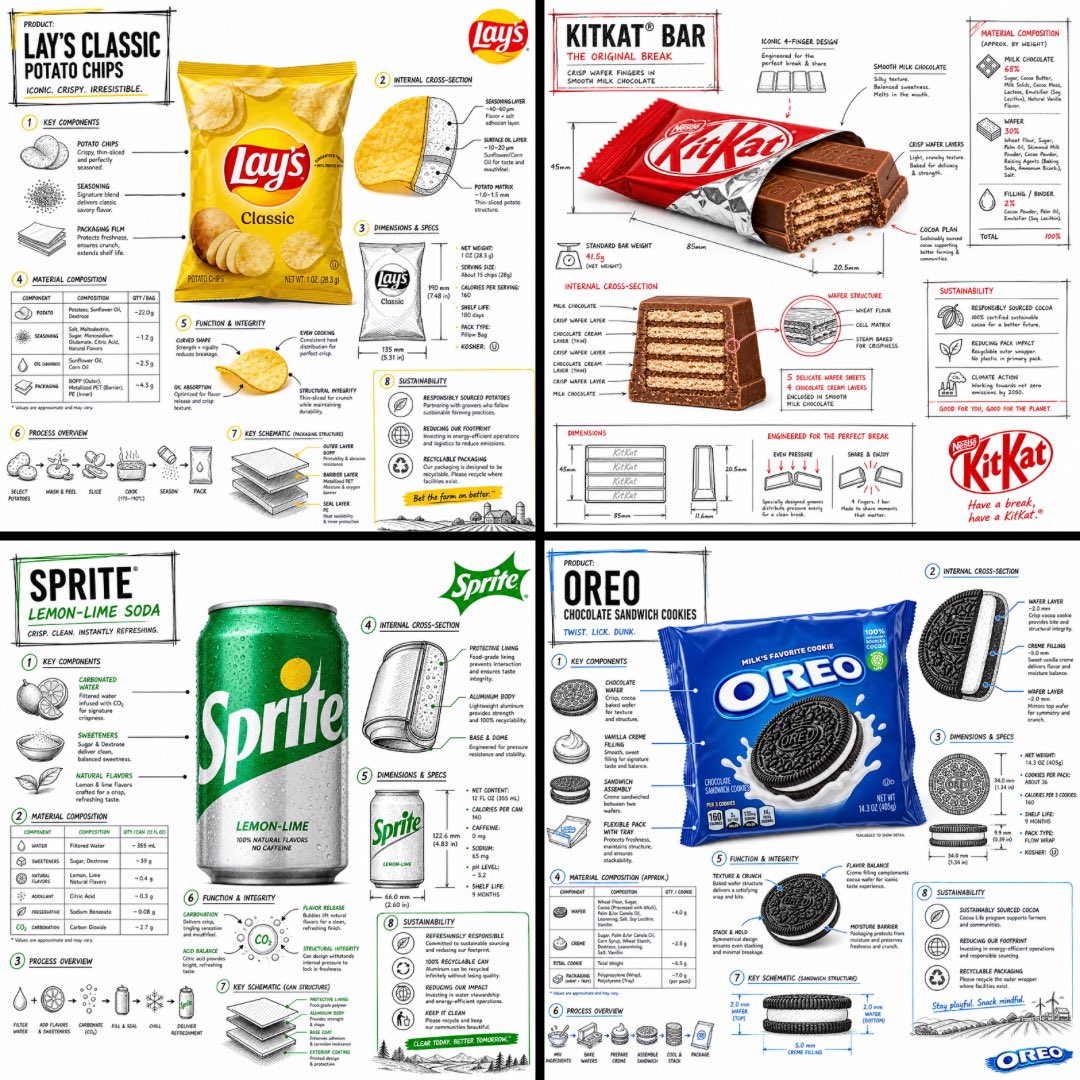
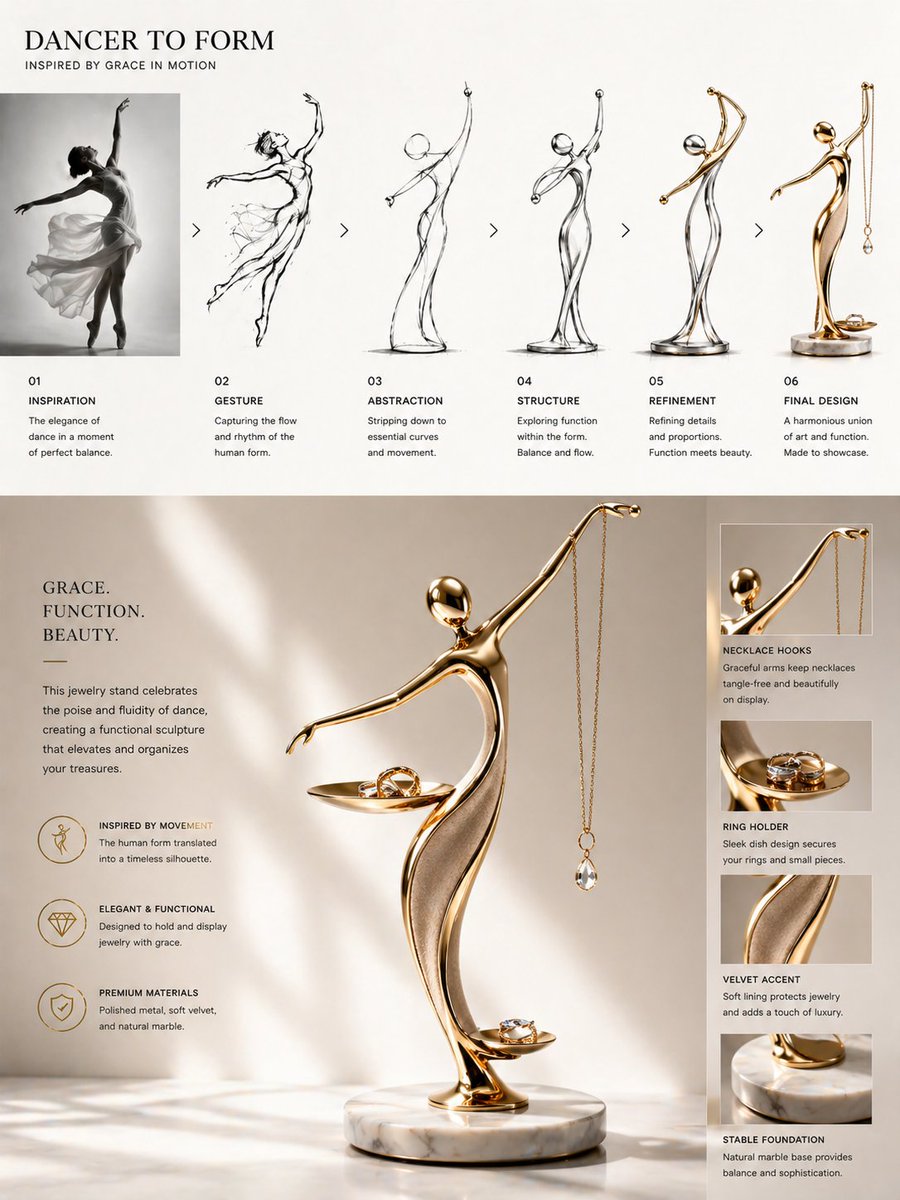
A full drone drawing sheet with three-view layouts, exploded parts, a section cut, and a bill of materials table, sketched in engineering style. Small concept sketches fill the corners, so the page reads like a real design review.

- Model
- GPT Image 2
- Type
- Image
- Aspect ratio
- 3:2
- Shared
- 23 Apr 2026
- Likes on X
- 241
Image prompt
726 charactersQuadcopter drone with dimensioned engineering drawing, including but not limited to the following content, remember to add some product concept sketches in the corners Three-view drawing: front view, top view, left view, expressing 3D structure in 2D Part drawings: each part drawn separately, with dimensions, hole positions, materials, tolerances Assembly drawing: explaining how each part fits together Exploded view / exploded assembly drawing: parts spread out to easily view structural relationships Section view: cutting open to show internal structure BOM table: bill of materials listing part names, quantities, specifications Dimension annotation drawing: all key dimensions needed for manufacturing and replication
How to use it
Keep the request for multiple views and the bill of materials, since those sections give the sheet its structure. Swap the drone type for a different aircraft or a small robot, and keep the phrase about concept sketches in the corners so the layout still works. It was shared as a GPT Image 2 prompt, and the result suits a product pitch slide or a design portfolio page.
Shared publicly on X on 23 Apr 2026. All credit for this prompt and its result goes to its creator. Is this yours? Ask for an update or removal.