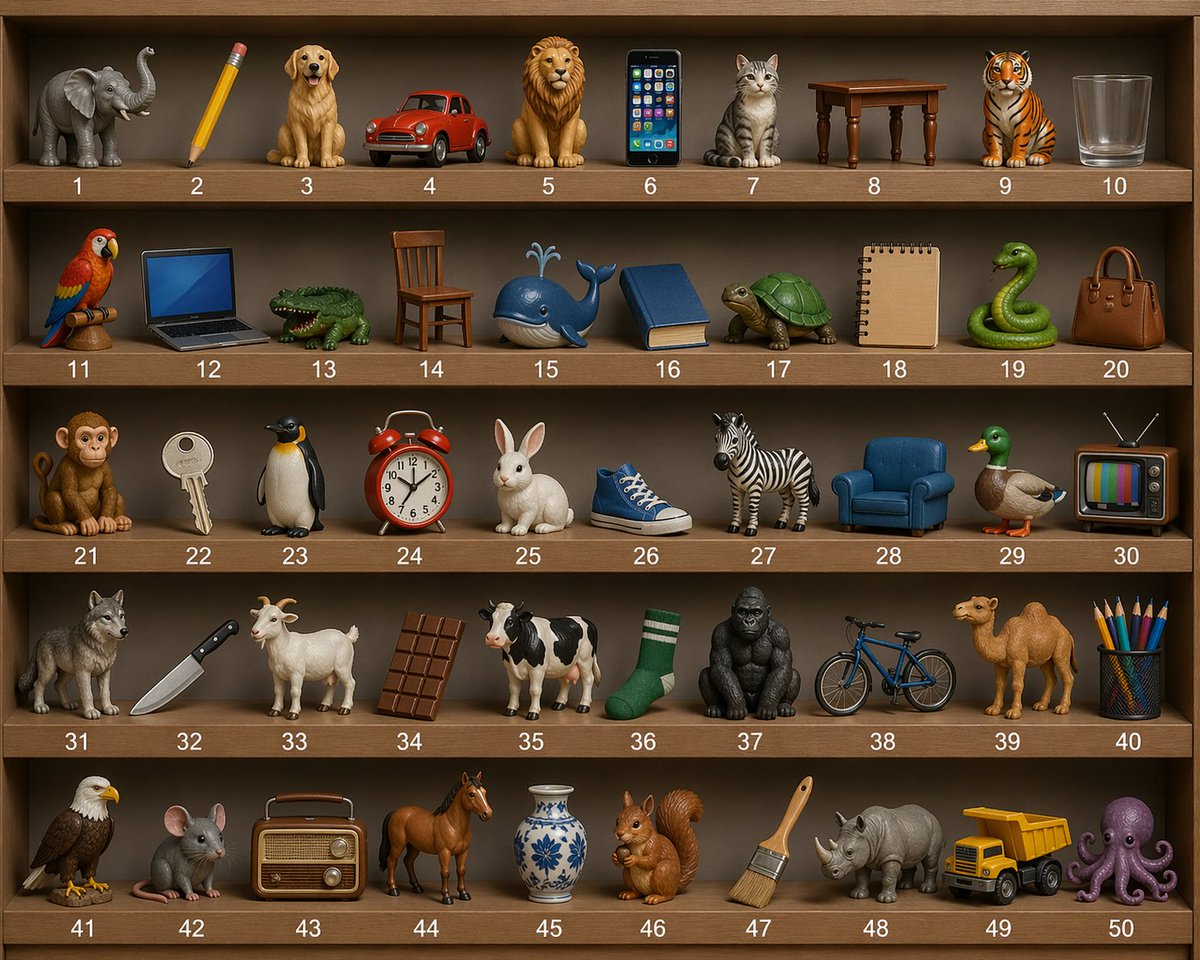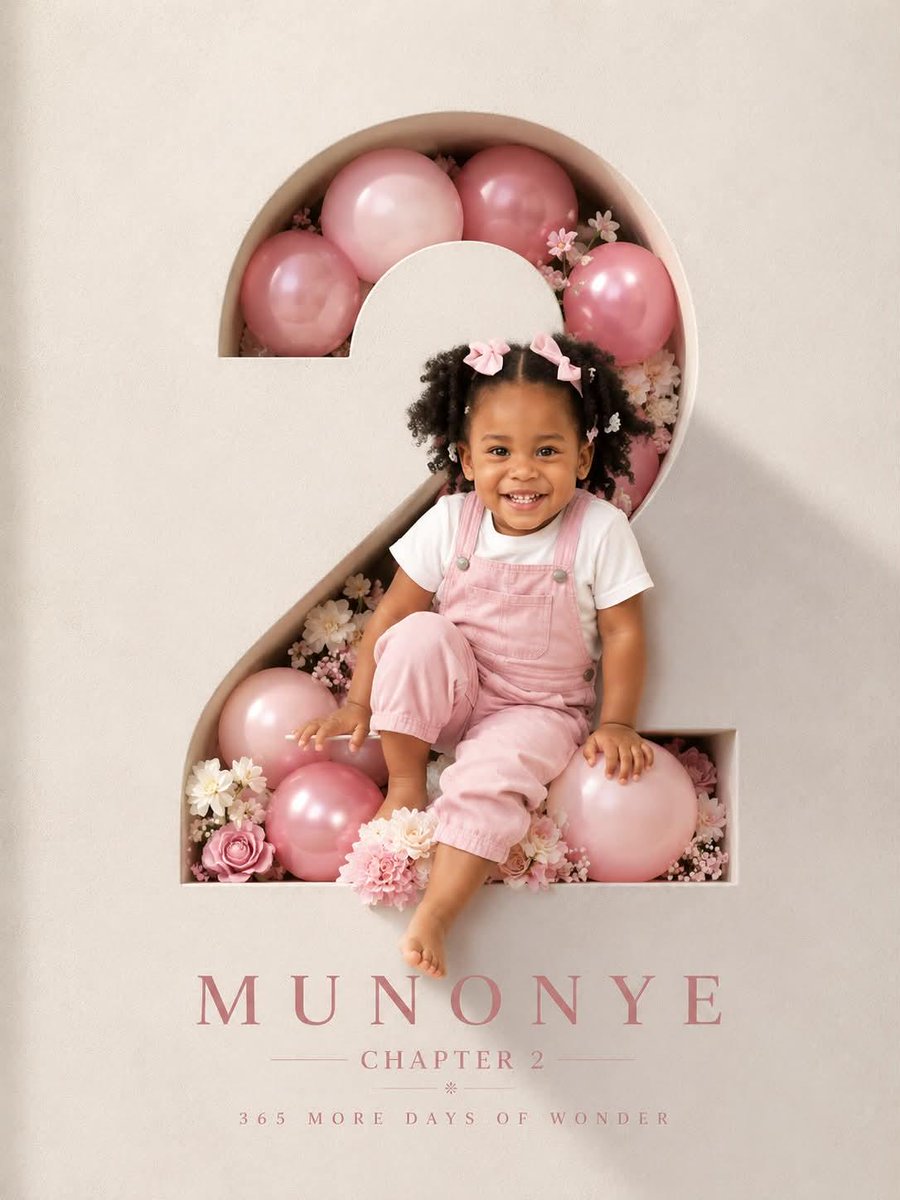

Image prompt Posters & Typography Customizable Add your photo
Profession Cinematic Poster With Floating Tool Icons
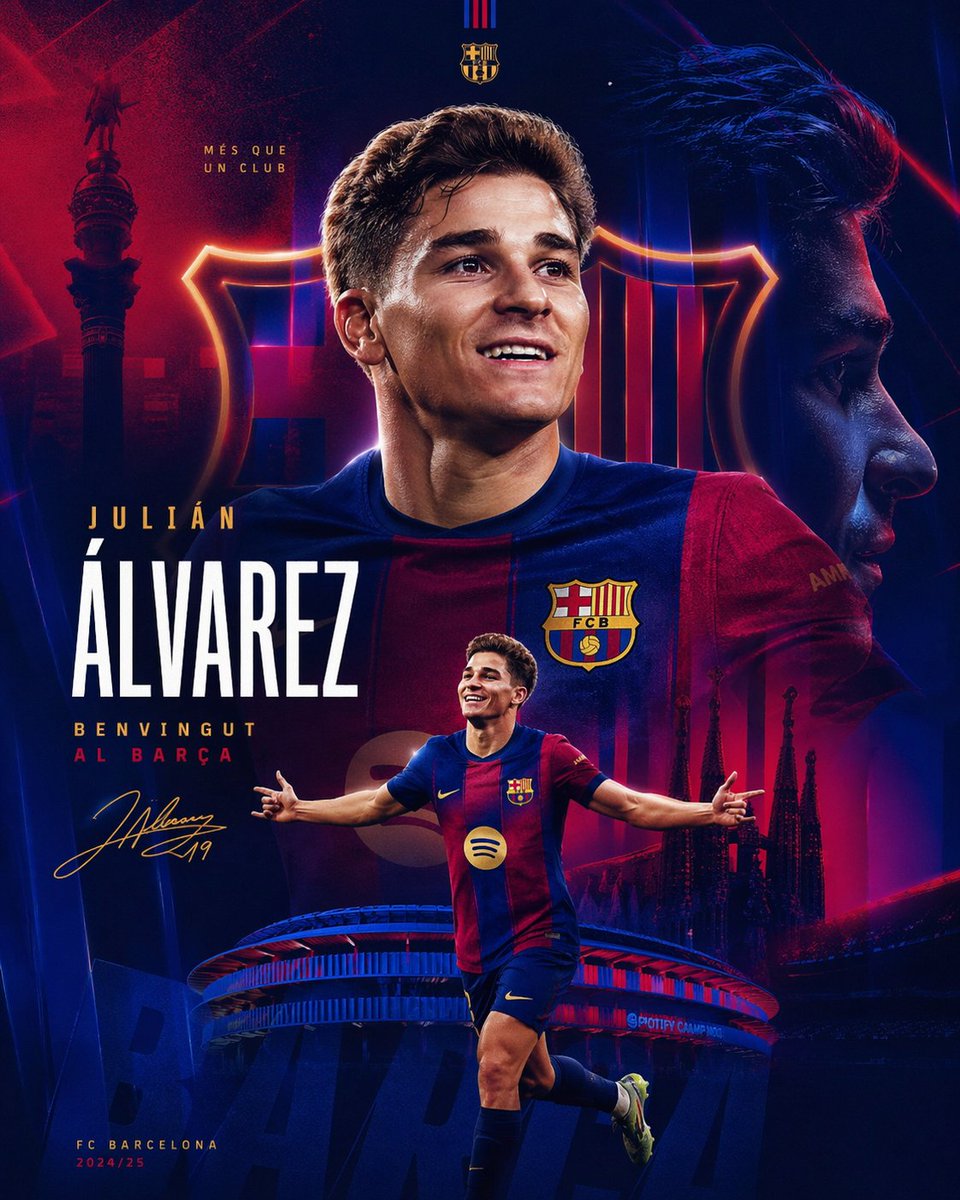
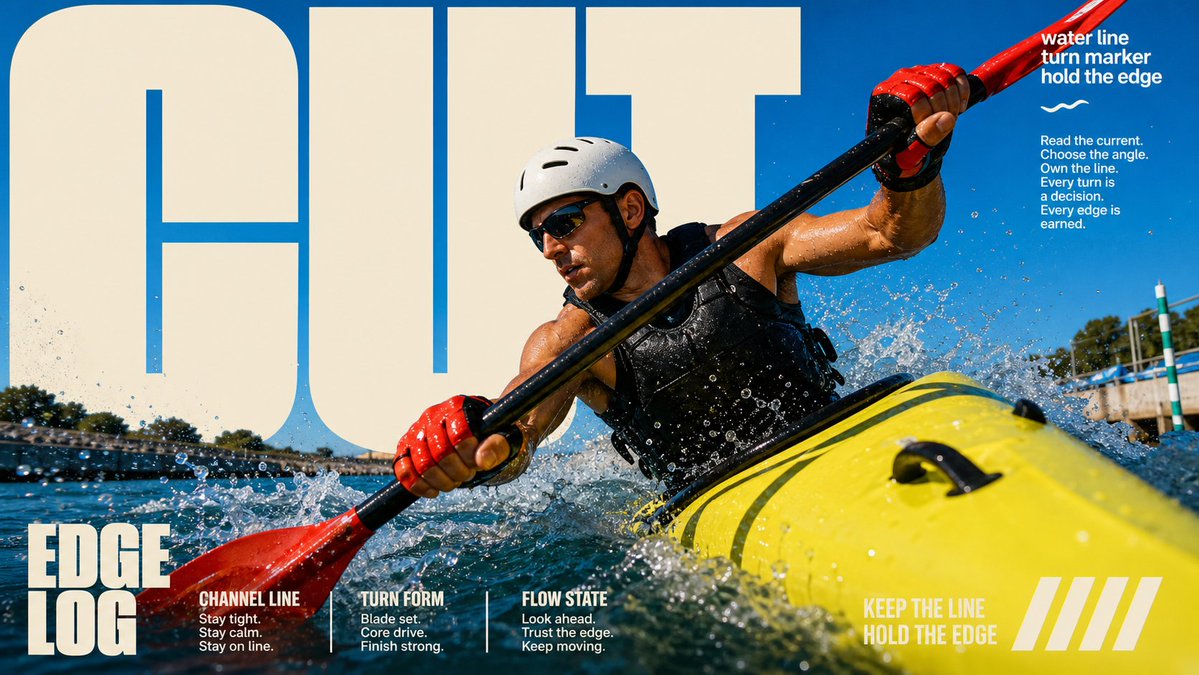
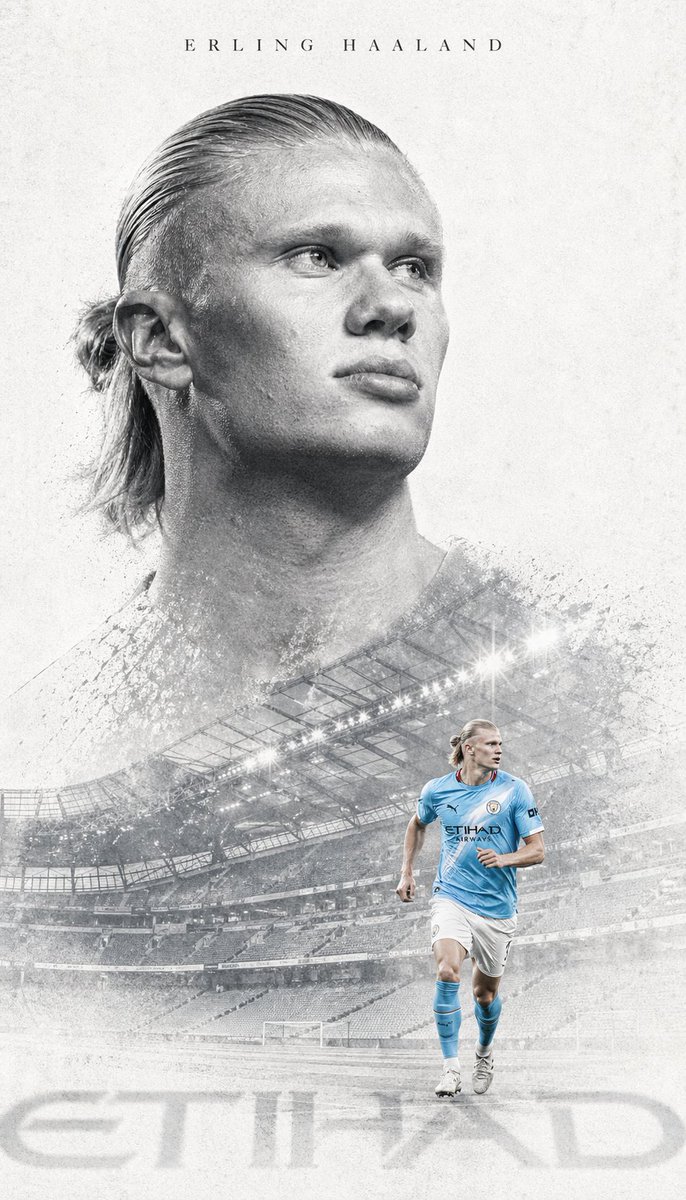
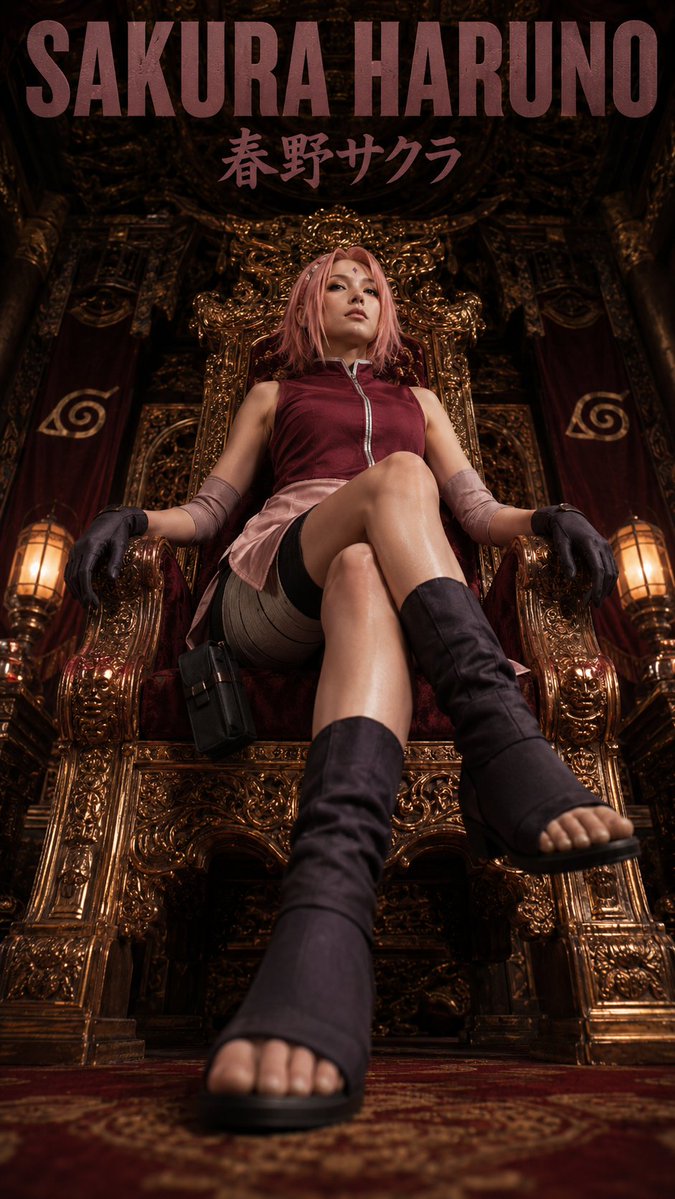
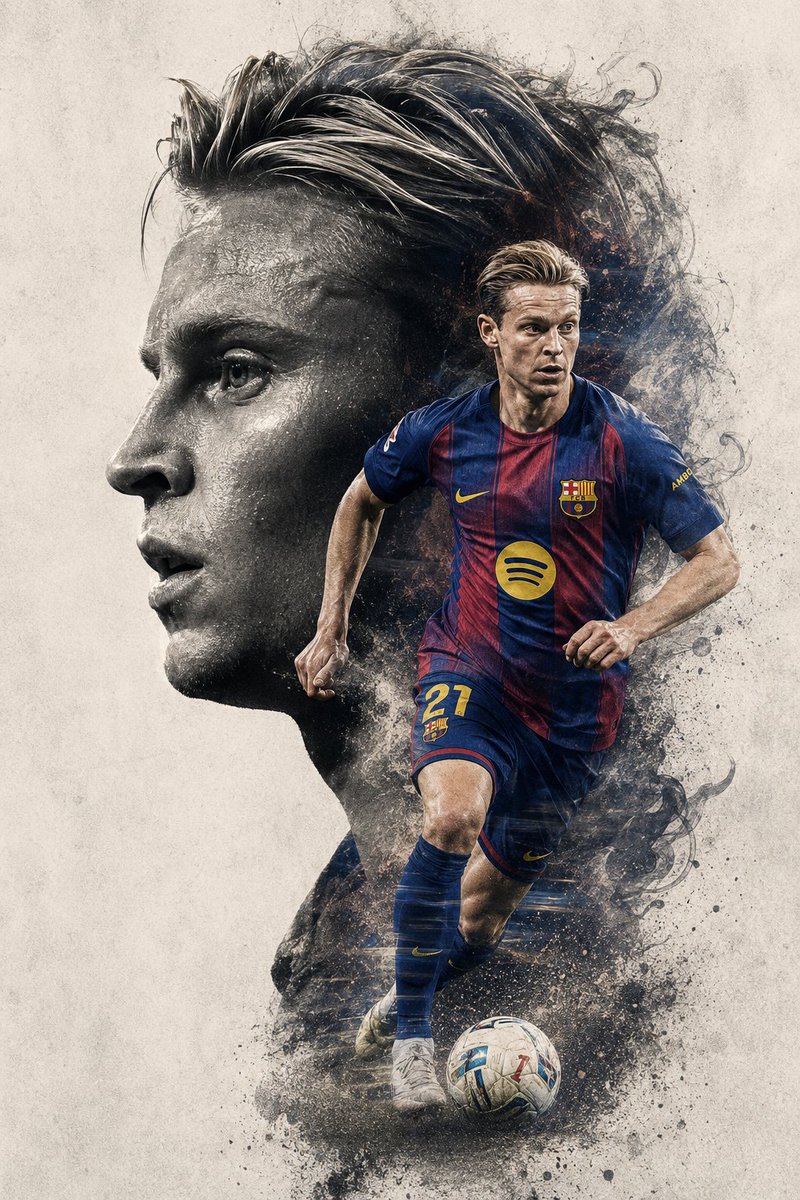
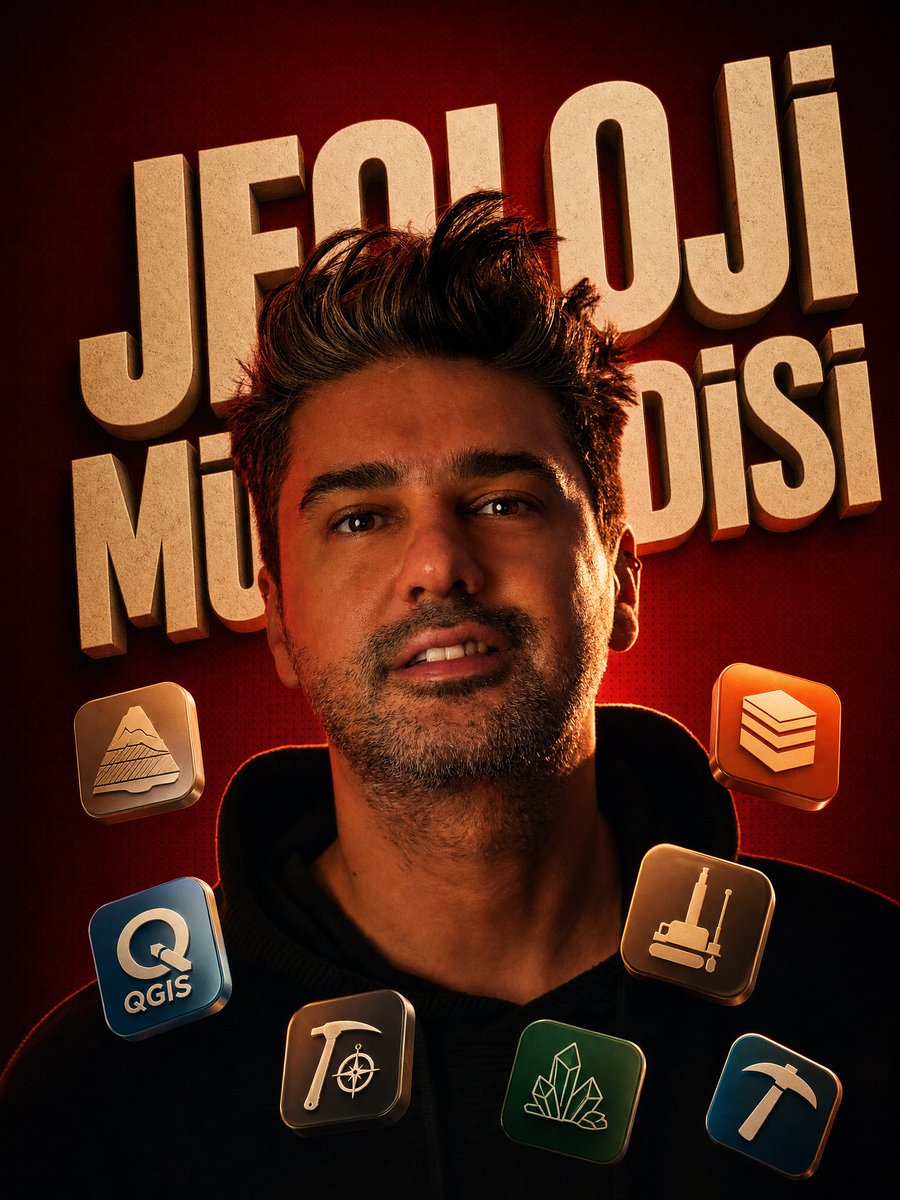
A low-key movie-style poster built from your own portrait. The profession name runs large behind you in cream 3D letters, your head and shoulders cut across it in front, and small glossy tool icons float around your shoulders.

- Model
- GPT Image 2
- Type
- 2 images
- Aspect ratio
- 3:4
- Shared
- 27 Jun 2026
- Likes on X
- 61
Image prompt
1,666 charactersThe profession is: PROFESSION Edit the uploaded photo. Keep the person fully photographic and realistic: their face, skin, hair and pose stay sharp and untouched. Re-light and re-grade the portrait into a dramatic, low-key cinematic style with a single warm rim light grazing one side of the face and body, deep shadows on the other side, and a moody high-contrast atmosphere. Replace the background with a rich radial gradient in deep red and warm crimson, covered with a subtle halftone dot texture, like a premium movie poster. (The color can be swapped, but keep it a single dramatic tone.) Behind the subject, render the profession written above as a huge, bold, 3D extruded display typography in a desaturated cream / off-white tone. The text is embossed with soft depth and sits on the background wall. CRITICAL technique: interleave this big text with the person in 3D depth, so the subject's head and shoulders pass IN FRONT of the letters, partially covering them, while the rest of the letters stay BEHIND the silhouette. This front-and-behind layering creates the cinematic depth and must be clearly visible. Around the subject's shoulders and chest, float 5 to 7 small glossy rounded-square app-style icons representing the typical tools, software or symbols associated with that profession. Tilt each icon slightly in 3D space at different angles, as if suspended in the air, with soft reflections and gentle drop shadows. Keep them clean, modern and recognizable. Final look: premium, editorial, cinematic poster. Strong warm color grade, crisp realistic subject, bold graphic background. The person remains the photographic anchor at the center.
How to use it
This prompt needs an uploaded photo of the person, so start with a clear, well-lit portrait. Change PROFESSION to any job title, such as Architect or Chef, and the tool icons will adjust to match. Keep the front-and-behind layering instruction and the warm rim light, since those carry the cinematic depth. It was shared as a GPT Image 2 prompt, and the poster works well as a profile or event graphic.
Featured inMovie poster AI prompts
Shared publicly on X on 27 Jun 2026. All credit for this prompt and its result goes to its creator. Is this yours? Ask for an update or removal.