Image prompt Product & Ads Customizable
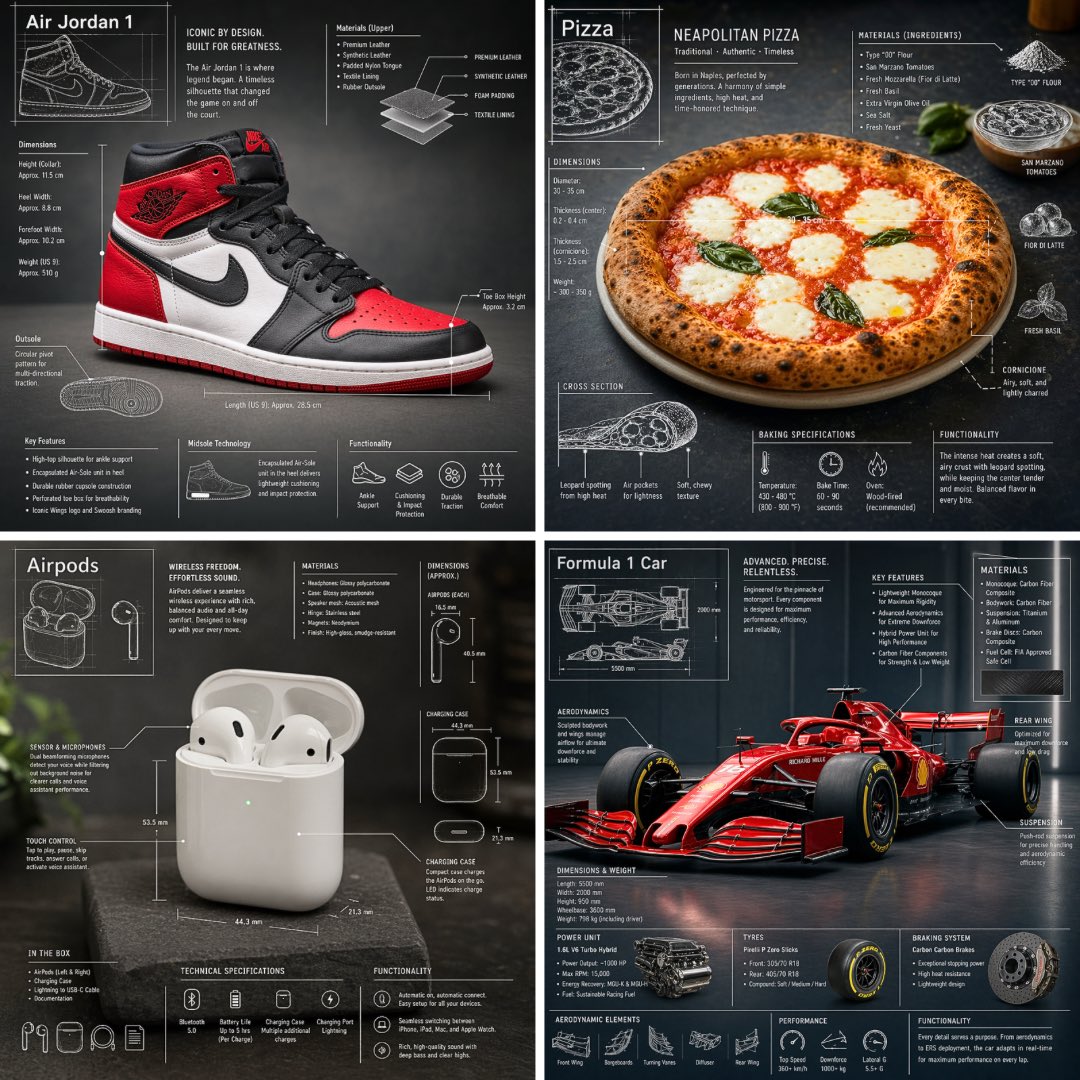
Product Technical Blueprint Overlay Photo
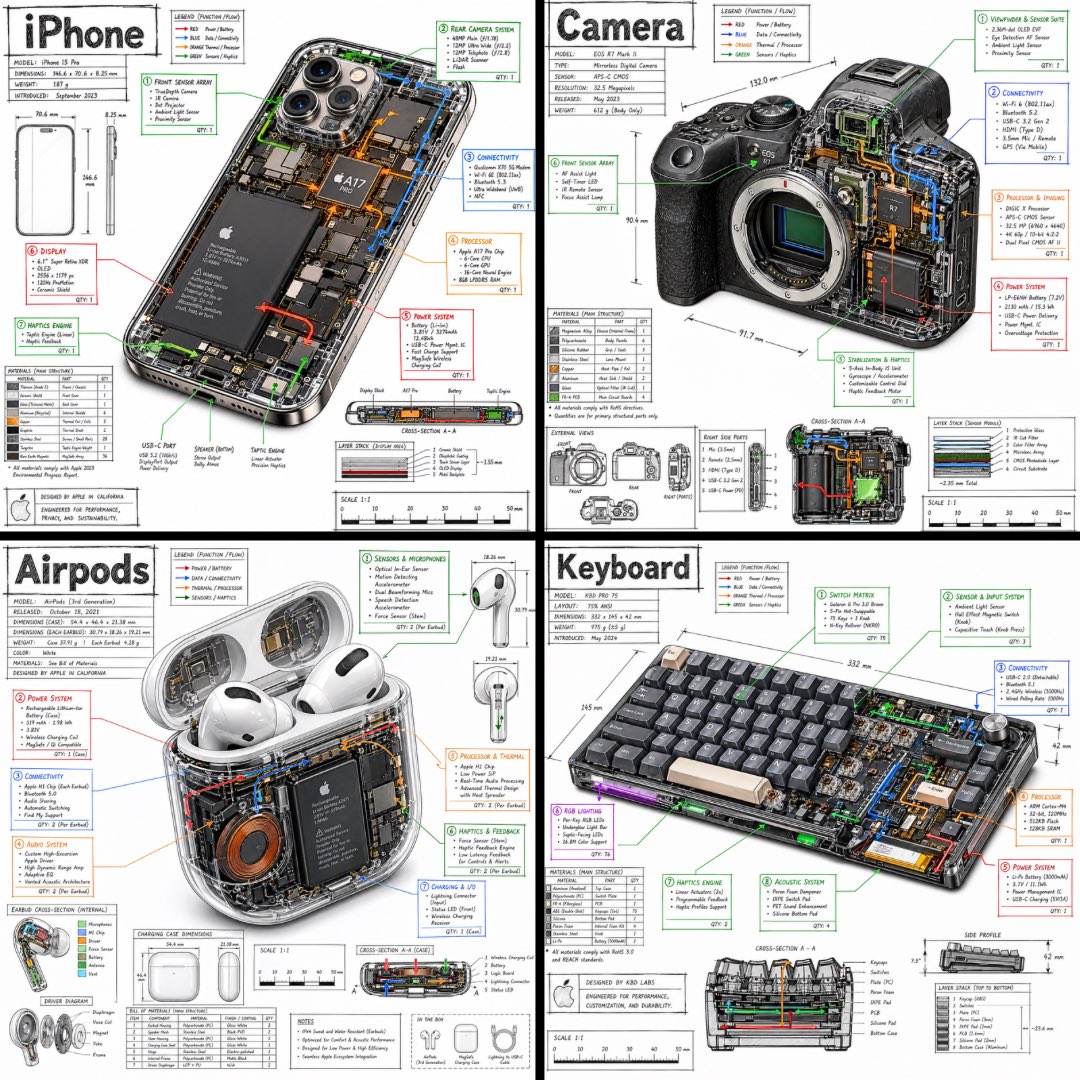
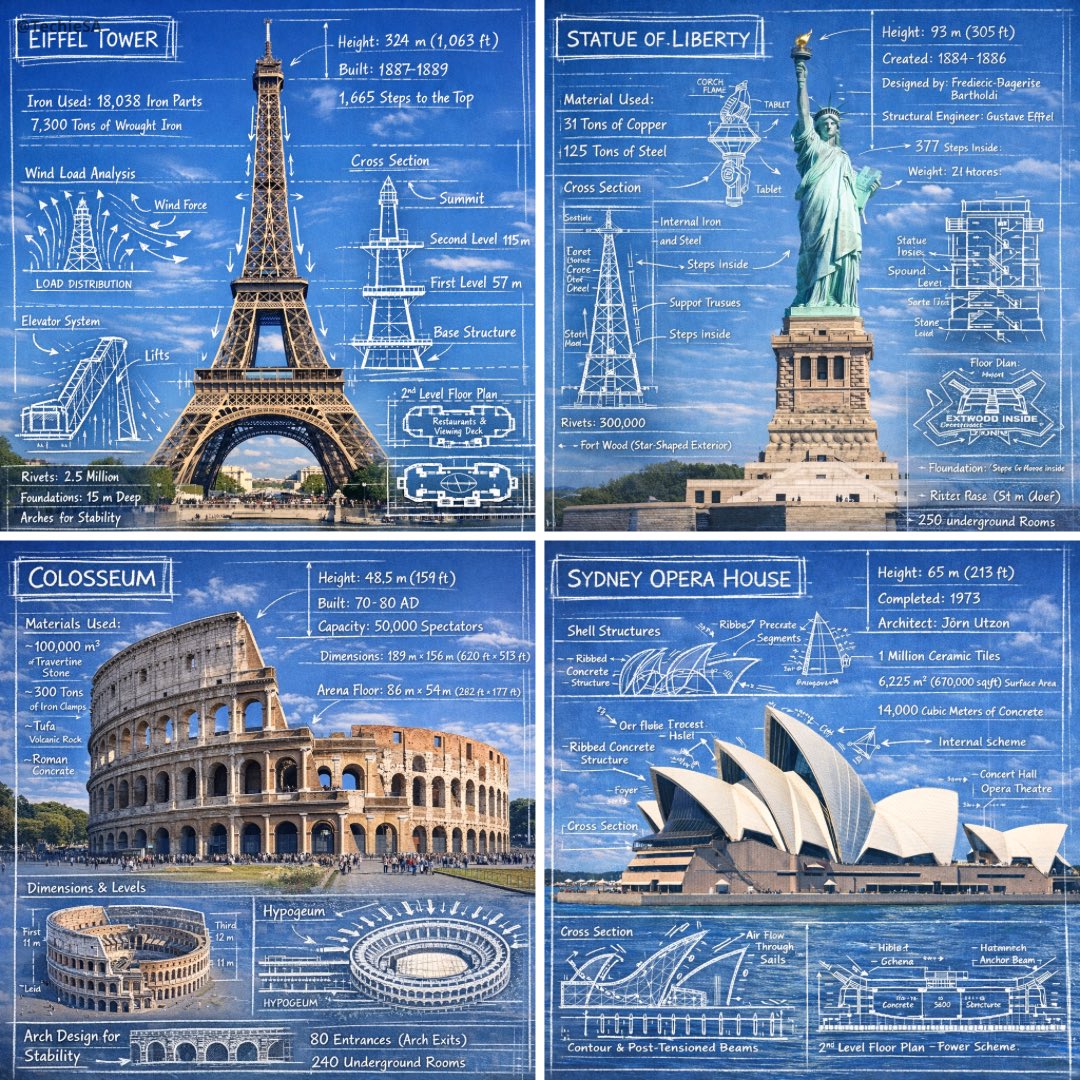
A realistic photo of an everyday object on a clean, softly lit backdrop, overlaid with white blueprint-style lines, dimension marks, labels and small part diagrams. It reads like a premium spec sheet that still looks like a photograph.

- Model
- GPT Image 2
- Type
- Image
- Aspect ratio
- 1:1
- Shared
- 22 Apr 2026
- Likes on X
- 507
Image prompt
525 charactersPremium technical infographic of [OBJECT]. Reinterpret the subject in a new professional and realistic photograph, clean and well-lit, with a suitable and more aesthetic background. Keep the object as a real photo, not an illustration. Add a technical blueprint-style overlay with white lines, arrows, dimensions, labels, and small diagrams of parts, materials, measurements, and functionality. Clear, elegant, and informative composition. Include a sketch box in the upper left corner with the title "OBJECT". 1:1 Dimension.
How to use it
Replace the bracketed placeholder with the object you want to feature, such as a watch, a camera or a coffee grinder. Keep the instructions about a real photo, the white overlay and the upper-left title box, since those details create the layered look. It was shared as a GPT Image 2 prompt, and it works well for product pages, launch posts or a clean marketing visual where the object needs to look both photographed and engineered.
Shared publicly on X on 22 Apr 2026. All credit for this prompt and its result goes to its creator. Is this yours? Ask for an update or removal.